

From my experience with AYCD, I found it excels at quickly identifying AI-generated text with a user-friendly interface that requires no technical skills. It is particularly well-suited for educators and content creators who need to verify the authenticity of written work and detect plagiarism. However, the tool currently supports only English and imposes limits on the free plan, which may restrict heavy users. Overall, if you want a straightforward AI content detector combined with plagiarism checking, AYCD delivers reliable and accessible results.
AYCD AI Content Detector for Authenticity and Plagiarism Checking
AYCD is a web-based AI content detection tool that identifies AI-generated and plagiarized text to ensure content authenticity.
- Best for
- Academic Integrity
- Key capability
- AI Content Detection
Do you recommend this tool?
What is AYCD?
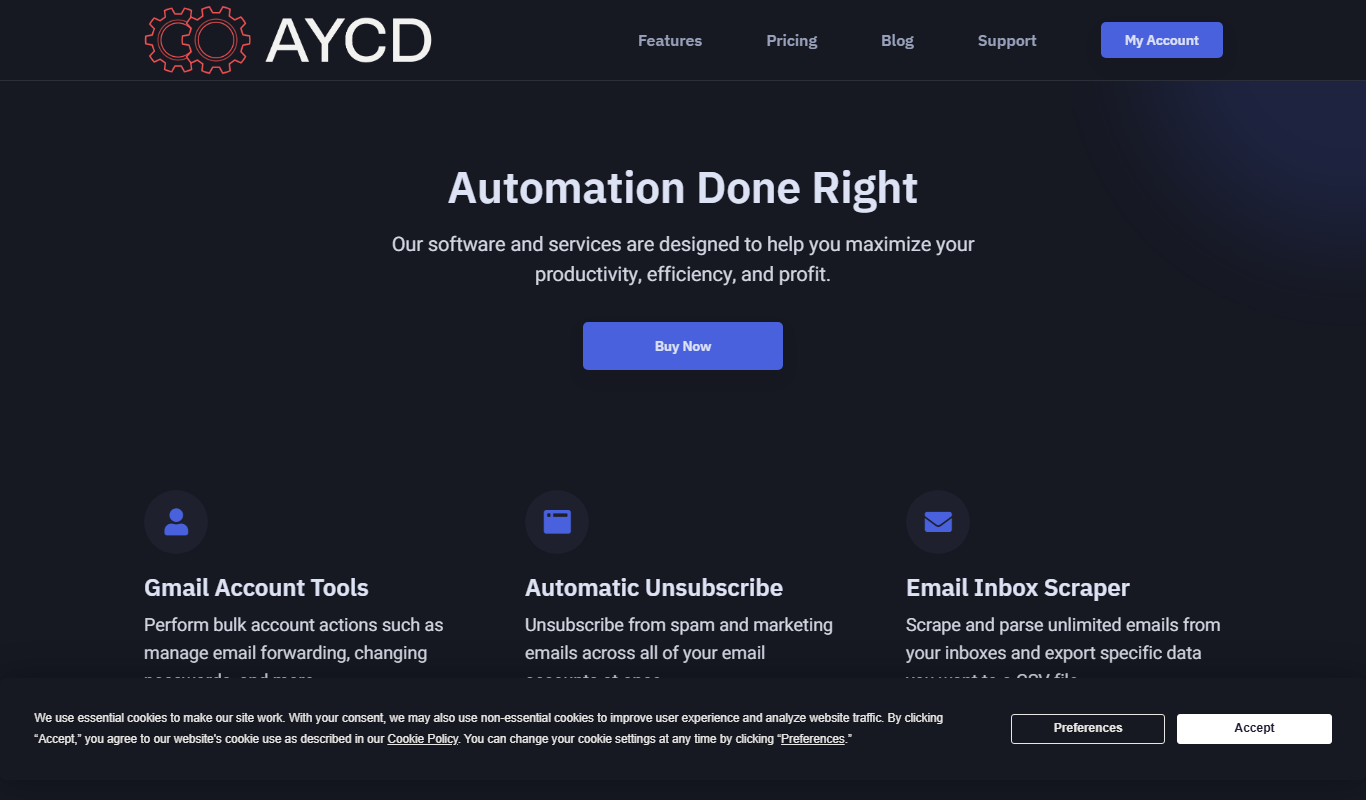
AYCD is an AI-powered content detection tool designed to identify whether a piece of text is generated by artificial intelligence or written by a human. It helps educators, content creators, and businesses verify the authenticity of written content and detect potential plagiarism or AI-generated text.
Key features of AYCD
AYCD offers fast and accurate AI content detection, plagiarism checking, and detailed reports that highlight suspicious text segments. It supports easy text input and batch processing through its web platform.
AI Content Detection
Accurately identifies text generated by AI models like GPT and others.
Plagiarism Checker
Scans text for copied content across the web and databases.
Detailed Reporting
Provides clear, easy-to-understand reports with highlighted suspicious sections.
User-Friendly Interface
Simple web-based platform requiring no technical expertise.
Pros and cons of AYCD
Pros
- Fast and accurate AI content detection
- Includes plagiarism checking
- Clear and detailed reports
- Easy to use web interface
Cons
- Limited language support (English only)
- Free plan has usage restrictions
Key use cases for AYCD
Academic Integrity
Detect AI-generated content in student submissions to maintain academic honesty.
Content Authenticity Verification
Verify if online articles or blog posts are written by humans or AI to ensure authenticity.
Plagiarism Checking
Identify plagiarized or AI-generated text to uphold originality standards.
SEO Content Quality Control
Ensure website content is original and not AI-generated to maintain search engine rankings.
How AYCD works
- 1
Input Text
Users paste or upload the text they want to analyze into the AYCD web interface.
- 2
AI Analysis
The tool processes the text using proprietary AI models to detect AI-generated patterns and potential plagiarism.
- 3
Receive Report
Users receive a detailed report indicating the likelihood of AI authorship and any plagiarized content.
Who is using AYCD
Educators and academic institutions
Content creators and bloggers
SEO professionals
Businesses verifying content authenticity
AYCD pricing
Free
$0/month
Limited daily checks with basic AI detection features.
Pro
$19/month
Unlimited checks, advanced detection algorithms, and detailed reports.
Plans and prices are as published by the vendor and can change. Check the official site before you buy. Open the pricing page (opens in a new tab)
Frequently asked questions about AYCD
AYCD uses advanced AI models to detect most AI-generated text, but no tool can guarantee 100% accuracy.
The free plan has daily limits, while the Pro plan offers unlimited text analysis.
Currently, AYCD primarily supports English text detection.
It depends on your specific needs and how you plan to use the tool. The official website and documentation are the best sources for the latest details.
Yes, it can help with that use case depending on how you configure it and what features are available. You’ll get the best results with clear inputs and a defined goal.
Some tools offer a free plan or trial with limited features. Availability can vary, so confirm on the official website.
Sign in to review this tool.
Sign In to ReviewNo reviews yet
Be the first to share how this tool worked for you.
Ask about pricing, limits, or how it compares — or answer someone else.
Sign In to AskNo questions yet
Have a question about using or paying for this tool? Be the first to ask.
Featured on TiorAI



More AI Browsers tools
Other tools in the same category, for when this one is not quite the fit.
Free
GPTEverywhere
GPTEverywhere is a free Chrome extension that provides AI-powered text generation and correction directly within web text fields, helping users improve their writing efficiently.
Free
Did You Learn
Did You Learn is a free Chrome extension that helps users improve knowledge retention by prompting timely review of learned material through customizable reminders and note-taking features.
Free
universally.chat
Universally.chat is an AI-powered chatbot platform that enables businesses to automate customer support and engagement with multilingual, no-code chatbot building and easy integration.

Free
xPage
xPage is an AI-powered no-code website builder that helps users create responsive, SEO-optimized websites quickly without coding skills.

Free
Marble for Google Chrome
Marble is a free Google Chrome extension that visually organizes browser tabs into groups, allowing users to save and restore sessions to improve productivity and reduce tab clutter.

Free
OpenAI expenses checker
OpenAI Expenses Checker is a free Chrome extension that helps users monitor their OpenAI API usage expenses in real time directly from their browser.
Free
ChatGPT Summary Assistant
ChatGPT Summary Assistant is a free Chrome extension that uses AI to generate concise summaries of selected text on web pages, helping users quickly understand content.

Free
Lion Accountability Browser
Lion Accountability Browser is a free desktop web browser focused on privacy and accountability, featuring tracker blocking and browsing activity logging to promote responsible internet use.