

From my experience with ChatGPT Summary Assistant, I found it excels at providing quick and accurate summaries directly within the Chrome browser, which significantly speeds up reading and comprehension tasks. After using the extension, it’s clear that it’s particularly well-suited for students, researchers, and professionals who need to digest large amounts of text efficiently. However, the main limitation is that it only works on Chrome and the quality of summaries depends on the clarity of the selected text. Overall, if you want a free, easy-to-use tool for summarizing web content, this extension delivers solid results.
ChatGPT Summary Assistant Chrome Extension for Quick Text Summarization
ChatGPT Summary Assistant is a free Chrome extension that uses AI to generate concise summaries of selected text on web pages, helping users quickly understand content.
- Best for
- Quick Text Summarization
- Key capability
- Instant Summarization
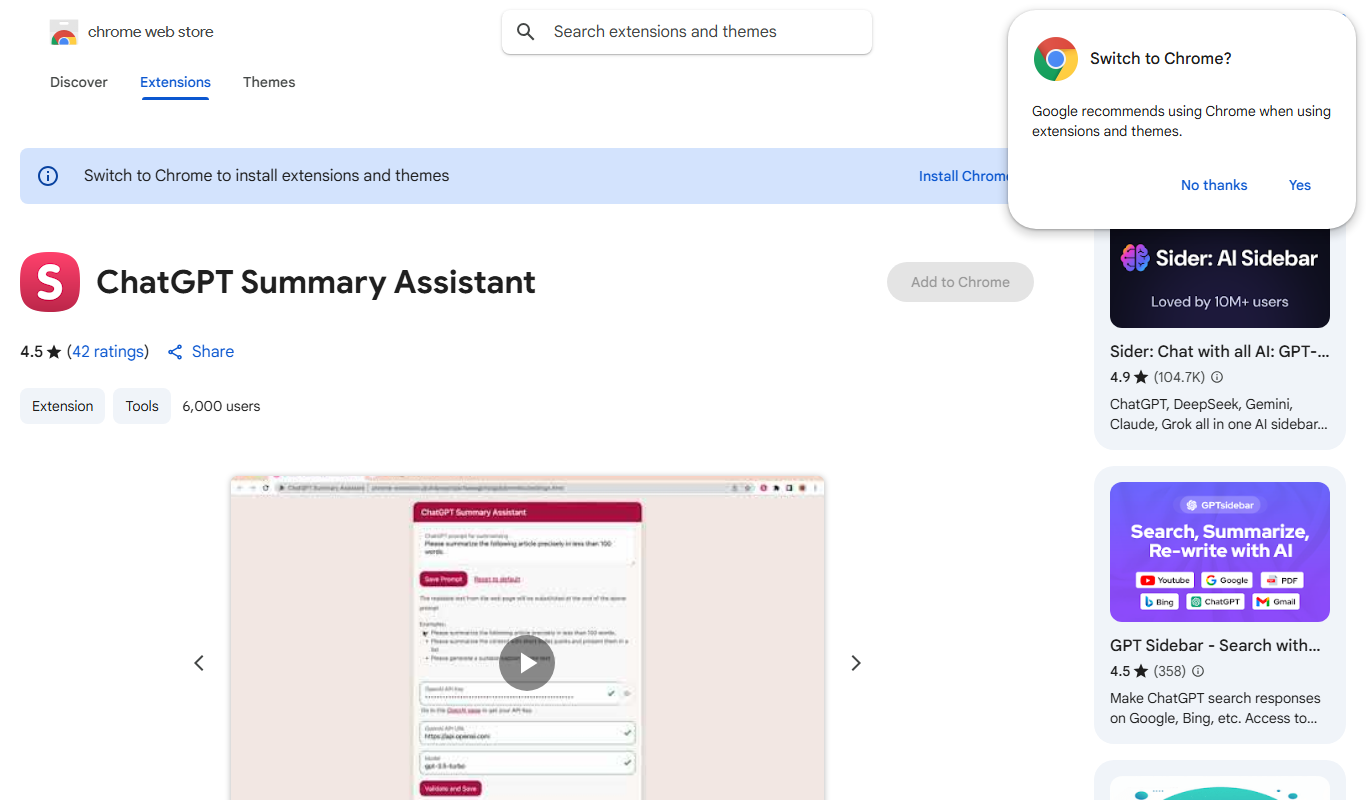
Do you recommend this tool?
What is ChatGPT Summary Assistant?
ChatGPT Summary Assistant is a Chrome browser extension that leverages AI to provide instant summaries of selected text on web pages. It integrates ChatGPT’s language model capabilities to help users quickly grasp the main ideas without reading the entire content.
Key features of ChatGPT Summary Assistant
The extension offers seamless text selection and summarization, enabling users to highlight any portion of text and receive a concise summary. It operates directly within the browser, requiring no additional software or complex setup.
Instant Summarization
Provides quick summaries of selected text without leaving the webpage.
Easy Integration
Works seamlessly as a Chrome extension with minimal user effort.
AI-Powered
Utilizes ChatGPT’s advanced natural language processing for accurate and coherent summaries.
Pros and cons of ChatGPT Summary Assistant
Pros
- Simple and intuitive interface
- No account or subscription needed
- Speeds up reading and comprehension
Cons
- Limited to Chrome browser
- Summaries depend on selected text quality
Key use cases for ChatGPT Summary Assistant
Quick Text Summarization
Generate concise summaries of long articles, emails, or documents directly within the browser.
Research Efficiency
Save time by quickly understanding key points from research papers or news articles.
Content Review
Assist content creators and editors in reviewing lengthy texts by providing brief overviews.
How ChatGPT Summary Assistant works
- 1
Install Extension
Add ChatGPT Summary Assistant to your Chrome browser from the Chrome Web Store.
- 2
Select Text
Highlight the text you want to summarize on any webpage.
- 3
Generate Summary
Right-click and choose the summary option or use the extension button to get a concise summary powered by ChatGPT.
Who is using ChatGPT Summary Assistant
Students
Researchers
Content creators
Professionals needing quick summaries
Casual readers
ChatGPT Summary Assistant pricing
Free
$0
Full access to summarization features at no cost.
Plans and prices are as published by the vendor and can change. Check the official site before you buy. Open the pricing page (opens in a new tab)
Frequently asked questions about ChatGPT Summary Assistant
Yes, the extension is available for free on the Chrome Web Store.
No account is required to use the summarization features.
It is designed specifically for Google Chrome.
It depends on your specific needs and how you plan to use the tool. The official website and documentation are the best sources for the latest details.
Some tools offer a free plan or trial with limited features. Availability can vary, so confirm on the official website.
Yes, it can help with that use case depending on how you configure it and what features are available. You’ll get the best results with clear inputs and a defined goal.
Sign in to review this tool.
Sign In to ReviewNo reviews yet
Be the first to share how this tool worked for you.
Ask about pricing, limits, or how it compares — or answer someone else.
Sign In to AskNo questions yet
Have a question about using or paying for this tool? Be the first to ask.
Featured on TiorAI



Alternative Tools
Explore similar AI tools that might fit your needs

Free
SummarizeBot
SummarizeBot is an AI tool that automatically condenses lengthy text into concise summaries, supporting multiple languages and chatbot integrations for easy access.
More AI Browsers tools
Other tools in the same category, for when this one is not quite the fit.
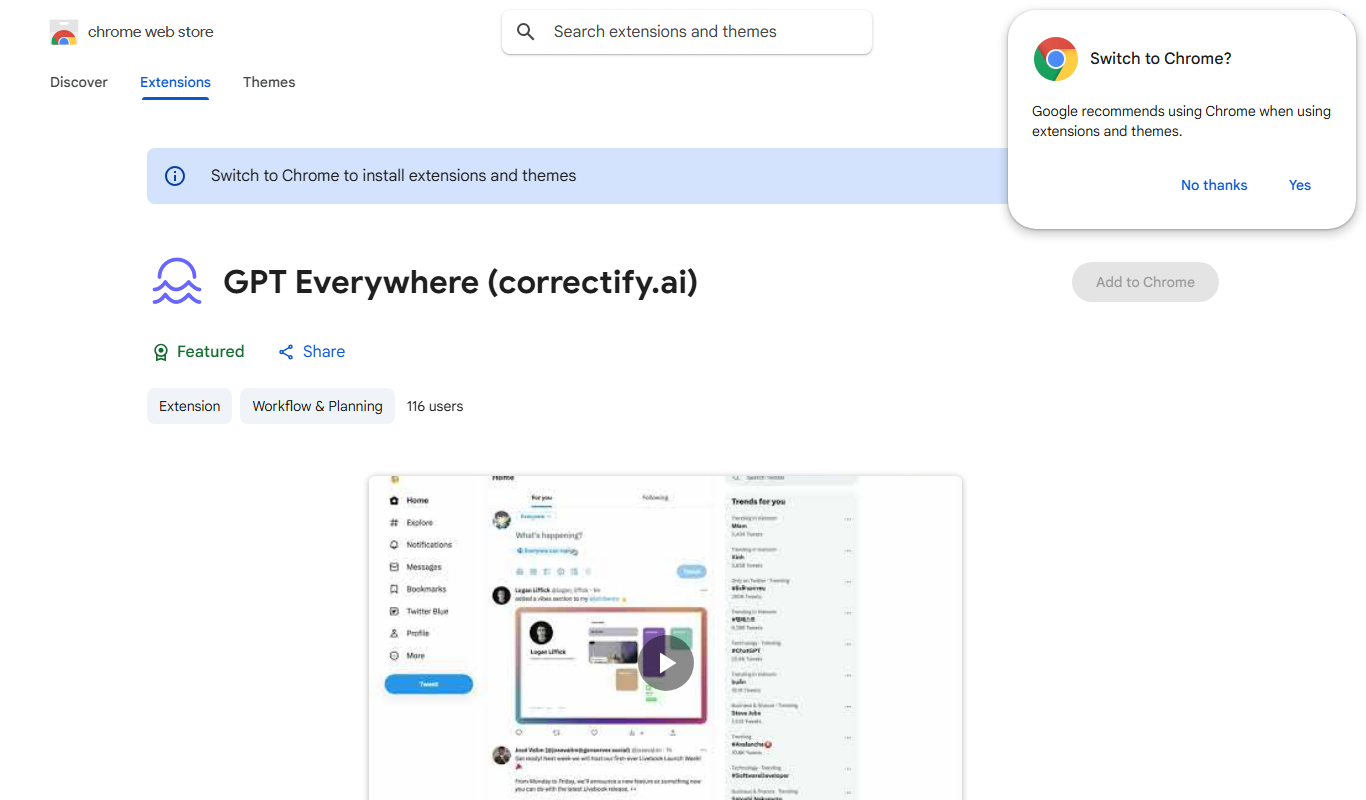
Free
GPTEverywhere
GPTEverywhere is a free Chrome extension that provides AI-powered text generation and correction directly within web text fields, helping users improve their writing efficiently.
Free
Did You Learn
Did You Learn is a free Chrome extension that helps users improve knowledge retention by prompting timely review of learned material through customizable reminders and note-taking features.
Free
universally.chat
Universally.chat is an AI-powered chatbot platform that enables businesses to automate customer support and engagement with multilingual, no-code chatbot building and easy integration.

Free
xPage
xPage is an AI-powered no-code website builder that helps users create responsive, SEO-optimized websites quickly without coding skills.
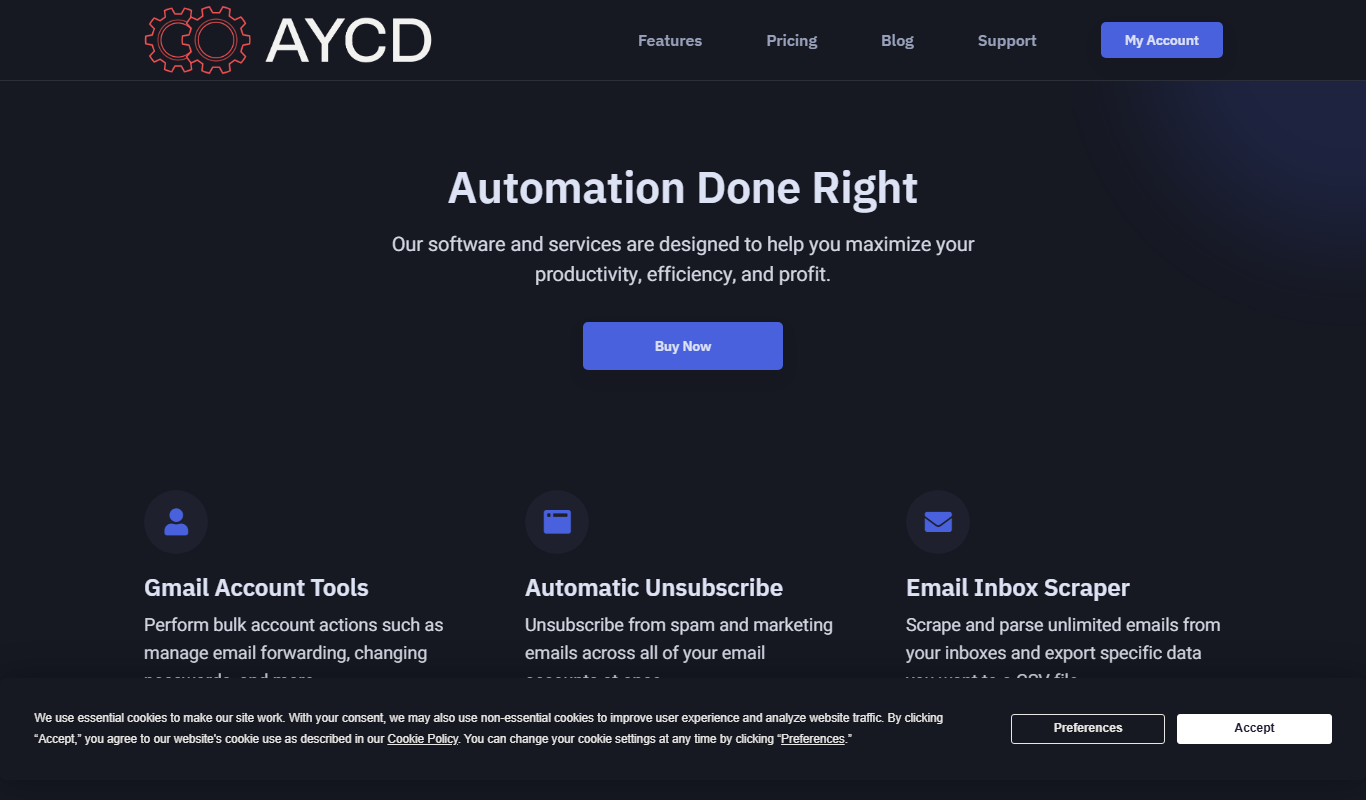
Free
AYCD
AYCD is a web-based AI content detection tool that identifies AI-generated and plagiarized text to ensure content authenticity.

Free
Marble for Google Chrome
Marble is a free Google Chrome extension that visually organizes browser tabs into groups, allowing users to save and restore sessions to improve productivity and reduce tab clutter.

Free
OpenAI expenses checker
OpenAI Expenses Checker is a free Chrome extension that helps users monitor their OpenAI API usage expenses in real time directly from their browser.

Free
Lion Accountability Browser
Lion Accountability Browser is a free desktop web browser focused on privacy and accountability, featuring tracker blocking and browsing activity logging to promote responsible internet use.