

DecorAI Interior Design AI Tool for Home and Office Space Planning
DecorAI is an AI-driven interior design platform that helps users create, customize, and visualize room layouts and decor with realistic 3D previews, suitable for both homeowners and professionals.
- Best for
- Home Interior Design
- Key capability
- AI-Powered Layout Generation
Save DecorAI, follow its updates and vote on it — everything stays in your account.
Sign in or create a free account
What is DecorAI?
DecorAI is an AI-powered interior design platform that helps users visualize and plan room layouts and decor. It leverages artificial intelligence to generate design suggestions tailored to user preferences, enabling both homeowners and businesses to create aesthetically pleasing and functional spaces without needing professional design expertise.
Key features of DecorAI
DecorAI offers AI-driven room layout generation, furniture arrangement tools, style customization, and realistic 3D visualizations to help users plan and preview interior designs efficiently.
AI-Powered Layout Generation
Automatically creates optimized room layouts tailored to user preferences.
3D Visualization
Provides realistic 3D previews of designed spaces for better decision-making.
Furniture and Decor Library
Access to a wide range of furniture and decor items to customize designs.
Style Customization
Allows users to select and apply different interior design styles and color palettes.
Pros and cons of DecorAI
Pros
- User-friendly interface suitable for beginners
- AI generates multiple design options quickly
- Realistic 3D visualizations improve planning
- Affordable pricing with a free tier
Cons
- Limited language support (English only)
- Web-based only, no mobile app available
Key use cases for DecorAI
Home Interior Design
Users can create and visualize interior design concepts for their homes using AI-generated layouts and decor suggestions.
Office Space Planning
Businesses can plan and optimize office layouts to improve space utilization and aesthetics.
Furniture Arrangement
Users can experiment with furniture placement and styles to find the best fit for their rooms.
Design Inspiration
Provides creative ideas and inspiration for decorating and remodeling spaces.
How DecorAI works
- 1
Upload Room Dimensions or Photos
Users provide room measurements or images to start the design process.
- 2
Select Design Preferences
Choose styles, color schemes, and furniture types to guide AI suggestions.
- 3
Generate AI Design Options
The AI creates multiple interior design layouts and decor ideas based on inputs.
- 4
Customize and Finalize
Users can tweak designs, rearrange furniture, and finalize their preferred layout.
Who is using DecorAI
DecorAI pricing
Free trial
$0 today then $24/month
1-day free trial with 3 full-quality designs and no watermark; the trial asks for a card and can be cancelled any time before it renews.
Monthly
$24/month
Unlimited AI designs, up to 20 AI videos, watermark-free output, access to all 20+ AI tools, 4K high-quality results and commercial usage rights.
Half-Yearly
$120 per half year
Unlimited AI designs, up to 120 AI videos, watermark-free output and access to all 20+ AI tools.
Yearly
$240/year
Unlimited AI designs, up to 240 AI videos, watermark-free output and access to all 20+ AI tools.
Plans and prices are as published by the vendor and can change. Check the official site before you buy. Open the pricing page (opens in a new tab)
Frequently asked questions about DecorAI
Yes, professionals can use DecorAI to quickly generate design concepts and visualize ideas for clients.
Absolutely, DecorAI is designed to be user-friendly for beginners and non-designers.
Yes, users can export detailed layouts and visuals to share with contractors or suppliers.
It depends on your specific needs and how you plan to use the tool. The official website and documentation are the best sources for the latest details.
Some tools offer a free plan or trial with limited features. Availability can vary, so confirm on the official website.
Yes, it can help with that use case depending on how you configure it and what features are available. You’ll get the best results with clear inputs and a defined goal.
Conclusion
Redesigns begin from an uploaded photo of a room, kitchen, exterior or garden, added from the device or via a link. Users then choose from 175 styles such as Modern or Japandi, or type what they want in a prompt, and up to 4 photorealistic variations are generated at a time. Walls, doors, windows and the ceiling remain the same, with an option to keep the furniture layout. Beyond restyling, 20+ AI tools cover jobs such as virtual staging of empty rooms, sketch to render and floor plan to 3D.
The app is aimed at homeowners and renters as well as interior designers and real estate professionals. It describes itself as no replacement for a professional interior designer. There is no free plan: a 1-day trial with 3 full-quality designs asks for a card, and a monthly, half-yearly or yearly subscription follows. Images never use credits, while videos use credits and each plan includes a set number of AI videos. Every plan comes with commercial usage rights.
Sources
Sign in to review this tool.
Sign In to ReviewNo reviews yet
Be the first to share how this tool worked for you.
Ask about pricing, limits, or how it compares — or answer someone else.
Sign In to AskNo questions yet
Have a question about using or paying for this tool? Be the first to ask.
Featured on TiorAI



Alternative Tools
Explore similar AI tools that might fit your needs

Planner 5D
Planner 5D is a versatile home design software that allows users to create detailed 2D floor plans and immersive 3D visualizations for interior and exterior spaces, suitable for both beginners and professionals.
Homestyler
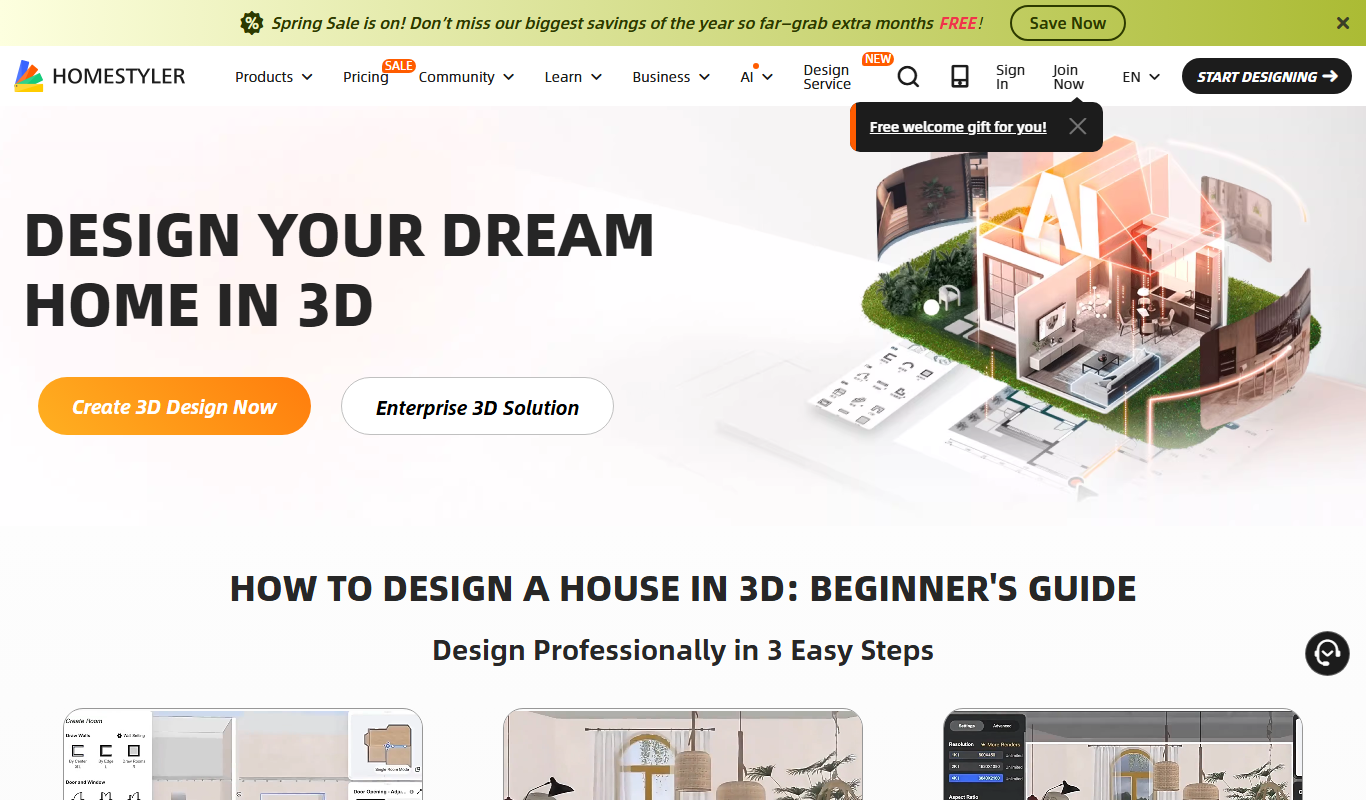
Homestyler is an online interior design tool that allows users to create 2D floor plans and 3D home visualizations with photorealistic rendering, suitable for both DIY users and professionals.
More AI Artificial Intelligence Tools tools
Other tools in the same category, for when this one is not quite the fit.

Dog Breed AI
Dog Breed AI uses artificial intelligence to identify dog breeds from photos, providing breed details and care information on web and mobile platforms.

RecetasIA
RecetasIA is an AI-based web tool with a free plan that generates personalized recipes from your tastes, dietary restrictions and intolerances, in English or Spanish.

Newmoney.AI
Newmoney.AI is an AI-powered crypto and cash wallet: buy, trade, swap and send crypto across SUI, Solana, Ethereum and Bitcoin with the AI agent Newton, including via WhatsApp and Telegram.

TwoShot
TwoShot is an AI creative suite for music, audio, video and images: generate music and sounds from text, split stems, make voiceovers and produce in an online studio.

Kuakua – Psychology & AI Tools for Well-Being
Kuakua is a free website of psychology games, tests, screenings and cognitive experiments that turns psychology research into small tools for well-being.

MixPeek
MixPeek is an AI-driven multimedia search engine that indexes videos, images, audio, and documents to enable fast, accurate search through a web interface and developer API.

Musicfy
Musicfy is an AI voice song generator for creating covers in any voice, with 100,000+ voices or a clone of your own.

MusicGen AI
MusicGen is a free AI music generation tool developed by Meta that uses a single Language Model (LM) to create music based on a prompt.