

Data on Demand - Conversational AI analytics over ERP data
Data on Demand by Humanli is AI-powered analytics that converts ERP data into instant conversational insights, so CXOs can ask questions in plain English and get charts and forecasts.
- Best for
- Executive questions about ERP data
- Key capability
- Questions in plain English
Save Data On Demand, follow its updates and vote on it — everything stays in your account.
Sign in or create a free account
What is Data On Demand?
Data on Demand (DoD) by Humanli is AI-powered analytics that converts ERP data into instant conversational insights for CXOs. Users connect their ERP, database or cloud data source, ask questions in plain English and receive charts, comparisons, forecasts and live dashboards, with machine learning for forecasting and anomaly detection.
Key features of Data On Demand
Data on Demand answers plain-English questions over live data with instant charts, comparisons and predictive trends, uses machine learning for forecasting and anomaly detection, builds live dashboards and connects to 30+ data sources.
Questions in plain English
Ask questions in plain English and receive instant charts, comparisons and predictive trends from live datasets.
Forecasting and anomaly detection
Machine learning for forecasting, anomaly detection and decision optimization.
Live dashboards
Live dashboards that measure ROI, productivity and outcome metrics across departments.
30+ data source integrations
Connect more than 30 data sources with fast onboarding and reliable sync.
Flexible cloud deployment
Deployed across any cloud, AWS, Azure or private servers, with elastic scaling.
Pros and cons of Data On Demand
Pros
- No data migration required
- Answers in plain English with charts and forecasts
- Connects to more than 30 data sources
- Deploys on AWS, Azure or private servers
- Automatic anomaly alerts
Cons
- Prices are not published; access starts with a demo
- Requires direct contact for access and onboarding
- Limited public documentation on technical stack
Key use cases for Data On Demand
Executive questions about ERP data
CXOs ask questions about ERP data and get instant conversational insights.
Forecasting
Use machine learning for forecasting and decision optimization.
Scenario simulation
Simulate market scenarios and test business hypotheses across timeframes.
Operations monitoring
Monitor throughput, cost, utilization and downtime and detect performance drifts.
Performance dashboards
Create live dashboards for ROI, productivity and outcome metrics.
How Data On Demand works
- 1
Integrate
Plug Data on Demand into your existing ERP, database or cloud data source; no data migration required.
- 2
Interact
Type your question in plain English and get an instant answer.
- 3
Interpret
Receive visualizations, forecasts and recommendations to share with your team or export into your workflow.
- 4
Act
Export results directly into your workflow.
- 5
Leverage Data
Utilize the integrated data to inform business decisions, analytics, or other applications.
Who is using Data On Demand
Data On Demand pricing
Custom Pricing
Contact Sales
Pricing tailored based on data volume, usage, and integration complexity.
Plans and prices are as published by the vendor and can change. Check the official site before you buy. Open the pricing page (opens in a new tab)
Frequently asked questions about Data On Demand
It converts your ERP data into instant conversational insights for CXOs.
Plug Data on Demand into your existing ERP, database or cloud data source; no data migration is required.
Book a free demo or talk to the Humanli team.
Across any cloud, AWS, Azure or private servers.
Instant charts, comparisons and predictive trends from live datasets.
Data handling and security practices vary by provider. Review the official privacy policy to understand how your data is stored and used.
Data handling and security practices vary by provider. Review the official privacy policy to understand how your data is stored and used.
Data handling and security practices vary by provider. Review the official privacy policy to understand how your data is stored and used.
Conclusion
Executives type questions about their ERP data in plain English, such as cost per unit in a quarter, and receive instant charts, comparisons and predictive trends. The service plugs into an existing ERP, database or cloud data source without data migration, and connects to more than 30 data sources.
Machine learning handles forecasting and anomaly detection, while live dashboards track ROI, productivity and outcome metrics across departments. The workspace is designed for CXOs and teams who want clarity, speed and foresight in their decisions. Deployment can run on AWS, Azure or private servers.
Prices are not published, and access starts with a free demo through Humanli.
Sources
Sign in to review this tool.
Sign In to ReviewNo reviews yet
Be the first to share how this tool worked for you.
Ask about pricing, limits, or how it compares — or answer someone else.
Sign In to AskNo questions yet
Have a question about using or paying for this tool? Be the first to ask.
Featured on TiorAI



Alternative Tools
Explore similar AI tools that might fit your needs
MuleSoft
MuleSoft is an integration platform that connects applications, data, and devices through APIs and integration flows, and now also governs AI agents through Agent Fabric, an AI control plane.
More Business Management tools
Other tools in the same category, for when this one is not quite the fit.

Wholesum Food Calculator
Wholesum is menu planning software for outfitters and camps: plan group meals, scale recipes to any headcount, handle dietary restrictions and generate trip shopping lists.

Lumio Pro
Lumio by SMART is interactive teaching software for K-12 teachers that combines lessons, activities and real-time insights to assess understanding on any device.
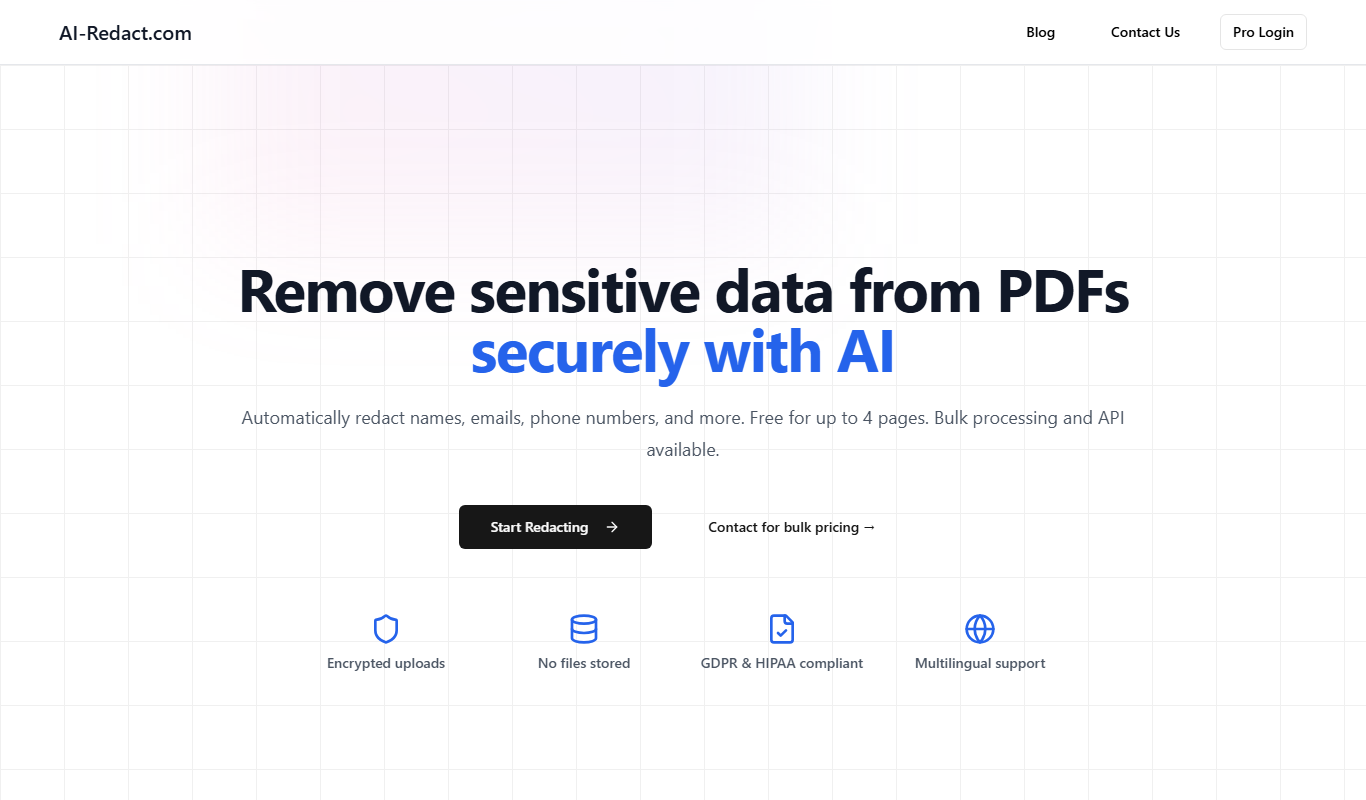
AI PDF redaction tool App
AI PDF Redaction Tool App is a web-based solution that uses AI to identify and permanently remove sensitive data from PDF documents, ensuring privacy and compliance.
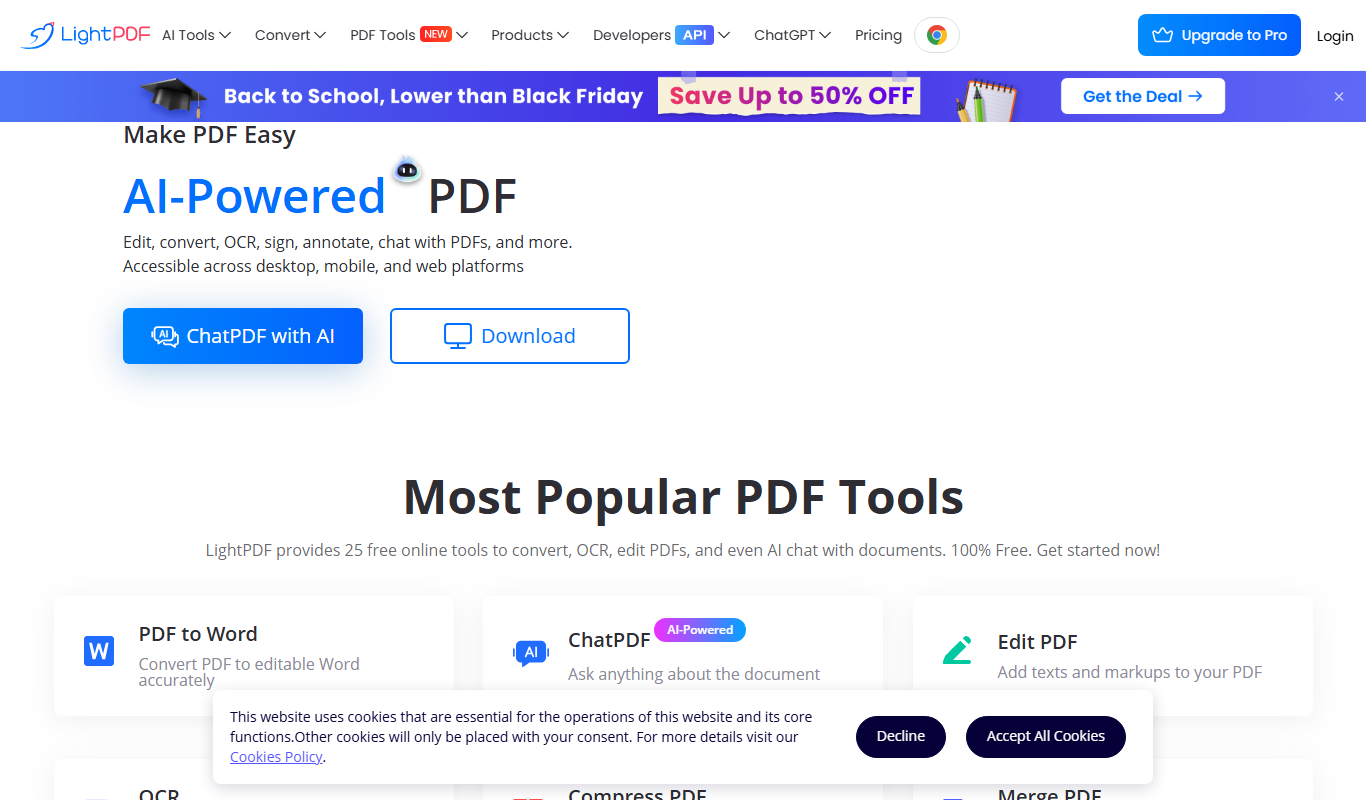
LightPDF
LightPDF is a web-based PDF editor and converter that allows users to edit, convert, compress, merge, split, and secure PDF documents easily without installing software.

Tandem GPT
Tandem GPT is an AI language partner for rehearsing real-life conversations in a foreign language, with ready-made or custom scenarios, text or voice practice and corrections.

Talentpair
Talentpair is an AI hiring platform where companies post jobs, receive candidates matched by AI and pre-screened, and pay a placement fee only if they make a hire.

BudgetSEO
BudgetSEO is an AI SEO article generator that goes from keywords to published blog content, with GPT-4 articles, generated images, WordPress posting and free blog tools.
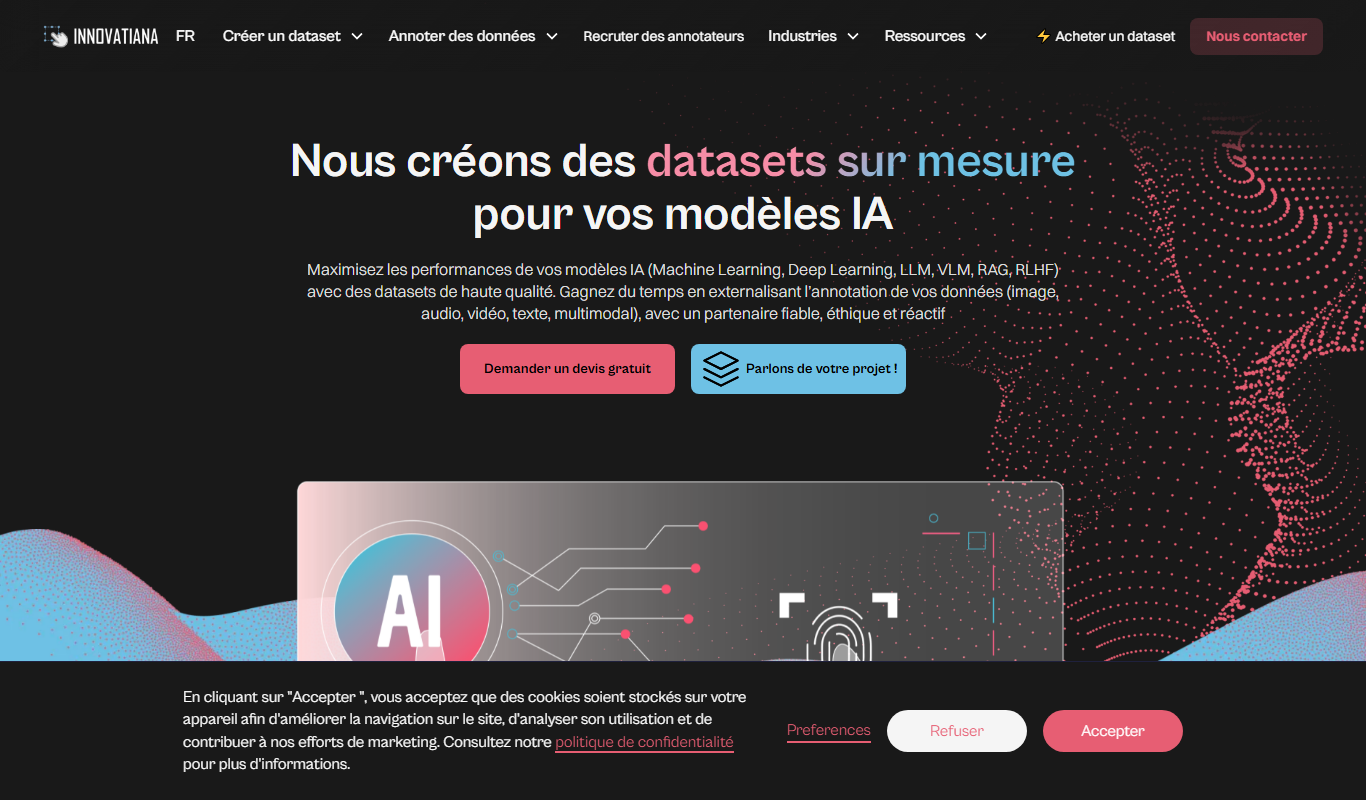
Innovatiana
Innovatiana provides expert data labeling services for AI: image, video, text, audio and LLM annotation by trained, in-house annotators, delivered as production-grade training datasets.