

From my experience with Daily Portfolio Updates, I found it excels at simplifying the often complex task of monitoring multiple investment accounts by automating daily performance reports. The platform’s ability to consolidate data and deliver clear, customizable summaries makes it particularly well-suited for financial advisors and individual investors who want timely insights without manual effort. However, the lack of a dedicated mobile app and limited language options may be a drawback for some users. Overall, if you need reliable, automated portfolio tracking and reporting, this tool provides a practical and secure solution.
Daily Portfolio Updates - Automated Investment Tracking and Reporting Tool
Daily Portfolio Updates is a web platform that automates investment portfolio tracking and reporting by aggregating multiple brokerage accounts and delivering customizable daily or periodic performance reports.
- Best for
- Automated Portfolio Reporting
- Key capability
- Multi-Account Aggregation
Your actions
Save Daily Portfolio Updates, follow its updates and vote on it — everything stays in your account.
Sign in or create a free account
What is Daily Portfolio Updates?
Daily Portfolio Updates is a web-based platform designed to automate the tracking and reporting of investment portfolios. It consolidates data from various brokerage accounts and provides users with up-to-date insights and performance summaries. The tool is ideal for individual investors and financial advisors who want to streamline portfolio monitoring and client communications.
Key features of Daily Portfolio Updates
The platform offers automated daily updates, customizable reporting schedules, multi-account aggregation, and easy-to-understand visualizations. Users can receive reports via email or access them through the dashboard, simplifying portfolio management and communication.
Multi-Account Aggregation
Combine data from multiple brokerage accounts into a single portfolio view.
Automated Daily Updates
Receive daily email reports with the latest portfolio valuations and changes.
Customizable Reporting
Choose report frequency and content to match your needs.
Secure Data Handling
Uses bank-level security protocols to protect sensitive financial information.
User-Friendly Dashboard
Visualize portfolio performance with charts and summaries that are easy to understand.
Pros and cons of Daily Portfolio Updates
Pros
- Automates tedious portfolio tracking tasks
- Supports multiple brokerage accounts
- Customizable reporting schedules
- Secure and reliable data handling
- User-friendly interface for easy analysis
Cons
- No dedicated mobile app yet
- Limited to English language support
- Pricing may be high for casual investors
Key use cases for Daily Portfolio Updates
Automated Portfolio Reporting
Generate daily, weekly, or monthly reports summarizing investment portfolio performance automatically.
Investment Performance Tracking
Track the value and changes of multiple investment accounts in one consolidated dashboard.
Client Reporting for Advisors
Financial advisors can provide clients with up-to-date portfolio summaries and insights effortlessly.
Portfolio Analysis
Analyze asset allocation, gains, losses, and other key metrics to make informed investment decisions.
How Daily Portfolio Updates works
- 1
Connect Investment Accounts
Securely link your brokerage and investment accounts to the platform for data aggregation.
- 2
Customize Reporting Preferences
Set how often you want to receive portfolio updates and what information to include.
- 3
Receive Automated Reports
Get daily or periodic email reports summarizing portfolio performance and key metrics.
- 4
Review and Analyze
Use the dashboard to explore detailed portfolio analytics and historical performance.
Who is using Daily Portfolio Updates
Individual investors
Financial advisors
Wealth managers
Investment analysts
Small investment firms
Daily Portfolio Updates pricing
Free Trial
$0 for 14 days
Full access to all features during the trial period.
Monthly Subscription
$15/month
Ongoing access to portfolio updates and reporting features.
Annual Subscription
$150/year
Discounted yearly plan with all features included.
Plans and prices are as published by the vendor and can change. Check the official site before you buy. Open the pricing page (opens in a new tab)
Frequently asked questions about Daily Portfolio Updates
Yes, the platform uses bank-level encryption and security protocols to protect your data.
Yes, you can link multiple accounts to get a consolidated portfolio overview.
You can choose daily, weekly, or monthly reporting frequencies based on your preference.
Currently, Daily Portfolio Updates is accessible via web browsers; no dedicated mobile app is available.
Data handling and security practices vary by provider. Review the official privacy policy to understand how your data is stored and used.
Yes, it can help with that use case depending on how you configure it and what features are available. You’ll get the best results with clear inputs and a defined goal.
It depends on your specific needs and how you plan to use the tool. The official website and documentation are the best sources for the latest details.
It depends on your specific needs and how you plan to use the tool. The official website and documentation are the best sources for the latest details.
Sign in to review this tool.
Sign In to ReviewNo reviews yet
Be the first to share how this tool worked for you.
Ask about pricing, limits, or how it compares — or answer someone else.
Sign In to AskNo questions yet
Have a question about using or paying for this tool? Be the first to ask.
Featured on TiorAI



Alternative Tools
Explore similar AI tools that might fit your needs

Subscription
Kubera
Kubera is a personal finance platform that aggregates your bank accounts, investments, cryptocurrencies, and other assets into one dashboard to track your net worth and manage wealth securely.
More AI Finance & Accounting Tools tools
Other tools in the same category, for when this one is not quite the fit.

Free Trial
Auto Market Scanner
Auto Market Scanner is a web platform that automates stock market scanning using customizable technical filters to help traders identify potential trades quickly.

Contact for pricing
Keenai Wealth
Keenai Wealth is an AI-powered financial planning platform that provides personalized investment advice, portfolio optimization, and retirement planning tools to help users manage their wealth effectively.
Free
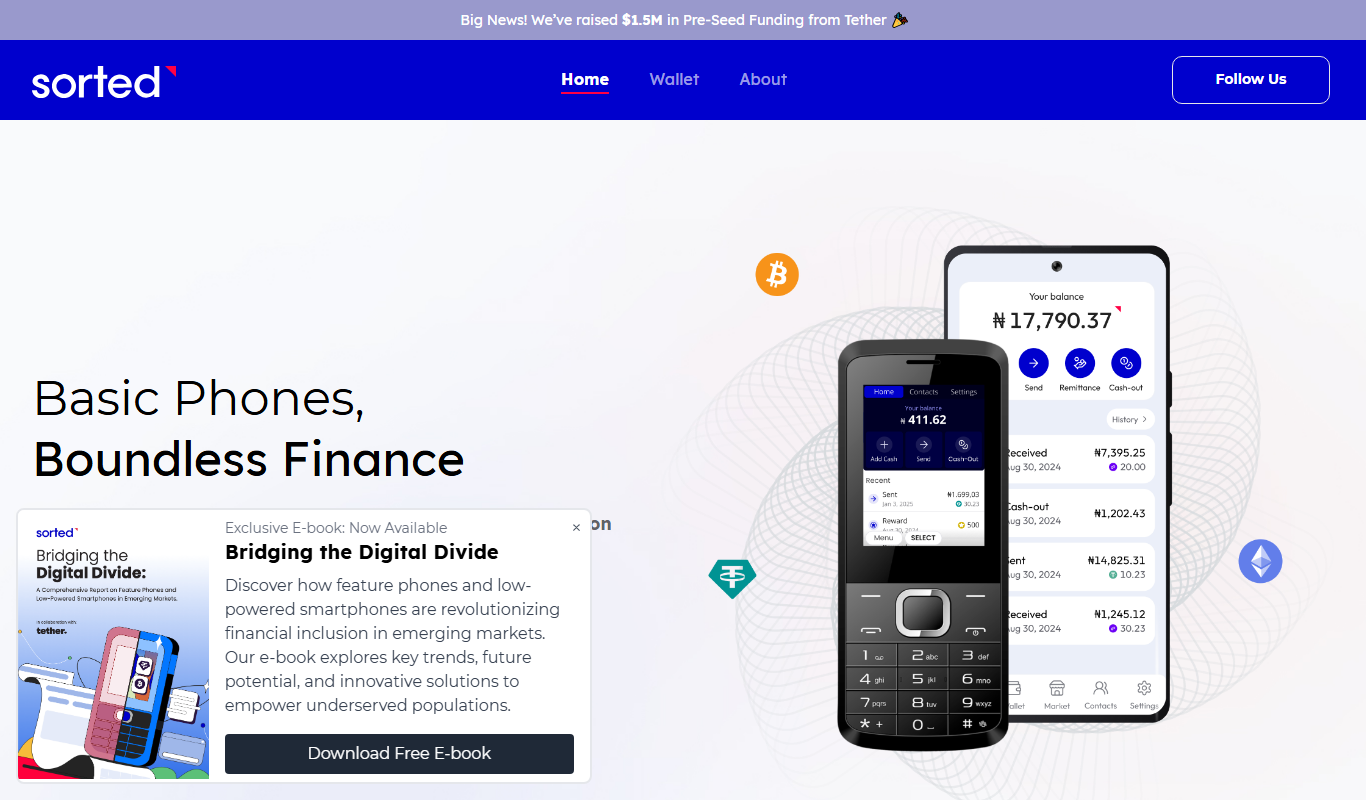
Sorted Wallet
Sorted Wallet is a web-based cryptocurrency portfolio tracker that aggregates multiple wallets and exchanges, providing real-time portfolio valuation, performance analysis, and tax reporting tools.

Free
Credit Chip
Credit Chip is a free mobile app that provides real-time credit score monitoring, detailed credit reports, and instant alerts for suspicious credit activity to help users manage their personal finances securely.
Free
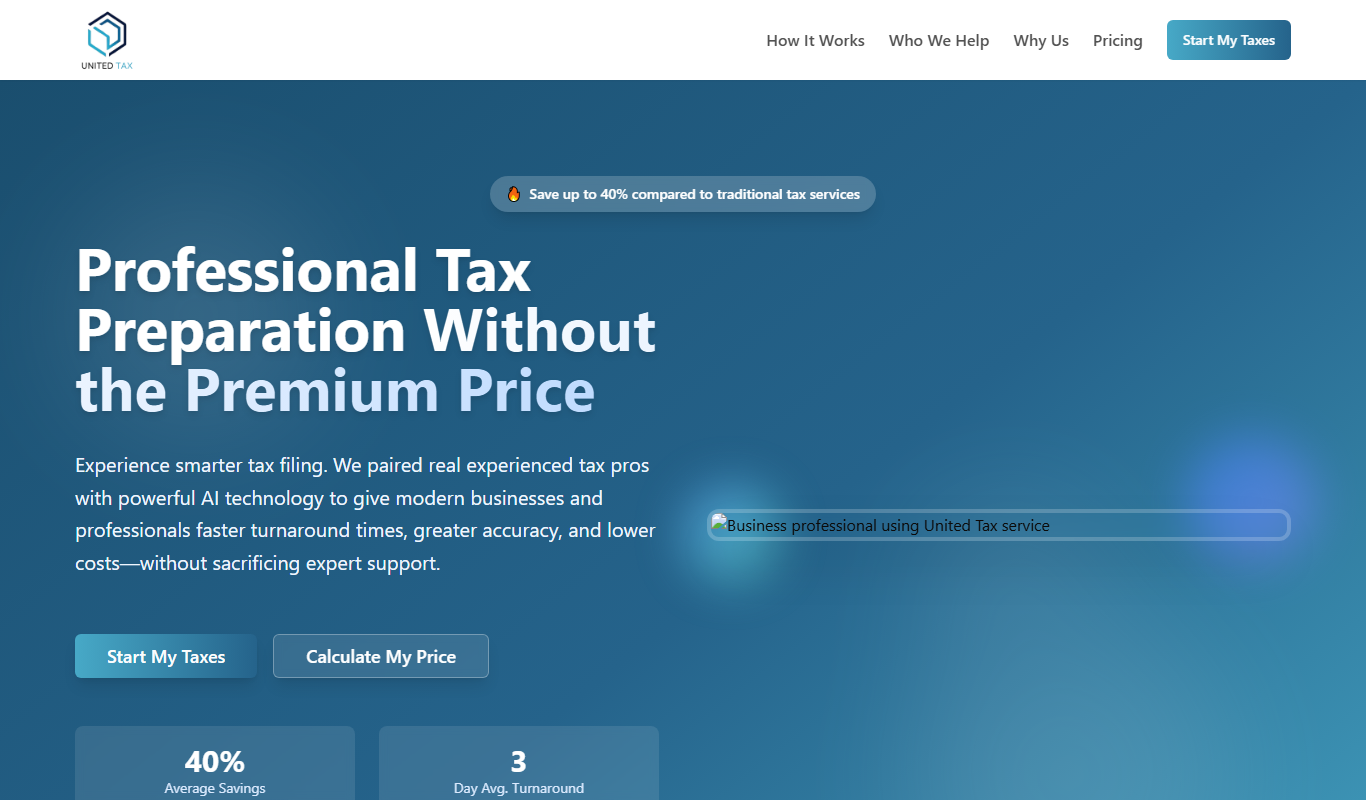
UnitedTax.AI
UnitedTax.AI is an AI-powered tax preparation software that automates data entry, optimizes deductions, and allows individuals to file federal and state tax returns electronically with ease.

Freemium
TaxGPT
TaxGPT is an AI-powered tax assistant that helps individuals and small businesses prepare, calculate, and file taxes accurately with personalized advice and an easy-to-use platform.
Free Trial
Candlestick AI
Candlestick AI is a web platform that uses AI to analyze stock market candlestick patterns, providing real-time trading signals and investment insights to help traders make informed decisions.

Freemium
Algomo
Algomo is an AI-powered platform that enables users to create, backtest, and automate trading strategies without coding, supporting multiple asset classes and real-time trade execution.