

Dadan AI Assist: AI transcription, chapters and summaries for recorded videos
Dadan AI Assist is the AI toolkit inside the Dadan video platform, adding transcription, titles and metadata, chapters, meeting notes and summaries to recorded videos.
- Best for
- Product demos and walkthroughs
- Key capability
- AI video transcription
Save Dadan AI Assist, follow its updates and vote on it — everything stays in your account.
Sign in or create a free account
What is Dadan AI Assist?
Dadan is a video platform to record, edit, host and share videos. Users capture their screen, camera or both, edit online or by transcript, and add forms, calls to action, polls and chapters to turn viewers into leads, then track engagement. Dadan AI Assist adds AI video transcription, metadata, chapters, meeting notes and summaries, and Dadan MCP connects videos to ChatGPT, Claude and other AI tools.
Key features of Dadan AI Assist
Screen and webcam recording, transcript-based editing with automatic silence and filler removal, in-video forms, calls to action and polls, engagement analytics, video hosting, and AI Assist for transcription, metadata, chapters, meeting notes and summaries.
AI video transcription
Convert spoken content into text transcripts that are easy to review, search and repurpose.
AI chapters, metadata and summaries
Generate video metadata, chapters, meeting notes and summaries with AI.
Screen recorder
Record and annotate your screen and webcam with audio in the browser, extension or native app.
Transcript-based editing
Edit by transcript and use AI to remove silence and fillers automatically.
Interactive videos and lead forms
Add call to action buttons and lead forms to capture name, email and phone.
Pros and cons of Dadan AI Assist
Pros
- Free plan available
- Recorder on browser, extension and native app
- Six types of in-video interactions
- Shared workspaces for team collaboration
- Special discount for students and non-profits
Cons
- Free plan is limited to 25 videos and 720p resolution
- Business plan requires a minimum of 3 users
- Free and Lite plans include only 10 AI credits a month
Key use cases for Dadan AI Assist
Product demos and walkthroughs
Record demos, walkthroughs, lessons and updates in a few clicks.
Meeting notes
Record meetings and generate AI meeting notes and summaries.
Lead generation with video
Turn viewers into leads with call to action buttons and lead forms.
Collecting videos from others
Request videos via a link that needs no sign up or installation.
Step-by-step guides
Turn a screen recording into a guide and translate it into 180+ languages.
How Dadan AI Assist works
- 1
Record
Capture your screen, camera or both for demos, walkthroughs, meetings or lessons.
- 2
Edit
Edit online or by transcript and let AI remove silence and fillers.
- 3
Add interactions
Add forms, CTAs, polls and chapters to turn viewers into leads.
- 4
Analyze
Track views, interactions and engagement across every video.
- 5
Analyze and Optimize
Use analytics dashboards to monitor AI performance and improve engagement strategies.
Who is using Dadan AI Assist
Dadan AI Assist pricing
Free
$0/month
Up to 25 videos, 2 GB storage, up to 720p resolution, 100 MB upload limit and 10 AI credits a month.
Lite
$8 per user / month billed annually ($14/month billed monthly)
Unlimited videos, 25 GB storage and recording up to 4K.
Pro
$14 per user / month billed annually
Unlimited videos and storage, recording up to 4K, 5 GB upload limit and unlimited AI credits.
Business
$14 / month per seat, billed annually
For business and corporate users, with a minimum of 3 users.
Plans and prices are as published by the vendor and can change. Check the official site before you buy. Open the pricing page (opens in a new tab)
Frequently asked questions about Dadan AI Assist
A set of AI tools in Dadan for video transcription, metadata, chapters, meeting notes, summaries and interactive videos.
In the browser, with the extension, or in the native app.
Yes. Edit by transcript and let AI auto remove silence and fillers.
Yes. Six interaction types are available: polls, quiz, feedback, open text, true or false and content.
Yes. Dadan MCP connects to ChatGPT, Claude and more.
Yes. The free plan includes up to 25 videos, 2 GB storage, up to 720p and 10 AI credits a month.
Conclusion
AI Assist is one layer of a wider video platform: Dadan records the screen, camera or both, then hosts and shares the result. Its AI tools transcribe spoken content, generate metadata and chapters, and produce meeting notes and summaries, while the editor works by transcript and removes silence and fillers automatically.
Demos, walkthroughs, meetings and lessons are the recordings it targets. Forms, CTAs and polls can be added inside a video to turn viewers into leads, and analytics track engagement across every video. A free plan exists but caps videos, resolution and AI credits. Paid Lite, Pro and Business plans cost less when billed annually.
Sources
Sign in to review this tool.
Sign In to ReviewNo reviews yet
Be the first to share how this tool worked for you.
Ask about pricing, limits, or how it compares — or answer someone else.
Sign In to AskNo questions yet
Have a question about using or paying for this tool? Be the first to ask.
Featured on TiorAI


Alternative Tools
Explore similar AI tools that might fit your needs

Structurely
Structurely is a conversational AI platform for voice, SMS and email that automates inbound and outbound sales, service, support, scheduling, routing and follow-up.
More AI Meeting Tools tools
Other tools in the same category, for when this one is not quite the fit.

Avoma – AI Meeting Assistant
Avoma is an AI-powered meeting assistant that provides real-time transcription, automated meeting notes, collaboration tools, and sales call analytics to improve meeting productivity and team alignment.

Flowtica Scribe
Flowtica Scribe is an AI pen that captures every conversation while you take notes and gives you structured summaries in the Flowtica phone app.
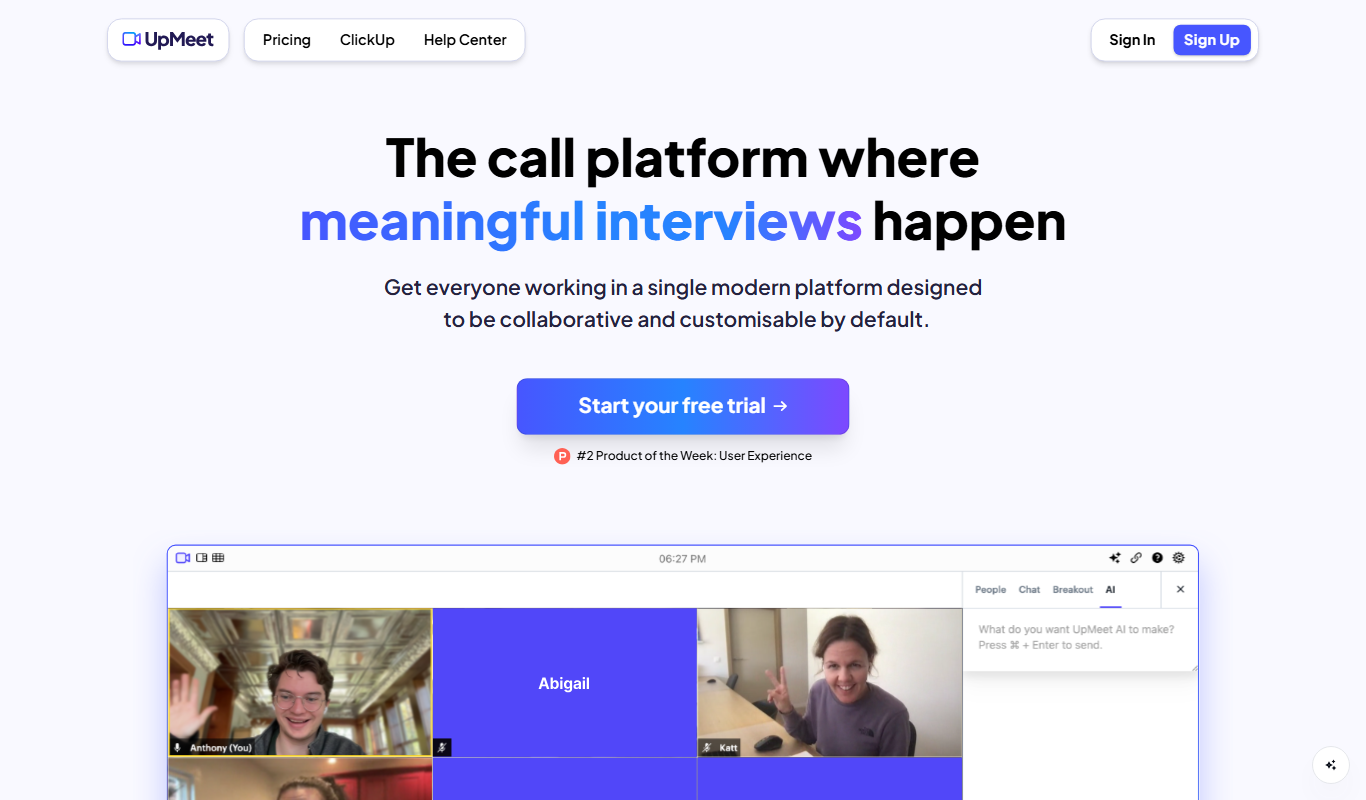
UpMeet 3.0
UpMeet is a brandable, collaborative and AI-powered video call platform where teams add their own logo and domain and get call summaries from UpMeet AI.
Wudpecker
Wudpecker is an AI-powered meeting assistant that automatically transcribes and summarizes online meetings to improve productivity and collaboration.

parmonic.com
Parmonic is an AI video editor that turns long webinars, interviews and training videos into derivative content such as key moments, reels, audiograms and blogs for marketing and training teams.

Recall.ai
Recall.ai is the API to get transcripts, recordings and metadata from meetings on Zoom, Google Meet, Teams and more, through meeting bots, recording SDKs and a calendar API.

Notely
Notely AI turns audio into notes, transcribing and summarizing meetings and lectures.
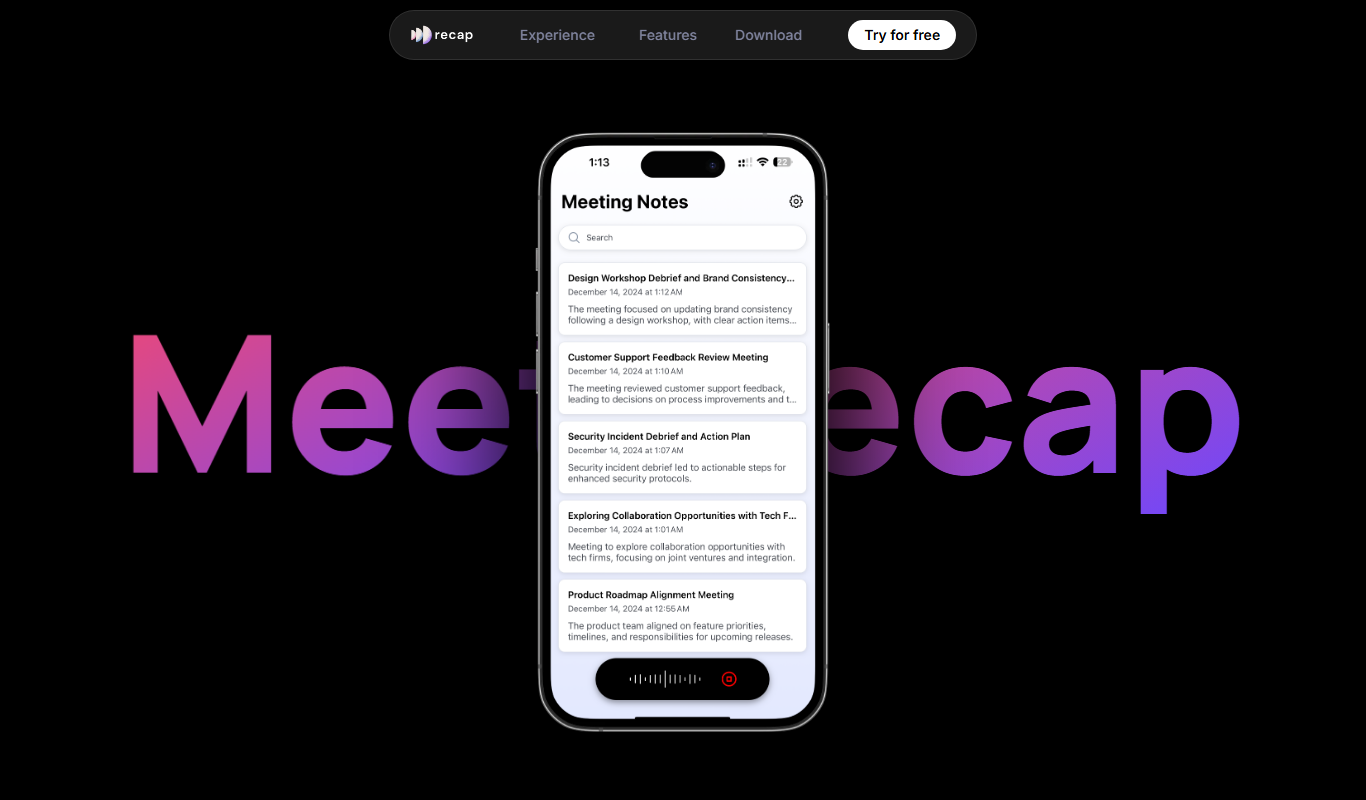
Recap AI
Recap AI is an AI meeting intelligence tool that automatically captures, transcribes and summarizes meetings, with desktop, mobile and web apps.