

From my experience with Flowtica AI, I found it excels at enabling businesses to automate complex workflows without requiring coding skills. The no-code visual builder combined with AI-powered triggers makes it accessible for operations teams and business users alike. After spending time with the platform, I can say it’s particularly well-suited for small to medium businesses looking to integrate multiple applications and optimize their processes efficiently. However, the limited publicly available details on specific integrations and enterprise pricing means some users may need to contact sales for tailored solutions. Overall, if you want to streamline workflows with AI-driven automation, Flowtica AI delivers a solid, user-friendly platform.
Flowtica AI Workflow Automation Platform for Business Process Optimization
Flowtica AI is a no-code workflow automation platform that uses artificial intelligence to help businesses automate and optimize their processes by integrating multiple applications and providing real-time monitoring.
- Best for
- Automate Repetitive Tasks
- Key capability
- No-Code Visual Workflow Builder
Save Flowtica AI,, follow its updates and vote on it — everything stays in your account.
Sign in or create a free account

What is Flowtica AI,?
Flowtica AI is a web-based workflow automation platform that leverages artificial intelligence to help businesses streamline and optimize their processes. It allows users to create, manage, and automate complex workflows across multiple applications without requiring coding expertise. The platform focuses on improving operational efficiency by reducing manual tasks and integrating disparate systems.
Key features of Flowtica AI,
Flowtica AI offers no-code workflow design, AI-driven automation triggers, multi-application integration, real-time monitoring, and analytics to optimize business operations effectively.
No-Code Visual Workflow Builder
Design complex workflows easily with drag-and-drop tools without programming knowledge.
AI-Powered Automation Triggers
Leverage AI to trigger workflows intelligently based on data patterns and events.
Multi-Application Integration
Connect and automate tasks across various business applications and services.
Real-Time Monitoring and Analytics
Gain insights into workflow performance and identify bottlenecks with detailed analytics.
Scalable Workflow Management
Manage and scale automation processes as your business grows.
Pros and cons of Flowtica AI,
Pros
- User-friendly no-code workflow design
- AI-driven automation triggers improve efficiency
- Supports multi-application integrations
- Real-time monitoring with analytics
- Scalable for growing businesses
Cons
- Limited information on specific integrations publicly available
- Pricing details for enterprise plans require direct contact
Key use cases for Flowtica AI,
Automate Repetitive Tasks
Flowtica AI helps businesses automate repetitive workflows, reducing manual effort and errors.
Integrate Multiple Applications
It connects various software tools and platforms to streamline data flow and operations.
Optimize Business Processes
Users can design and optimize complex business processes with AI-powered automation.
No-Code Workflow Creation
Enables non-technical users to build automated workflows without coding skills.
How Flowtica AI, works
- 1
Sign Up
Create an account on Flowtica AI’s web platform to access the dashboard.
- 2
Design Workflow
Use the no-code visual builder to create automated workflows tailored to your business needs.
- 3
Integrate Apps
Connect your existing software tools and services to enable seamless data exchange.
- 4
Activate Automation
Deploy workflows to run automatically based on AI triggers and conditions.
- 5
Monitor and Optimize
Track workflow performance in real-time and adjust processes to improve efficiency.
Who is using Flowtica AI,
Flowtica AI, pricing
Free Trial
$0 for 14 days
Access to core features with limited workflows to evaluate the platform.
Professional
$49/month
Full access to workflow automation features with higher usage limits.
Enterprise
Custom pricing
Tailored solutions with dedicated support and advanced integrations.
Plans and prices are as published by the vendor and can change. Check the official site before you buy. Open the pricing page (opens in a new tab)
Frequently asked questions about Flowtica AI,
No, Flowtica AI provides a no-code visual builder that allows users to create workflows without programming knowledge.
Flowtica AI supports integration with a variety of popular business applications, though specific integrations depend on your plan.
Yes, Flowtica AI offers a 14-day free trial to test core features.
Yes, the platform provides real-time monitoring and analytics to track workflow efficiency.
This tool is designed to help users accomplish its core tasks more efficiently. It is typically used by individuals or teams looking to improve productivity and workflow.
Yes, it can help with that use case depending on how you configure it and what features are available. You’ll get the best results with clear inputs and a defined goal.
Integration support depends on the tool and its available connectors or API. Check the official documentation or integrations page to confirm what is supported.
Some tools offer a free plan or trial with limited features. Availability can vary, so confirm on the official website.
Sign in to review this tool.
Sign In to ReviewNo reviews yet
Be the first to share how this tool worked for you.
Ask about pricing, limits, or how it compares — or answer someone else.
Sign In to AskNo questions yet
Have a question about using or paying for this tool? Be the first to ask.
Featured on TiorAI



More AI Artificial Intelligence Tools tools
Other tools in the same category, for when this one is not quite the fit.

artivatic.ai
Artivatic.ai is an AI platform specializing in automating insurance and healthcare processes like underwriting and fraud detection through machine learning.
Vic.ai
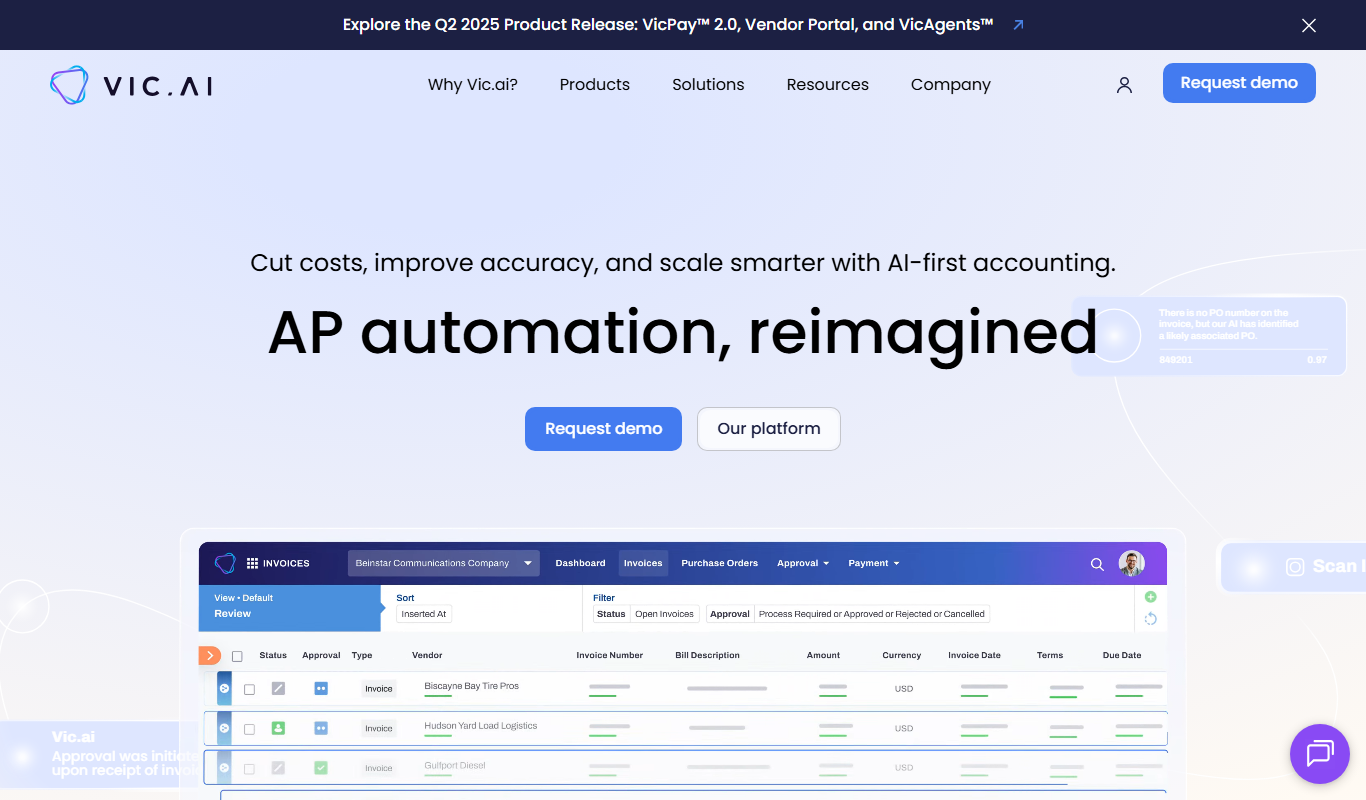
Vic.ai is an AI-powered accounting automation platform that automates invoice processing, coding, and approvals to streamline accounts payable workflows and improve accuracy.
DeepAI
DeepAI is an AI platform providing APIs and web tools for image generation, text analysis, and other machine learning tasks, suitable for developers and content creators.

berkshiregrey.com
Berkshire Grey provides AI-driven robotic automation systems designed to optimize warehouse and supply chain operations through intelligent picking, packing, and sorting.

Semantic Scholar
Semantic Scholar is a free, AI-driven academic search engine developed by the Allen Institute for AI that helps users find, summarize, and analyze scientific research papers and citations.

EasyNoteAI
EasyNoteAI is an AI-driven tool that automates note taking and summarization, helping users quickly capture and organize information from meetings, lectures, and content.

Low-Code Development and AI
Amoga's Low-Code Development and AI platform enables rapid application building with drag-and-drop tools and AI automation, suitable for users with minimal coding skills.
AI World Today
AI World Today is a free online platform providing daily news, expert analysis, and research updates on artificial intelligence.