
From my experience with Cursor Search, I found it excels at making code search intuitive by allowing natural language queries, which significantly reduces the friction of navigating large or unfamiliar codebases. The seamless integration with Visual Studio Code means developers can stay in their workflow without context switching. However, the tool currently supports a limited set of programming languages and focuses mainly on VS Code, which might not suit all developers. Overall, if you want to speed up code understanding and debugging with AI-powered search, Cursor Search offers a practical and user-friendly solution.

Cursor Search AI Tool for Enhanced Code Search and Developer Productivity
Cursor Search is an AI-driven tool that enables developers to search and navigate codebases using natural language queries, integrated with IDEs like VS Code to boost productivity.
Categories:
AI Developer & Coding Tools
AI Productivity Tools
AI Video Creation Tools
Developer Tools
Tech Stack:
JavaScript
Python
TypeScript
What is Cursor Search?
Cursor Search is an AI-powered code search tool designed to help developers find and understand code faster. It leverages natural language processing to allow users to query their codebases in plain English, returning precise and context-aware results. Cursor integrates with popular development environments and supports large-scale projects, aiming to boost developer productivity and reduce time spent navigating complex code.

Key Features of Cursor Search
Natural Language Code Search
Search your codebase using everyday language instead of complex search syntax.
IDE Integration
Seamlessly integrates with Visual Studio Code for in-editor search experience.
Context-Aware Results
Provides relevant code snippets with surrounding context to aid understanding.
Multi-Language Support
Supports popular programming languages such as JavaScript, Python, and TypeScript.
Fast Indexing
Quickly indexes large codebases to deliver prompt search results.
Pros and Cons of Cursor Search
Pros
- Enables natural language queries for intuitive code search
- Integrates directly into popular IDEs like VS Code
- Speeds up code navigation and understanding
- Supports multiple widely-used programming languages
- Offers a free tier for initial usage and testing
Cons
- Limited language support compared to some competitors
- Free plan has restrictions on codebase size and query volume
- Currently focused mainly on VS Code integration
Key Use Cases for Cursor Search
Codebase Search
Quickly search across large codebases using natural language queries to find relevant code snippets and definitions.
Developer Productivity
Enhance coding efficiency by reducing time spent on manual code navigation and understanding unfamiliar code.
Code Understanding
Use AI-powered insights to comprehend complex code structures and dependencies within projects.
Bug Fixing and Debugging
Locate problematic code sections faster by searching for error patterns or related functions.
Learning and Onboarding
Assist new team members in quickly grasping codebase architecture and conventions.
How Cursor Search Works
-
1
Connect Your Codebase
Integrate Cursor with your project repository or IDE to index your code.
-
2
Enter Natural Language Queries
Type questions or search terms in plain English to find relevant code snippets.
-
3
Review AI-Powered Results
Browse through context-rich search results that highlight matching code and explanations.
-
4
Navigate and Use
Click through results to jump directly to code locations within your IDE or browser.
Who's Using Cursor Search
Software developers
Engineering teams
Technical leads
New team members onboarding
Open source contributors
Cursor Search Pricing
Free
$0/month
Basic access with limited search queries and codebase size.
Pro
$20/month
Unlimited searches, larger codebase support, and priority customer support.
Frequently Asked Questions About Cursor Search
Cursor Search currently supports JavaScript, TypeScript, Python, and plans to add more languages.
Yes, Cursor supports integration with private code repositories while ensuring data privacy.
Yes, Cursor offers a Visual Studio Code extension for seamless in-editor code search.
Cursor uses secure connections and does not store your code beyond indexing for search purposes.
It depends on your specific needs and how you plan to use the tool. The official website and documentation are the best sources for the latest details.
Yes, it can help with that use case depending on how you configure it and what features are available. You’ll get the best results with clear inputs and a defined goal.
Some tools offer a free plan or trial with limited features. Availability can vary, so confirm on the official website.
Share your review
Reviews are limited to one per logged-in user and are published after moderation.
You need an account to review this tool.
0.0
★
★
★
★
★
0 reviews
5 star
0
4 star
0
3 star
0
2 star
0
1 star
0
No reviews yet
Be the first to share how this tool worked for you.
Questions from the community
Read questions and answers about this tool, or ask your own.
No questions yet
Start the conversation by asking the first question about this tool.
Is this tool helpful?
Alternative Tools
Explore similar AI tools that might fit your needs

Enterprise
Sourcegraph
Sourcegraph is a universal code search and intelligence platform that enables developers to search, navigate, and understand code across multiple repositories and languages, improving productivity and collaboration.

Free
Kodezi ai
Kodezi AI is an online tool that converts natural language prompts into code snippets, supporting multiple programming languages to help developers accelerate coding and prototyping.
Free
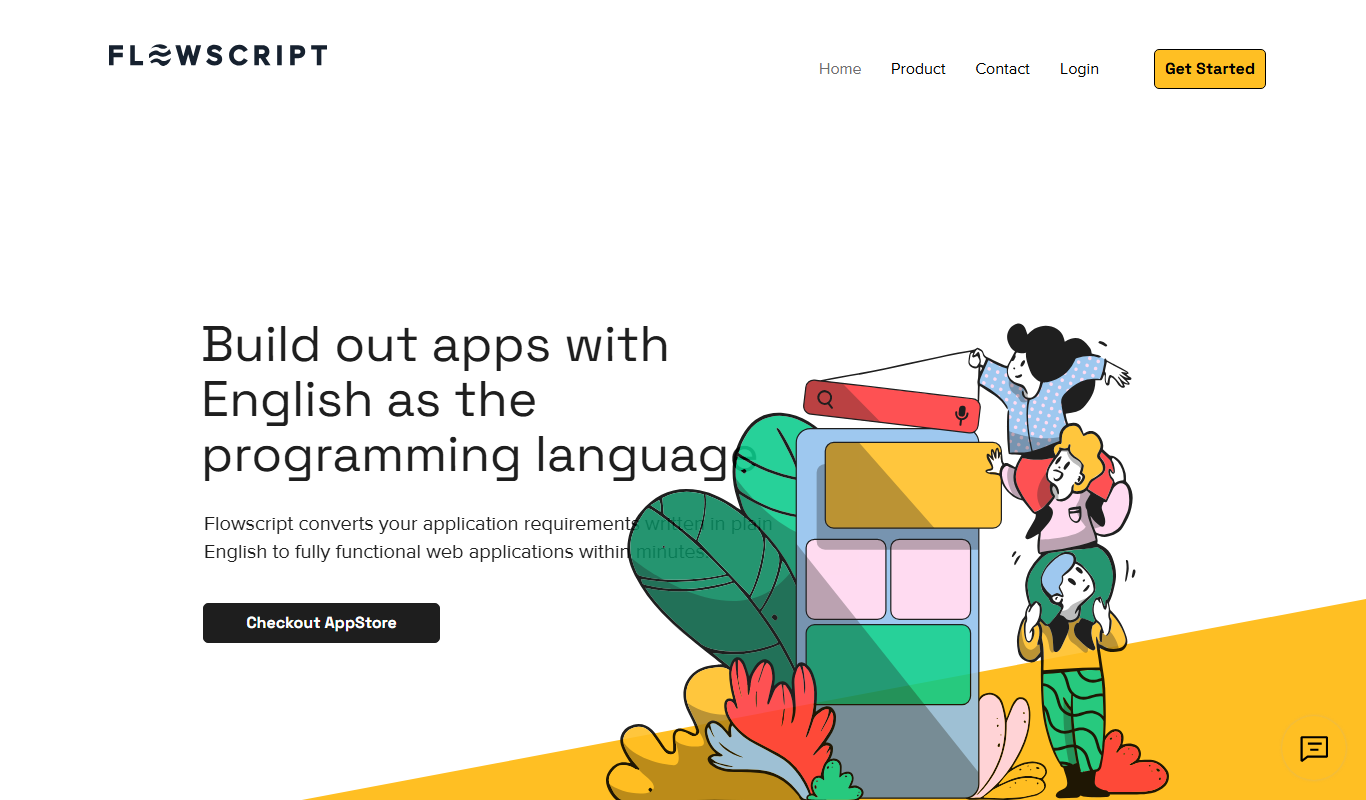
Flowscript.AI
Flowscript.AI is a no-code platform that enables users to create AI-powered automated workflows by connecting APIs and AI models through a visual drag-and-drop interface.
Free
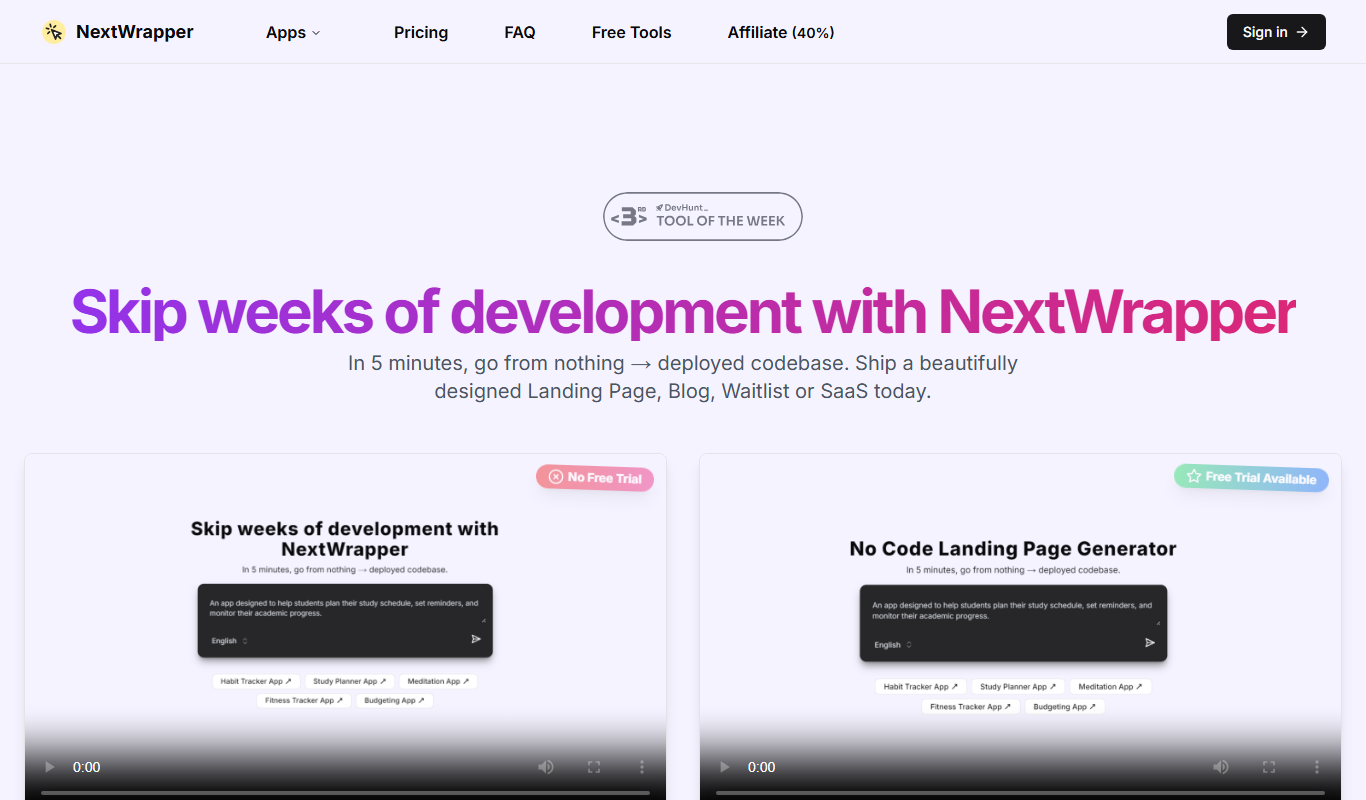
NextWrapper
NextWrapper is an AI tool that generates Next.js pages, React components, and API routes from natural language descriptions to accelerate development.

Free
Unique Custom GPTs by Mojju
Unique Custom GPTs by Mojju is a no-code platform that lets you create personalized AI chatbots by training GPT models on your own data and customizing their personality and responses.

Free
AI Agent Store
AI Agent Store is a no-code platform that allows users to create, customize, and deploy AI-powered agents for automation and customer interaction without programming skills.

Free Trial
Aptori
Aptori is a low-code platform that helps businesses quickly build custom applications and automate workflows using a visual drag-and-drop interface and API integrations.

Freemium
tmdx
tmdx is an AI-driven developer assistant that automates code generation and provides intelligent code review suggestions to improve software development efficiency.

Free
Pico
Pico is a low-code platform that enables users to create custom web applications through a visual interface without needing programming skills.