

From my experience with CT Read, I found it excels at providing clear, natural AI narration tailored specifically for users with dyslexia. The synchronized text highlighting is particularly helpful for maintaining focus and improving comprehension. After spending time with the platform, I can say it’s well-suited for students and individuals seeking accessible reading assistance without complicated setups. However, the tool currently supports only English and lacks dedicated mobile apps, which could limit use on the go. Overall, if you need a straightforward, web-based reading aid for dyslexia, CT Read delivers solid, user-friendly results.
CT Read AI Text Reader for Dyslexia and Reading Assistance Online
CT Read is an AI-driven text-to-speech tool that helps individuals with dyslexia and reading challenges by reading text aloud with synchronized highlighting to improve comprehension.
- Best for
- Dyslexia Reading Support
- Key capability
- AI-Powered Text-to-Speech
Your actions
Save CT Read, follow its updates and vote on it — everything stays in your account.
Sign in or create a free account

What is CT Read?
CT Read is an AI-powered text reader designed to assist people with dyslexia and other reading difficulties. It converts written text into spoken words using advanced AI technology, making reading more accessible and less stressful. The tool focuses on improving comprehension and fluency by providing clear, natural-sounding narration and interactive reading features.
Key features of CT Read
CT Read offers AI-driven text-to-speech reading, customizable voice options, text highlighting synchronized with narration, and tools tailored specifically for dyslexia support. It is accessible via a web platform and designed to enhance reading comprehension and accessibility.
AI-Powered Text-to-Speech
Converts text into natural, clear speech optimized for dyslexia support.
Synchronized Text Highlighting
Highlights words in real-time as they are read aloud to improve focus and understanding.
Customizable Voice and Speed
Users can adjust voice type and reading speed to suit their preferences.
Web-Based Accessibility
Accessible from any device with internet access without the need for downloads.
Pros and cons of CT Read
Pros
- User-friendly interface tailored for dyslexia support
- Natural-sounding AI voices with customization
- No software installation required
- Affordable premium plan with expanded features
Cons
- Limited language support (English only)
- No dedicated mobile or desktop app
- Free plan has restricted usage limits
Key use cases for CT Read
Dyslexia Reading Support
Helps users with dyslexia by providing AI-powered text reading and comprehension assistance.
Reading Assistance for Learning Disabilities
Supports individuals with various reading difficulties by converting text into clear, understandable speech.
Educational Tool for Students
Assists students in reading and understanding complex texts through AI narration and highlighting.
Content Accessibility Enhancement
Improves accessibility of digital content for users who prefer auditory learning or have visual impairments.
How CT Read works
- 1
Access the Web Platform
Visit the CT Read website and create a free account or log in.
- 2
Input or Upload Text
Paste text or upload documents to be read aloud by the AI.
- 3
Customize Reading Settings
Select voice preferences, reading speed, and highlighting options.
- 4
Listen and Follow Along
The AI reads the text aloud while highlighting words to aid comprehension.
Who is using CT Read
Individuals with dyslexia
Students with reading difficulties
Educators and tutors
Accessibility advocates
Parents of children with learning disabilities
CT Read pricing
Free
$0/month
Basic access with limited reading time and features.
Premium
$9.99/month
Unlimited reading, advanced voice options, and priority support.
Plans and prices are as published by the vendor and can change. Check the official site before you buy. Open the pricing page (opens in a new tab)
Frequently asked questions about CT Read
Yes, CT Read can benefit anyone who prefers auditory learning or needs reading assistance.
CT Read is web-based and can be accessed via mobile browsers, but there is no dedicated app.
You can upload common text formats such as PDFs and plain text files.
It depends on your specific needs and how you plan to use the tool. The official website and documentation are the best sources for the latest details.
Some tools offer a free plan or trial with limited features. Availability can vary, so confirm on the official website.
Yes, it can help with that use case depending on how you configure it and what features are available. You’ll get the best results with clear inputs and a defined goal.
Sign in to review this tool.
Sign In to ReviewNo reviews yet
Be the first to share how this tool worked for you.
Ask about pricing, limits, or how it compares — or answer someone else.
Sign In to AskNo questions yet
Have a question about using or paying for this tool? Be the first to ask.
Featured on TiorAI



Alternative Tools
Explore similar AI tools that might fit your needs
Free
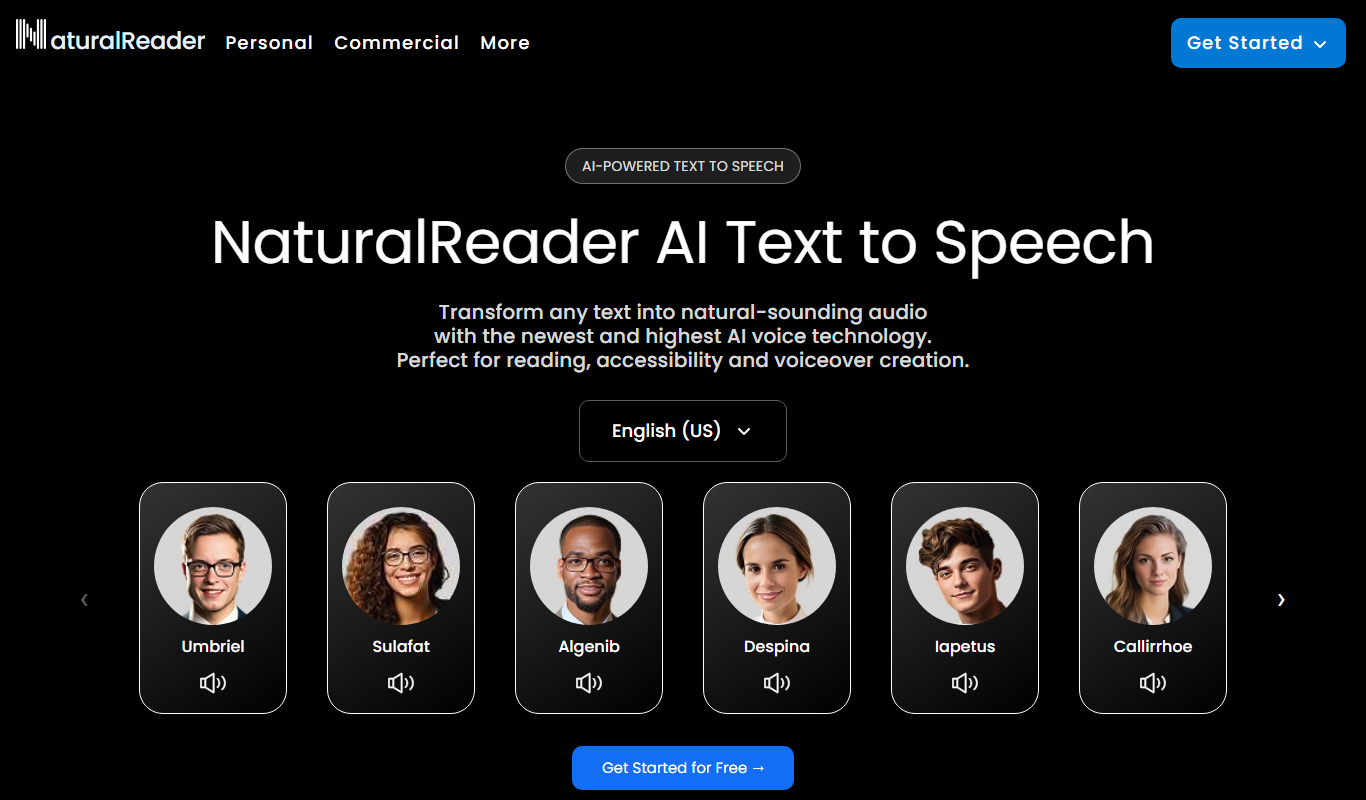
Natural Reader
Natural Reader is a text-to-speech software that converts written text into natural, human-like speech across multiple languages and platforms, supporting accessibility and content consumption.
Subscription
Kurzweil 3000
Kurzweil 3000 is assistive technology software that supports reading, writing, and learning through text-to-speech, writing aids, and study tools, primarily used by students with learning disabilities and ESL learners.
More AI Accessibility Tools tools
Other tools in the same category, for when this one is not quite the fit.

Free
free text Into Speech
Free Text Into Speech is a free web tool that converts typed text into natural-sounding speech with multiple voice options and downloadable MP3 audio.

Freemium
MS Text-to-Speech Downloader
MS Text-to-Speech Downloader is a web tool for synthesizing speech with the Microsoft Text-to-Speech service and playing or downloading the audio with one click, with a capped Free plan and a Pro plan for unlimited downloads.

Freemium
TexttoSpeech.im: Convert Text to Speech Free Online
TexttoSpeech.im is a free web-based tool that converts written text into natural-sounding speech in multiple languages, allowing users to download the audio as MP3 files without registration.

Free
GPT Reader: A Free AI Text-to-Speech
GPT Reader is a browser extension for Chrome, Firefox and Edge that offers text-to-speech and speech-to-text.

Free
Text to Speech Online
Text to Speech Online is a free web tool that converts written text into natural-sounding speech in multiple languages, allowing instant playback and audio download without registration.

Free
Image to Caption
Image to Caption is a free web tool that uses AI to generate descriptive captions for images instantly, enhancing accessibility and content usability.

Freemium
Image Describer X
Image Describer X is an AI tool that automatically generates detailed and accessible descriptions for images, improving web accessibility and SEO.

Freemium
AI Describe Picture
AI Describe Picture is a web tool that uses AI to describe images in detail for alt text, SEO and accessibility, and to extract text or code from images.