

From my experience with Crono, I found it excels at providing seamless notification syncing between Android phones and desktop browsers, which is a huge productivity boost for users who juggle multiple devices. The setup is straightforward, and the ability to share clipboard content and links instantly is a practical time saver. However, the app currently supports only Android devices and requires Chrome on desktop, which limits its audience somewhat. Overall, if you need reliable cross-device notification management and quick content sharing, Crono delivers solid, user-friendly functionality.
Crono Notification Sync App for Cross-Device Alerts and Messaging
Crono is an app that syncs Android phone notifications to desktop browsers via a Chrome extension, allowing users to receive alerts, share clipboard content, and send links or files across devices seamlessly.
- Best for
- Cross-Device Notification Sync
- Key capability
- Real-Time Notification Sync
Your actions
Save Crono, follow its updates and vote on it — everything stays in your account.
Sign in or create a free account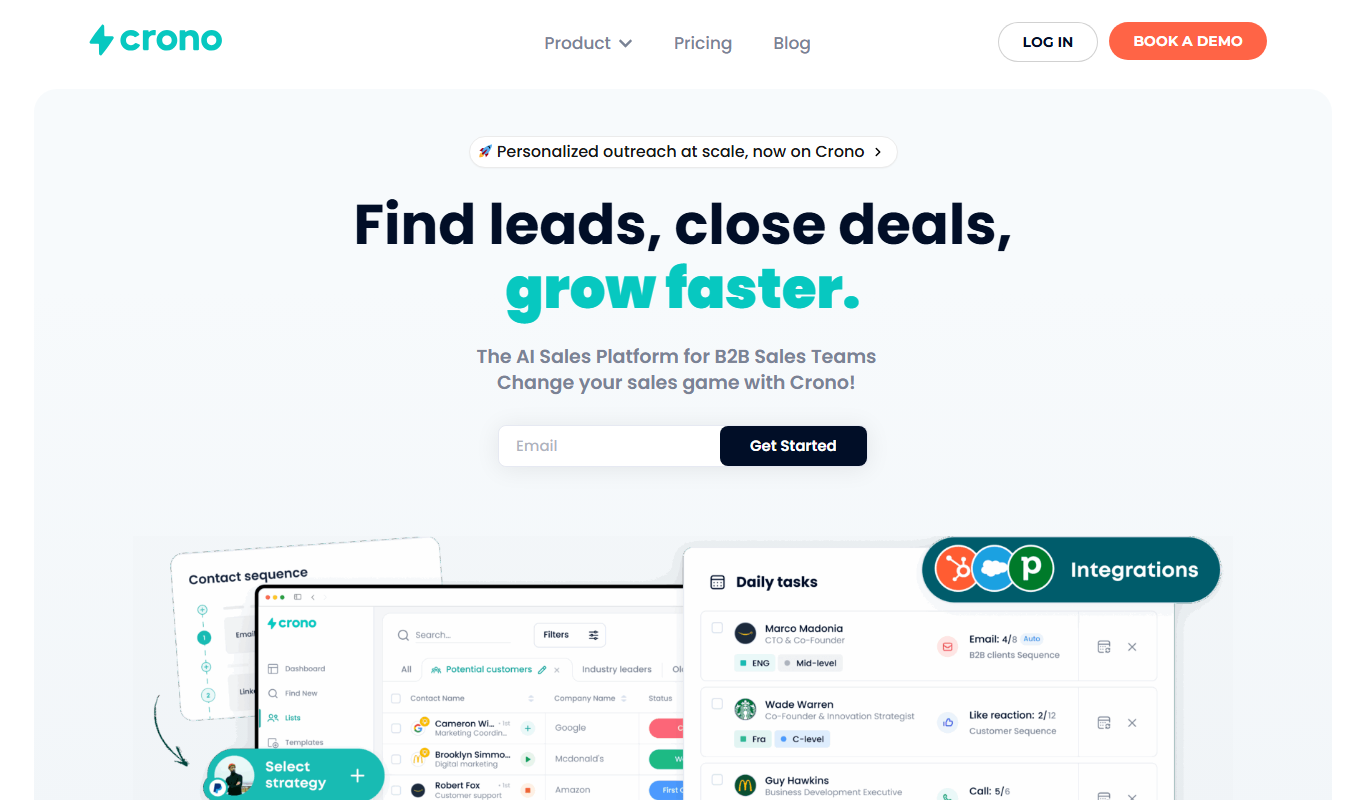

What is Crono?
Crono is a productivity app designed to synchronize notifications and share data seamlessly between your Android phone and desktop browser. It acts as a bridge to keep you connected across devices, allowing you to receive phone notifications on your computer, share links and text instantly, and manage alerts without switching devices.
Key features of Crono
Crono offers real-time notification syncing, cross-device clipboard sharing, quick file and link transfer, and remote notification management, all accessible via a Chrome extension and Android app.
Real-Time Notification Sync
Mirrors Android phone notifications on desktop browsers instantly.
Cross-Device Clipboard Sharing
Copy text or links on one device and paste on another seamlessly.
Quick Link and File Sharing
Send URLs and files between phone and desktop without cables.
Remote Notification Management
Dismiss or reply to notifications directly from your desktop.
Privacy-Focused Design
Data is encrypted and synced securely between your devices.
Pros and cons of Crono
Pros
- Seamless notification syncing between phone and desktop
- Easy setup with QR code pairing
- Supports clipboard and file sharing
- Lightweight and privacy-focused
- Affordable pricing with a free tier
Cons
- Limited to Android devices
- Requires Chrome browser for desktop use
- Some advanced features require Pro subscription
Key use cases for Crono
Cross-Device Notification Sync
Receive and manage notifications from your Android phone directly on your desktop browser, ensuring you never miss important alerts.
Quick Link and Text Sharing
Easily send links, text, and files between your phone and desktop without cables or complicated setups.
Clipboard Sharing
Synchronize clipboard content across devices to copy and paste seamlessly between phone and computer.
Remote Phone Control
Control certain phone functions remotely from your desktop, such as dismissing notifications or replying to messages.
How Crono works
- 1
Install Crono
Download and install the Crono app on your Android device and add the Crono Chrome extension to your desktop browser.
- 2
Pair Devices
Connect your phone and desktop by scanning a QR code or logging into the same account to enable synchronization.
- 3
Receive Notifications
Once paired, your phone notifications will appear on your desktop, allowing you to view and interact with them.
- 4
Share Content
Send links, text, and clipboard data instantly between devices with a simple click or keyboard shortcut.
Who is using Crono
Remote workers
Productivity enthusiasts
Android smartphone users
Professionals needing cross-device alerts
Small business teams
Crono pricing
Free
$0/month
Basic notification syncing and link sharing with some usage limits.
Pro
$4.99/month
Unlimited notifications, priority support, and advanced features like file sharing.
Plans and prices are as published by the vendor and can change. Check the official site before you buy. Open the pricing page (opens in a new tab)
Frequently asked questions about Crono
Crono supports Android devices paired with desktop browsers via the Chrome extension.
Yes, Crono encrypts all data transferred between your devices to ensure privacy.
You can reply to certain notifications directly from your desktop through Crono.
Currently, Crono supports only Android devices.
It depends on your specific needs and how you plan to use the tool. The official website and documentation are the best sources for the latest details.
Some tools offer a free plan or trial with limited features. Availability can vary, so confirm on the official website.
Yes, it can help with that use case depending on how you configure it and what features are available. You’ll get the best results with clear inputs and a defined goal.
Yes, it can help with that use case depending on how you configure it and what features are available. You’ll get the best results with clear inputs and a defined goal.
Sign in to review this tool.
Sign In to ReviewNo reviews yet
Be the first to share how this tool worked for you.
Ask about pricing, limits, or how it compares — or answer someone else.
Sign In to AskNo questions yet
Have a question about using or paying for this tool? Be the first to ask.
Featured on TiorAI



Alternative Tools
Explore similar AI tools that might fit your needs
Free
Pushbullet
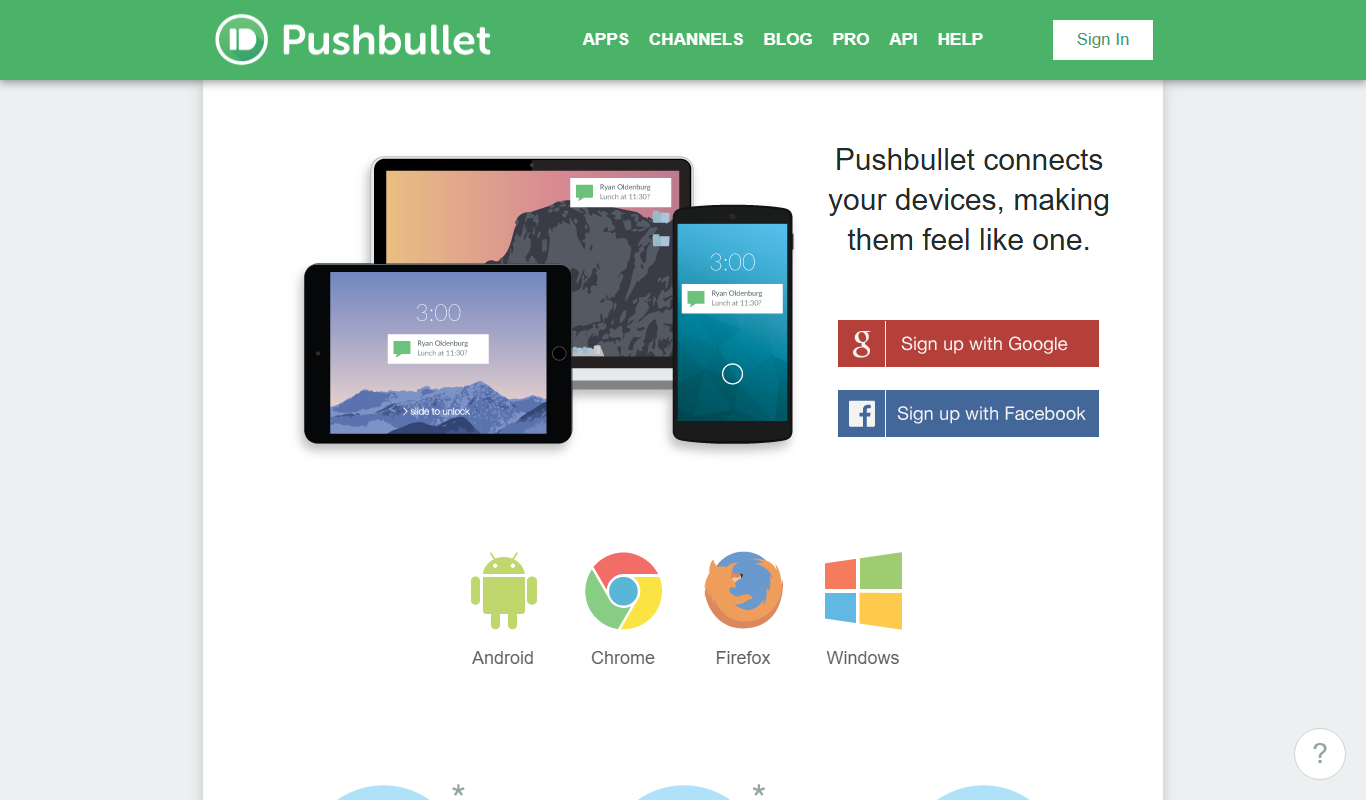
Pushbullet is a tool that mirrors notifications, shares files, and enables messaging across devices like phones and computers to improve workflow.
More AI Productivity Tools tools
Other tools in the same category, for when this one is not quite the fit.
Free
AskingTips
AskingTips is a free, no-signup online editor for video, audio and GIFs: compress, convert, trim, crop and merge files, extract MP3 and make GIFs in your browser.

Freemium
EasyTrip AI
EasyTrip AI is an AI-driven travel planner that generates customized trip itineraries based on your travel dates, destinations, and preferences, helping you organize your trip efficiently.

Freemium
PlaninGo
PlaninGo is an AI travel planning tool that generates personalized trip itineraries and guides based on your preferences, helping you plan efficient and enjoyable trips.

Freemium
Travel Itinerary AI
Travel Itinerary AI is an AI-powered web tool that creates personalized travel itineraries based on your preferences, helping you plan and manage trips efficiently.

Freemium
Wanderlust Browser Extension V2
Wanderlust Browser Extension V2 is the browser extension of the Wanderlust trip planner that clips articles, Instagram posts, and hotel pages into the right trip.

Free
aigclist
AIGCList is a free online directory that aggregates and categorizes AI tools, providing detailed information, user reviews, and AI industry news to help users discover and compare AI solutions.

Subscription
Textie AI
Textie.ai is an all-in-one AI platform for generating texts and images, chatting with AI, AI agents, document translations, presentations and voice services.

Free
Excel Formula GPT
Excel Formula GPT is an AI tool that converts plain English descriptions into Excel formulas and explains existing formulas to simplify spreadsheet tasks.