

From my experience with Critique Browser, I found it excels at combining strong privacy protections with useful AI-powered features like content summarization. The browser’s built-in ad and tracker blocking creates a faster, cleaner browsing experience without sacrificing security. It’s particularly well-suited for privacy-conscious users and professionals who want AI assistance while researching or reading online. However, the tool is currently limited to desktop platforms and has a smaller user base compared to mainstream browsers, which might affect extension availability. Overall, if you want a free, privacy-first browser with AI enhancements, Critique Browser offers a compelling option.
Critique Browser - Privacy-Focused Web Browser with AI-Powered Features
Critique Browser is a free desktop web browser that prioritizes user privacy by blocking ads and trackers and includes AI-powered tools to summarize and assist with web content.
- Best for
- Private Browsing
- Key capability
- Built-in Ad and Tracker Blocking
Your actions
Save Critique, follow its updates and vote on it — everything stays in your account.
Sign in or create a free account
What is Critique?
Critique Browser is a privacy-focused web browser that integrates AI-powered tools to enhance user experience. It blocks ads and trackers by default, ensuring secure and private browsing. The browser also features AI capabilities that help users summarize content and interact with web pages more efficiently.
Key features of Critique
Critique Browser combines robust privacy protections with AI-driven features such as content summarization and intelligent browsing assistance. It offers ad and tracker blocking, secure browsing, and a clean user interface designed for privacy-conscious users.
Built-in Ad and Tracker Blocking
Blocks ads and trackers automatically to protect user privacy and speed up browsing.
AI-Powered Content Summarization
Summarizes long articles and web pages to save time and improve comprehension.
Privacy-First Design
Ensures no user data is sold or tracked, with a focus on secure and anonymous browsing.
Secure Browsing Environment
Protects users from malicious sites and phishing attempts.
Pros and cons of Critique
Pros
- Strong privacy protections with built-in ad and tracker blocking
- AI features enhance browsing productivity
- Free to use with no hidden costs
Cons
- Limited platform availability (primarily desktop)
- AI features may require internet connection
- Smaller user base compared to mainstream browsers
Key use cases for Critique
Private Browsing
Browse the internet without being tracked by advertisers or third parties, ensuring your online activity remains confidential.
AI-Powered Assistance
Use built-in AI features to summarize web pages, generate insights, and enhance productivity while browsing.
Ad and Tracker Blocking
Automatically block intrusive ads and trackers to improve page load times and protect your privacy.
Secure Web Navigation
Benefit from enhanced security features that protect against malicious websites and phishing attempts.
How Critique works
- 1
Download and Install
Get the Critique Browser from the official website and install it on your desktop.
- 2
Start Browsing Privately
Open the browser to automatically block ads and trackers while you surf the web.
- 3
Use AI Features
Leverage built-in AI tools to summarize articles, generate insights, or get assistance with web content.
Who is using Critique
Privacy-conscious internet users
Researchers and students needing content summarization
Users frustrated with ads and trackers
Professionals seeking AI-assisted browsing
Critique pricing
Free
$0
Full access to all privacy and AI features without cost.
Plans and prices are as published by the vendor and can change. Check the official site before you buy. Open the pricing page (opens in a new tab)
Frequently asked questions about Critique
Yes, Critique Browser is completely free with all features available.
No, Critique Browser is designed to protect your privacy and does not track or sell your data.
It offers AI-powered content summarization and assistance to help you understand and interact with web content more efficiently.
It depends on your specific needs and how you plan to use the tool. The official website and documentation are the best sources for the latest details.
It depends on your specific needs and how you plan to use the tool. The official website and documentation are the best sources for the latest details.
Yes, it can help with that use case depending on how you configure it and what features are available. You’ll get the best results with clear inputs and a defined goal.
Sign in to review this tool.
Sign In to ReviewNo reviews yet
Be the first to share how this tool worked for you.
Ask about pricing, limits, or how it compares — or answer someone else.
Sign In to AskNo questions yet
Have a question about using or paying for this tool? Be the first to ask.
Featured on TiorAI



More AI Ai Tools tools
Other tools in the same category, for when this one is not quite the fit.

Free
FormBuilderGPT
FormBuilderGPT is an AI-driven tool that creates customizable forms based on your natural language descriptions, enabling quick and easy data collection without coding.

Freemium
FlowCraft – AI DIagrams & Whiteboard
FlowCraft is an AI diagram generator that creates flowcharts, mind maps and sequence diagrams from a text description.

Free
Passport Maker
Passport Maker AI is an online tool that uses artificial intelligence to create official passport and visa photos by automatically removing backgrounds and formatting images to meet government standards.

Free
Lorem Faces
Lorem Faces is a free web tool that generates realistic AI-created human faces for use as placeholder images in design, development, and marketing projects without using real photos.

Free
Gesichtsform bestimmen mit KI
Gesichtsform bestimmen mit KI is a free website in German that identifies your face shape from a photo.

Free
Intarot
Intarot is an AI-driven tarot reading app that provides personalized tarot card interpretations and spiritual guidance through various spreads and daily draws.
Free
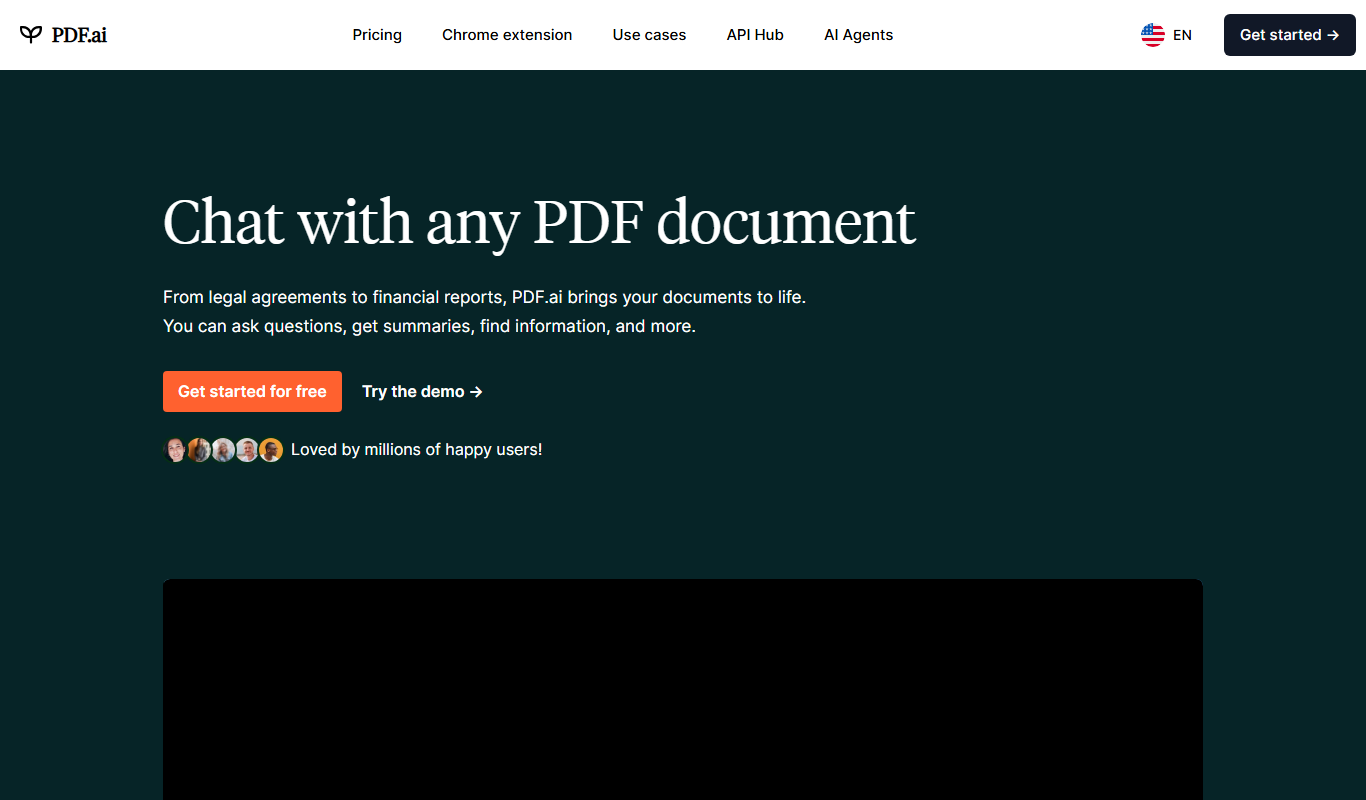
PDF.ai
PDF.ai is a web-based AI tool that allows users to upload PDFs and interact with their content through natural language queries, enabling fast search, summarization, and data extraction.

Custom Pricing
instabase.com
Instabase is an AI-driven intelligent automation platform that enables enterprises to automate complex document processing and workflow tasks by combining machine learning, human review, and customizable applications.