

From my experience with Creatopy, I found it excels at simplifying the creation and automation of digital ads for marketing teams. The platform’s intuitive drag-and-drop editor combined with powerful automation tools makes scaling ad production efficient without sacrificing design quality. It’s particularly well-suited for marketing agencies and social media managers who need to produce consistent branded content quickly. However, the lack of a permanent free plan and web-only access may limit accessibility for some small businesses. Overall, Creatopy is a solid choice if you want to streamline creative workflows and maintain brand consistency across campaigns.
Creatopy Online Graphic Design Platform for Marketing and Advertising
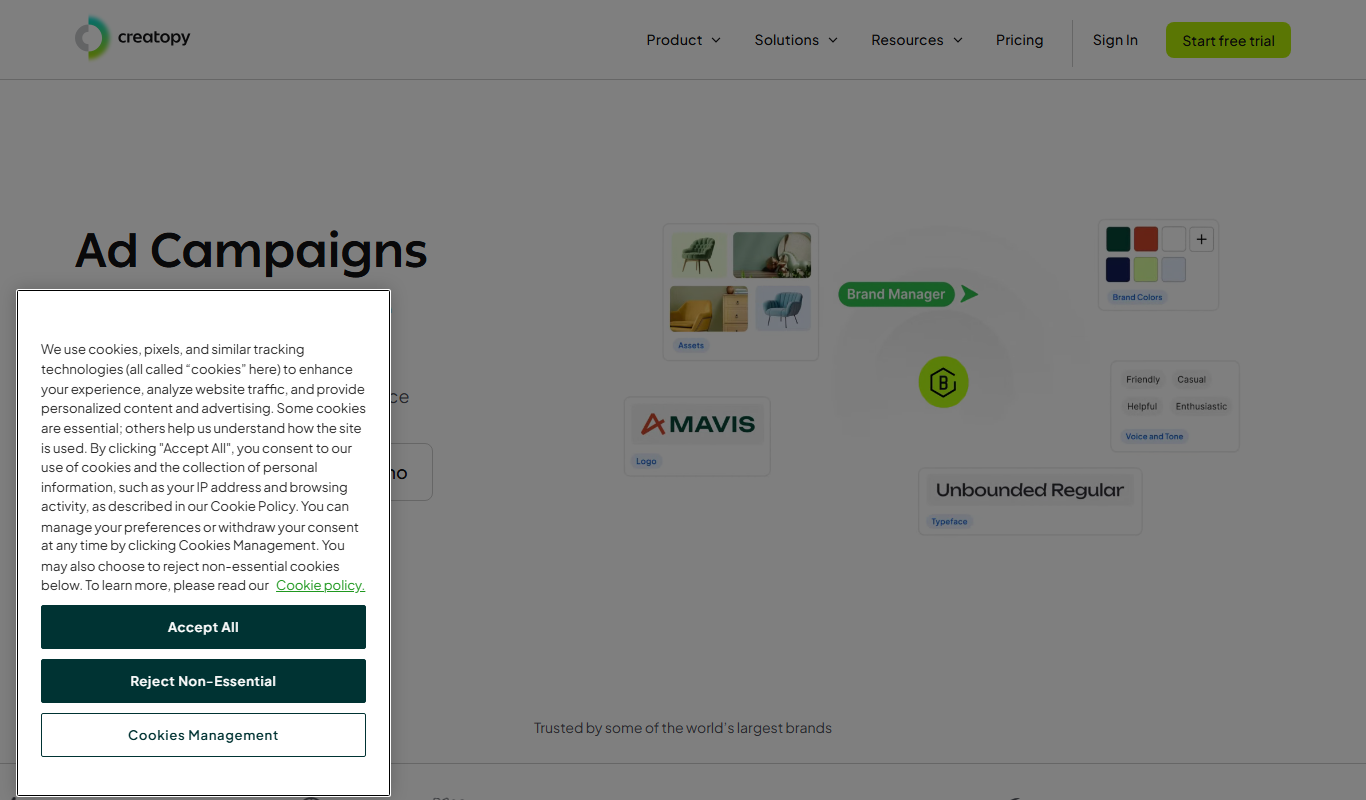
Creatopy is a web-based graphic design platform that helps marketers and advertisers create, automate, and manage digital ads and marketing visuals using templates, automation tools, and collaboration features.
- Best for
- Digital Advertising
- Key capability
- Drag-and-Drop Editor
Your actions
Do you recommend this tool?
What is Creatopy?
Creatopy is a cloud-based graphic design platform tailored for marketers and advertisers. It enables users to create, automate, and manage digital ads, social media visuals, and marketing creatives through an intuitive drag-and-drop interface and customizable templates. The platform supports team collaboration and brand consistency, helping businesses scale their creative production efficiently.
Key features of Creatopy
Creatopy offers a rich set of features including a drag-and-drop editor, extensive template library, automation tools for bulk ad creation, team collaboration, brand management, and multi-format export options. These features empower marketing teams to produce high-quality visuals quickly and maintain consistent branding across campaigns.
Drag-and-Drop Editor
Intuitive interface for easy design customization without prior experience.
Template Library
Access to thousands of pre-designed templates for ads, social media, and more.
Creative Automation
Bulk create multiple ad variations using data-driven automation tools.
Team Collaboration
Real-time collaboration features with roles, comments, and approval workflows.
Brand Management
Centralized control of brand assets and guidelines to ensure consistency.
Multi-format Export
Export designs in various formats including GIF, MP4, JPG, PNG, and HTML5.
Pros and cons of Creatopy
Pros
- User-friendly drag-and-drop interface
- Robust automation for bulk ad creation
- Strong brand management features
- Supports multiple export formats
- Good template variety
Cons
- No permanent free plan, only trial
- Limited offline access as a web-only platform
- Pricing can be high for small businesses
Key use cases for Creatopy
Digital Advertising
Create and automate banner ads and digital campaigns for multiple platforms.
Social Media Content Creation
Design engaging social media posts and stories with customizable templates.
Marketing Campaign Management
Streamline creative production workflows for marketing teams with collaboration tools.
Brand Consistency
Maintain brand guidelines across all creative assets using centralized brand controls.
Creative Automation
Automate repetitive design tasks and scale ad production efficiently.
How Creatopy works
- 1
Sign Up
Create an account on Creatopy’s website to access the platform.
- 2
Choose a Template or Start from Scratch
Select from a wide range of customizable templates or create your own design.
- 3
Customize Your Design
Use the drag-and-drop editor to add text, images, animations, and branding elements.
- 4
Automate and Scale
Leverage automation features to create multiple ad variations quickly.
- 5
Collaborate and Share
Invite team members to review, edit, and approve designs within the platform.
- 6
Export and Publish
Download your designs in various formats or publish directly to ad platforms.
Who is using Creatopy
Marketing agencies
Social media managers
Small to medium businesses
Advertising professionals
Content creators
Creatopy pricing
Free Trial
$0 for 7 days
Access to core features to test the platform with limited exports.
Basic
$15/month
Suitable for individuals with access to templates and basic features.
Pro
$35/month
Includes advanced automation, team collaboration, and brand controls.
Team
Custom pricing
Tailored for marketing teams with enhanced collaboration and support.
Plans and prices are as published by the vendor and can change. Check the official site before you buy. Open the pricing page (opens in a new tab)
Frequently asked questions about Creatopy
Yes, Creatopy’s drag-and-drop editor and templates make it easy for beginners.
Yes, you can create animated ads and export them as MP4 or GIF formats.
Creatopy offers a free trial but does not have a permanent free plan.
Yes, Creatopy supports team collaboration with roles and approval workflows.
This tool is designed to help users accomplish its core tasks more efficiently. It is typically used by individuals or teams looking to improve productivity and workflow.
Some tools offer a free plan or trial with limited features. Availability can vary, so confirm on the official website.
Yes, it can help with that use case depending on how you configure it and what features are available. You’ll get the best results with clear inputs and a defined goal.
It depends on your specific needs and how you plan to use the tool. The official website and documentation are the best sources for the latest details.
Sign in to review this tool.
Sign In to ReviewNo reviews yet
Be the first to share how this tool worked for you.
Ask about pricing, limits, or how it compares — or answer someone else.
Sign In to AskNo questions yet
Have a question about using or paying for this tool? Be the first to ask.
Featured on TiorAI



Alternative Tools
Explore similar AI tools that might fit your needs

Free
Visme
Visme is a web-based platform for creating presentations, infographics, and marketing visuals with customizable templates and data visualization tools.
More AI Advertising Tools tools
Other tools in the same category, for when this one is not quite the fit.

One-time purchase
Ecomadpro
Ecomadpro is an AI-driven platform that automates the creation and optimization of Facebook and Instagram ads for e-commerce businesses, helping users generate effective ad copy and improve campaign performance.

CPA
zopmedia.com
ZopMedia is a digital advertising network that connects publishers and advertisers, offering multiple pricing models like CPA, CPC, and CPM to monetize traffic and run targeted ad campaigns.
Free
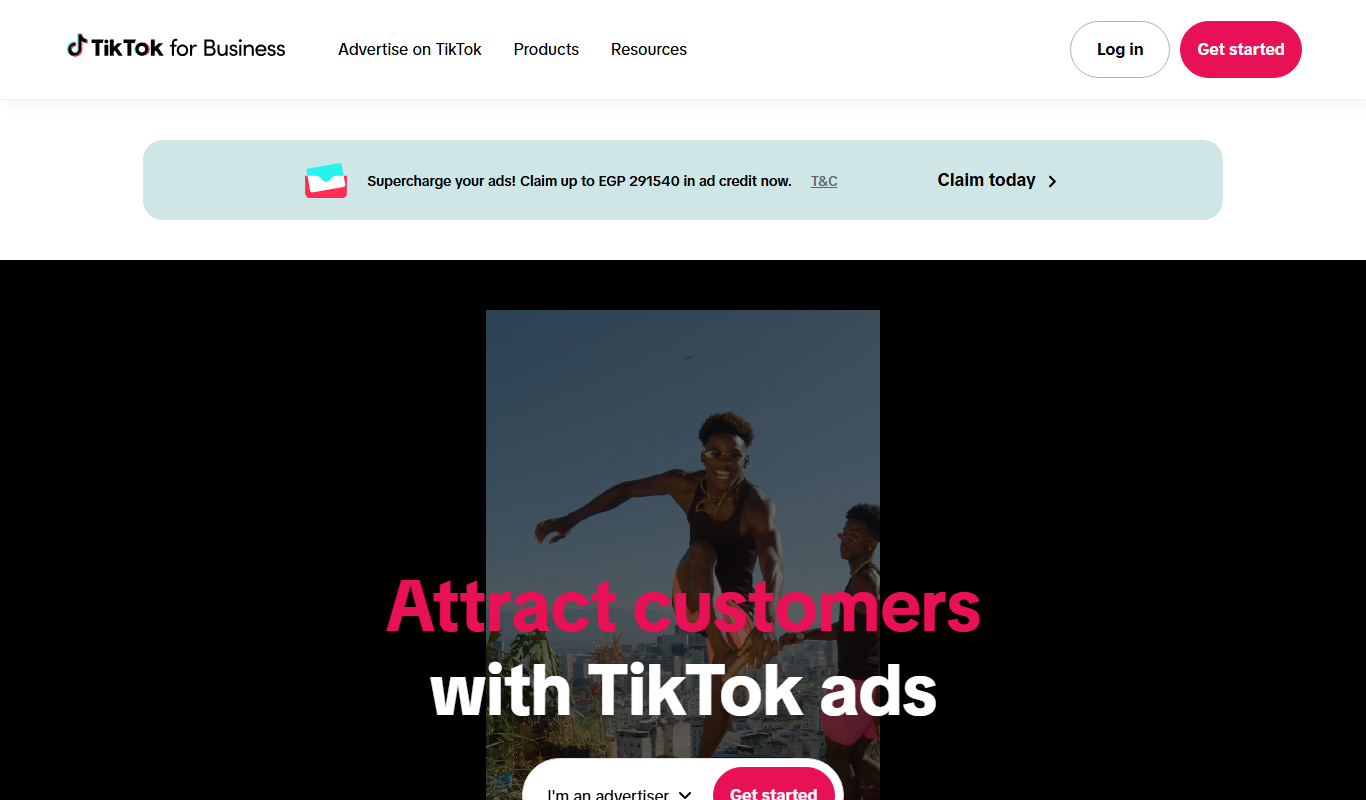
TikTok Symphony Creative Studio
TikTok Symphony Creative Studio is a free web platform by TikTok that enables advertisers to create, edit, collaborate on, and publish video ads directly to TikTok campaigns with built-in templates and editing tools.

Freemium
WordAdAI
WordAdAI is an AI-driven tool that generates advertising copy for digital marketing campaigns, enabling quick creation of multiple ad variations tailored to different platforms.
Custom Pricing
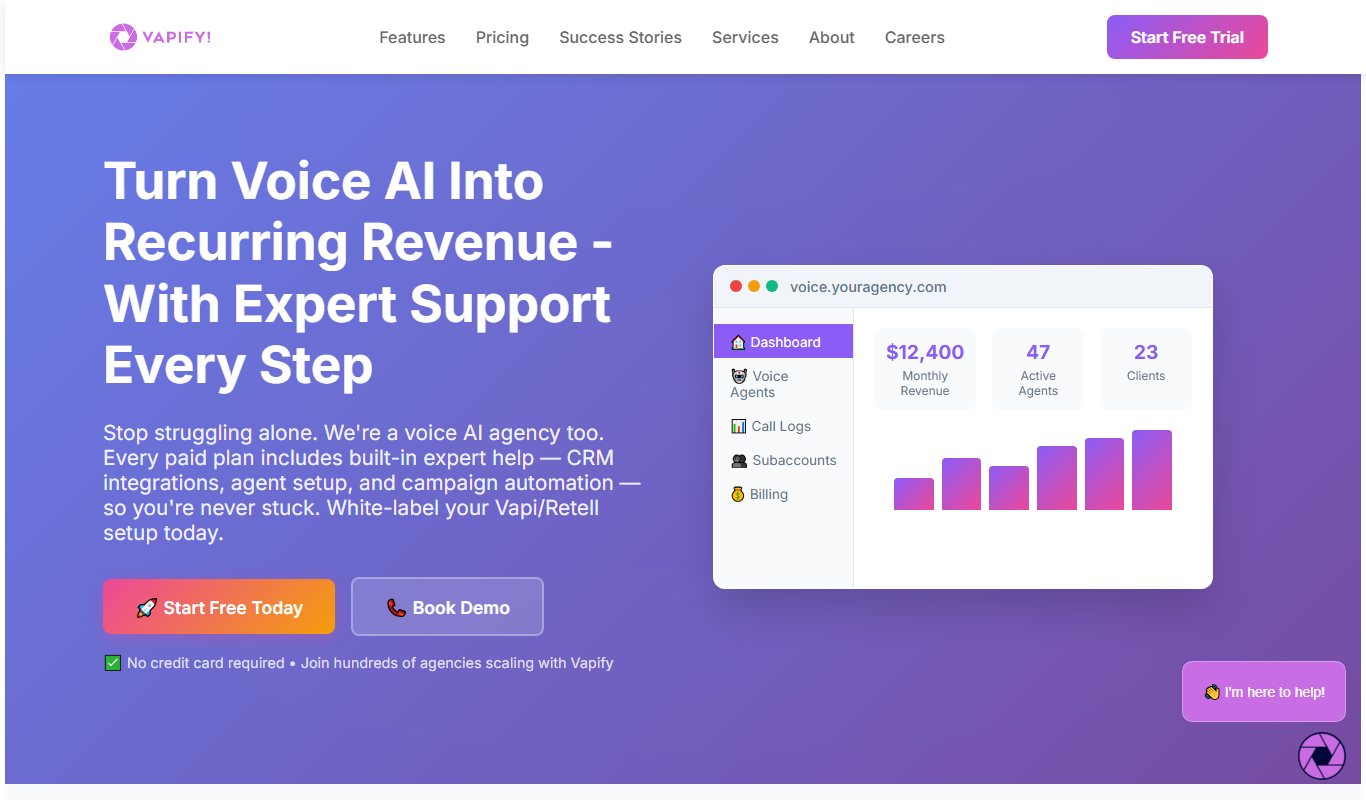
Vapify
Vapify is a digital marketing agency providing customized SEO, PPC, social media, branding, and website design services to help businesses increase their online visibility and revenue.
Freemium
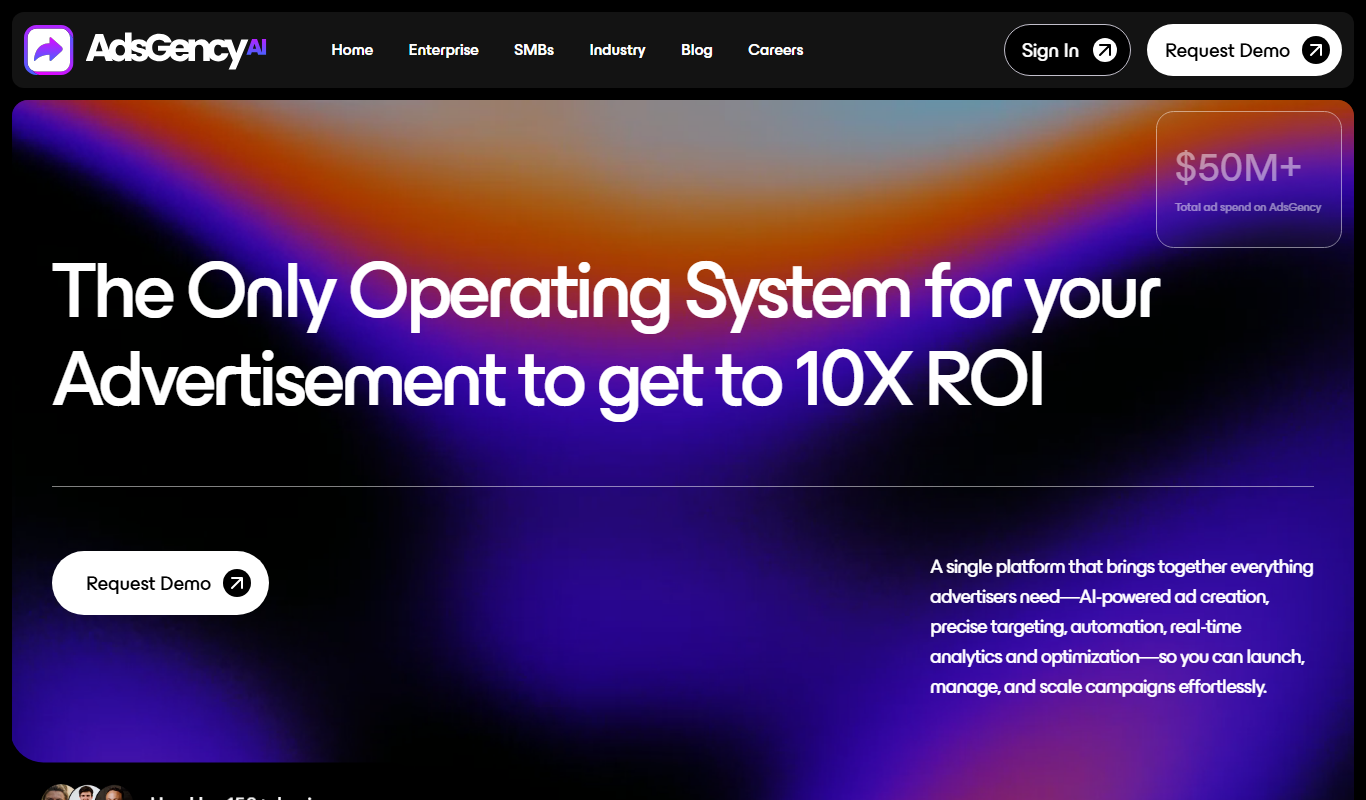
AdsGency AI MVP
AdsGency AI MVP is an AI-driven platform that helps marketers generate and manage ad campaigns by creating tailored ad copy and automating campaign setup across major platforms.
Free
Adstronaut
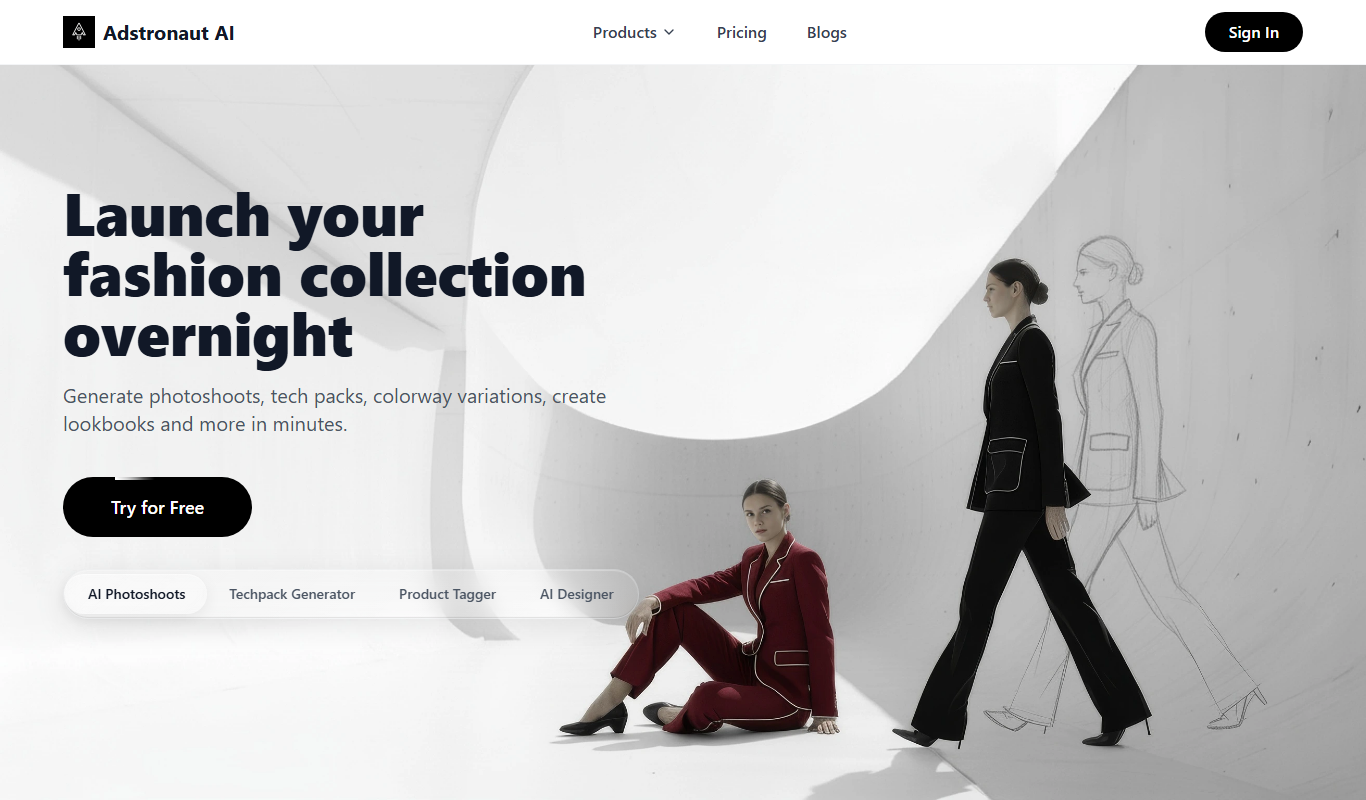
Adstronaut is an ad spy tool that helps marketers research and analyze competitor ads on Facebook and Instagram to improve their own campaigns.
Free
Ad Mocker
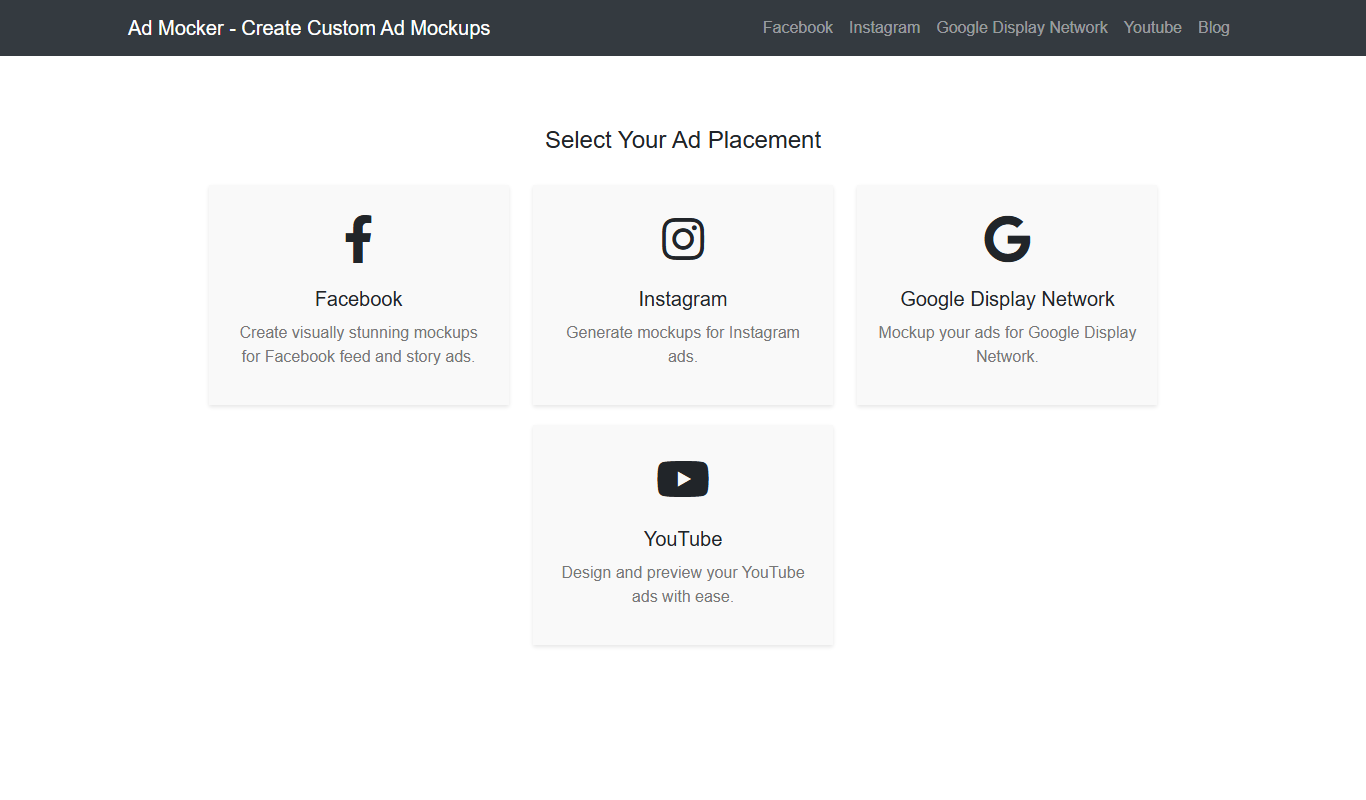
Ad Mocker is a free web-based tool that helps marketers and designers create realistic ad mockups quickly without needing advanced design software.