

Crayo: AI clipping, voiceovers and captions for short-form video
Crayo is an AI video editor for short-form video with auto clipping, AI voiceovers, captions and story videos that generate shorts in seconds.
- Best for
- Clippers
- Key capability
- Auto clipping
Save Crayo AI, follow its updates and vote on it — everything stays in your account.
Sign in or create a free account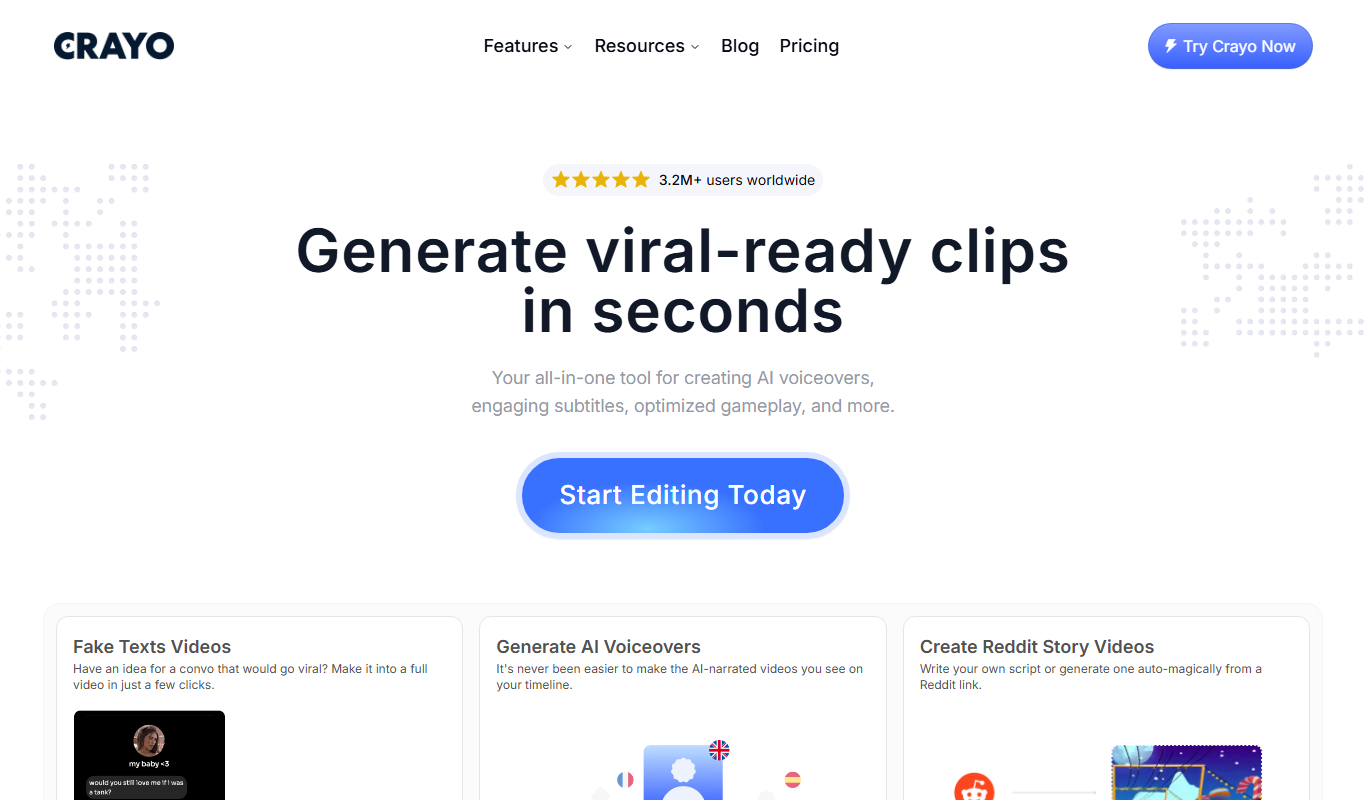

What is Crayo AI?
Crayo is an AI video editor for short-form video. Creators upload a file or paste a YouTube or TikTok link, pick a subtitle style, and Crayo generates a clip in seconds with auto clipping, AI voiceovers and captions. It also makes story videos, and a web-based editor gives full control over the result.
Key features of Crayo AI
Auto clipping, Reddit story videos, fake text videos, AI voiceovers, engaging subtitles, AI images, voice changer, face swap, speech enhancer and a developer API.
Auto clipping
Turn an uploaded file or a YouTube or TikTok link into short clips automatically.
AI voiceovers
Generate AI voiceovers for short-form videos.
Viral subtitle styles
Choose from 15+ viral subtitle styles.
Story videos
Generate Reddit story videos and fake text videos.
Web-based editor
Full control over the result in the web editor.
Pros and cons of Crayo AI
Pros
- Every plan includes all Crayo tools
- You fully own the rights to videos you create
- Supports most languages
- Cancel anytime from settings
Cons
- No refunds
- Subscription credits reset each billing cycle and don't roll over
- Each video generated by AI uses one workflow credit
Key use cases for Crayo AI
Clippers
Clip long videos from creators into short-form content.
Faceless channels
Produce Reddit story videos and fake text videos for faceless channels.
Podcast clips
Cut podcasts into short clips with captions.
Streamer clips
Turn stream footage into shorts.
Agencies
Agencies producing short-form video at volume.
How Crayo AI works
- 1
Make an account
Sign up to start creating.
- 2
Upload your video
Use any file, or a YouTube or TikTok link.
- 3
Select a subtitle style
Choose from 15+ viral styles.
- 4
Generate the video
Crayo generates the video in seconds.
- 5
Refine in the editor
Adjust the result with full control in the web editor.
Who is using Crayo AI
Crayo AI pricing
Hobby
$13/month, billed yearly at $160
250 workflow credits per month, 2 hours of export, 30 voiceover minutes, 100 AI images, 25GB of storage and 1 tracked social account.
Clipper
$27/month, billed yearly at $327
1,000 workflow credits per month, 10 hours of export, 120 voiceover minutes, 300 AI images, 100GB of storage and 3 tracked social accounts.
Pro
$55/month, billed yearly at $664
3,000 workflow credits per month, 30 hours of export, 180 voiceover minutes, 500 AI images, 500GB of storage and 10 tracked social accounts.
Plans and prices are as published by the vendor and can change. Check the official site before you buy. Open the pricing page (opens in a new tab)
Frequently asked questions about Crayo AI
One video generated by Crayo’s AI, including AutoClip, Reddit videos and fake texts.
Yes. You fully own the rights to the videos you create with Crayo.
Yes. Crayo supports most languages; provide the text in the language you want.
Yes. You can cancel anytime via settings, and the plan stays active until the end of the billing cycle.
No. Crayo does not offer refunds.
No. Subscription credits reset at the start of each billing cycle; credits from one-time top-ups are separate.
Conclusion
Crayo is built for clippers, faceless channels, streamers and podcast clips. A creator uploads a file or pastes a YouTube or TikTok link, chooses from 15+ viral subtitle styles, and Crayo generates a short-form video in seconds with auto clipping, AI voiceovers and captions. It also produces Reddit story and fake text videos, which suits faceless channels, and the web editor keeps full control over the result.
Every plan includes all Crayo tools and differs only in how much you create. Each AI-generated video uses one workflow credit, and subscription credits reset each billing cycle without rolling over. Crayo does not offer refunds, though plans can be cancelled anytime, and creators fully own the rights to the videos they make.
Sources
Sign in to review this tool.
Sign In to ReviewNo reviews yet
Be the first to share how this tool worked for you.
Ask about pricing, limits, or how it compares — or answer someone else.
Sign In to AskNo questions yet
Have a question about using or paying for this tool? Be the first to ask.
Featured on TiorAI



More AI Video Creation Tools tools
Other tools in the same category, for when this one is not quite the fit.

A.V. Mapping
A.V. Mapping is an AI platform that analyzes your video or photo, recommends licensed music and sound effects from musicians, and handles the music license in one place.
DemoDazzle
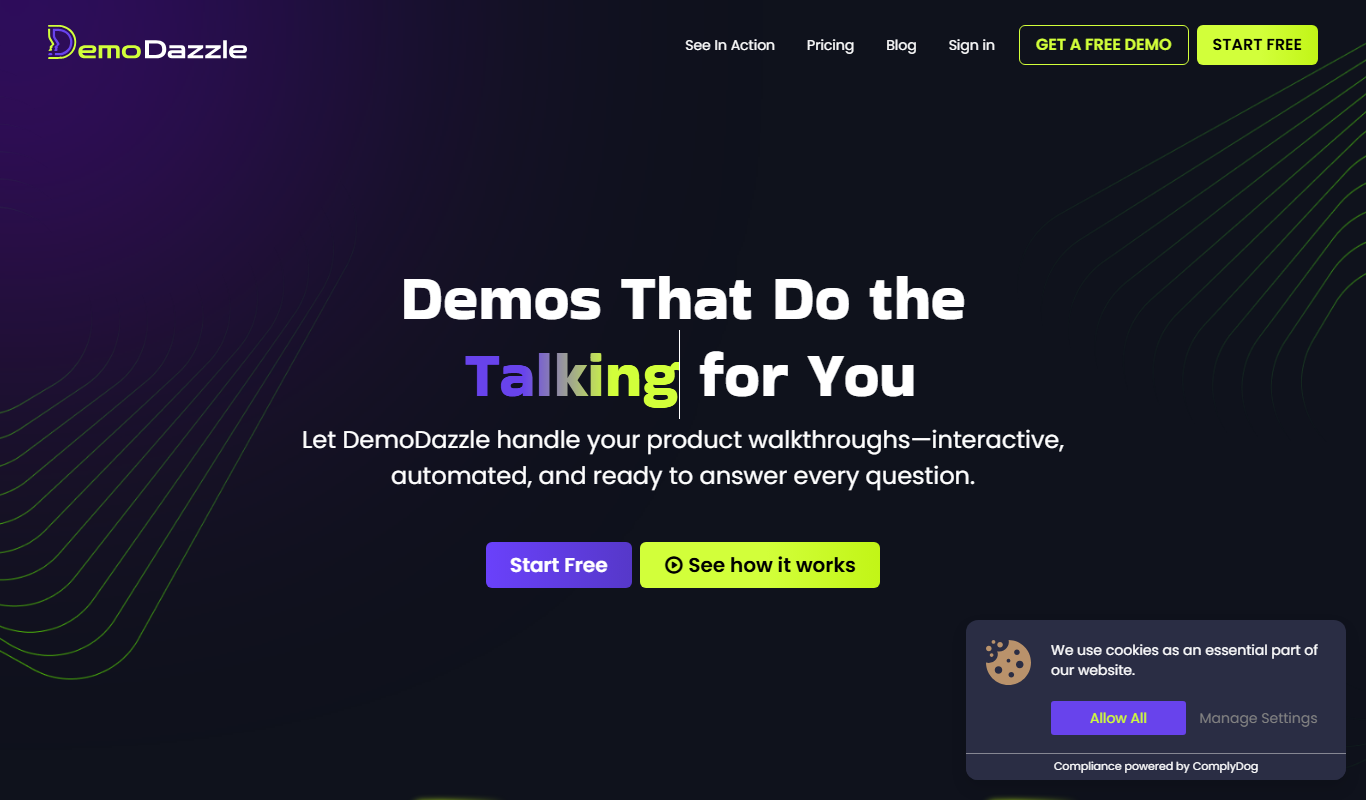
DemoDazzle is an AI-powered platform for interactive walkthroughs, featuring lifelike avatars and language models that guide users through product journeys.

Runecontent AI
RuneContent turns LinkedIn posts and articles into short educational videos for TikTok, YouTube Shorts and Instagram Reels, with no editing skills required.
myBeat
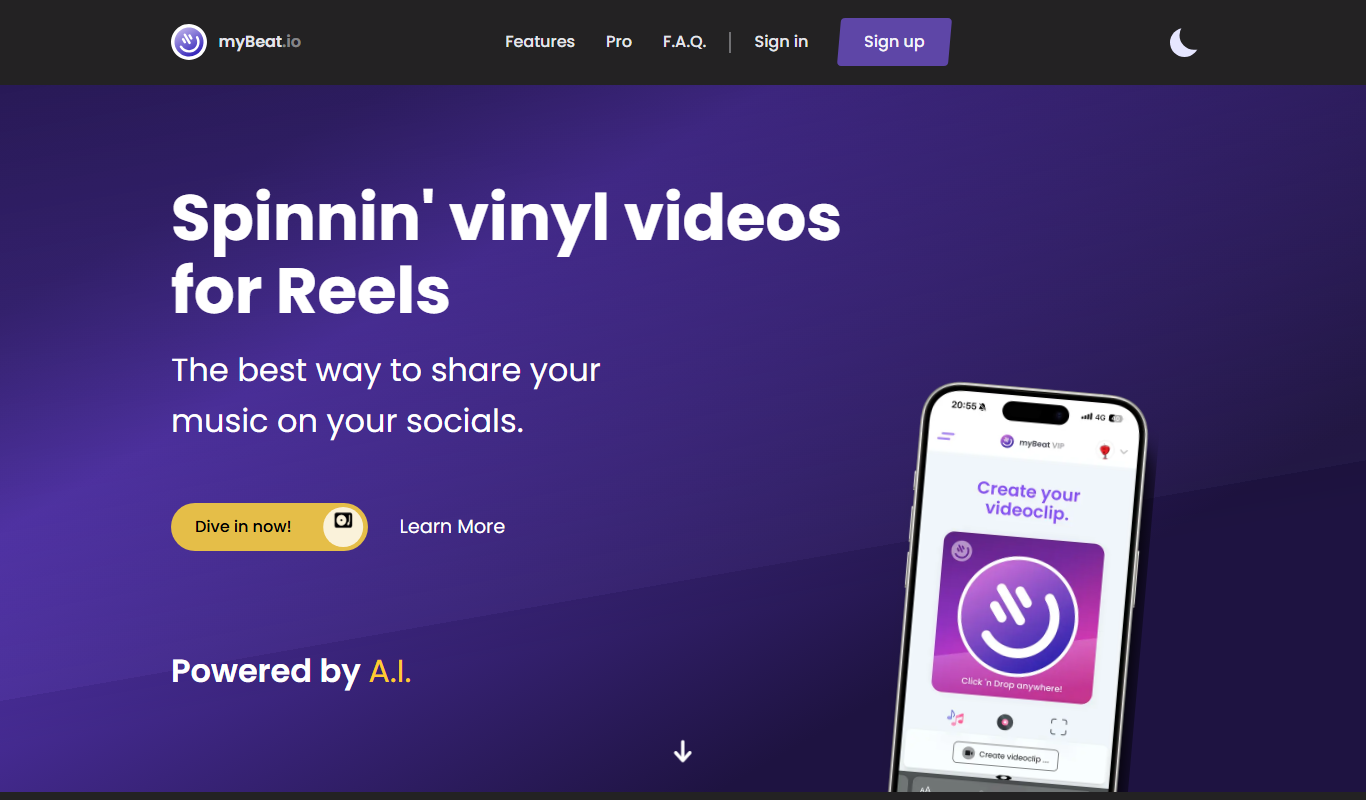
myBeat.io makes the visual for a finished track, sends it to labels and artists through one Dropz link and adds a Spotlight artist profile; free to start.
MyKaraoke Video
MyKaraoke Video turns any song into a karaoke or lyric video: upload the track, paste the lyrics, and AI removes the vocals and syncs every word for a 1080p MP4 export.

Plump
Plump is an AI-powered referral network that connects job seekers with employees at tech companies they want to work at.

HyperClapper 2.0
HyperClapper is a LinkedIn engagement tool that brings real likes and comments from 5,000+ professionals to your post's first hour.

IACrea
IACrea is AI marketing for real estate agents: virtual staging, real estate photo editing, listing videos and 2D floor plans, all from a single photo.