

Craftman AI Support Inbox for Founders
Craftman is an AI support inbox for startup founders that manages chat and email in one feed, with AI that drafts replies for you.
- Best for
- Founder-led customer support
- Key capability
- Unified inbox
Save Craftman, follow its updates and vote on it — everything stays in your account.
Sign in or create a free account
What is Craftman?
Craftman is an AI support inbox for founders, positioned as a lightweight Intercom alternative for startups. It manages chat and email in one feed and drafts replies from your knowledge base, which you review, edit and send.
Key features of Craftman
Craftman offers a unified inbox for chat and email, AI drafts of replies from your knowledge base, a website chat widget, an optional AI chatbot, real-time analytics and replies sent from your own domain.
Unified inbox
Chat and email conversations in one place, with no switching between tabs.
AI-drafted replies
The AI reads your docs, FAQs and previous conversations and drafts a response that you review, edit and send.
Train on your content
Upload PDFs, add website URLs or paste text for the AI to learn from.
Real-time analytics
Track response times, satisfaction rates and team performance at a glance.
Pros and cons of Craftman
Pros
- Human-approved AI drafts instead of auto-replies
- Chat and email in one unified inbox
- Free plan and a 7-day free trial on any plan
Cons
- Focuses on inbox and AI drafts; no product tours, series or enterprise reporting
- The free plan includes only 20 AI replies per month
Key use cases for Craftman
Founder-led customer support
Handle chat and email support in one feed, with AI that drafts replies.
Turning visitors into leads
Engage every website visitor with AI-powered support.
Answering common questions on autopilot
Configure an AI chatbot to answer common questions from your knowledge base 24/7.
Replacing Intercom
Focus on inbox and AI drafts instead of product tours, series or enterprise reporting.
How Craftman works
- 1
Connect
Add the chat widget to your site and forward your support emails.
- 2
AI drafts
The AI reads your docs and drafts replies automatically.
- 3
Review and edit
You always review a draft before sending and can edit it; the AI learns from your edits.
- 4
Send
Send the reply; it goes out from your own domain.
Who is using Craftman
Craftman pricing
Free
$0 forever
1 chat widget, email and chat unified, 20 AI replies per month.
Pioneer
$29 per month
For solo founders: 1 chat widget, email and chat unified, 1,000 AI replies per month, AI draft suggestions.
Builder
$49 per month
Everything in Pioneer plus Feedback Boards.
Pro
$79 per month
10 widgets, 10,000 AI replies per month, advanced AI drafts, Feedback Boards and priority support.
Legend
$149 per month
Unlimited widgets, 20,000 AI replies per month, custom AI training, Feedback Boards, API access and dedicated support.
Plans and prices are as published by the vendor and can change. Check the official site before you buy. Open the pricing page (opens in a new tab)
Frequently asked questions about Craftman
When a customer sends a message, the AI reads your knowledge base and drafts a response; you see it in your inbox, edit it if needed and click Send.
Yes. Forward your support address to your Craftman inbox and replies are sent from your domain.
Craftman focuses on the inbox and AI drafts rather than product tours, series or enterprise reporting, at a lower price.
Yes. Every plan has a 7-day free trial with no credit card required.
Yes. You can configure an AI chatbot to respond to common questions from your knowledge base 24/7.
Yes. Upload PDFs, add website URLs or paste text directly.
Conclusion
Chat and email support land in a single feed in Craftman, which is positioned as a lightweight Intercom alternative for startups. Setup takes two steps: add the chat widget to the website and forward the support email address, so replies still go out from the company’s own domain. For each incoming message the AI reads the knowledge base, including docs, FAQs and earlier conversations, and drafts a response. Drafts are never sent on their own: a person reviews, edits and clicks Send, and the AI learns from those edits.
Content for training can come from uploaded PDFs, website URLs or pasted text, and an optional chatbot can answer common questions around the clock. Solo founders and growing startups are the intended users, and the scope is kept narrow, without product tours or enterprise reporting. A free plan allows a small number of AI replies each month, and every paid tier comes with a 7-day free trial.
Sources
Sign in to review this tool.
Sign In to ReviewNo reviews yet
Be the first to share how this tool worked for you.
Ask about pricing, limits, or how it compares — or answer someone else.
Sign In to AskNo questions yet
Have a question about using or paying for this tool? Be the first to ask.
Featured on TiorAI



More AI Customer Service tools
Other tools in the same category, for when this one is not quite the fit.

Insight7
Insight7 analyzes customer calls, scores every conversation, coaches reps and deploys AI voice and chat agents for customer teams.

Brainfish
Brainfish provides AI support agents that answer customers from your docs and act in your systems, like refunding a charge or unlocking an account, so fewer tickets reach your team.
Anvenssa.com
Anvenssa builds AI agents that automate sales, support and operations, from lead qualification to voice calling and customer support.

Neweb.ai
Neweb.ai is an online presence manager for Indian small businesses that bundles an AI-built website, a free domain, Google Business Profile setup, SEO and a newsletter in one subscription.

Chattysun
Chattysun is an AI chatbot platform that helps businesses automate customer interactions through customizable conversational agents deployed on websites and via API.

BotSailor
BotSailor is an AI-powered no-code chatbot platform that enables businesses to automate customer interactions across multiple channels including websites and messaging apps.

VoxNote
VoxNote is a phone call notetaker for iPhone that transcribes and summarizes your phone calls automatically and works with your existing phone number.
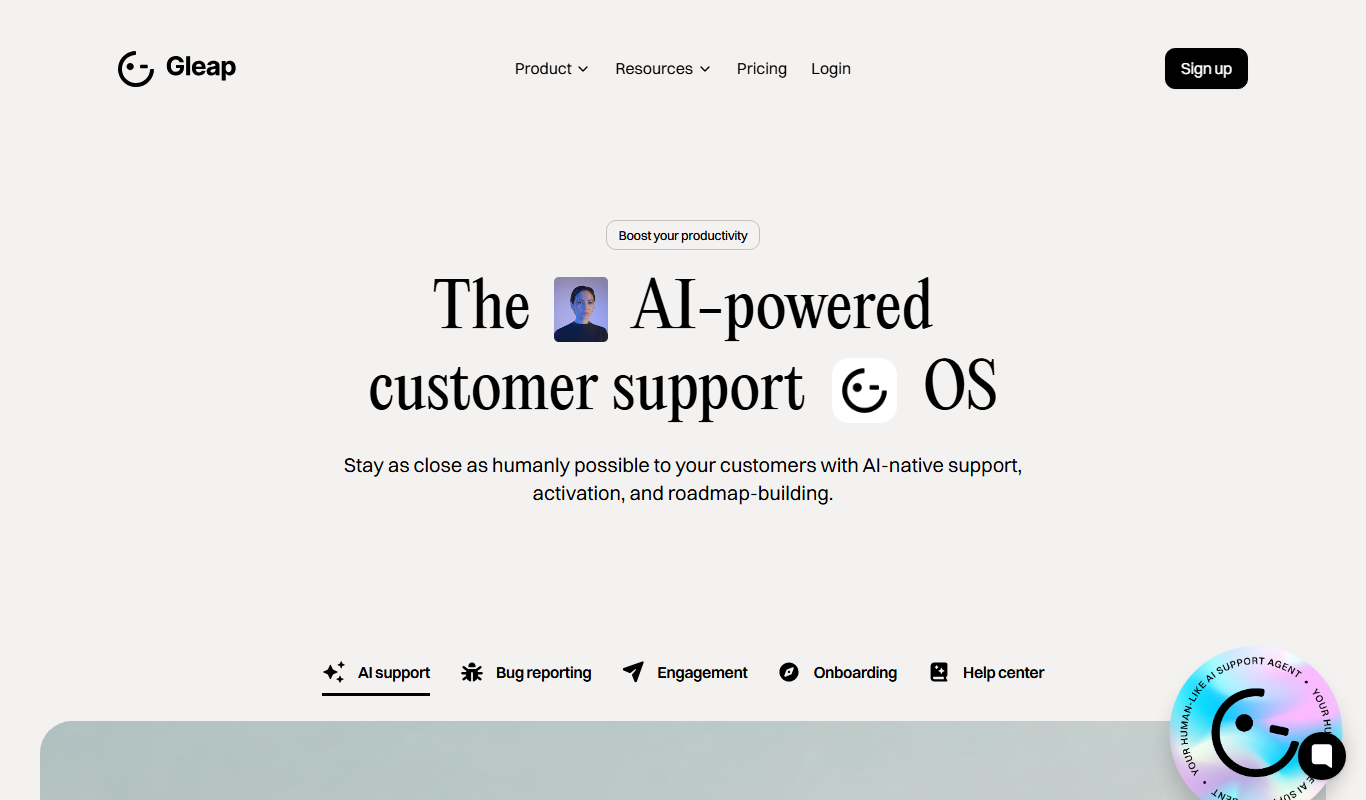
gleap.io
Gleap offers AI-native customer support, feedback and coding agents for software teams that turn reports into reviewed fixes and features and keep customers in the loop.