

From my experience with CookFast, I found it excels at simplifying meal planning and grocery shopping through its intuitive interface and automatic list generation. After spending time with the app, I can say it’s particularly well-suited for busy individuals and families who want to save time organizing meals without sacrificing dietary preferences. However, the free plan limits recipe access, and the lack of offline mode can be inconvenient during cooking. Overall, if you need a straightforward tool to streamline your cooking routine and meal prep, CookFast delivers solid, practical features.
CookFast Recipe App for Quick and Easy Meal Planning Online
CookFast is a meal planning and recipe management app that helps users quickly find recipes, plan meals, and generate grocery lists with dietary filters and cooking instructions.
- Best for
- Quick Meal Planning
- Key capability
- Recipe Database
Your actions
Save CookFast, follow its updates and vote on it — everything stays in your account.
Sign in or create a free account

What is CookFast?
CookFast is a digital recipe and meal planning application designed to help users quickly find, organize, and prepare meals. It simplifies meal planning by providing a user-friendly interface to browse recipes, customize meal plans, and generate grocery lists. The app supports dietary preferences and offers step-by-step cooking instructions to streamline the cooking process.
Key features of CookFast
CookFast offers recipe discovery, personalized meal planning, grocery list creation, dietary filtering, and detailed cooking instructions, all accessible via web and mobile platforms.
Recipe Database
Access a wide range of recipes with search and filter options.
Meal Planner
Organize meals by day or week with an intuitive calendar interface.
Grocery List Generator
Create shopping lists automatically from your planned recipes.
Dietary Filters
Filter recipes based on allergies, diets, and preferences.
Step-by-Step Cooking Instructions
Detailed guidance to help users cook recipes easily.
Pros and cons of CookFast
Pros
- User-friendly interface for quick meal planning
- Automatic grocery list generation saves time
- Supports dietary customization
- Available on multiple platforms
- Step-by-step cooking guidance
Cons
- Free plan has limited recipe access
- No offline mode for cooking instructions
Key use cases for CookFast
Quick Meal Planning
Users can quickly find and organize recipes to plan meals efficiently.
Recipe Organization
Store, categorize, and search personal and favorite recipes in one place.
Grocery List Generation
Automatically generate grocery lists based on selected recipes for easy shopping.
Dietary Customization
Filter recipes according to dietary preferences and restrictions.
Cooking Guidance
Step-by-step cooking instructions help users prepare meals with ease.
How CookFast works
- 1
Create an Account
Sign up on CookFast using email or social login to start saving recipes.
- 2
Browse or Import Recipes
Explore the recipe database or add your own recipes manually or via import.
- 3
Plan Your Meals
Select recipes to build daily or weekly meal plans tailored to your preferences.
- 4
Generate Grocery Lists
Automatically create grocery lists based on your meal plans for efficient shopping.
- 5
Cook with Guidance
Follow step-by-step instructions within the app to prepare your meals.
Who is using CookFast
Busy professionals
Home cooks
Families planning meals
Diet-conscious individuals
Meal prep enthusiasts
CookFast pricing
Free
$0/month
Basic access with limited recipes and meal planning features.
Premium
$5.99/month
Full access to all recipes, advanced meal planning, and grocery list features.
Plans and prices are as published by the vendor and can change. Check the official site before you buy. Open the pricing page (opens in a new tab)
Frequently asked questions about CookFast
No, creating an account is required to save recipes and access meal planning features.
Yes, you can filter recipes based on various dietary needs such as vegetarian, gluten-free, and more.
Yes, CookFast is available on both iOS and Android platforms.
Yes, users can manually add or import recipes into their personal collection.
Yes, it can help with that use case depending on how you configure it and what features are available. You’ll get the best results with clear inputs and a defined goal.
Some tools offer a free plan or trial with limited features. Availability can vary, so confirm on the official website.
Yes, it can help with that use case depending on how you configure it and what features are available. You’ll get the best results with clear inputs and a defined goal.
Sign in to review this tool.
Sign In to ReviewNo reviews yet
Be the first to share how this tool worked for you.
Ask about pricing, limits, or how it compares — or answer someone else.
Sign In to AskNo questions yet
Have a question about using or paying for this tool? Be the first to ask.
Featured on TiorAI



Alternative Tools
Explore similar AI tools that might fit your needs
One-time purchase
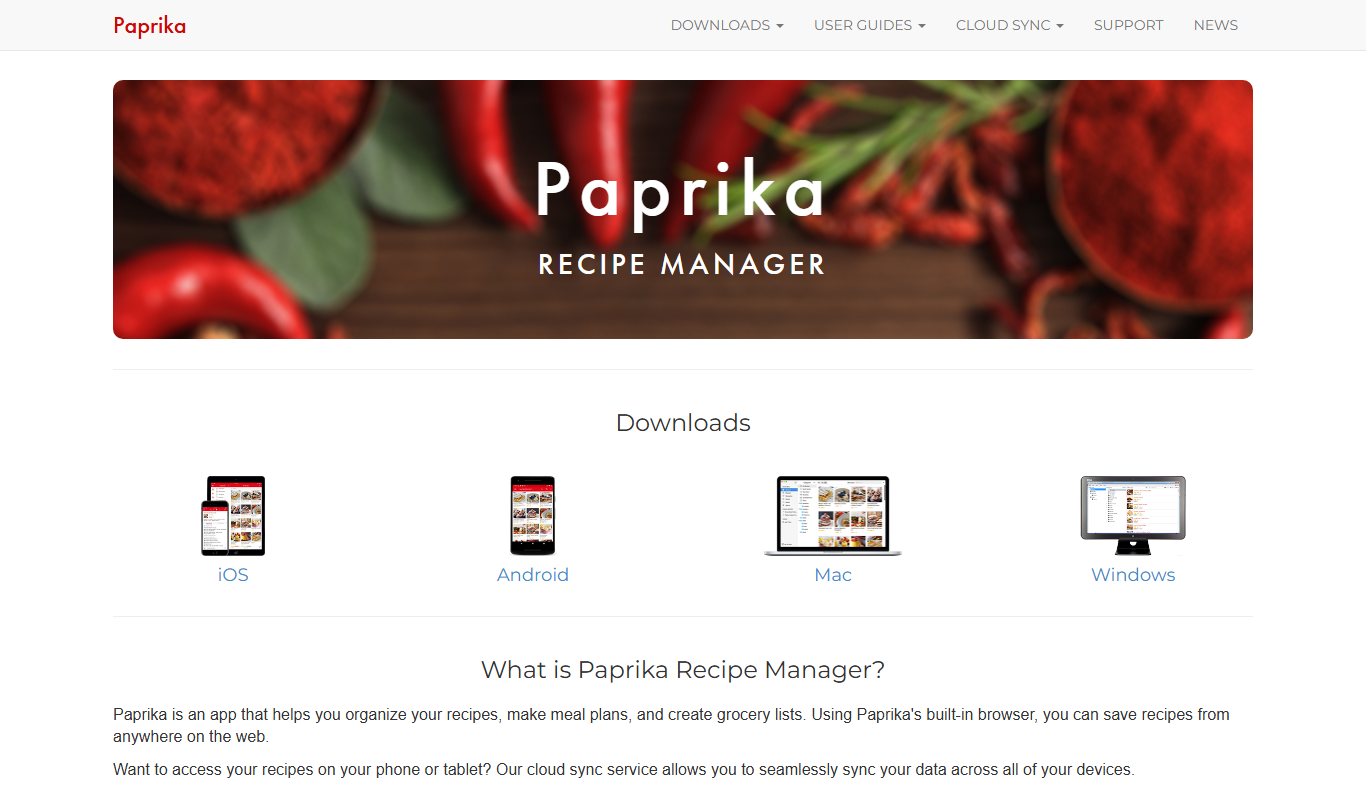
Paprika Recipe Manager
Paprika Recipe Manager is a multi-platform app that helps users collect, organize, and plan recipes and meals, featuring recipe importing, meal planning calendar, grocery list automation, and cross-device syncing.
More AI Food & Cooking Tools tools
Other tools in the same category, for when this one is not quite the fit.

Freemium
WeChef
WeChef is an AI-powered recipe generator that creates personalized cooking recipes and meal plans based on your dietary preferences and available ingredients.

Freemium
Sage Cooking
Sage Cooking is an AI-powered web tool that generates personalized recipes based on your dietary preferences, restrictions, and available ingredients to simplify meal planning and inspire cooking creativity.
Free
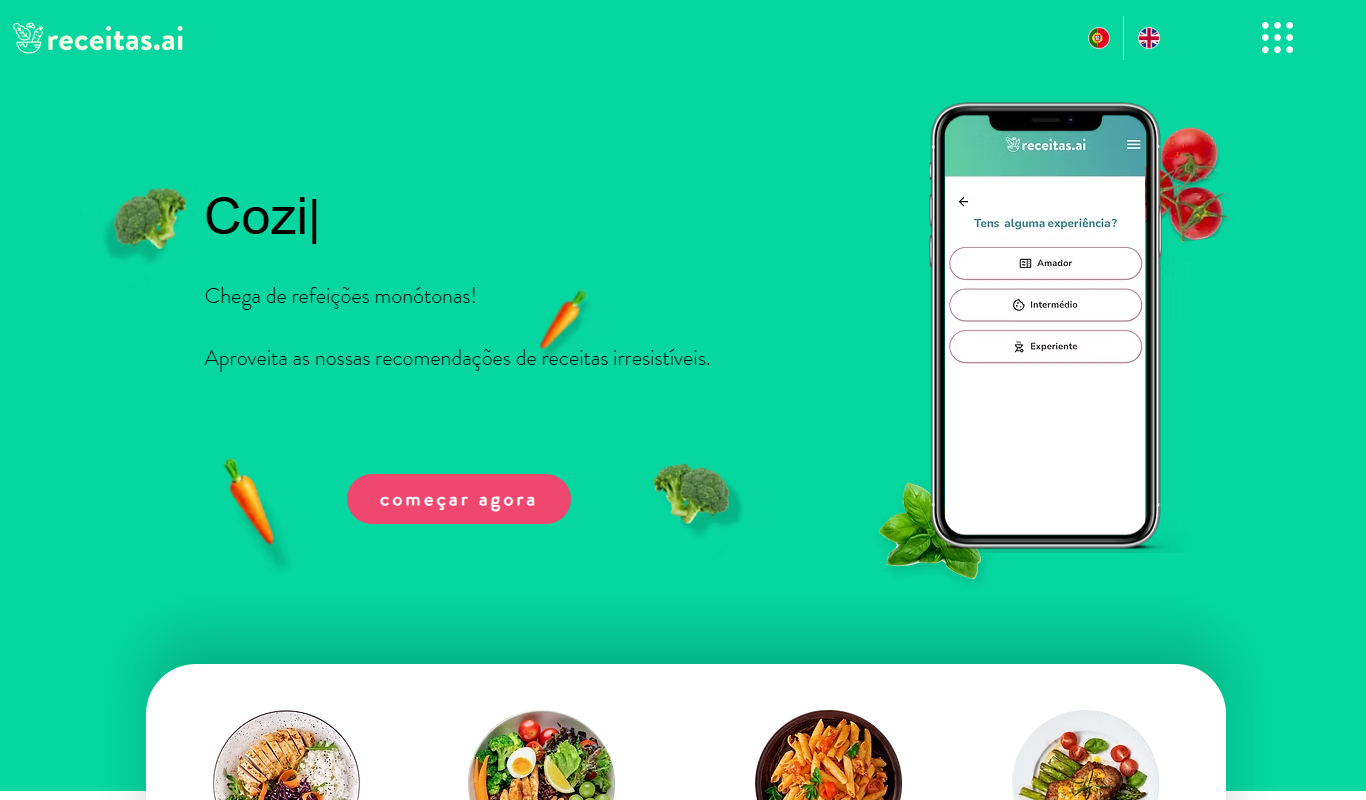
receitas.ai
receitas.ai is an AI-driven platform that generates personalized cooking recipes based on your ingredients, dietary needs, and cuisine preferences, primarily serving Portuguese-speaking users.

Free
ChefGPT
ChefGPT is an AI cooking assistant that generates personalized recipes and meal plans based on your ingredients and dietary preferences.

Free
DishGen
DishGen is an AI-driven platform that generates customized recipes and meal plans based on user-input ingredients and dietary preferences, helping home cooks create meals easily and reduce food waste.
Free
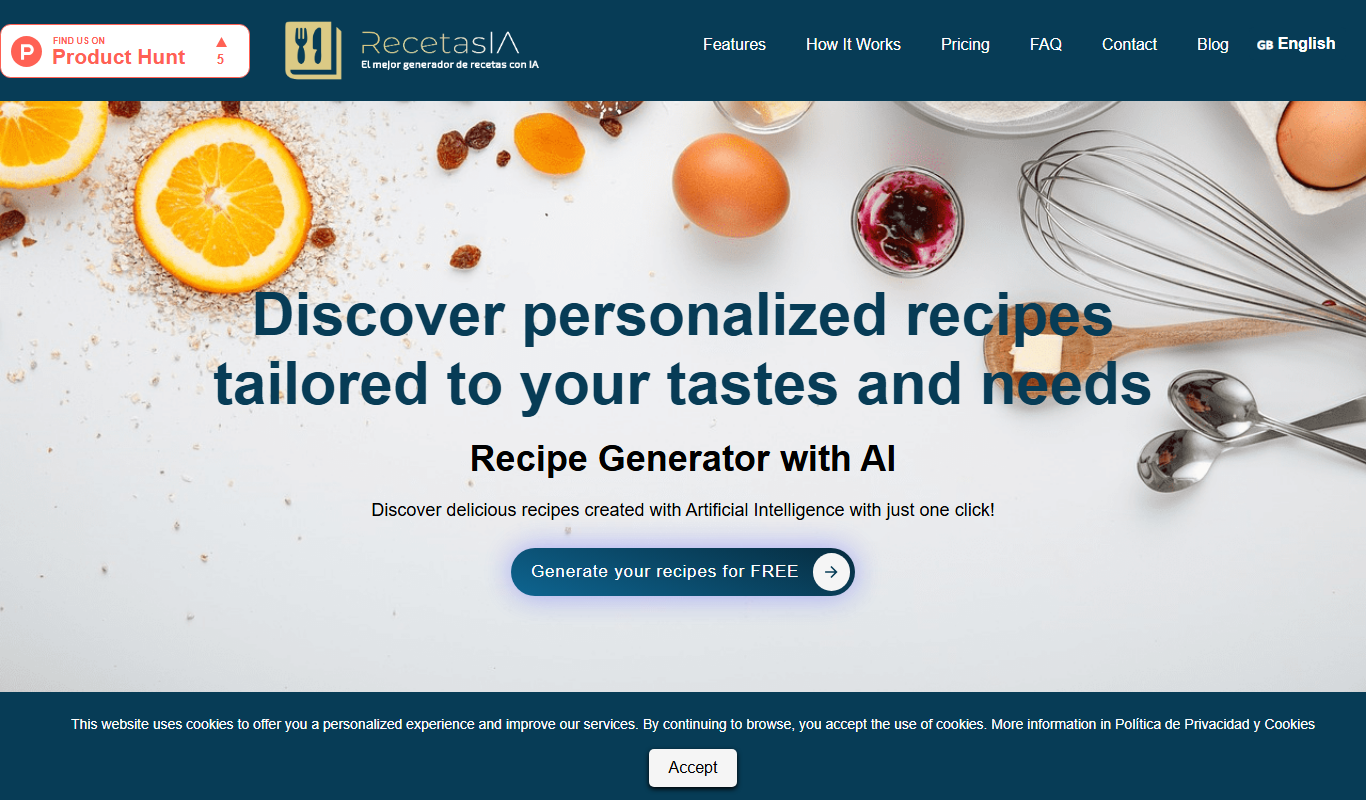
RecetasIA
RecetasIA is a free AI-based web tool that generates personalized recipes in Spanish by using your input ingredients and dietary preferences.

Free
Recipe Lens
Recipe Lens is a free mobile app that uses AI to recognize foods from photos and provides instant recipe suggestions to help users cook new dishes easily.

Free
kitchenGPT.io
kitchenGPT.io is a free web-based AI tool that generates personalized recipes based on your available ingredients and dietary preferences, helping you cook creative meals easily.