

From my experience with Recipe Lens, I found it excels at quickly identifying foods from photos and providing relevant recipe ideas, which is very helpful for spontaneous cooking inspiration. The app’s simplicity and free access make it ideal for home cooks who want to explore new dishes without spending time searching manually. However, the reliance on an internet connection and occasional recognition inaccuracies with complex dishes are trade-offs to consider. Overall, if you want a straightforward tool to turn food photos into cooking ideas, Recipe Lens delivers practical and user-friendly results.
Recipe Lens App for Instant Food Recognition and Recipe Suggestions
Recipe Lens is a free mobile app that uses AI to recognize foods from photos and provides instant recipe suggestions to help users cook new dishes easily.
- Best for
- Instant Food Identification
- Key capability
- AI-Powered Food Recognition
Your actions
Save Recipe Lens, follow its updates and vote on it — everything stays in your account.
Sign in or create a free account

What is Recipe Lens?
Recipe Lens is a mobile application that uses artificial intelligence to recognize food items from photos taken by users. It instantly identifies dishes or ingredients and suggests recipes related to the recognized food. This tool is designed to help home cooks and food enthusiasts discover new recipes and make meal preparation easier by leveraging AI-powered image recognition technology.
Key features of Recipe Lens
The main features of Recipe Lens include real-time food recognition through the camera, instant recipe suggestions based on identified foods, and an intuitive interface for exploring cooking ideas. It simplifies meal planning by connecting visual food identification with relevant culinary content.
AI-Powered Food Recognition
Accurately identifies a wide variety of foods and ingredients from photos.
Instant Recipe Recommendations
Provides relevant recipes immediately after food recognition.
User-Friendly Interface
Simple and intuitive design for quick food identification and recipe browsing.
Mobile Accessibility
Available on iOS and Android devices for on-the-go use.
Pros and cons of Recipe Lens
Pros
- Quick and accurate food identification
- Helpful recipe suggestions for cooking inspiration
- Easy to use with a clean interface
- Free to download and use
Cons
- Requires internet connection for full functionality
- Recognition accuracy may vary with complex or uncommon dishes
Key use cases for Recipe Lens
Instant Food Identification
Users can take photos of food items or dishes to instantly identify them using AI-powered image recognition.
Recipe Suggestions
Based on the identified food, the app provides relevant recipe ideas and cooking instructions.
Meal Planning
Users can explore recipes and plan meals based on available ingredients or food items they photograph.
Cooking Inspiration
The app helps users discover new dishes and cooking styles by recognizing diverse foods and offering related recipes.
How Recipe Lens works
- 1
Open the App
Launch Recipe Lens on your smartphone.
- 2
Take a Photo
Use the camera within the app to snap a picture of the food or ingredient.
- 3
AI Recognition
The app analyzes the image using AI to identify the food item.
- 4
Get Recipe Suggestions
Receive a list of recipes related to the recognized food for cooking inspiration.
Who is using Recipe Lens
Home cooks
Food enthusiasts
Busy individuals seeking quick meal ideas
People interested in discovering new recipes
Recipe Lens pricing
Free
$0
Full access to food recognition and recipe suggestions without cost.
Plans and prices are as published by the vendor and can change. Check the official site before you buy. Open the pricing page (opens in a new tab)
Frequently asked questions about Recipe Lens
Yes, Recipe Lens is available for free on both iOS and Android platforms.
The app can recognize a wide range of common dishes and ingredients using AI image recognition.
Yes, an internet connection is required for the app to process images and fetch recipe suggestions.
It depends on your specific needs and how you plan to use the tool. The official website and documentation are the best sources for the latest details.
It depends on your specific needs and how you plan to use the tool. The official website and documentation are the best sources for the latest details.
Yes, it can help with that use case depending on how you configure it and what features are available. You’ll get the best results with clear inputs and a defined goal.
Sign in to review this tool.
Sign In to ReviewNo reviews yet
Be the first to share how this tool worked for you.
Ask about pricing, limits, or how it compares — or answer someone else.
Sign In to AskNo questions yet
Have a question about using or paying for this tool? Be the first to ask.
Featured on TiorAI



Alternative Tools
Explore similar AI tools that might fit your needs
Free
Foodvisor
Foodvisor is an AI-driven nutrition app that analyzes meal photos to provide calorie counts, macronutrient breakdowns, and personalized diet recommendations to support health and fitness goals.
More AI Food & Cooking Tools tools
Other tools in the same category, for when this one is not quite the fit.

Freemium
WeChef
WeChef is an AI-powered recipe generator that creates personalized cooking recipes and meal plans based on your dietary preferences and available ingredients.

Freemium
Sage Cooking
Sage Cooking is an AI-powered web tool that generates personalized recipes based on your dietary preferences, restrictions, and available ingredients to simplify meal planning and inspire cooking creativity.
Free
receitas.ai
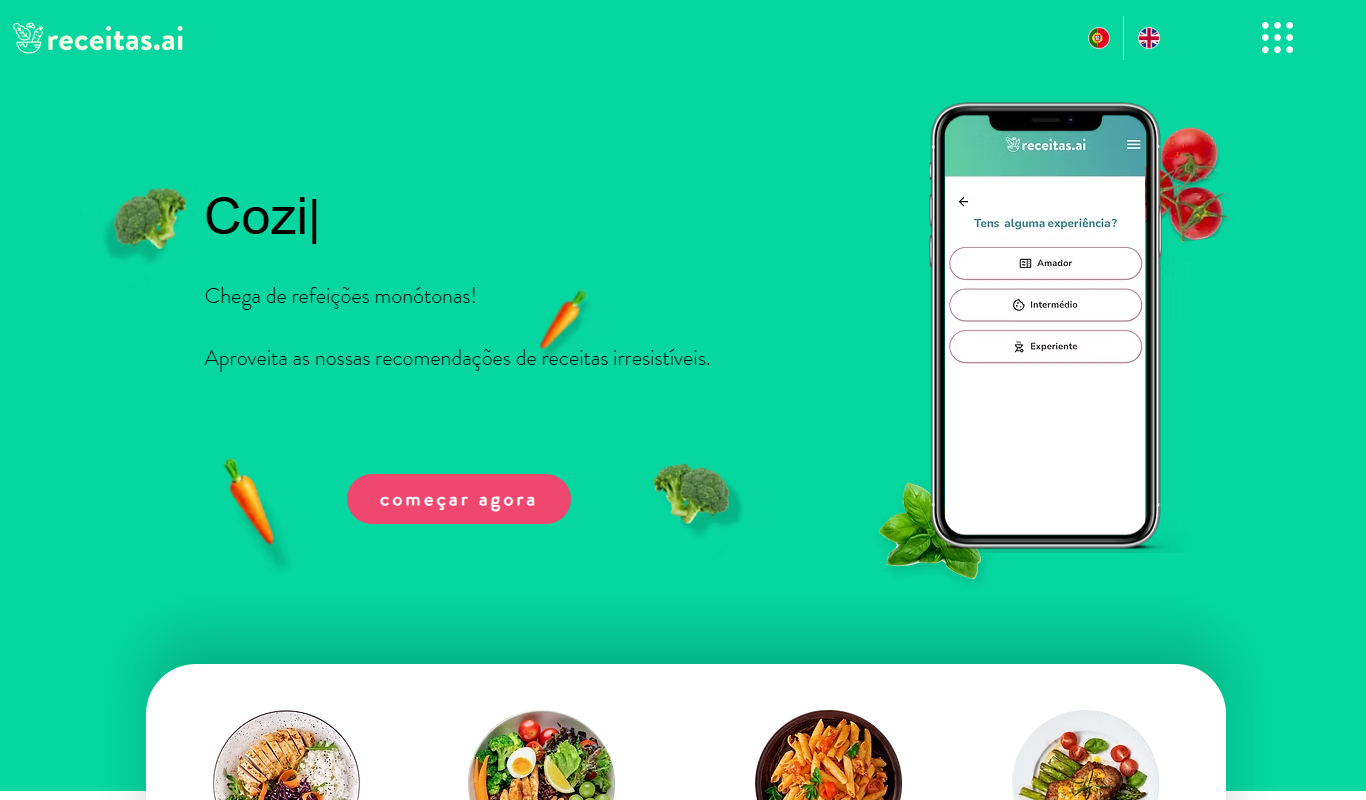
receitas.ai is an AI-driven platform that generates personalized cooking recipes based on your ingredients, dietary needs, and cuisine preferences, primarily serving Portuguese-speaking users.

Free
ChefGPT
ChefGPT is an AI cooking assistant that generates personalized recipes and meal plans based on your ingredients and dietary preferences.

Free
DishGen
DishGen is an AI-driven platform that generates customized recipes and meal plans based on user-input ingredients and dietary preferences, helping home cooks create meals easily and reduce food waste.
Free
RecetasIA
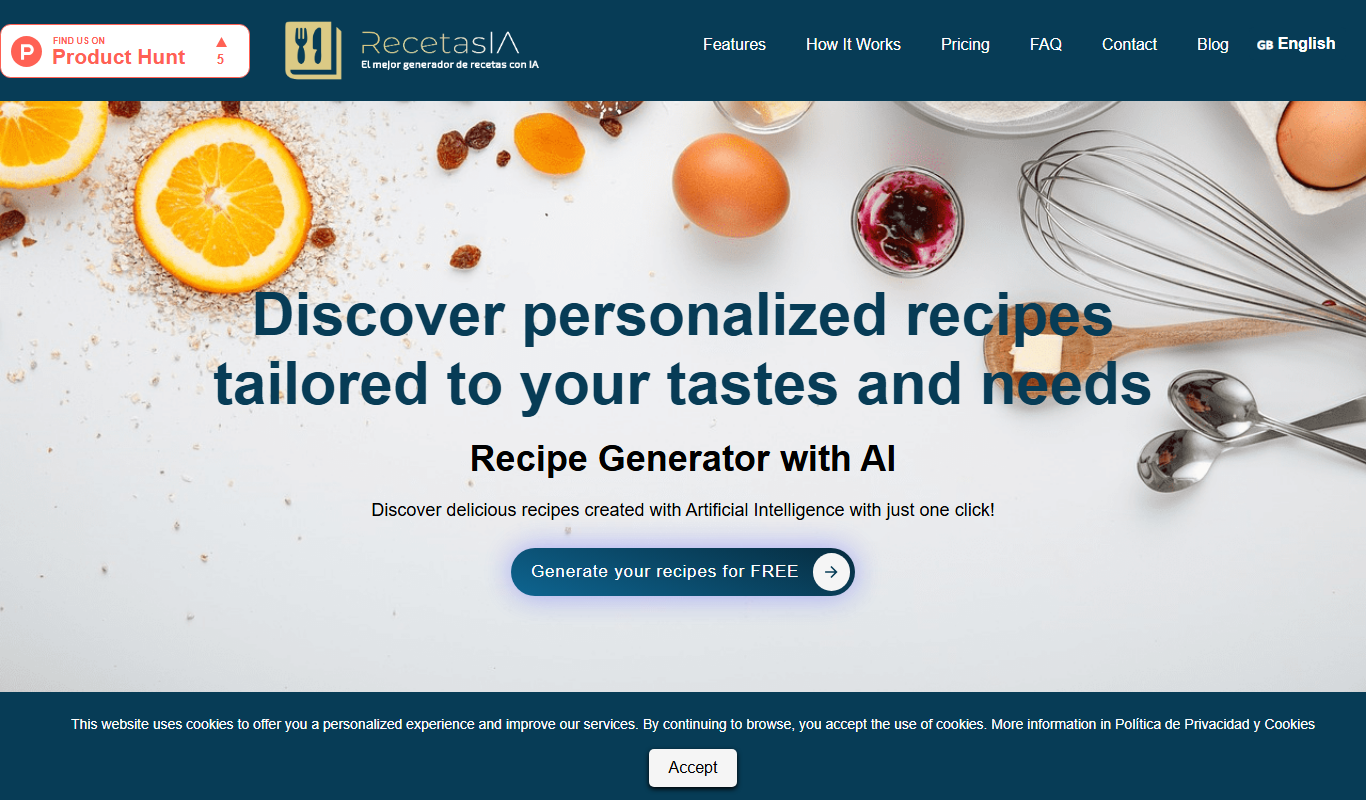
RecetasIA is a free AI-based web tool that generates personalized recipes in Spanish by using your input ingredients and dietary preferences.

Free
CookFast
CookFast is a meal planning and recipe management app that helps users quickly find recipes, plan meals, and generate grocery lists with dietary filters and cooking instructions.

Free
kitchenGPT.io
kitchenGPT.io is a free web-based AI tool that generates personalized recipes based on your available ingredients and dietary preferences, helping you cook creative meals easily.