

From my experience with CodeGeeX, I found it to be a valuable open-source AI tool for generating code snippets from natural language prompts. Its multi-language support and free accessibility via Hugging Face make it a practical choice for developers and students experimenting with AI-assisted coding. However, the quality of generated code can vary depending on the prompt clarity, and deploying it locally requires some technical know-how. Overall, if you want a no-cost, open-source code generation assistant for learning or prototyping, CodeGeeX delivers solid results.
CodeGeeX AI Code Generation Tool for Developers and Programmers
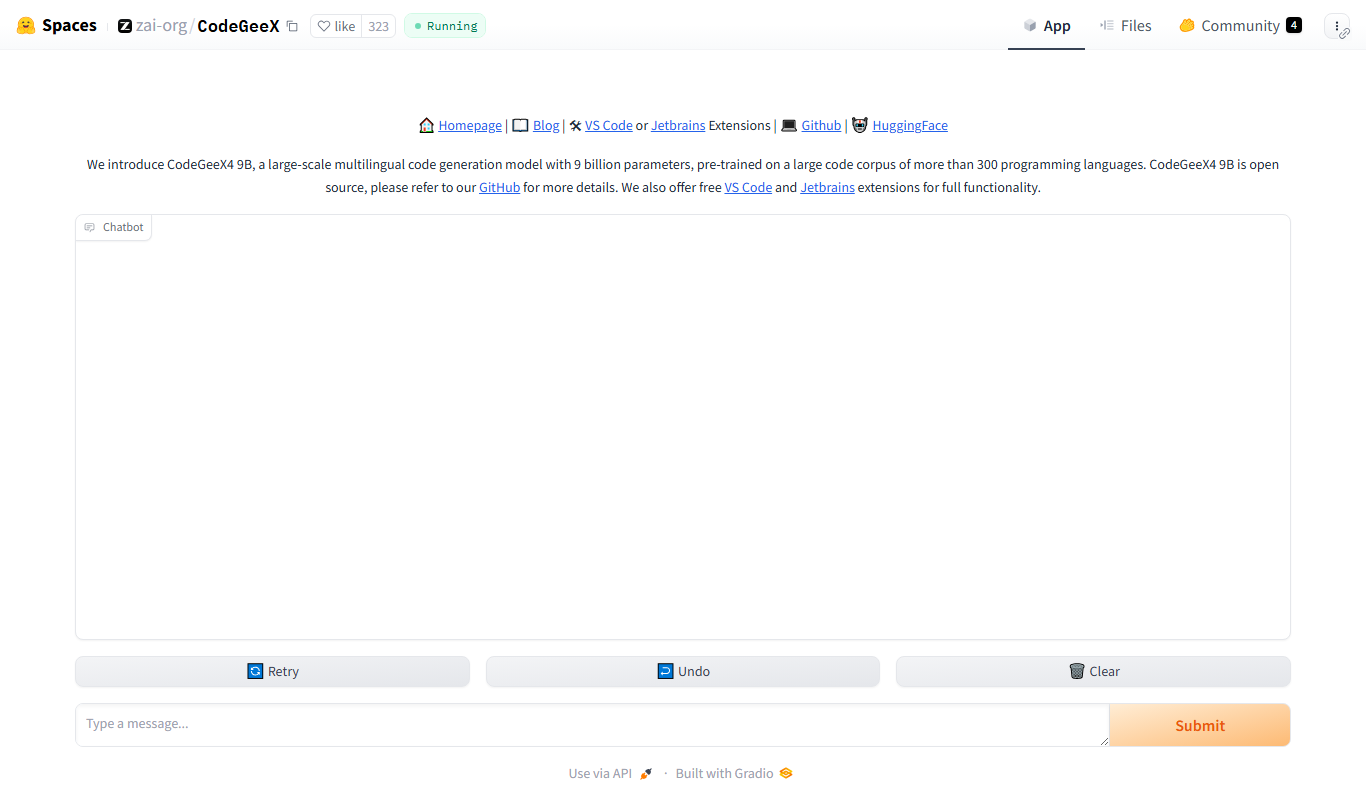
CodeGeeX is an open-source AI model that generates code snippets from natural language prompts, supporting multiple programming languages and accessible for free via Hugging Face Spaces.
- Best for
- Automated Code Generation
- Key capability
- Multi-language Support
Your actions
Do you recommend this tool?
What is CodeGeeX?
CodeGeeX is an open-source AI-powered code generation model developed by Tsinghua University. It leverages large-scale pre-trained transformer architectures to generate code snippets from natural language descriptions or partial code inputs. Hosted on Hugging Face Spaces, CodeGeeX aims to assist developers by automating repetitive coding tasks and enhancing productivity.
Key features of CodeGeeX
CodeGeeX offers features such as multi-language code generation, code completion, and natural language to code translation. It supports several popular programming languages and is accessible through a web interface for easy experimentation and integration.
Multi-language Support
Supports code generation for multiple programming languages including Python, Java, and C++.
Open Source Model
CodeGeeX is open source, allowing developers to study, modify, and deploy the model freely.
Natural Language to Code
Transforms natural language descriptions into executable code snippets.
Web-based Interface
Accessible through Hugging Face Spaces without installation or setup.
Pros and cons of CodeGeeX
Pros
- Open source and free to use
- Supports multiple programming languages
- Accessible via web without installation
- Good for learning and experimentation
Cons
- Limited to Hugging Face platform for web access
- May require technical knowledge to deploy locally
- Code quality depends on input prompt clarity
Key use cases for CodeGeeX
Automated Code Generation
Generate code snippets or entire functions automatically based on natural language prompts.
Code Completion
Assist developers by completing partial code inputs to speed up programming tasks.
Multilingual Programming Support
Support code generation in multiple programming languages including Python, Java, and C++.
Learning and Experimentation
Help students and researchers explore AI-assisted coding and understand code generation models.
How CodeGeeX works
- 1
Input Prompt
Users provide a natural language description or partial code snippet as input.
- 2
AI Processing
The CodeGeeX model processes the input using its trained transformer architecture to generate relevant code.
- 3
Output Code
The generated code snippet is displayed for users to review, edit, or integrate into their projects.
Who is using CodeGeeX
Software developers
Computer science students
AI researchers
Open source enthusiasts
Programming educators
CodeGeeX pricing
Free
$0
Full access to CodeGeeX model via Hugging Face Spaces with no cost.
Plans and prices are as published by the vendor and can change. Check the official site before you buy. Open the pricing page (opens in a new tab)
Frequently asked questions about CodeGeeX
Yes, CodeGeeX is available for free through Hugging Face Spaces.
It supports multiple languages including Python, Java, and C++.
Yes, since CodeGeeX is open source, you can download and run it locally with the appropriate environment.
Accuracy varies depending on the complexity of the input prompt and language, but it generally produces syntactically correct and relevant code snippets.
This tool is designed to help users accomplish its core tasks more efficiently. It is typically used by individuals or teams looking to improve productivity and workflow.
Sign in to review this tool.
Sign In to ReviewNo reviews yet
Be the first to share how this tool worked for you.
Ask about pricing, limits, or how it compares — or answer someone else.
Sign In to AskNo questions yet
Have a question about using or paying for this tool? Be the first to ask.
Featured on TiorAI



More AI Developer & Coding Tools tools
Other tools in the same category, for when this one is not quite the fit.

Free
CraftUI
CraftUI Studio is a no-code UI design tool that lets you visually create responsive web and mobile app interfaces with drag-and-drop components and export clean code for development.

Free Trial
Inductor
Inductor AI is an AI-powered software development assistant that automates code generation, refactoring, and bug fixing to enhance developer productivity.

Free
Webo.AI
Webo.AI is an AI-powered no-code website builder that automates website design and content creation, enabling users to launch responsive websites quickly without coding skills.

Free
Bloks
Bloks is a no-code platform that allows users to build custom web applications with drag-and-drop tools, data integration, and workflow automation, enabling businesses to create tailored digital solutions without programming.

Free
Autodevs by Create
Autodevs by Create is an AI-driven platform that automates code generation and software development tasks, helping developers build applications faster with less manual coding.

Free
BuilderKit
BuilderKit is an AI-driven no-code website builder that enables users to quickly create professional and responsive websites without any coding skills.

Freemium
pineapplebuilder.com
Pineapple Builder is a WordPress plugin that enables users to build websites visually using drag-and-drop tools, with responsive design and WooCommerce integration.
Free Trial
Webscape
Webscape is an AI-powered no-code website builder that enables users to create fast, responsive websites easily without programming skills.