

Cockatoo AI Transcription for Audio and Video in 90+ Languages
Cockatoo is an AI transcription tool that turns audio and video into text in 90+ languages, with speaker labels, timestamps and exports.
- Best for
- Interview transcription
- Key capability
- AI transcription
Save Cockatoo, follow its updates and vote on it — everything stays in your account.
Sign in or create a free account

What is Cockatoo?
Cockatoo is an AI transcription tool that converts audio and video to text in 90+ languages. Transcripts come with speaker labels and timestamps and can be edited online and exported. Cockatoo also translates PDF, DOCX, PPTX, XLSX and TXT files and includes Canvas, an AI text editor.
Key features of Cockatoo
Cockatoo transcribes audio and video with timestamps and speaker labels, offers an online transcript editor, exports to DOCX, PDF, SRT or TXT, translates documents and stores files with encryption.
AI transcription
Transcribe audio and video in 90+ languages with speaker labels and timestamps.
Transcript editor and export
Edit transcripts online before exporting them in the preferred format.
Document translation
Translate PDF, DOCX, PPTX, XLSX and TXT documents.
Encrypted cloud storage
Files are encrypted both in transit and at rest.
Pros and cons of Cockatoo
Pros
- Speaker labels and timestamps in every transcript
- Exports to DOCX, PDF, SRT and TXT
- Free plan with no credit card required
- Unlimited transcription on paid plans
Cons
- The free plan has limited access to transcription and translation
- Team plans require a minimum of 3 people
Key use cases for Cockatoo
Interview transcription
Turn recorded interviews and conversations into text with speaker labels.
Video subtitles
Transcribe video and export the result as SRT subtitles.
Multilingual transcription
Transcribe audio and video in 90+ languages.
Document translation
Translate PDF, DOCX, PPTX, XLSX and TXT files.
How Cockatoo works
- 1
Upload audio or video
Upload a file such as WAV, MP3, M4A, MP4 or MOV; no setup required.
- 2
Get the transcript
One hour of audio is transcribed in about 2 to 3 minutes.
- 3
Edit and export
Edit the transcript online and export it to DOCX, PDF, SRT or TXT.
Who is using Cockatoo
Cockatoo pricing
Free
$0.00
Limited access to AI transcription and translation, Canvas and 2 GB of encrypted storage; no credit card required.
Pro
$11.99/month billed annually ($143.88 USD per year)
Unlimited transcription and file translations, exports including subtitles, unlimited Canvas and 2 TB of encrypted storage.
Team
$20.97/month billed annually for 3 people ($6.99 per person per month)
Everything in Pro with 2 TB per person, shared transcripts, centralized billing and priority support; minimum 3 people.
Plans and prices are as published by the vendor and can change. Check the official site before you buy. Open the pricing page (opens in a new tab)
Frequently asked questions about Cockatoo
Audio and video formats including WAV, MP3, M4A, MP4 and MOV.
Yes. An online editor lets you edit transcripts before exporting them.
Transcribing audio and video to text in 90+ languages, with speaker labels and timestamps.
Files are encrypted both in transit and at rest.
Its headquarters is in Scottsdale, Arizona, USA.
Conclusion
An audio or video file goes in, whether a WAV, MP3, MP4 or MOV recording, and Cockatoo returns a transcript with speaker labels and timestamps in 90+ languages. An hour of audio takes about 2 to 3 minutes. The transcript can be corrected in an online editor and exported to DOCX, PDF, SRT or TXT, which also covers subtitle files.
The service also translates PDF, DOCX, PPTX, XLSX and TXT documents and keeps files encrypted both in transit and at rest. Plans target individuals and creators on Pro and groups of at least three people on Team. A free plan needs no credit card but gives only limited access to transcription and translation.
Sources
Sign in to review this tool.
Sign In to ReviewNo reviews yet
Be the first to share how this tool worked for you.
Ask about pricing, limits, or how it compares — or answer someone else.
Sign In to AskNo questions yet
Have a question about using or paying for this tool? Be the first to ask.
Featured on TiorAI



Alternative Tools
Explore similar AI tools that might fit your needs

Freshdesk
Freshdesk is a cloud-based customer support platform by Freshworks that offers AI-powered helpdesk automation, multichannel ticketing, and self-service portals to improve customer service efficiency.
More AI Transcription tools
Other tools in the same category, for when this one is not quite the fit.

ambient.us
ambient.us is an AI meeting assistant that provides real-time transcription, action item detection, and collaboration features to help teams capture and organize meeting content efficiently.
ecango.com
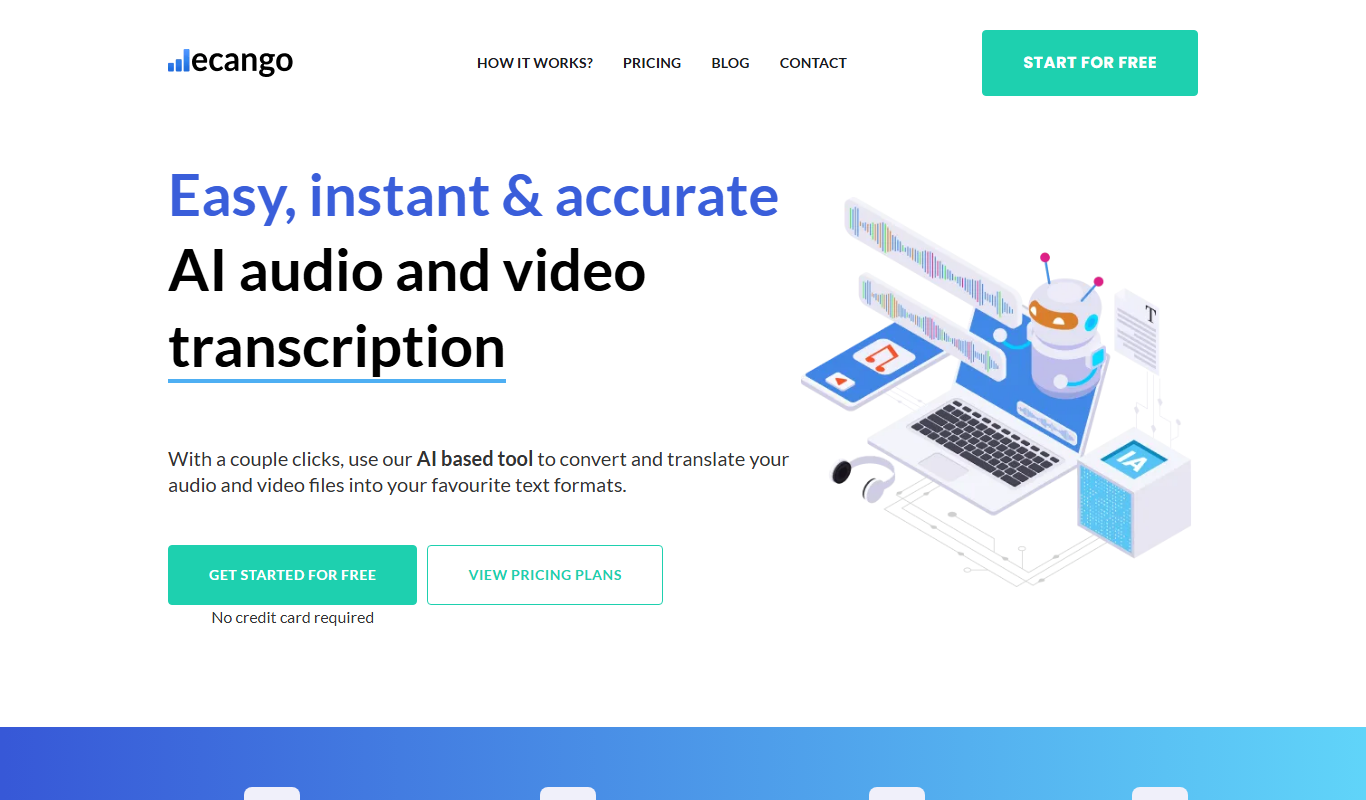
Ecango is an AI tool that converts audio and video files into text transcripts and translates them into 90+ languages.
Mictoo
Mictoo is a free AI audio and video transcription tool: no signup, MP3, MP4, WAV and M4A support, and 50+ languages.

VOMO AI
VOMO turns meetings, interviews, voice memos and YouTube videos into accurate transcripts, AI summaries, action items and shareable meeting notes in 90+ languages.

Voicenotes.com
Voicenotes records meetings directly from your device and turns them into accurate transcripts, clear summaries, action items and searchable meeting reports.

Notta
Notta is an AI note taker that transcribes, summarizes, and generates action plans from your meetings, interviews, or recordings.

Patee.io – Thai Transcription Service
Patee.io is an AI-powered online platform specializing in accurate Thai language transcription from audio and video files.

WhisperTranscribe
WhisperTranscribe is an AI-based web tool that converts audio and video files into accurate text transcripts quickly and easily, supporting multiple formats and offering editable transcripts.