

From my experience with Notta, I found it excels at delivering accurate real-time transcription with a clean, user-friendly interface. Its multi-language support and speaker identification features make it particularly well-suited for professionals who need reliable meeting or interview transcripts. However, the free plan limits transcription minutes, which may require upgrading for heavy users. Background noise and strong accents can occasionally affect accuracy, so some manual editing might be necessary. Overall, if you need a versatile and accessible AI transcription tool for various audio sources, Notta provides solid performance and useful collaboration features.
Notta AI Transcription Software for Accurate Speech-to-Text Conversion
Notta is an AI-powered transcription software that converts speech to text in real-time and from audio files, supporting multiple languages and providing editing and export features.
- Best for
- Meeting Transcriptions
- Key capability
- Real-Time Transcription
Your actions
Save Notta, follow its updates and vote on it — everything stays in your account.
Sign in or create a free account
What is Notta?
Notta is an AI-powered transcription software designed to convert speech into text with high accuracy. It supports real-time transcription and audio file uploads, enabling users to capture conversations, meetings, interviews, and lectures efficiently. The platform offers multi-language support and tools for editing, organizing, and sharing transcriptions, making it a versatile solution for professionals, students, and content creators.
Key features of Notta
Notta provides real-time speech-to-text transcription, multi-language recognition, audio file import, collaborative editing, and export options in various formats. It also includes features like speaker identification, timestamps, and cloud synchronization across devices.
Real-Time Transcription
Instantly converts spoken words into text during live conversations or meetings.
Multi-Language Support
Recognizes and transcribes speech in multiple languages including English, Chinese, and more.
Speaker Identification
Differentiates speakers in the transcript to improve clarity and context.
Cloud Sync and Multi-Device Access
Synchronizes transcripts across devices for seamless access and editing.
Export Options
Allows exporting transcripts in various formats suitable for different use cases.
Pros and cons of Notta
Pros
- Accurate real-time transcription
- Supports multiple languages
- Easy-to-use interface with editing tools
- Cross-device synchronization
- Flexible export options
Cons
- Free plan has limited transcription minutes
- Some advanced features require paid subscription
- Occasional errors with heavy accents or noisy backgrounds
Key use cases for Notta
Meeting Transcriptions
Automatically transcribe meetings and generate accurate notes for easy sharing and review.
Interview Transcriptions
Convert recorded interviews into text quickly to streamline content creation and analysis.
Lecture and Seminar Notes
Capture lectures or seminars in real-time with live transcription to enhance learning and retention.
Content Creation
Use transcriptions as a base for blog posts, articles, or video subtitles to speed up content production.
Multilingual Transcription
Support for multiple languages enables transcription for global teams and diverse audio sources.
How Notta works
- 1
Create an Account
Sign up on Notta’s website or mobile app to access transcription features.
- 2
Start Transcribing
Choose to transcribe live audio or upload pre-recorded files for automatic transcription.
- 3
Edit and Organize
Review the generated transcript, make corrections, add speaker labels, and organize notes.
- 4
Export and Share
Export transcripts in formats like TXT, DOCX, or SRT and share with collaborators or clients.
Who is using Notta
Business professionals
Journalists and interviewers
Students and educators
Content creators
Multilingual teams
Notta pricing
Free
$0/month
Limited transcription minutes per month with basic features.
Pro
$10/month
Increased transcription minutes, advanced features, and priority support.
Business
Custom pricing
Tailored solutions for teams with collaboration tools and dedicated support.
Plans and prices are as published by the vendor and can change. Check the official site before you buy. Open the pricing page (opens in a new tab)
Compare similar tools
How Notta lines up against the tools people weigh it against.
 Fireflies.ai
Notta
fireflies.ai vs Notta: Languages, API Access & Pricing Tiers
Frequently asked questions about Notta
Yes, Notta offers real-time transcription for live meetings and conversations.
Notta supports multiple languages including English, Chinese, Japanese, Korean, French, and Spanish.
Yes, you can edit, add speaker labels, and organize transcripts within the platform.
Yes, Notta provides apps for both iOS and Android devices.
It depends on your specific needs and how you plan to use the tool. The official website and documentation are the best sources for the latest details.
Yes, it can help with that use case depending on how you configure it and what features are available. You’ll get the best results with clear inputs and a defined goal.
Yes, it can help with that use case depending on how you configure it and what features are available. You’ll get the best results with clear inputs and a defined goal.
Yes, it can help with that use case depending on how you configure it and what features are available. You’ll get the best results with clear inputs and a defined goal.
Sign in to review this tool.
Sign In to ReviewNo reviews yet
Be the first to share how this tool worked for you.
Ask about pricing, limits, or how it compares — or answer someone else.
Sign In to AskNo questions yet
Have a question about using or paying for this tool? Be the first to ask.
Featured on TiorAI



More AI Productivity Tools tools
Other tools in the same category, for when this one is not quite the fit.

Free
PromptPoint
PromptPoint is a web platform that helps users create, manage, and optimize AI prompts to improve the quality and relevance of AI-generated content, with features for collaboration and analytics.

Free
The GPT Repo
The GPT Repo is a community directory of custom GPTs submitted by users.

Custom Pricing
AI Consulting for Finance Teams
GenFinance AI provides specialized AI consulting services designed to help finance teams improve financial analysis, forecasting, risk management, and automation through tailored AI solutions.
Free Trial
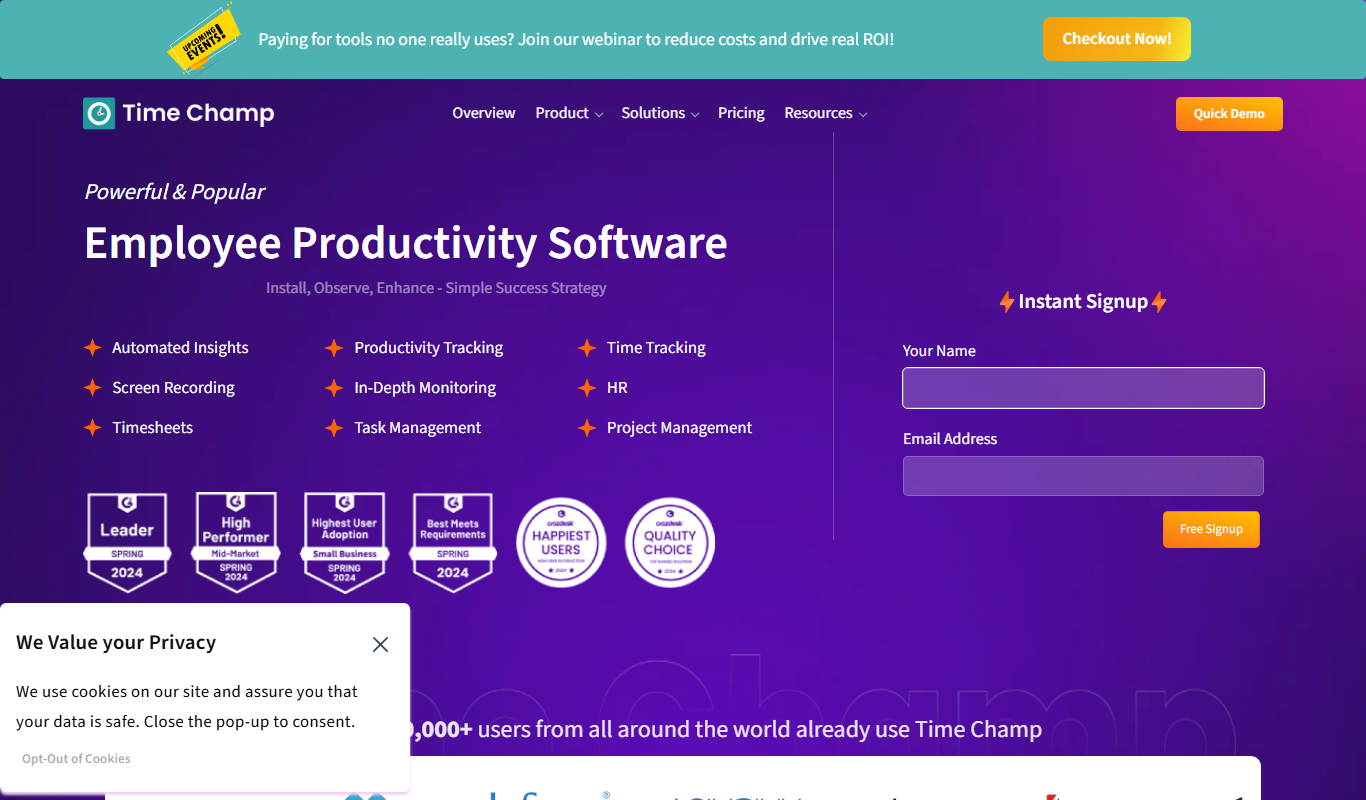
Time Champ
Time Champ is a multi-platform time tracking and employee monitoring software that helps businesses track work hours, manage projects, and analyze productivity with features like automatic tracking, screenshots, and timesheet automation.

Free
Powerpresent AI
Powerpresent AI is a web-based tool that uses artificial intelligence to automatically generate professional presentation slides from user input, offering customizable templates and easy editing.

Freemium
WorkPPT
WorkPPT is a web-based presentation tool by SoftTooler that uses AI to help users create and customize professional slides quickly, supporting collaboration and export in PPTX and PDF formats.

Freemium
Pi by DeepVinci
Pi by DeepVinci is an AI presentation tool that creates slides from a sentence, an uploaded document or a connected knowledge base.

Freemium
AI Slide Studio
AI Slide Studio is a web-based tool that uses artificial intelligence to automatically generate and design presentation slides from text input, helping users create professional slide decks quickly and easily.