
From my experience with CloudRail, it stands out as a practical solution for developers needing to integrate multiple cloud services without juggling different APIs. The unified API and multi-language SDKs significantly reduce development and maintenance overhead, especially for multi-cloud applications. However, it requires some upfront learning of CloudRail’s abstraction and may not cover every cloud provider. For teams focused on rapid, scalable cloud integration across platforms, CloudRail offers a streamlined and reliable approach that can save time and complexity.
CloudRail API Integration Platform for Simplified Cloud Service Connectivity
CloudRail is a developer platform offering a unified API and SDKs to integrate multiple cloud service providers easily, simplifying multi-cloud application development.
Tech Stack:
Java
JavaScript
Python
REST API
What is CloudRail?
CloudRail is an API integration platform that abstracts multiple cloud service provider APIs into a single unified API. It enables developers to connect to various cloud services such as storage, messaging, and authentication without dealing with each provider’s unique API. This simplifies multi-cloud application development and reduces integration complexity.

Key Features of CloudRail
Unified API
Single API interface to access multiple cloud service providers.
Multi-Language SDKs
SDKs available for Java, JavaScript, Python, and more.
Automatic API Updates
CloudRail manages changes in cloud provider APIs transparently.
Cross-Platform Support
Supports integration for web, mobile, and desktop applications.
Extensive Cloud Service Coverage
Supports storage, messaging, authentication, and other cloud services.
Pros and Cons of CloudRail
Pros
- Simplifies multi-cloud API integration
- Reduces development and maintenance effort
- Provides SDKs for multiple languages
- Handles cloud provider API changes transparently
- Supports a wide range of cloud services
Cons
- Pricing may be high for small projects
- Limited to supported cloud providers
- Requires learning CloudRail’s unified API
Key Use Cases for CloudRail
Simplified Cloud API Integration
Developers can integrate multiple cloud service providers through a unified API, reducing complexity and development time.
Multi-Cloud Backend Development
Build backend applications that interact seamlessly with various cloud platforms without managing different APIs.
Cross-Platform SDK Usage
Use CloudRail SDKs to connect cloud services in mobile, web, and desktop applications with consistent code.
Rapid Prototyping
Quickly prototype cloud-connected applications by leveraging CloudRail’s abstraction layer over cloud APIs.
API Maintenance Reduction
Minimize ongoing maintenance by using CloudRail’s unified API that handles cloud provider API changes internally.
How CloudRail Works
-
1
Sign Up
Create an account on CloudRail’s platform to access SDKs and API keys.
-
2
Select Cloud Services
Choose the cloud services you want to integrate, such as storage or messaging.
-
3
Integrate SDK
Add CloudRail SDK to your project and use the unified API to connect to selected cloud providers.
-
4
Deploy and Maintain
Deploy your application and rely on CloudRail to handle API changes and provider differences.
Who's Using CloudRail
Backend developers
Mobile app developers
Startups building multi-cloud apps
Software development agencies
Enterprise IT teams
CloudRail Pricing
Free
$0/month
Basic access with limited API calls and community support.
Pro
$49/month
Higher API limits, priority support, and advanced features.
Enterprise
Custom pricing
Tailored solutions with dedicated support and SLA.
Frequently Asked Questions About CloudRail
CloudRail supports major providers including AWS, Google Cloud, Microsoft Azure, and others.
Yes, CloudRail provides SDKs suitable for mobile platforms like Android and iOS.
CloudRail updates its unified API internally to accommodate provider API changes, minimizing impact on your code.
Yes, CloudRail offers a free plan with limited usage to test the platform.
This tool is designed to help users accomplish its core tasks more efficiently. It is typically used by individuals or teams looking to improve productivity and workflow.
Integration support depends on the tool and its available connectors or API. Check the official documentation or integrations page to confirm what is supported.
Yes, it can help with that use case depending on how you configure it and what features are available. You’ll get the best results with clear inputs and a defined goal.
It depends on your specific needs and how you plan to use the tool. The official website and documentation are the best sources for the latest details.
Share your review
Reviews are limited to one per logged-in user and are published after moderation.
You need an account to review this tool.
0.0
★
★
★
★
★
0 reviews
5 star
0
4 star
0
3 star
0
2 star
0
1 star
0
No reviews yet
Be the first to share how this tool worked for you.
Questions from the community
Read questions and answers about this tool, or ask your own.
No questions yet
Start the conversation by asking the first question about this tool.
Is this tool helpful?
Alternative Tools
Explore similar AI tools that might fit your needs
Freemium
RapidAPI
RapidAPI is a platform that allows developers to find, test, and connect to thousands of APIs from a single interface, offering unified SDKs, API analytics, and monetization options.
Free
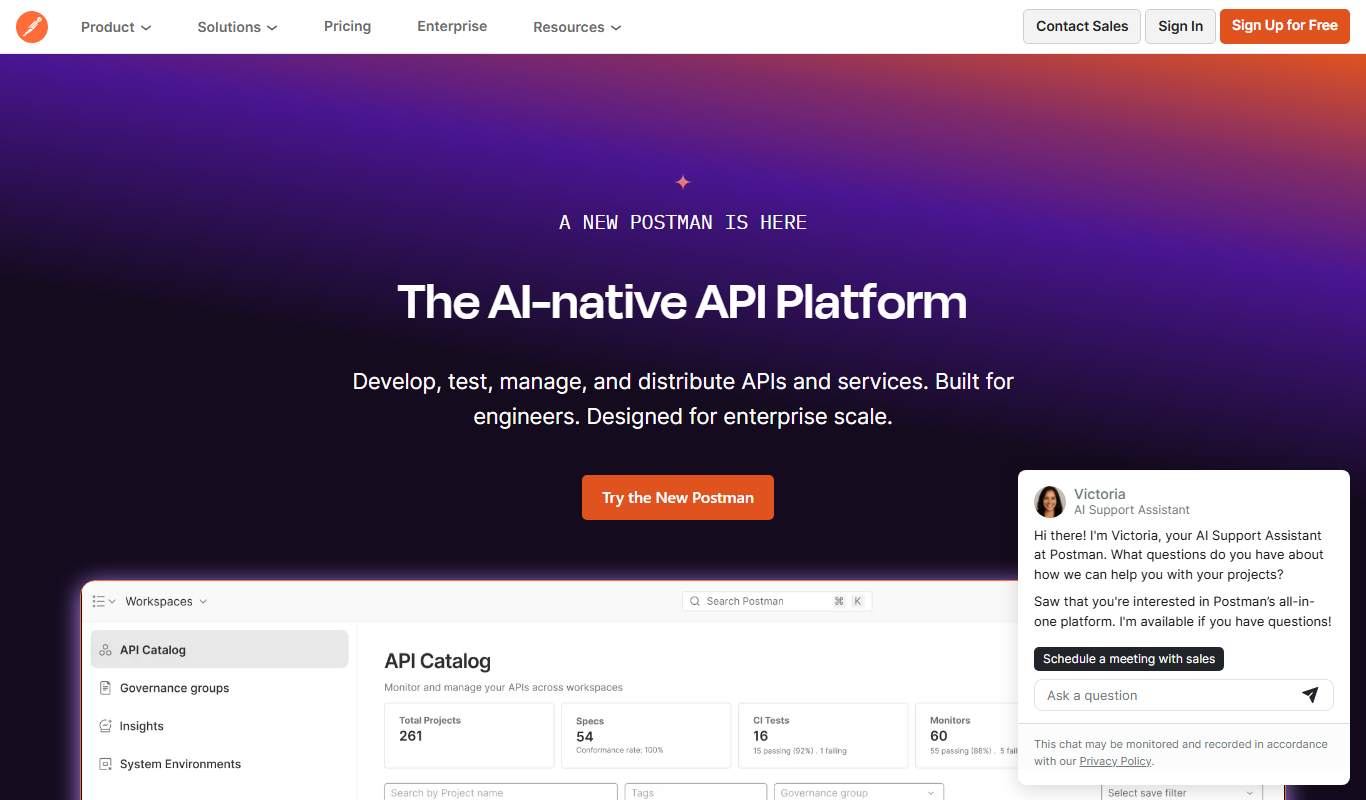
Postman
Postman is a comprehensive API platform that helps developers design, test, automate, document, and monitor APIs efficiently with collaboration tools.
Freemium
Apigee
Apigee is a Google Cloud API management platform that enables organizations to design, secure, deploy, and monitor APIs with features like API gateway, security policies, analytics, and developer portals.

Free
ModelScope
ModelScope is an open-source AI platform by Alibaba that enables sharing, training, and deploying AI models via APIs, supporting multiple AI domains.

Free Trial
Answer AI
Answer AI is an AI-driven customer support platform that combines chatbots and a smart knowledge base to automate responses and improve customer service efficiency.

Free
Teletyped
Teletyped is a web-based platform that allows multiple users to write and edit documents together in real time, featuring integrated chat and version history to support team collaboration.

Free
The AI Exchange
The AI Exchange is a web platform for sharing, discovering, and monetizing AI models, enabling collaboration among AI developers and businesses.

Free
Radar
Radar is a location data platform offering geofencing, location tracking SDKs, and analytics to enable location-based experiences in mobile and web apps.

Free Trial
Aspen – API Testing for macOS
Aspen is a native macOS application for API testing that enables developers to send HTTP requests, customize them, and inspect responses, focusing on local API debugging.

Freemium
Athenic AI
Athenic AI is a web-based platform that uses artificial intelligence to generate and optimize written content for marketing and SEO purposes, helping users create high-quality content efficiently.

Free
Beeceptor
Beeceptor is a web tool that enables developers to create mock API endpoints, capture and inspect webhook requests, and test API integrations without coding.