

From my experience with Aspen, I found it excels at providing a smooth, native macOS environment for API testing, especially when working with local APIs. Its clean interface and focused feature set make it a great choice for developers who prefer a lightweight, dedicated tool without the overhead of browser-based clients. However, the limitation to macOS and lack of automation features means it may not fit every workflow, particularly for teams needing cross-platform support or scripting capabilities. Overall, if you are a macOS developer focused on manual API debugging, Aspen offers a streamlined and efficient solution.
Aspen API Testing Tool for macOS – Efficient Local API Debugging
Aspen is a native macOS application for API testing that enables developers to send HTTP requests, customize them, and inspect responses, focusing on local API debugging.
- Best for
- Local API Debugging
- Key capability
- Native macOS Experience

What is Aspen – API Testing for macOS?
Aspen is a native macOS application designed specifically for API testing and debugging. It allows developers to send HTTP requests to local or remote APIs, inspect responses, and streamline their API development workflow. Unlike browser-based tools, Aspen runs natively on macOS, providing a fast and integrated experience tailored for Mac users.
Key features of Aspen – API Testing for macOS
Aspen offers a clean interface for crafting HTTP requests, supports various HTTP methods, lets users customize headers and bodies, and provides detailed response views. It focuses on local API debugging with features optimized for macOS developers.
Native macOS Experience
Runs natively on macOS for optimized performance and integration.
Support for Multiple HTTP Methods
Supports GET, POST, PUT, DELETE, PATCH, and more.
Request Customization
Easily add headers, query parameters, and body payloads.
Response Inspection
View response status codes, headers, and formatted body content.
Local API Debugging Focus
Designed to test APIs running locally on your Mac with minimal setup.
Pros and cons of Aspen – API Testing for macOS
Pros
- Native macOS app with fast performance
- Simple and clean user interface
- Focused on local API debugging
- Supports all common HTTP methods
Cons
- Limited to macOS platform
- No automation or scripting features
- Subscription pricing may not suit occasional users
Key use cases for Aspen – API Testing for macOS
Local API Debugging
Test and debug APIs running locally on your macOS machine with ease.
REST API Testing
Send HTTP requests and inspect responses to validate RESTful APIs.
API Development Workflow
Integrate API testing seamlessly into your development process on macOS.
Request Customization
Customize HTTP methods, headers, and body payloads for thorough API testing.
How Aspen – API Testing for macOS works
-
1
Install Aspen
Download and install Aspen from the official website or Mac App Store.
-
2
Create a New Request
Open Aspen and start a new HTTP request by selecting the method and entering the URL.
-
3
Customize Request
Add headers, query parameters, and body content as needed for your API call.
-
4
Send Request and Inspect Response
Execute the request and review the response status, headers, and body in detail.
Who is using Aspen – API Testing for macOS
macOS developers
Backend engineers
API testers
Software engineers focused on local API development
QA professionals working on API validation
Aspen – API Testing for macOS pricing
Free Trial
$0
Full-featured trial for a limited time to evaluate Aspen.
Subscription
$9.99/month
Continued access to Aspen with updates and support.
Plans and prices are as published by the vendor and can change. Check the official site before you buy. Open the pricing page (opens in a new tab)
Frequently asked questions about Aspen – API Testing for macOS
No, Aspen is currently only available as a native application for macOS.
Yes, Aspen can send requests to both local and remote APIs.
Aspen focuses on manual API testing and does not currently support automation or scripting.
Yes, it can help with that use case depending on how you configure it and what features are available. You’ll get the best results with clear inputs and a defined goal.
Integration support depends on the tool and its available connectors or API. Check the official documentation or integrations page to confirm what is supported.
It depends on your specific needs and how you plan to use the tool. The official website and documentation are the best sources for the latest details.
Sign in to review this tool.
Sign In to ReviewNo reviews yet
Be the first to share how this tool worked for you.
Ask about pricing, limits, or how it compares — or answer someone else.
Sign In to AskNo questions yet
Have a question about using or paying for this tool? Be the first to ask.
Featured on TiorAI



Alternative Tools
Explore similar AI tools that might fit your needs
Free
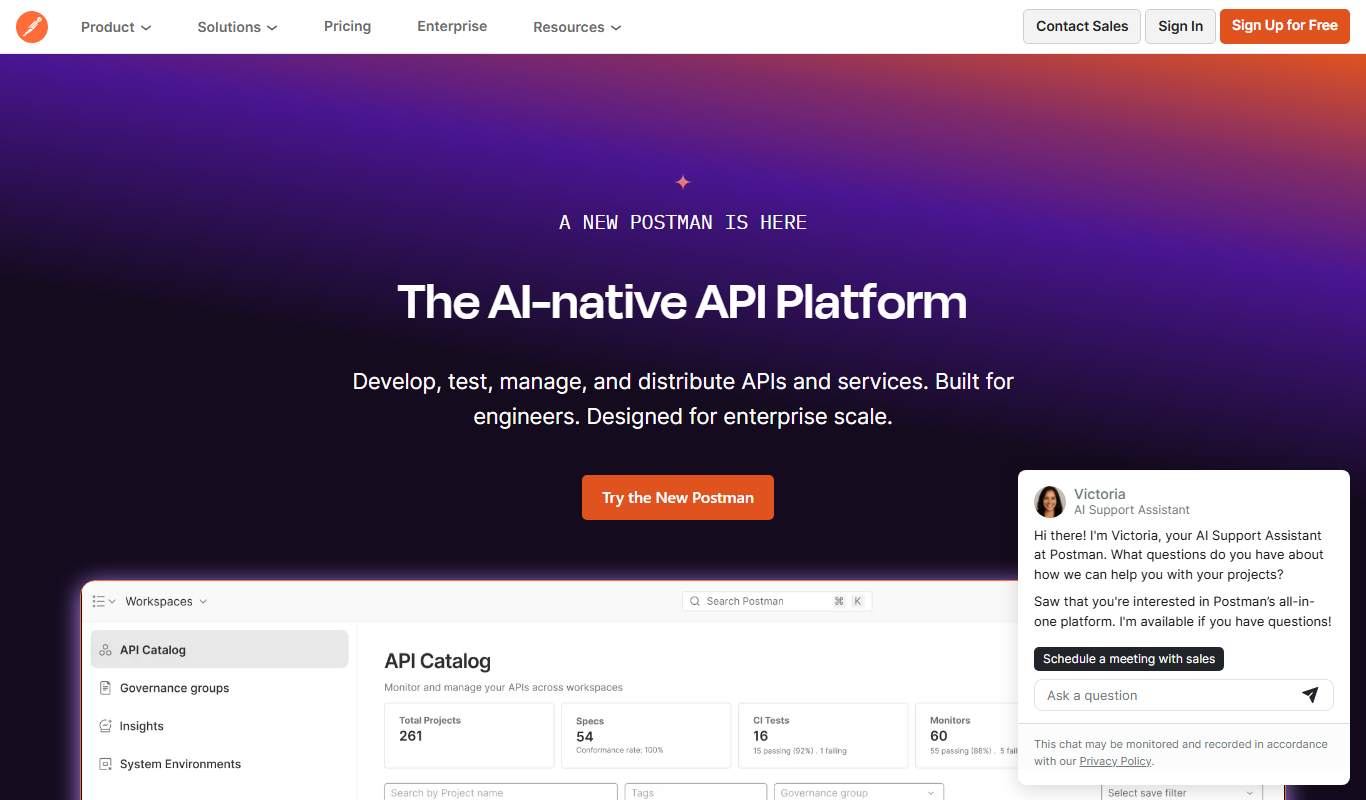
Postman
Postman is a comprehensive API platform that helps developers design, test, automate, document, and monitor APIs efficiently with collaboration tools.

Free
Insomnia
Insomnia is a desktop API client that helps developers design, debug, and test REST, GraphQL, and gRPC APIs with features like environment management and team collaboration.
More AI API tools
Other tools in the same category, for when this one is not quite the fit.

Custom Pricing
Travelport API
Travelport API is a global travel technology platform that provides access to flights, hotels, car rentals, and other travel services through a unified API, enabling travel agencies and corporations to integrate comprehensive booking and management capabilities.

Freemium
Amadeus Travel API
Amadeus Travel API is a developer platform offering RESTful APIs to access global flight, hotel, and travel data for building travel booking and itinerary management applications.

Freemium
Zyte
Zyte is a web scraping platform that enables businesses and developers to extract structured data from websites using smart crawlers, proxy rotation, and API integration to automate data collection at scale.

Free
RandomUser.me
RandomUser.me is a free API service that generates realistic fake user profiles including names, emails, addresses, and pictures for developers to use in testing and development.
Free
EasyPost
EasyPost is a shipping API platform that simplifies ecommerce and logistics shipping by providing multi-carrier label generation, tracking, and address verification through one API.
Free
ApiSheet
ApiSheet is a no-code platform that allows users to integrate, manage, and automate APIs using a spreadsheet-like interface without coding.

Cloud Subscription
Typesense
Typesense is an open source search engine designed for instant, typo-tolerant search results, suitable for websites, e-commerce, and applications with flexible deployment options.

Custom Quote
Graphcore
Graphcore provides specialized AI hardware called Intelligence Processing Units (IPUs) and a software platform to accelerate machine learning training and inference with high efficiency and scalability.