

From my experience with Client Hub, I found it excels at combining client management, project tracking, and invoicing into a single, easy-to-use platform. Its straightforward interface makes it accessible for freelancers and small business owners who want to keep their workflows organized without complexity. However, the lack of a dedicated mobile app and limited third-party integrations can be a drawback for users needing more flexibility on the go or advanced automation. Overall, if you are looking for an affordable, all-in-one CRM and project management tool tailored for small teams, Client Hub delivers solid value.
Client Hub CRM Software for Client Management and Project Tracking
Client Hub is a web-based CRM and project management platform that helps freelancers and small businesses manage clients, projects, invoicing, and time tracking in one place.
- Best for
- Client Relationship Management
- Key capability
- Centralized Client Database
Your actions
Save Client Hub, follow its updates and vote on it — everything stays in your account.
Sign in or create a free account
What is Client Hub?
Client Hub is a web-based CRM and project management software designed to help small businesses and freelancers streamline client communication, project tracking, and invoicing. It centralizes client data, project tasks, and financial workflows into a single platform, enabling users to manage their business operations more efficiently.
Key features of Client Hub
Client Hub offers features including client database management, project and task tracking, invoicing, time tracking, and reporting. Its intuitive interface supports collaboration and helps users keep all client-related activities organized in one place.
Centralized Client Database
Store and access all client information and communication history in one place.
Project and Task Management
Organize projects with tasks, deadlines, and status updates for better workflow.
Invoicing and Payment Tracking
Create professional invoices and track payments to streamline billing.
Time Tracking
Monitor billable hours to improve accuracy in client billing and project management.
Reporting and Analytics
Generate detailed reports to gain insights into client activity and financial health.
Pros and cons of Client Hub
Pros
- User-friendly interface with easy navigation
- Combines CRM, project management, and invoicing in one platform
- Affordable pricing with a free tier
- Good for freelancers and small businesses
- Supports time tracking for accurate billing
Cons
- No dedicated mobile app available
- Limited integrations with third-party tools
- Reporting features could be more advanced
Key use cases for Client Hub
Client Relationship Management
Manage client details, communication history, and interactions in one centralized platform.
Project and Task Management
Organize projects and tasks with deadlines, status updates, and team collaboration features.
Invoicing and Payment Tracking
Create and send invoices, track payments, and manage billing directly within the platform.
Time Tracking
Log billable hours and monitor time spent on projects to improve productivity and billing accuracy.
Reporting and Analytics
Generate reports on client activity, project progress, and financial metrics to inform business decisions.
How Client Hub works
- 1
Sign Up
Create an account on Client Hub’s website to start managing clients and projects.
- 2
Add Clients and Projects
Input client details and set up projects with associated tasks and deadlines.
- 3
Track Time and Tasks
Log time spent on tasks and update project progress to keep everything on schedule.
- 4
Generate Invoices
Create invoices based on tracked time and project milestones, then send them to clients.
- 5
Analyze Reports
Review reports to monitor business performance and client engagement.
Who is using Client Hub
Freelancers
Small business owners
Consultants
Creative agencies
Service providers
Client Hub pricing
Free
$0/month
Basic features with limited clients and projects.
Pro
$15/month
Full access to all features with unlimited clients and projects.
Plans and prices are as published by the vendor and can change. Check the official site before you buy. Open the pricing page (opens in a new tab)
Frequently asked questions about Client Hub
Yes, Client Hub offers a free plan with limited features to try the platform.
Yes, you can import client data via CSV files to quickly set up your database.
Client Hub supports multiple users, allowing teams to collaborate on projects and tasks.
Client Hub is web-based and can be accessed via mobile browsers, but there is no dedicated mobile app.
It depends on your specific needs and how you plan to use the tool. The official website and documentation are the best sources for the latest details.
Some tools offer a free plan or trial with limited features. Availability can vary, so confirm on the official website.
Some tools offer a free plan or trial with limited features. Availability can vary, so confirm on the official website.
Sign in to review this tool.
Sign In to ReviewNo reviews yet
Be the first to share how this tool worked for you.
Ask about pricing, limits, or how it compares — or answer someone else.
Sign In to AskNo questions yet
Have a question about using or paying for this tool? Be the first to ask.
Featured on TiorAI



Alternative Tools
Explore similar AI tools that might fit your needs

Free Trial
HoneyBook
HoneyBook is a client management software designed for freelancers and small businesses, combining CRM, project workflows, invoicing, contracts, and scheduling into one platform.
Free Trial
Dubsado
Dubsado is a client management and business automation software designed for freelancers and small businesses to streamline workflows, invoicing, contracts, and scheduling.
Free Trial
17hats
17hats is a cloud-based business management software designed for freelancers and small businesses to manage clients, projects, invoicing, and automate workflows.
More AI Automation & Workflow Tools tools
Other tools in the same category, for when this one is not quite the fit.

Free Trial
Leadspicker
Leadspicker turns news posts and job listings into actionable leads and automates outreach with AI-powered lead generation.

Freemium
Zetta
Zetta automates business intelligence with dashboards, analysis, insights and a conversational AI Analyst, set up by connecting a data warehouse and defining metrics.
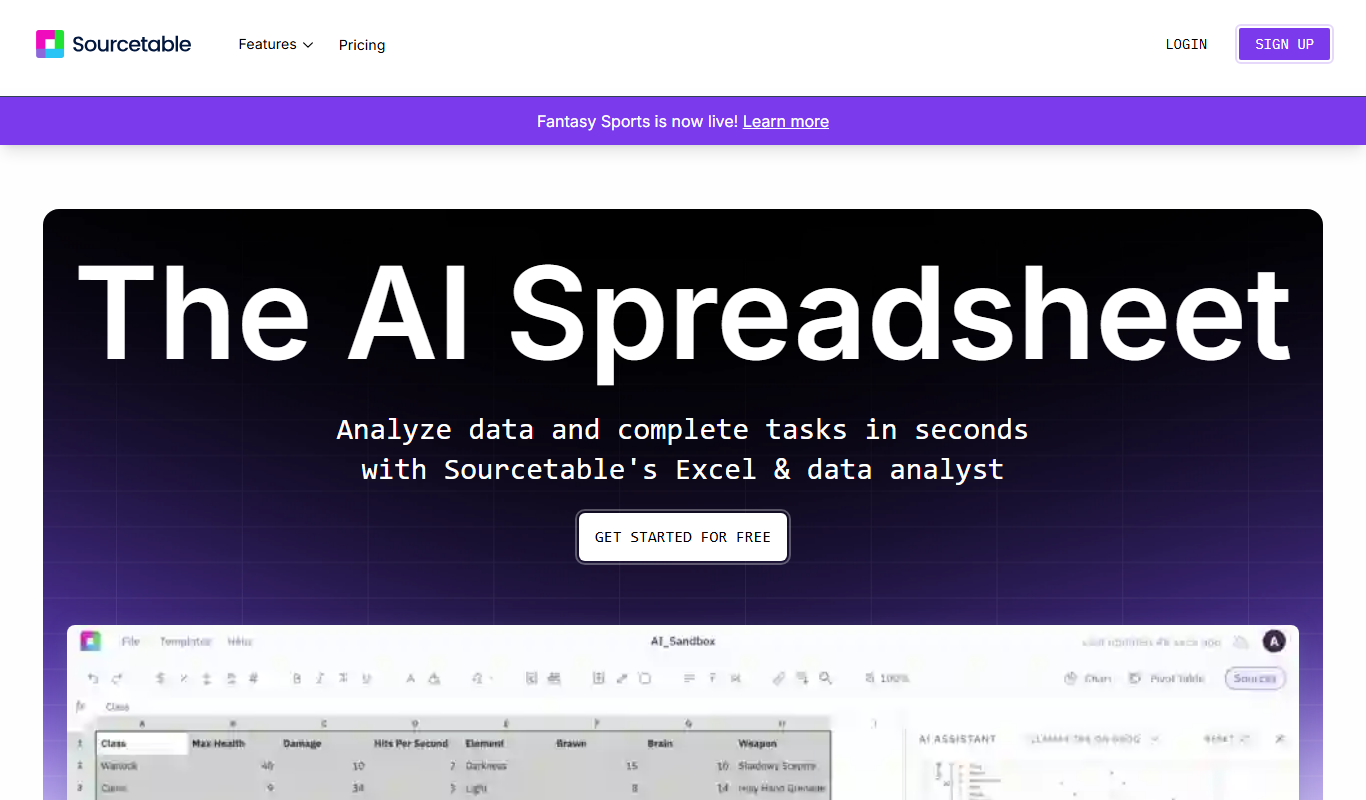
Free
Sourcetable: AI Spreadsheet and Data Analyst
Sourcetable is an AI-driven spreadsheet platform that connects multiple data sources, offers real-time collaboration, and automates data workflows without coding.

Credit-based
Thunderbit
Thunderbit is an agentic AI web scraper Chrome extension that turns any webpage into a spreadsheet and exports to Google Sheets, Airtable or Notion.
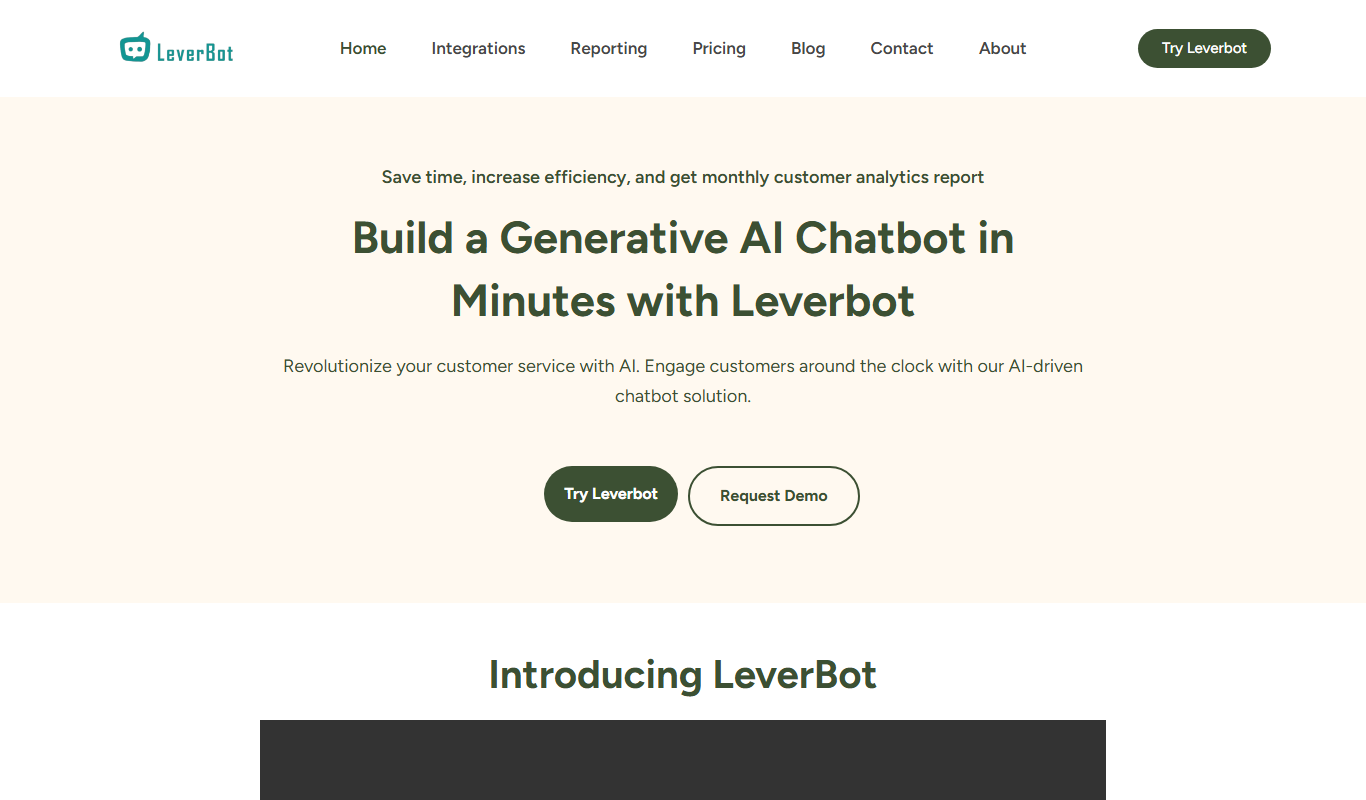
Subscription
Leverbot
Leverbot is an AI chatbot platform that enables businesses to build no-code conversational bots for customer support and automation.
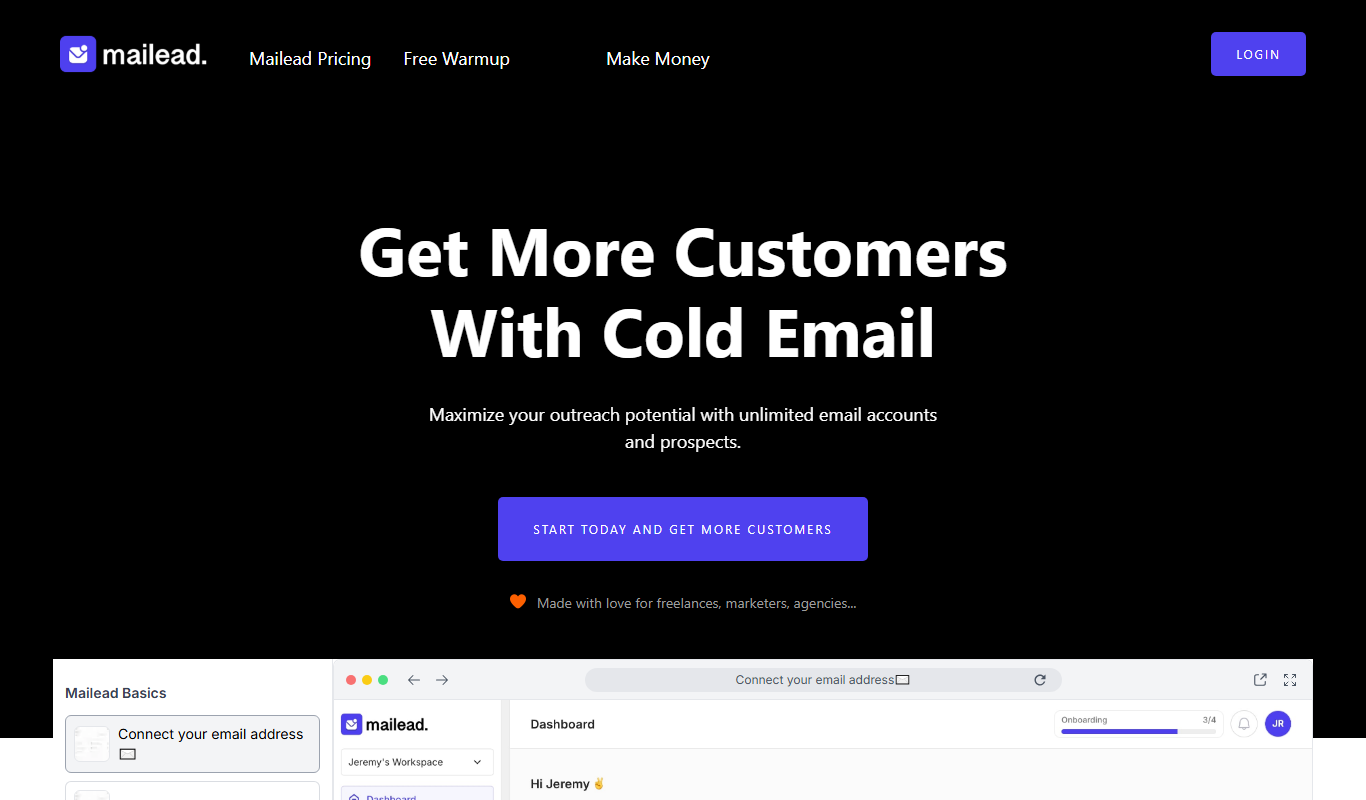
Free Trial
Mailead.io
Mailead.io is a cold email tool that enhances outreach campaigns with unlimited email sending accounts, warmup and generative AI, sold for a one time price.

Free Trial
PlanPost AI – Best AI Content Generator
PlanPost AI is an all-in-one AI marketing assistant that generates social media posts, ad copy, graphics, videos and SEO-optimized content, with ad campaign tools and post scheduling.

Free Trial
adwisely.com
Adwisely is an app that automates Facebook and Google ads for Shopify stores with AI-powered campaigns and human ad experts.