

From my experience with CleverExams, I found it excels at providing a secure and user-friendly platform for conducting online exams with remote proctoring. The automated grading and detailed analytics streamline the assessment process, making it ideal for educational institutions and corporate training. However, the lack of a dedicated mobile app and limited language options may restrict accessibility for some users. Overall, if you need a reliable and scalable online exam solution with strong security features, CleverExams delivers solid results.
CleverExams Online Exam Software for Secure and Efficient Assessments
CleverExams is a cloud-based online exam software that enables secure, scalable, and automated assessments with features like remote proctoring, automated grading, and detailed analytics.
- Best for
- Academic Assessments
- Key capability
- Remote Proctoring
Your actions
Save CleverExams, follow its updates and vote on it — everything stays in your account.
Sign in or create a free account

What is CleverExams?
CleverExams is a cloud-based online exam software designed to facilitate secure, efficient, and scalable assessments. It enables educational institutions, corporations, and certification bodies to create, manage, and conduct exams remotely with features like automated grading, remote proctoring, and detailed analytics.
Key features of CleverExams
The platform offers a comprehensive suite of features including customizable question banks, multiple question types, real-time monitoring, anti-cheating mechanisms, detailed result reports, and integration capabilities to streamline the entire examination process.
Remote Proctoring
Monitor candidates via webcam and AI-based behavior analysis to prevent cheating.
Automated Grading
Instantly grade objective questions and provide detailed score reports.
Customizable Question Types
Supports multiple-choice, descriptive, fill-in-the-blanks, and more.
Question Bank Management
Organize and reuse questions efficiently with tagging and categorization.
Detailed Analytics
Gain insights into candidate performance and exam statistics.
Pros and cons of CleverExams
Pros
- Comprehensive remote proctoring features
- User-friendly interface for exam creation
- Automated grading saves time
- Detailed analytics for performance insights
- Flexible pricing plans
Cons
- No dedicated mobile application
- Limited language support beyond English
Key use cases for CleverExams
Academic Assessments
Conduct secure and scalable online exams for schools, colleges, and universities.
Corporate Training Evaluations
Evaluate employee knowledge and skills through customized online tests.
Certification Exams
Manage certification and licensing exams with automated grading and proctoring.
Recruitment Tests
Streamline hiring by administering pre-employment assessments remotely.
Quiz and Survey Creation
Create interactive quizzes and surveys for engagement and feedback.
How CleverExams works
- 1
Create an Account
Sign up on the CleverExams platform to access the dashboard.
- 2
Set Up Exam
Design your exam by selecting question types, duration, and security settings.
- 3
Invite Candidates
Share exam links or credentials with participants for remote access.
- 4
Conduct Exam
Monitor exams in real-time with proctoring tools to ensure integrity.
- 5
Analyze Results
Review automated grading and detailed analytics to assess performance.
Who is using CleverExams
Educational institutions
Corporate training departments
Certification bodies
Recruitment agencies
Online course providers
CleverExams pricing
Free Trial
$0
Limited access to features for evaluation purposes.
Basic
$29/month
Suitable for small institutions with essential features.
Pro
$79/month
Advanced features including proctoring and analytics.
Enterprise
Custom Pricing
Tailored solutions for large organizations with dedicated support.
Plans and prices are as published by the vendor and can change. Check the official site before you buy. Open the pricing page (opens in a new tab)
Frequently asked questions about CleverExams
Yes, CleverExams supports scalable exam administration for thousands of candidates simultaneously.
Yes, it includes AI-powered remote proctoring to ensure exam integrity.
Yes, the platform supports importing questions in various standard formats.
Currently, CleverExams is accessible via web browsers; no dedicated mobile app is available.
Data handling and security practices vary by provider. Review the official privacy policy to understand how your data is stored and used.
Yes, it can help with that use case depending on how you configure it and what features are available. You’ll get the best results with clear inputs and a defined goal.
Integration support depends on the tool and its available connectors or API. Check the official documentation or integrations page to confirm what is supported.
Sign in to review this tool.
Sign In to ReviewNo reviews yet
Be the first to share how this tool worked for you.
Ask about pricing, limits, or how it compares — or answer someone else.
Sign In to AskNo questions yet
Have a question about using or paying for this tool? Be the first to ask.
Featured on TiorAI



Alternative Tools
Explore similar AI tools that might fit your needs
Custom Pricing
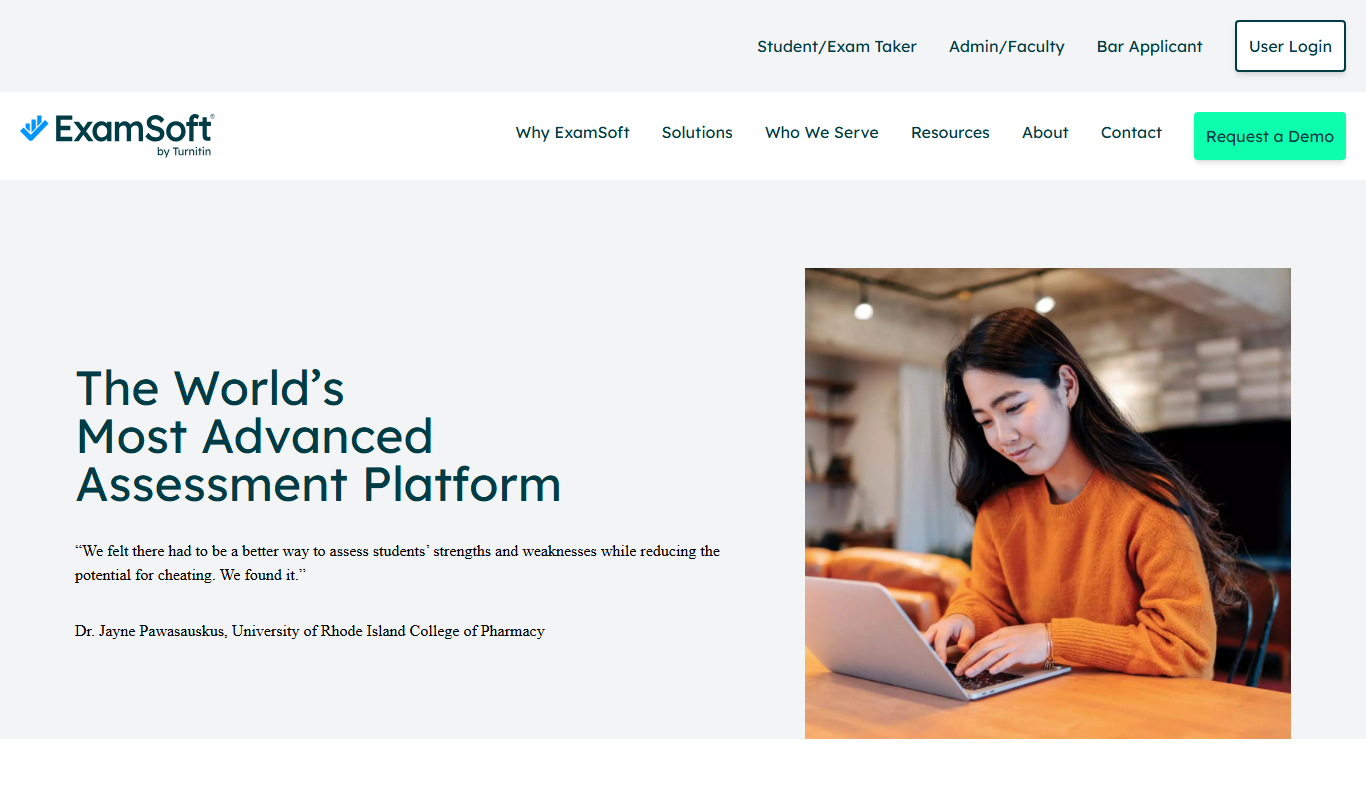
ExamSoft
ExamSoft is a secure exam software platform offering lockdown browsers, AI remote proctoring, offline exam capabilities, and detailed analytics to ensure exam integrity for educational and professional assessments.
Free Trial
ClassMarker
ClassMarker is a secure online testing platform that allows users to create, deliver, and grade exams and quizzes with customizable settings and automated scoring.
More AI Education & Learning Tools tools
Other tools in the same category, for when this one is not quite the fit.
Free
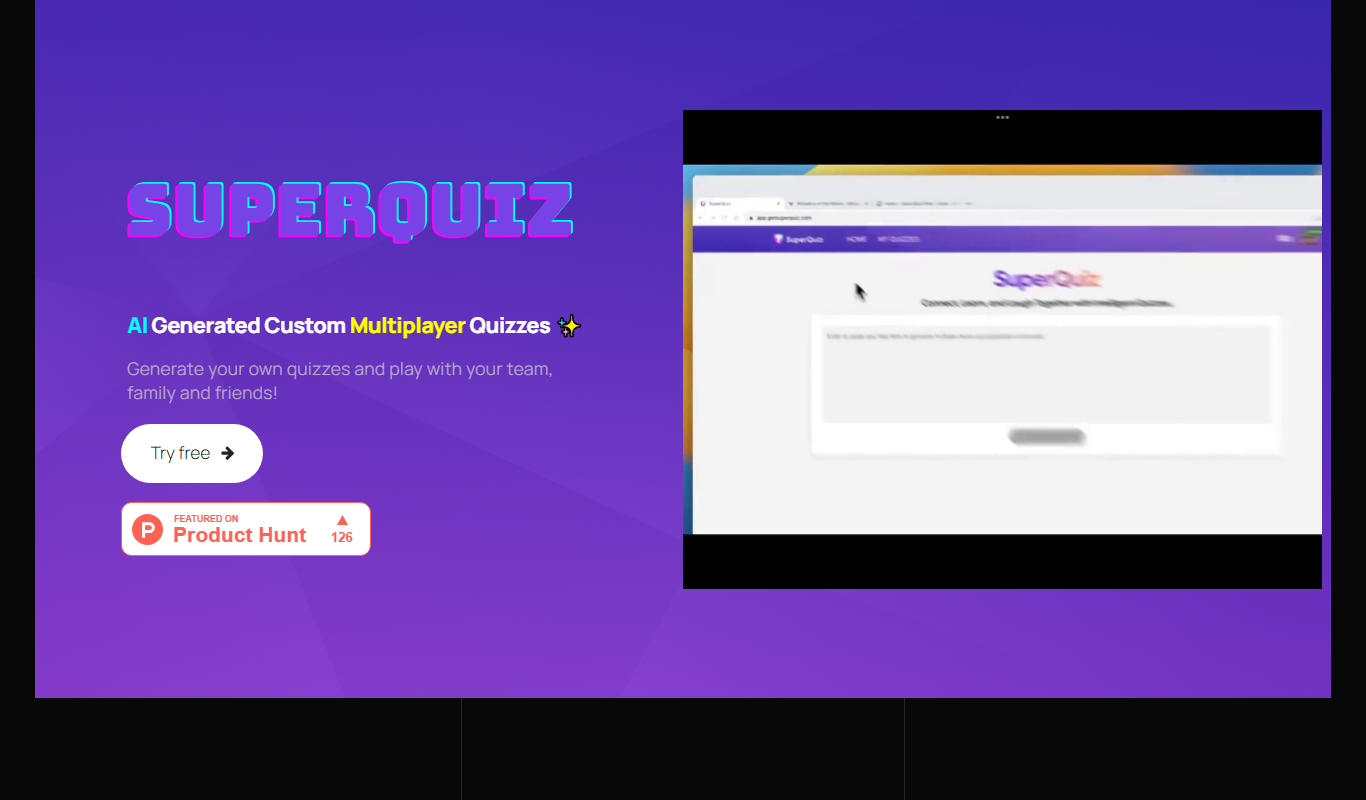
SuperQuiz
SuperQuiz generates custom multiplayer quizzes with AI so you can play with your team, family and friends, with answers given by scanning a QR code.

Freemium
Planit Teachers
Planit Teachers generates lesson plans, slide decks, worksheets and marking feedback for primary and secondary teachers, aligned to the National Curriculum.

Custom Pricing
PIXTA AI – AI/ML Training data service
PIXTA AI is a service that provides custom annotated datasets and data labeling solutions to help train AI and machine learning models effectively.

Free
QuizRise
QuizRise is an AI quiz generator that creates quizzes from content; the free plan allows 3 quizzes per month with 20 questions.

Freemium
Create my test
Create My Test converts a document to a test with AI, and the site offers free registration.
Freemium
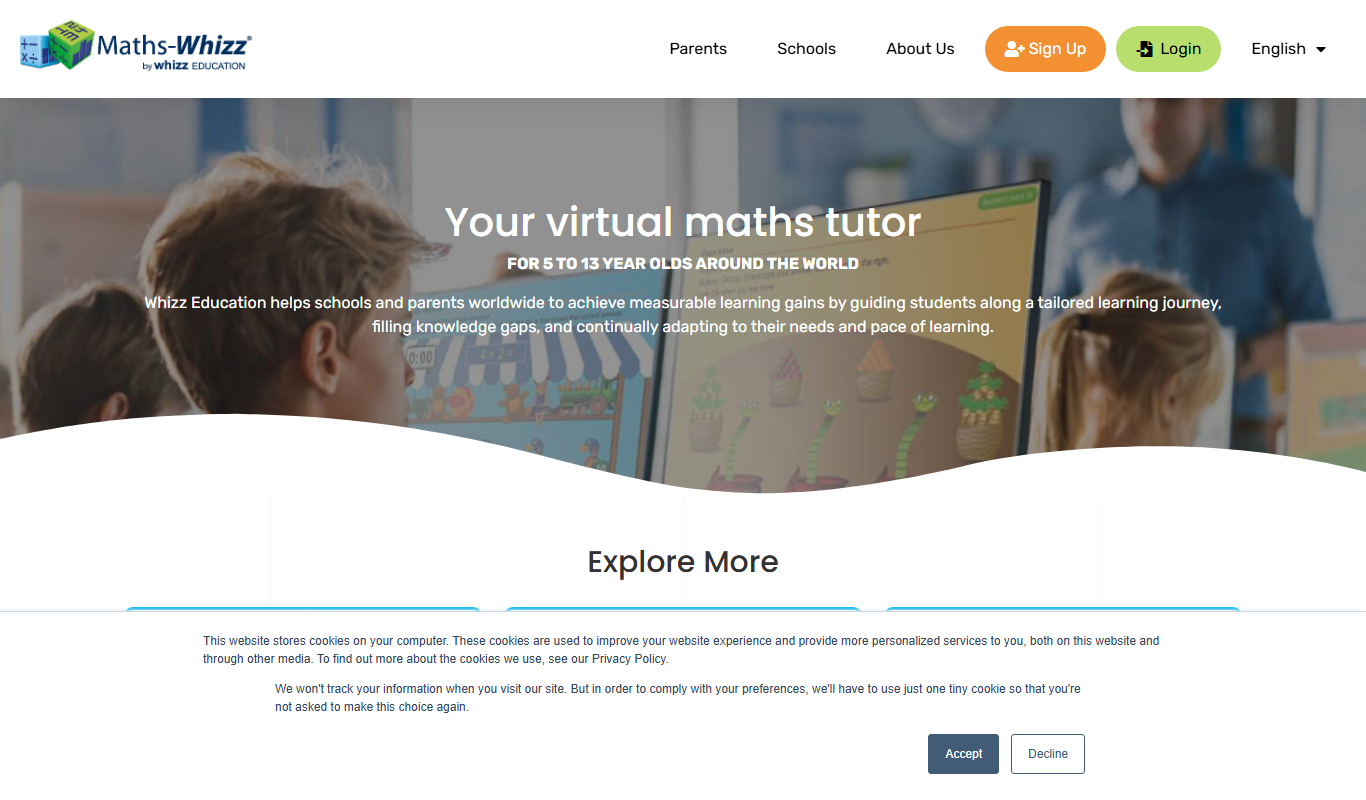
whizz.com
Whizz.com is an adaptive online math tutoring platform for children aged 5-13 that personalizes lessons based on student ability and provides progress tracking for parents and teachers.
Freemium
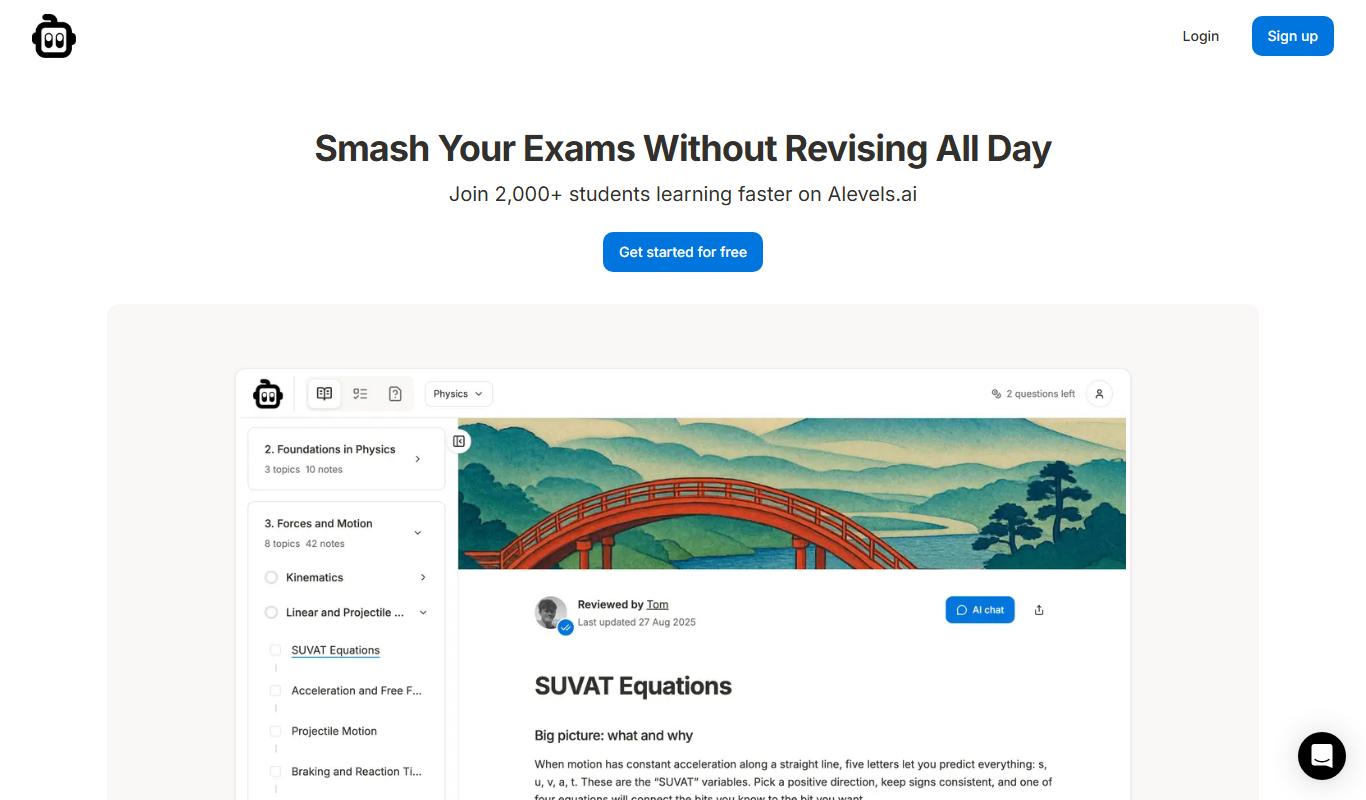
alevels.ai
alevels.ai is an AI-driven platform that helps A-Level students prepare for exams through personalized study plans, AI-generated practice questions, and instant doubt resolution.

Freemium
Yeti Confetti Kids by Lirvana Labs
Yeti Confetti Kids by Lirvana Labs is an educational app with a curriculum of English, Math and Social Emotional Learning generated by AI.