

From my experience with Checkstep, I found it excels at accurately detecting AI-generated and plagiarized content with clear, actionable reports. The platform’s straightforward interface makes it easy for educators and content creators to verify originality quickly. However, the tool currently supports only English and lacks a mobile app, which may limit accessibility for some users. Overall, if you need reliable AI content detection combined with plagiarism checking in a web-based tool, Checkstep delivers solid, trustworthy results.
Checkstep AI Content Detector for Accurate Plagiarism and AI Writing Checks
Checkstep is an AI content detection tool that identifies AI-generated and plagiarized text to ensure content authenticity.
- Best for
- Academic Integrity
- Key capability
- AI Content Detection
Your actions


Do you recommend this tool?
What is checkstep.com?
Checkstep is an AI-powered content detection platform designed to identify AI-generated text and plagiarism. It helps educators, publishers, and professionals verify the originality and authenticity of written content by analyzing text for AI signatures and copied material.
Key features of checkstep.com
Checkstep offers AI content detection, plagiarism checking, detailed reports, and integration capabilities to help users maintain content integrity and trustworthiness.
AI Content Detection
Identifies text segments likely generated by AI writing tools.
Plagiarism Checking
Compares text against extensive databases to find copied or unoriginal content.
Detailed Reporting
Provides clear, actionable insights on content authenticity and originality.
User-Friendly Interface
Simple and intuitive platform for quick content analysis.
Integration Options
Supports integration with educational and publishing platforms for streamlined workflows.
Pros and cons of checkstep.com
Pros
- Accurate AI content and plagiarism detection
- Clear and actionable reporting
- Easy-to-use web interface
- Affordable pricing plans
Cons
- Limited language support (English only)
- No dedicated mobile app
- Free plan has usage limits
Key use cases for checkstep.com
Academic Integrity
Universities and educators use Checkstep to verify the originality of student submissions and detect AI-generated content.
Content Authenticity Verification
Publishers and content creators use it to ensure articles and blog posts are original and not AI-generated or plagiarized.
Professional Writing Quality Control
Businesses and agencies check reports, proposals, and marketing materials for authenticity and originality.
AI Writing Detection
Detects whether text has been generated or heavily influenced by AI writing tools to maintain transparency.
How checkstep.com works
- 1
Submit Text
Users paste or upload the text they want to analyze into the Checkstep platform.
- 2
AI and Plagiarism Analysis
The tool scans the text using AI detection algorithms and plagiarism databases.
- 3
Receive Detailed Report
Users get a report highlighting AI-generated content likelihood and any plagiarized sections.
- 4
Take Action
Based on the report, users can decide to revise, verify, or reject the content.
Who is using checkstep.com
Educators and academic institutions
Content publishers and editors
Marketing and PR agencies
Students and researchers
checkstep.com pricing
Free
$0/month
Limited checks per month with basic AI detection and plagiarism features.
Pro
$19/month
Unlimited checks, detailed reports, and priority support.
Plans and prices are as published by the vendor and can change. Check the official site before you buy. Open the pricing page (opens in a new tab)
Frequently asked questions about checkstep.com
While Checkstep is highly effective, no AI detector is 100% accurate due to evolving AI writing techniques.
Checkstep maintains user privacy and does not share submitted content with third parties.
Currently, Checkstep primarily supports English text analysis.
It depends on your specific needs and how you plan to use the tool. The official website and documentation are the best sources for the latest details.
It depends on your specific needs and how you plan to use the tool. The official website and documentation are the best sources for the latest details.
Yes, it can help with that use case depending on how you configure it and what features are available. You’ll get the best results with clear inputs and a defined goal.
Sign in to review this tool.
Sign In to ReviewNo reviews yet
Be the first to share how this tool worked for you.
Ask about pricing, limits, or how it compares — or answer someone else.
Sign In to AskNo questions yet
Have a question about using or paying for this tool? Be the first to ask.
Featured on TiorAI



Alternative Tools
Explore similar AI tools that might fit your needs
Free
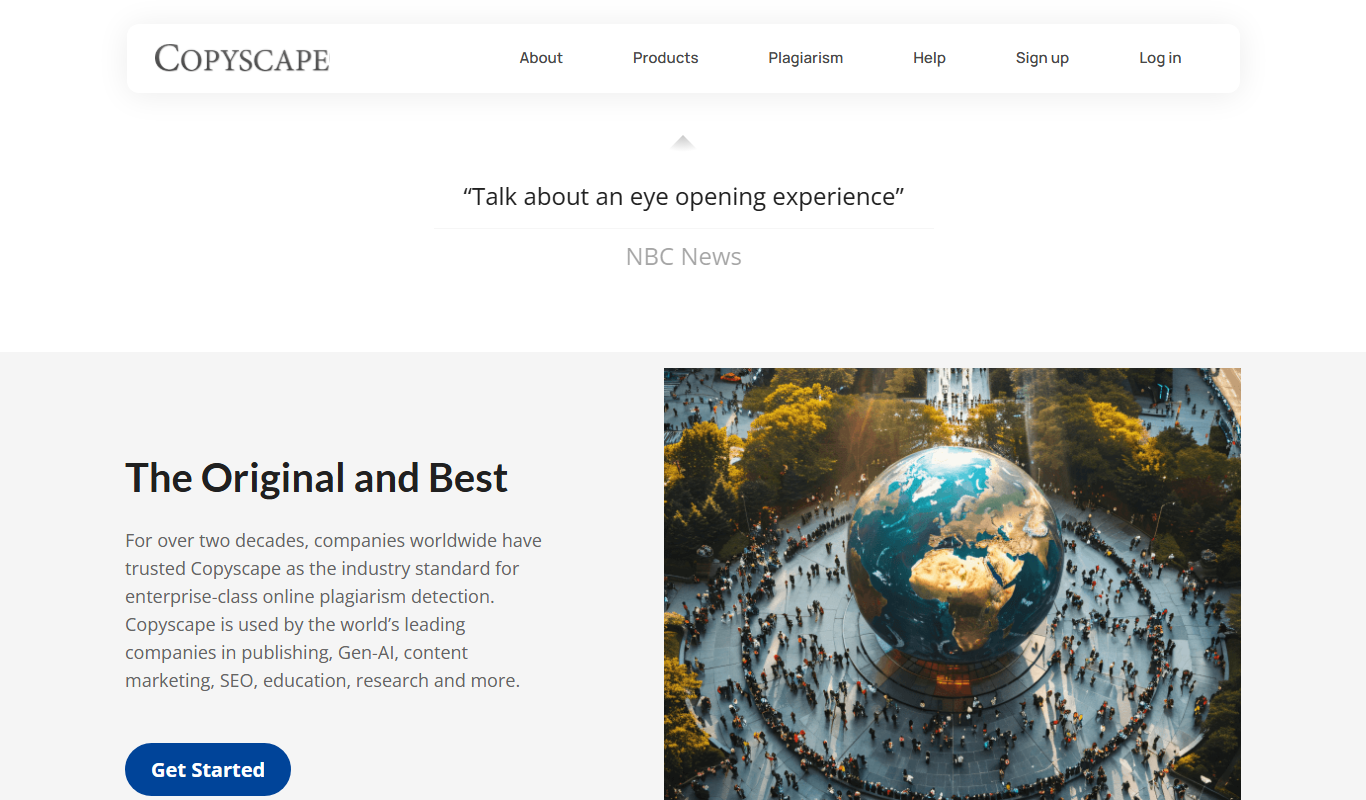
Copyscape
Copyscape is an online plagiarism detection tool that scans the web to find duplicate content and verify originality, widely used by writers, educators, and SEO professionals.
More AI Checker tools
Other tools in the same category, for when this one is not quite the fit.

Free
Fakespot
Fakespot is an AI-driven tool that analyzes online product reviews to detect fake or unreliable feedback, providing consumers with a reliability grade to help make informed purchasing decisions.

Free
Dictionary.com
Dictionary.com is a comprehensive online platform offering English word definitions, synonyms, antonyms, pronunciation guides, and grammar tips to help users improve their language skills.

Free
Merriam-Webster Dictionary
Merriam-Webster Dictionary is a trusted online English dictionary offering definitions, synonyms, audio pronunciations, and language learning resources.

Free
DetectGPT
DetectGPT is a free web tool that detects whether text was generated by AI language models such as GPT-3 or GPT-4 by analyzing linguistic patterns and providing a probability score.

Freemium
Unicheck
Unicheck is a plagiarism detection tool that scans documents against online and academic sources to identify copied content and ensure originality.

Free
Full Fact
Full Fact is an AI-assisted fact-checking platform that combines automated claim detection with expert human review to identify and correct misinformation in news and public statements.

Free
Scite
Scite is an AI-powered platform that analyzes scientific citations by classifying them as supporting, contrasting, or mentioning, providing researchers with deeper insights into how papers are referenced.

Free
Yuka
Yuka is a mobile and web app that scans food and cosmetic product barcodes to provide health impact scores and ingredient analysis, helping users make healthier choices.