

ChattyUI: private AI chat for running LLMs in the browser
ChattyUI is a private, open-source AI chat that runs LLMs such as Gemma, Llama and Mistral locally in your browser with WebGPU.
- Best for
- Private AI chat
- Key capability
- In-browser privacy
Save ChattyUI, follow its updates and vote on it — everything stays in your account.
Sign in or create a free account
What is ChattyUI?
ChattyUI is an open-source private AI chat that uses WebGPU to run large language models (LLMs) locally in the browser. Models such as Gemma, Llama and Mistral run on the user’s own hardware, so conversations and files are processed only on the user’s PC, with no server-side processing.
Key features of ChattyUI
ChattyUI runs open-source models such as Gemma, Llama and Mistral locally in the browser, works offline after a model is downloaded, lets users chat with local files, keeps a chat history, supports custom memory and voice input, and exports chats as json or markdown.
In-browser privacy
All AI models run locally on your hardware, so your data is processed only on your PC with no server-side processing.
Open-source models
Chat with popular open-source models such as Gemma, Llama 2 and 3, and Mistral.
Offline use
Once a model has been downloaded, it can be used without an active internet connection.
Chat with files
Load PDF and other non-binary files, including code files, and ask the model questions about them, fully local.
Memory, voice input and export
Add custom instructions or memory, talk to the models by voice, and save chat messages as json or markdown.
Pros and cons of ChattyUI
Pros
- Data is processed only on your PC, with no server-side processing
- Works offline once a model is downloaded
- Supports open-source models such as Gemma, Llama and Mistral
- Open source under the MIT license
- Chat with local files, including PDF and code files
Cons
- Needs a GPU with enough memory: about 6GB for 7B models and around 3GB for 3B models
- Needs a browser with WebGPU; Firefox requires enabling it
Key use cases for ChattyUI
Private AI chat
Chat with an AI model while your data stays on your own PC.
Questions about local documents
Ask a model about a PDF or code file without the document leaving your local environment.
Offline AI chat
Keep using a downloaded model without an active internet connection.
Self-hosted chat interface
Run the open-source Next.js app locally with Node.js and npm.
How ChattyUI works
- 1
Open the app in a WebGPU browser
WebGPU is enabled by default in Chrome and Edge and can be enabled in Firefox.
- 2
Download a model
Pick an open-source model; after the initial download it can be used offline.
- 3
Chat locally
The model runs client side on your hardware, with no server-side processing.
- 4
Or run it yourself
Developers can clone the Next.js project and run it locally with Node.js 18+ and npm.
Who is using ChattyUI
ChattyUI pricing
Free
$0/month
Basic chatbot features with limited conversations and integrations.
Pro
$29/month
Advanced features, higher conversation limits, and priority support.
Plans and prices are as published by the vendor and can change. Check the official site before you buy. Open the pricing page (opens in a new tab)
Frequently asked questions about ChattyUI
Locally in your browser, on your own hardware. Your data is processed only on your PC and there is no server-side processing.
WebGPU is enabled and supported by default in Chrome and Edge, and it can be enabled in Firefox and Firefox Nightly.
Yes. The project is published on GitHub under the MIT license.
Popular open-source models such as Gemma, Llama 2 and 3, and Mistral.
Yes. Once the initial download of a model is processed, you can use it without an active internet connection.
A GPU with enough memory: 7B models need about 6GB of GPU memory and 3B models around 3GB.
Yes. You can load a PDF or any non-binary file, including code files, and ask the model about it, fully locally.
Conclusion
Nothing leaves the user’s machine here: the models run client side through WebGPU, so chats and loaded files are processed only on the local PC. After a model such as Gemma, Llama or Mistral has been downloaded once, the app keeps working without an internet connection. Beyond plain chat, users can load a PDF or code file and ask questions about it, add custom memory, and export conversations as json or markdown.
The interface is modelled on ChatGPT and Gemini, which may suit people who want that familiar chat layout without sending prompts to a server. Developers can also clone the open-source Next.js project and run it on their own machine with Node.js and npm. The main constraint is hardware: a GPU with enough memory is required, about 6GB for 7B models, and WebGPU works by default only in Chrome and Edge.
Sources
Sign in to review this tool.
Sign In to ReviewNo reviews yet
Be the first to share how this tool worked for you.
Ask about pricing, limits, or how it compares — or answer someone else.
Sign In to AskNo questions yet
Have a question about using or paying for this tool? Be the first to ask.
Featured on TiorAI



Alternative Tools
Explore similar AI tools that might fit your needs

Landbot
Landbot is a no-code chatbot builder platform that enables businesses to create AI-powered conversational bots for websites and messaging channels without coding.
More AI Chatbot & Conversational Tools tools
Other tools in the same category, for when this one is not quite the fit.

IntelliMuse
IntelliMuse offers custom AI companions called Muses, with their own personalities, expertise and voices, for text chat on the web or voice calls on iPhone.

Mammouth
Mammouth gives you GPT, Claude, Gemini, Mistral, FLUX and other GenAI models in one subscription, with one-click reprompting between models.

Mumble
Mumble is a web platform integrated with WhatsApp that helps businesses manage customer interactions, automate sales processes, warm up leads and track customer journeys.

Emly Labs
Emly Labs offers a no-code AI framework to build AI chatbots and predictive AI models and to prepare data.

Dokko
Dokko is a document AI platform that reads contracts, manuals and policies in full, answers with citations and acts on what it finds, for teams and their customers.

OnDemand
OnDemand is an operating system for agentic AI that lets you build, orchestrate and deploy intelligent agents across any model, tool, data source or infrastructure.

AutoFlow
AutoFlow is an open source Graph RAG knowledge base tool from PingCAP, built on TiDB Vector, LlamaIndex and DSPy.
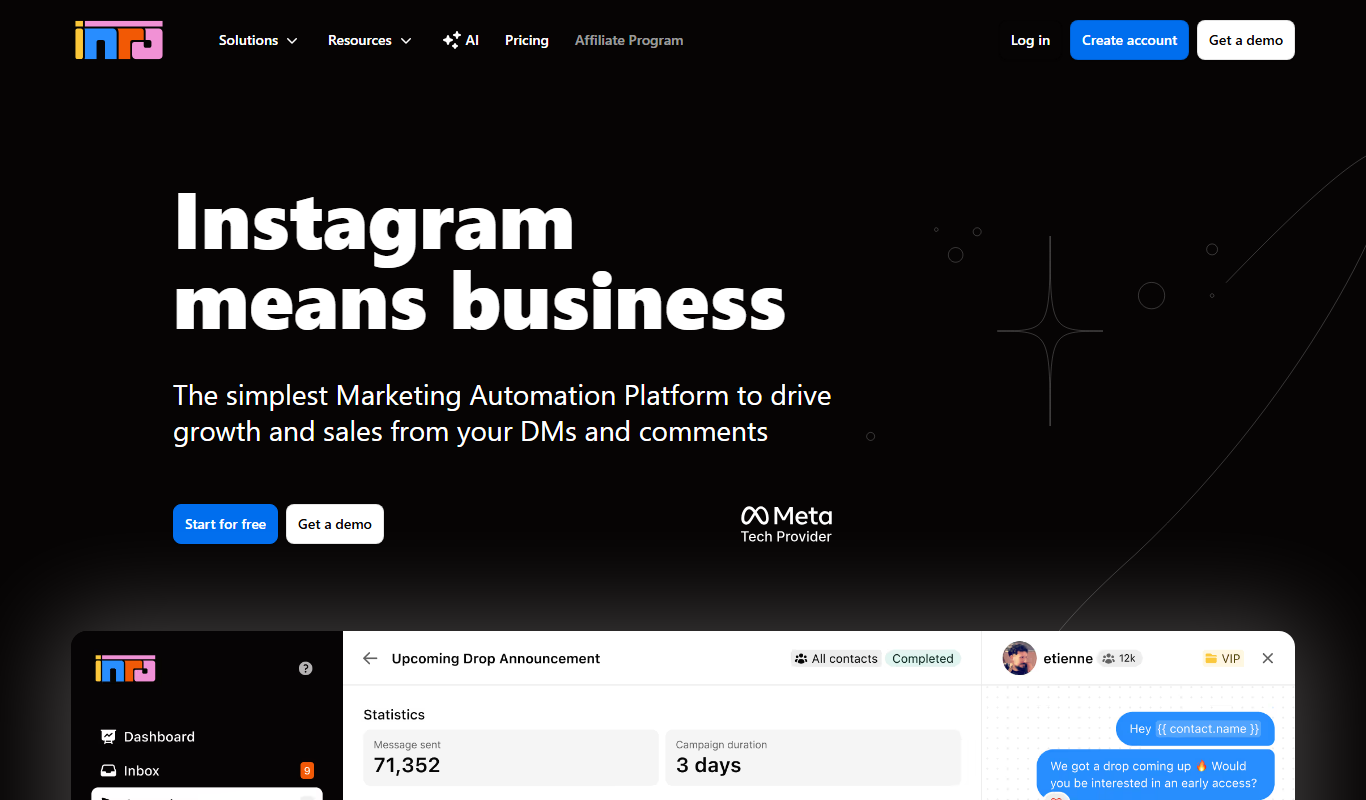
Inro
Inro is Instagram DM automation with an AI agent that answers every comment and DM in your voice, captures leads and runs DM campaigns.