

From my experience with ChatPlayground AI, I found it excels at providing an accessible, no-code platform for building AI chatbots that can handle real-time conversations effectively. The intuitive interface makes it easy for non-technical users to create chatbots for customer support or lead generation without needing programming skills. However, the platform currently supports only English and lacks mobile apps, which might limit some use cases. Overall, if you need a straightforward AI chatbot solution for your website or internal team, ChatPlayground AI offers solid features with a free plan to get started.
ChatPlayground AI Review: Features, Pricing, and Use Cases for AI Chatbots
ChatPlayground AI is a no-code conversational AI platform that helps businesses create chatbots for customer support, lead generation, and internal assistance with real-time AI conversations.
- Best for
- Customer Support Automation
- Key capability
- No-Code Chatbot Builder
Your actions


Do you recommend this tool?
What is ChatPlayground AI?
ChatPlayground AI is a web-based conversational AI platform that enables users to create and interact with AI chatbots for various purposes such as customer support, lead generation, and internal assistance. It offers an intuitive interface to build AI-powered chat experiences without requiring coding skills.
Key features of ChatPlayground AI
The platform provides customizable AI chatbots, real-time conversation capabilities, integration options, and analytics to monitor chatbot performance. It supports natural language understanding to handle diverse user inputs effectively.
No-Code Chatbot Builder
Design AI chatbots easily without programming knowledge using drag-and-drop tools.
Natural Language Processing
Understand and respond to user queries with advanced AI language models.
Real-Time Conversations
Engage users instantly with responsive chat interactions.
Analytics Dashboard
Gain insights into chatbot usage, user behavior, and conversation success rates.
Customizable Templates
Start quickly with pre-built chatbot templates tailored for different industries.
Pros and cons of ChatPlayground AI
Pros
- User-friendly no-code chatbot builder
- Real-time AI-powered conversations
- Free plan available for testing
- Analytics to track chatbot performance
Cons
- Limited language support (English only)
- No mobile app available currently
Key use cases for ChatPlayground AI
Customer Support Automation
Automate responses to common customer inquiries to reduce support workload and improve response times.
Lead Generation
Engage website visitors with AI-driven conversations to capture leads and qualify prospects automatically.
Internal Team Assistance
Provide employees with an AI assistant to quickly access company information and streamline workflows.
Content Creation Support
Use AI chat to brainstorm ideas, generate text snippets, or assist with writing tasks interactively.
How ChatPlayground AI works
- 1
Sign Up
Create a free account on ChatPlayground AI’s website to access the platform.
- 2
Create a Chatbot
Use the intuitive interface to design your AI chatbot’s conversational flow and customize responses.
- 3
Deploy and Integrate
Deploy the chatbot on your website or other platforms and integrate with existing tools if needed.
- 4
Monitor and Optimize
Track chatbot interactions and performance metrics to refine and improve the AI responses.
Who is using ChatPlayground AI
Small and medium businesses
Customer support teams
Marketing professionals
Content creators
Sales teams
ChatPlayground AI pricing
Free
$0/month
Basic chatbot creation with limited interactions and features.
Pro
$29/month
Advanced features, higher interaction limits, and priority support.
Plans and prices are as published by the vendor and can change. Check the official site before you buy. Open the pricing page (opens in a new tab)
Frequently asked questions about ChatPlayground AI
Yes, ChatPlayground AI offers a no-code builder that allows anyone to create chatbots easily.
Yes, there is a free plan with basic features and limited usage.
Yes, you can deploy the chatbot on your website and integrate it with other tools.
Currently, the platform supports English language interactions.
It depends on your specific needs and how you plan to use the tool. The official website and documentation are the best sources for the latest details.
Some tools offer a free plan or trial with limited features. Availability can vary, so confirm on the official website.
Integration support depends on the tool and its available connectors or API. Check the official documentation or integrations page to confirm what is supported.
Sign in to review this tool.
Sign In to ReviewNo reviews yet
Be the first to share how this tool worked for you.
Ask about pricing, limits, or how it compares — or answer someone else.
Sign In to AskNo questions yet
Have a question about using or paying for this tool? Be the first to ask.
Featured on TiorAI



More AI Blog Generator tools
Other tools in the same category, for when this one is not quite the fit.

Free
SAT Sphere
SAT Sphere is an online platform offering realistic SAT practice tests, detailed performance analytics, and personalized study plans to help students prepare effectively for the SAT exam.

Free Trial
Publish Studio
Publish Studio is a web platform that enables teams to collaboratively create, review, and publish digital content with real-time editing, approval workflows, and multi-channel distribution.

Commission-based
Go Vinted AI
Go Vinted AI is an online platform that uses artificial intelligence to help users buy and sell secondhand clothing with optimized listings and pricing, promoting sustainable fashion.

Free Trial
8arms
8arms is an AI-driven platform that enables automated testing and test management for web applications without requiring coding skills. It integrates with CI/CD pipelines and supports cross-browser testing to improve software quality and speed up releases.

Free
Spell AI
Spell AI is a cloud-based platform that provides scalable GPU compute, experiment tracking, and MLOps tools to help data scientists and engineers develop, train, and deploy machine learning models efficiently.
Free
Wosily
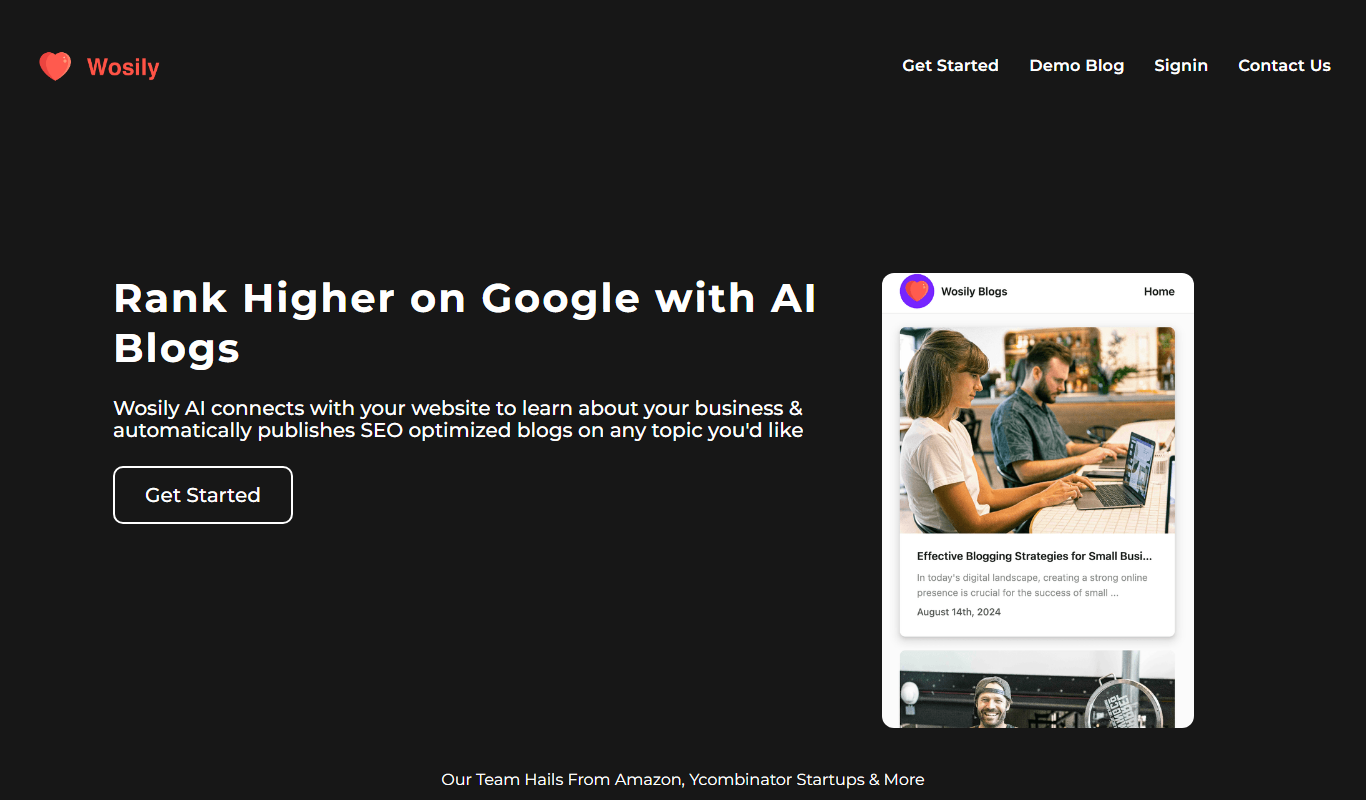
Wosily is an AI chatbot platform that helps businesses automate customer interactions through customizable chatbots with natural language understanding, supporting deployment on websites and apps.

Freemium
GrackerAI
GrackerAI is an AI-powered data analytics platform that helps businesses visualize data, track performance, and generate predictive insights through customizable dashboards and automated reports.

Free Trial
QuillGenius AI Copywriting Tool
QuillGenius is an AI-powered copywriting tool that helps users create marketing, SEO, and creative content efficiently through customizable templates and AI-generated drafts.