

From my experience with ChatPhoto, I found it excels at quickly converting images containing text into editable digital formats with impressive accuracy, especially for printed text. The addition of AI-generated captions adds valuable context for images beyond just text extraction, making it useful for content creators and accessibility purposes. However, the tool currently supports primarily English and lacks a dedicated mobile app, which may limit convenience for some users. Overall, if you need a straightforward, web-based solution for OCR and image captioning, ChatPhoto delivers reliable results with a user-friendly interface.
ChatPhoto AI Image to Text Converter for Accurate OCR and Captioning
ChatPhoto is a web-based AI tool that converts images containing text into editable text using OCR and generates descriptive captions for photos.
- Best for
- Extract Text from Images
- Key capability
- Accurate OCR Text Extraction
Your actions
Save ChatPhoto: Ai Image To Text, follow its updates and vote on it — everything stays in your account.
Sign in or create a free account
What is ChatPhoto: Ai Image To Text?
ChatPhoto is an AI-powered web application that converts images into text by leveraging advanced optical character recognition (OCR) and image captioning technologies. It allows users to upload photos containing text or visual content and instantly extract readable, editable text or generate descriptive captions. This tool is designed to simplify the process of digitizing printed or handwritten text and to provide meaningful context for images.
Key features of ChatPhoto: Ai Image To Text
ChatPhoto offers fast and accurate text extraction from images, supports multiple image formats, and generates AI-driven captions to describe photo content. It features a user-friendly web interface that requires no installation and provides free access with optional premium features for enhanced usage.
Accurate OCR Text Extraction
High-precision optical character recognition converts images of text into editable digital text.
AI-Powered Image Captioning
Generates meaningful captions that describe the content of photos beyond just text extraction.
Supports Multiple Image Formats
Accepts common image types such as JPG, PNG, and BMP for flexible input.
Web-Based Interface
No software installation required; accessible from any modern web browser.
Pros and cons of ChatPhoto: Ai Image To Text
Pros
- Simple and intuitive web interface
- Fast and accurate text extraction
- Supports both OCR and image captioning
- Free tier available for casual users
Cons
- Limited language support (primarily English)
- No dedicated mobile app
- Accuracy may vary with poor image quality
Key use cases for ChatPhoto: Ai Image To Text
Extract Text from Images
Convert photos containing text into editable and searchable text quickly and accurately.
Generate Captions for Photos
Automatically create descriptive captions for images using AI-powered analysis.
Assist Visually Impaired Users
Provide text descriptions of images to improve accessibility and understanding.
Content Creation and Documentation
Easily digitize handwritten notes, printed documents, or screenshots for content repurposing.
How ChatPhoto: Ai Image To Text works
- 1
Upload Image
Users upload an image containing text or visual content via the web interface.
- 2
AI Processing
The AI engine analyzes the image to extract text or generate a descriptive caption.
- 3
Review and Copy
Users review the extracted text or caption and copy it for use in documents or other applications.
Who is using ChatPhoto: Ai Image To Text
Students digitizing notes
Content creators needing image captions
Small businesses scanning documents
Visually impaired users seeking image descriptions
Researchers extracting data from images
ChatPhoto: Ai Image To Text pricing
Free
$0/month
Basic access with limited daily conversions and standard features.
Premium
$9.99/month
Higher conversion limits, faster processing, and priority support.
Plans and prices are as published by the vendor and can change. Check the official site before you buy. Open the pricing page (opens in a new tab)
Frequently asked questions about ChatPhoto: Ai Image To Text
ChatPhoto supports common image formats like JPG, PNG, and BMP containing printed or handwritten text.
The free plan has daily limits, while premium subscribers enjoy higher or unlimited conversions.
Yes, it can extract text from many types of handwriting, though accuracy may vary based on clarity.
Uploaded images are processed securely and not shared with third parties; however, users should avoid sensitive data.
It depends on your specific needs and how you plan to use the tool. The official website and documentation are the best sources for the latest details.
Yes, it can help with that use case depending on how you configure it and what features are available. You’ll get the best results with clear inputs and a defined goal.
Some tools offer a free plan or trial with limited features. Availability can vary, so confirm on the official website.
Yes, it can help with that use case depending on how you configure it and what features are available. You’ll get the best results with clear inputs and a defined goal.
Sign in to review this tool.
Sign In to ReviewNo reviews yet
Be the first to share how this tool worked for you.
Ask about pricing, limits, or how it compares — or answer someone else.
Sign In to AskNo questions yet
Have a question about using or paying for this tool? Be the first to ask.
Featured on TiorAI



More AI Image & Visual Tools tools
Other tools in the same category, for when this one is not quite the fit.
Free
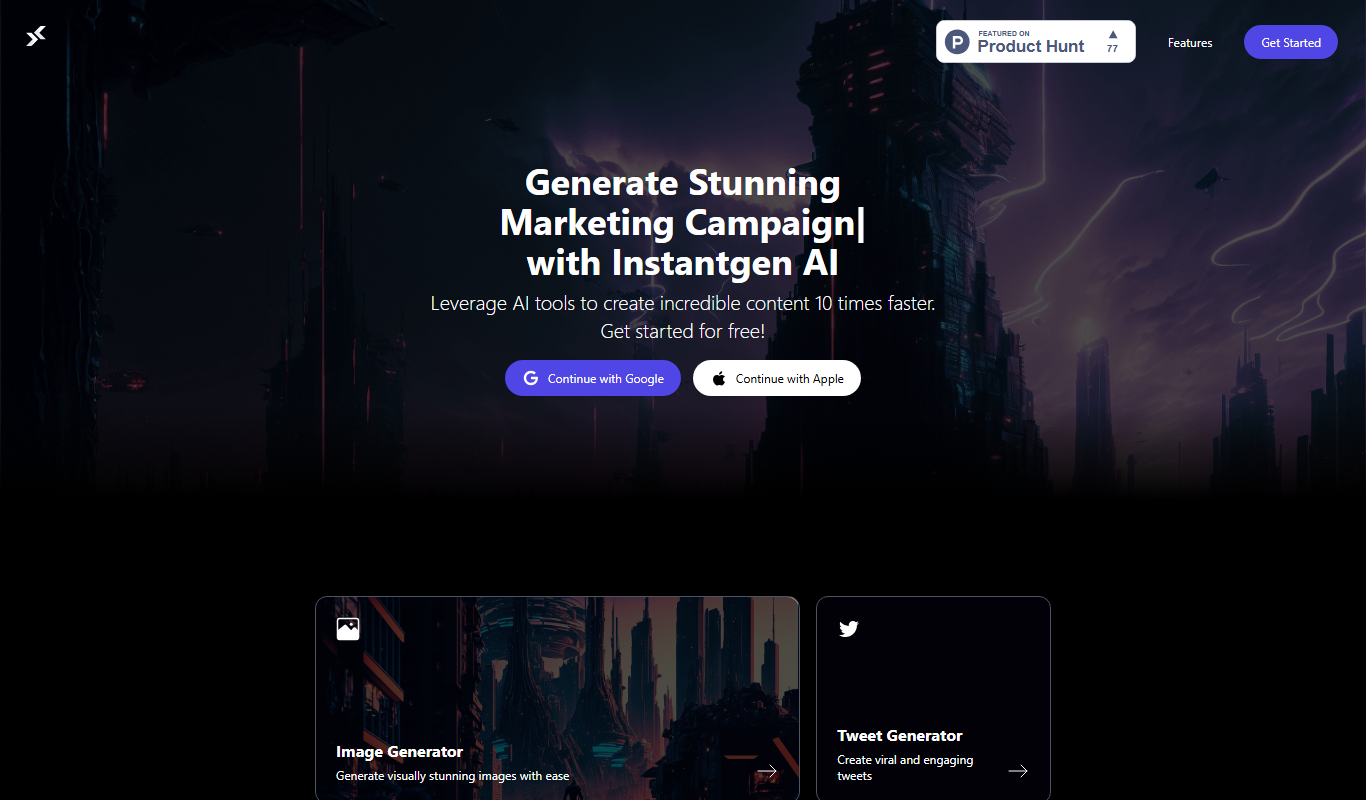
Instantgen AI
Instantgen AI generates images from text prompts, and it also generates text, social media posts and product descriptions.

Free
Free AI Face Swap
Free AI Face Swap is a web-based tool that uses artificial intelligence to swap faces between two images realistically and for free, without requiring user registration.

Free
BestFaceSwap
BestFaceSwap is an online AI tool that swaps faces in photos and videos using deep learning, offering free and premium plans with realistic results.

Free
Free Face Swap
Free Face Swap is an online face swap tool for photos and videos.

Freemium
Anthropics Technology Ltd
Anthropics Technology Ltd offers AI-driven image editing software specializing in portrait retouching and photo enhancement, available for Windows and Mac with options for batch processing.

Free
svgtrace.com
SVGTrace.com is an online tool that converts raster images such as PNG or JPG into scalable SVG vector graphics using image tracing algorithms, accessible directly from your browser without installation.

Freemium
PuLID for FLUX
PuLID for FLUX is available free on 8PixLabs and generates images that keep facial features from a single photo.

Pay As You Go
Heurist Imagine
Heurist Imagine is an AI image and video generator that runs models such as FLUX, Stable Diffusion and Veo 3 on decentralized infrastructure, paid pay-as-you-go with crypto.