

ChatDOC AI Chatbot for Document Understanding and Analysis
ChatDOC is an AI chatbot platform that enables users to upload documents and ask natural language questions to extract information quickly and efficiently.
- Best for
- Document Querying
- Key capability
- Multi-format Document Support
Save ChatDOC, follow its updates and vote on it — everything stays in your account.
Sign in or create a free account
What is ChatDOC?
ChatDOC is an AI-powered chatbot platform designed to help users interact with and understand documents through natural language queries. By uploading documents such as PDFs, users can ask questions and receive precise answers extracted from the content, eliminating the need to manually read through lengthy files.
Key features of ChatDOC
ChatDOC offers document uploading, AI-powered question answering, multi-format support, and an intuitive chat interface that enables seamless interaction with document content.
Multi-format Document Support
Supports PDFs and other common document formats for flexible use.
Natural Language Querying
Allows users to ask questions in everyday language without needing technical commands.
Fast Document Processing
Quickly analyzes documents to provide near-instant answers.
User-friendly Chat Interface
Simple chat-based UI makes interacting with documents intuitive.
Secure Document Handling
Ensures uploaded documents are handled with privacy and security in mind.
ChatPaper and PDF Parser API
The site also offers ChatPaper and a PDF Parser API.
Pros and cons of ChatDOC
Pros
- Easy to use chat interface for document queries
- Speeds up information extraction from lengthy documents
- Supports multiple document formats
- Affordable pricing with a free tier
Cons
- No mobile app currently available
- Some advanced features require paid subscription
Key use cases for ChatDOC
Document Querying
Users can upload documents such as PDFs and ask questions to quickly extract relevant information without manual reading.
Customer Support Automation
Businesses can use ChatDOC to automate responses to document-related queries, improving support efficiency.
Research Assistance
Researchers can leverage ChatDOC to analyze large documents and get summarized answers to specific questions.
Legal Document Review
Legal professionals can use ChatDOC to quickly understand contracts and legal documents by querying key points.
Educational Tool
Students and educators can interact with textbooks or study materials by asking questions and receiving explanations.
How ChatDOC works
- 1
Upload Document
Users upload their document files (e.g., PDFs) to the ChatDOC platform.
- 2
AI Processing
The AI analyzes the document content to understand context and extract relevant information.
- 3
Ask Questions
Users type questions related to the document, and the chatbot provides accurate answers.
- 4
Receive Responses
ChatDOC returns concise, context-aware answers drawn directly from the document.
Who is using ChatDOC
ChatDOC pricing
Free
$0/month
The free plan allows 10 files and 100 questions per day, with a limit of 3 pages per file.
Pro
$15/month
Increased upload limits, faster processing, and priority support.
Plans and prices are as published by the vendor and can change. Check the official site before you buy. Open the pricing page (opens in a new tab)
Frequently asked questions about ChatDOC
ChatDOC primarily supports PDFs but may accept other common document formats.
Yes, ChatDOC uses secure protocols to protect your documents and does not share your data.
Yes. ChatDOC supports documents and queries in 25+ languages.
Yes, the free plan has size limits; Pro users can upload larger documents.
It depends on your specific needs and how you plan to use the tool. The official website and documentation are the best sources for the latest details.
Yes, it can help with that use case depending on how you configure it and what features are available. You’ll get the best results with clear inputs and a defined goal.
Some tools offer a free plan or trial with limited features. Availability can vary, so confirm on the official website.
Yes, it can help with that use case depending on how you configure it and what features are available. You’ll get the best results with clear inputs and a defined goal.
Conclusion
Questions typed in everyday language are answered from the content of an uploaded document such as a PDF, so lengthy files need not be read manually. The AI analyzes the document for context first, and answers come back drawn directly from it. Documents and queries can be in 25+ languages. The same site offers ChatPaper and a PDF Parser API.
It is aimed at researchers, legal professionals reviewing contracts and students working with study materials. On the free plan, usage is limited to 10 files and 100 questions per day, with a limit of 3 pages per file.
Sources
Sign in to review this tool.
Sign In to ReviewNo reviews yet
Be the first to share how this tool worked for you.
Ask about pricing, limits, or how it compares — or answer someone else.
Sign In to AskNo questions yet
Have a question about using or paying for this tool? Be the first to ask.
Featured on TiorAI



More AI Chatbot & Conversational Tools tools
Other tools in the same category, for when this one is not quite the fit.
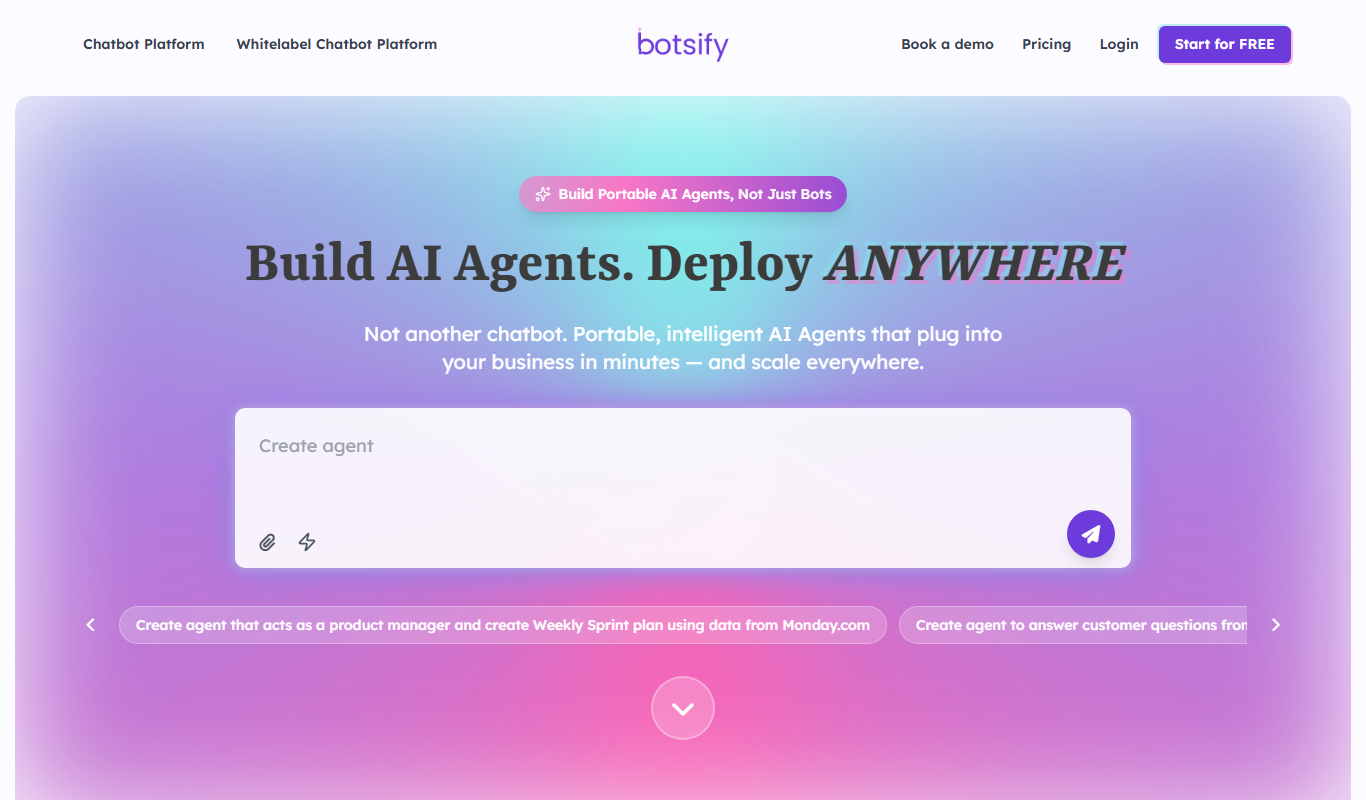
Botsify
Botsify is a white-label platform for building and reselling AI chatbots and AI agents under your own brand, with client management and platform customization for agencies.
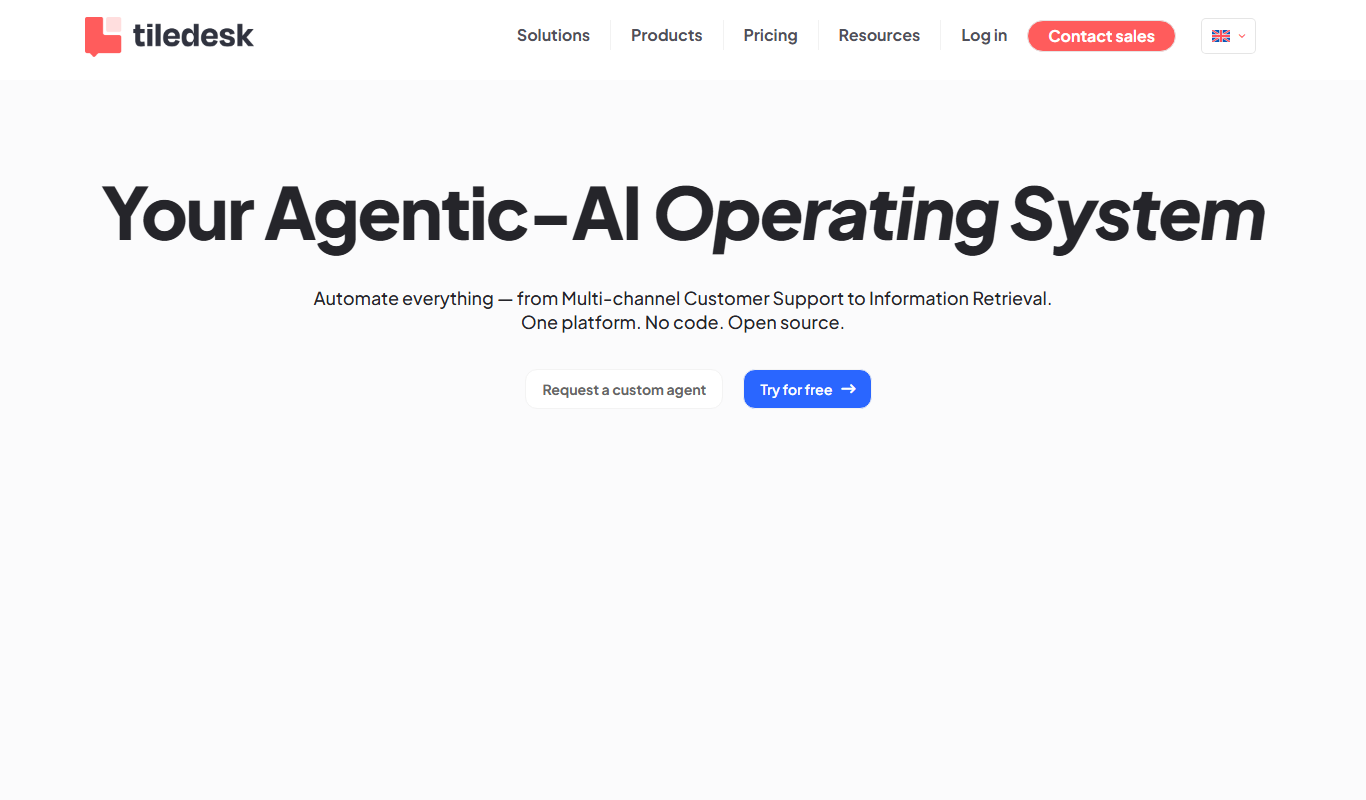
Tiledesk
Tiledesk is an open-source AI chatbot and live chat platform that helps businesses automate customer support, engage visitors across multiple messaging channels, and integrate with helpdesk systems.
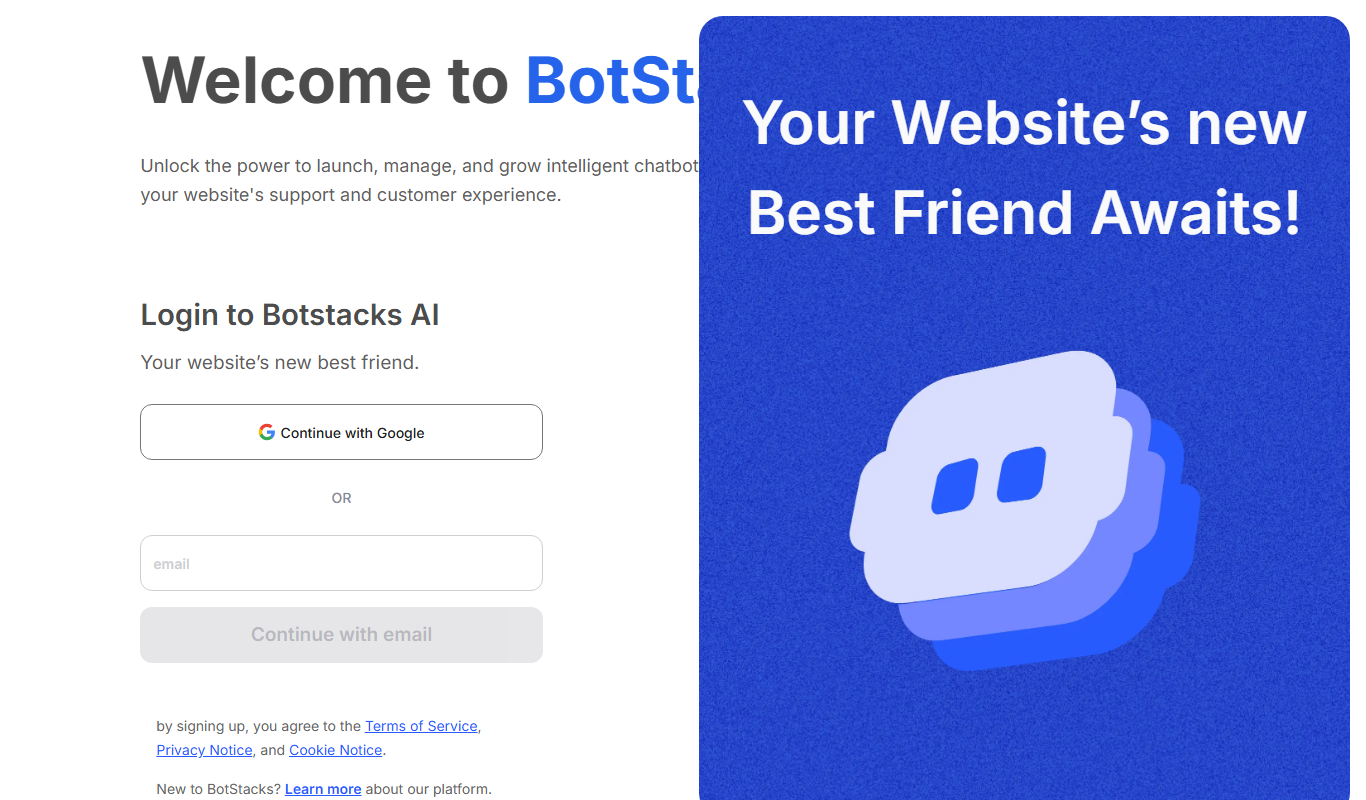
BotStacks
BotStacks is a no-code AI chatbot builder that creates a chatbot trained on every page of your website to answer customers 24/7.
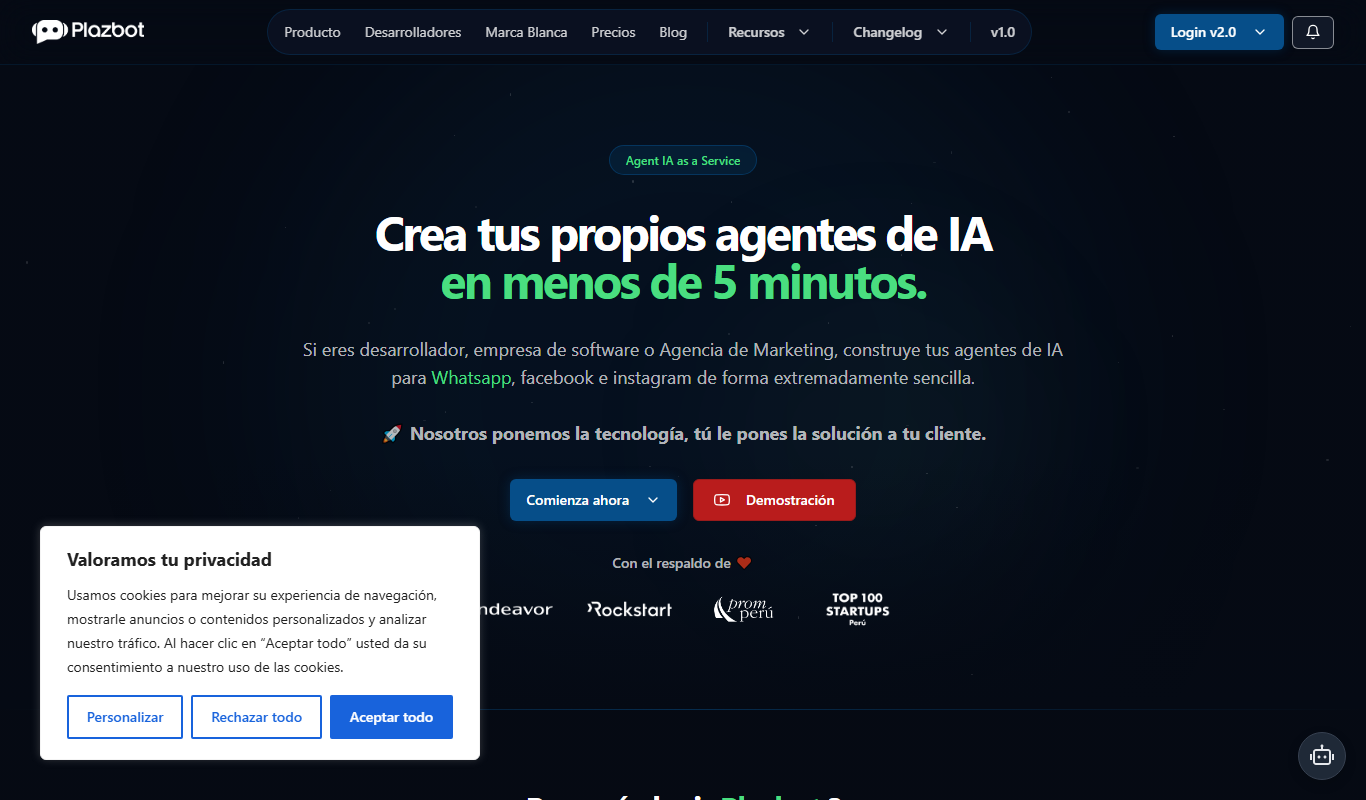
Plazbot
Plazbot is a platform for conversational AI agents on WhatsApp, web and voice with an omnichannel CRM, multi-LLM support, RAG and visual automations.

AI Chatbot
Verloop.io AI Chatbot is a conversational AI platform that automates customer support and engagement across multiple channels using natural language processing.

Meoweler
Meoweler is an AI chatbot platform that helps businesses automate customer support and engagement through no-code chatbot creation and natural language processing.

Parny
Parny is an AI chatbot platform that helps businesses automate customer support and engagement through easy-to-build conversational bots with API integration and analytics.

Its Bot
Its Bot is an AI-powered chatbot platform that enables businesses to automate customer interactions across multiple channels using a no-code builder and AI natural language processing.