

From my experience with Chat2CSV, I found it excels at quickly converting chat conversations into clean CSV files without any hassle. The tool’s simplicity and browser-based operation make it ideal for users who need fast, no-frills chat data export without signing up or installing software. It’s particularly well-suited for analysts, researchers, and small businesses managing chat records. However, it is limited to text-based chat formats and lacks advanced customization options, which might be a drawback for complex chat exports. Overall, if you need a straightforward way to convert chat logs to CSV, Chat2CSV delivers reliable and easy results.
Chat2CSV - Convert Chat Conversations to CSV Files Easily Online
Chat2CSV is a free web-based tool that converts chat conversations into CSV files by parsing timestamps, senders, and messages, enabling easy export and analysis.
- Best for
- Export Chat Logs
- Key capability
- Easy Chat Data Upload
Your actions
Save Chat2CSV, follow its updates and vote on it — everything stays in your account.
Sign in or create a free account
What is Chat2CSV?
Chat2CSV is a free online tool designed to convert chat conversations into CSV files quickly and easily. It supports various chat formats and allows users to upload chat logs or paste chat text to generate structured CSV outputs. This simplifies the process of analyzing, archiving, or sharing chat data in a widely compatible spreadsheet format.
Key features of Chat2CSV
The tool offers a straightforward interface for uploading or pasting chat data, automatic parsing of chat messages, and exporting the results as CSV files. It requires no installation and works directly in the browser, making it accessible and convenient for users needing quick chat data conversion.
Easy Chat Data Upload
Supports uploading chat logs or pasting chat text directly.
Automatic Parsing
Automatically extracts timestamps, sender names, and message content.
CSV Export
Exports chat data into a clean, structured CSV file.
No Installation Required
Fully web-based tool accessible from any modern browser.
Free to Use
Offers free access without requiring registration or payment.
Pros and cons of Chat2CSV
Pros
- Simple and intuitive interface
- No registration or payment required
- Quick conversion process
- Works entirely in the browser
- Supports multiple chat input methods
Cons
- Limited to text-based chat formats
- No advanced customization options
- No dedicated mobile app
Key use cases for Chat2CSV
Export Chat Logs
Convert chat conversations from various platforms into CSV format for easier analysis and record keeping.
Data Analysis Preparation
Prepare chat data in CSV format to import into spreadsheets or data analysis tools.
Backup and Archiving
Create CSV backups of chat conversations for archiving or compliance purposes.
Reporting
Generate structured reports from chat data by converting unstructured chat text into CSV files.
How Chat2CSV works
- 1
Upload or Paste Chat Data
Users can upload chat log files or paste raw chat text into the input area.
- 2
Parse Chat Conversation
The tool automatically detects message timestamps, senders, and message content.
- 3
Generate CSV File
Chat2CSV converts the parsed data into a structured CSV format.
- 4
Download CSV
Users can download the resulting CSV file for use in spreadsheets or other applications.
Who is using Chat2CSV
Data analysts needing chat data in CSV
Customer support teams archiving conversations
Researchers analyzing chat interactions
Small businesses managing chat records
Anyone needing quick chat export to CSV
Chat2CSV pricing
Free
$0
Unlimited use of chat to CSV conversion features with no cost.
Plans and prices are as published by the vendor and can change. Check the official site before you buy. Open the pricing page (opens in a new tab)
Frequently asked questions about Chat2CSV
Chat2CSV supports plain text chat logs and common chat export formats, but it works best with text-based chat data.
No, Chat2CSV is free to use and does not require any registration or account creation.
Chat2CSV processes data in the browser and does not store uploaded chat logs on its servers.
Yes, since it is a web-based tool, it can be accessed from mobile browsers.
It depends on your specific needs and how you plan to use the tool. The official website and documentation are the best sources for the latest details.
Some tools offer a free plan or trial with limited features. Availability can vary, so confirm on the official website.
Yes, it can help with that use case depending on how you configure it and what features are available. You’ll get the best results with clear inputs and a defined goal.
Sign in to review this tool.
Sign In to ReviewNo reviews yet
Be the first to share how this tool worked for you.
Ask about pricing, limits, or how it compares — or answer someone else.
Sign In to AskNo questions yet
Have a question about using or paying for this tool? Be the first to ask.
Featured on TiorAI



More AI Charting tools
Other tools in the same category, for when this one is not quite the fit.

Free
Gorilla Terminal
Gorilla Terminal is a web platform providing real-time stock market data, customizable stock scanners, and integrated trading capabilities for active traders.

Subscription
TradeUI
TradeUI is a web-based platform that provides customizable stock scanning, real-time trading alerts, and a market dashboard to help investors identify trading opportunities and manage portfolios efficiently.

Custom Pricing
Bodh
Bodh is a web-based data annotation platform that supports multi-modal data labeling including images, videos, text, and audio to help teams create accurate datasets for machine learning models.

Free Trial
Analytics Model
Analytics Model is a web-based AI platform that automates data analysis and predictive modeling, enabling users to generate insights and visualizations without coding expertise.

Free
Math.bot: AI Math Solver by GPT-4o
Math.bot is an AI-powered math solver using GPT-4o that provides detailed step-by-step solutions to a wide range of math problems via a web interface.

Freemium
Cloud Hero
Cloud Hero is an AI-driven cloud cost management platform that helps businesses reduce cloud expenses by providing real-time monitoring, multi-cloud visibility, anomaly detection, and budget forecasting.
Free Trial
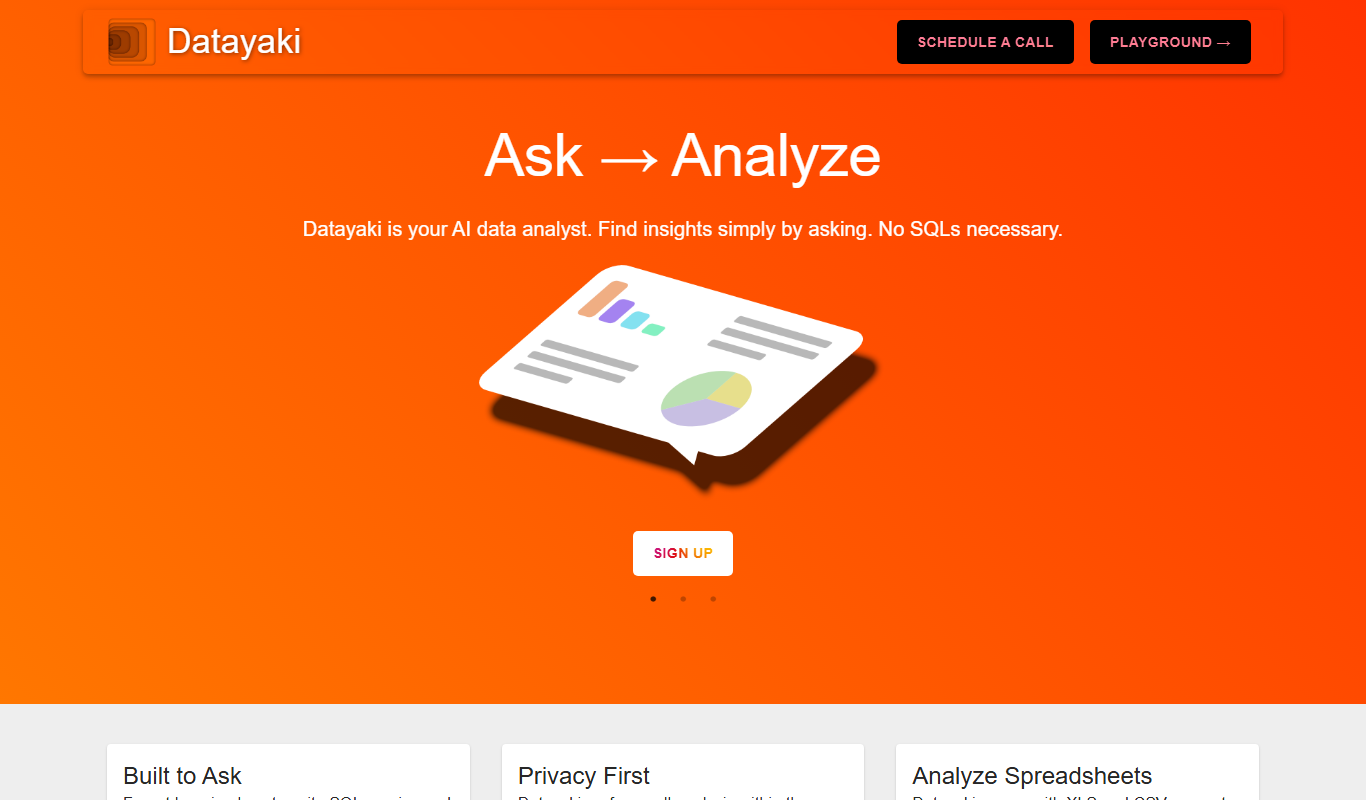
Datayaki
Datayaki is an AI-driven platform that automates data extraction from business documents such as invoices and receipts using OCR and machine learning, offering customizable templates and API integration.

Free Trial
Finalle
Finalle is an AI-powered meeting assistant that automatically transcribes meetings, generates summaries, and extracts action items to help teams save time and improve collaboration.