

From my experience with Change Face With AI, I found it to be a straightforward and accessible tool for creating realistic face swaps without needing advanced editing skills. The web-based interface makes it convenient to use on any device, which is great for casual users and content creators alike. However, the free version’s watermarks and usage limits can be restrictive if you want to produce multiple high-quality images. Overall, if you’re looking for a quick and easy way to experiment with AI-powered face swapping for social media or creative projects, this tool delivers solid and natural-looking results.
Change Face With AI Online Tool for Realistic Face Swapping and Editing
Change Face With AI is a web-based tool that uses artificial intelligence to swap faces in photos realistically, offering free and premium plans for users to create face-swapped images easily.
- Best for
- Entertainment and Social Media
- Key capability
- AI-Powered Face Detection
Do you recommend this tool?
What is Change Face With AI?
Change Face With AI is a web-based application that allows users to swap faces in images using artificial intelligence. It leverages AI algorithms to create realistic face swaps quickly and easily without requiring advanced photo editing skills. The tool is designed for casual users and content creators who want to modify photos for entertainment, creative projects, or social sharing.
Key features of Change Face With AI
The tool offers an intuitive interface for uploading photos, selecting faces to swap, and generating realistic face-swapped images. It supports multiple image formats and provides options to download the edited images. The AI technology ensures natural blending and facial feature alignment for convincing results.
AI-Powered Face Detection
Automatically identifies faces in uploaded images for accurate swapping.
Realistic Face Swapping
Uses AI to blend facial features seamlessly for natural-looking results.
User-Friendly Web Interface
No software installation required; accessible via any modern web browser.
Multiple Image Format Support
Supports common image formats like JPG and PNG for input and output.
Free Basic Usage
Offers free access with optional premium features or limits.
Pros and cons of Change Face With AI
Pros
- Easy to use with no technical skills required
- Quick processing with realistic face blending
- Accessible from any device with a web browser
Cons
- Free version includes watermarks and usage limits
- Results depend on input image quality
- No mobile app or offline version available
Key use cases for Change Face With AI
Entertainment and Social Media
Users can create fun and engaging face swap images to share on social media platforms.
Creative Content Creation
Content creators can generate unique visuals by swapping faces in photos for storytelling or marketing.
Photo Editing and Enhancement
Individuals can modify photos by changing faces realistically for personal or professional use.
Experimentation with AI Technology
Users interested in AI-driven image manipulation can explore face swapping capabilities easily.
How Change Face With AI works
- 1
Upload Photos
Users upload the source and target images where faces will be swapped.
- 2
Select Faces
The tool automatically detects faces or allows manual selection for swapping.
- 3
Process Swap
AI algorithms analyze and swap the faces, blending features naturally.
- 4
Download Result
Users can preview and download the final face-swapped image.
Who is using Change Face With AI
Social media users
Content creators
Casual photo editors
AI technology enthusiasts
Marketing professionals
Change Face With AI pricing
Free
$0
Basic face swapping with limited daily usage and watermark on images.
Premium
$9.99/month
Unlimited swaps, higher resolution downloads, and watermark removal.
Plans and prices are as published by the vendor and can change. Check the official site before you buy. Open the pricing page (opens in a new tab)
Frequently asked questions about Change Face With AI
Yes, it offers a free plan with limited usage and watermarked images.
No, the tool is fully web-based and works in modern browsers.
The AI technology blends faces naturally, but results may vary depending on image quality.
Check the website’s terms of service for licensing and commercial use policies.
It depends on your specific needs and how you plan to use the tool. The official website and documentation are the best sources for the latest details.
Some tools offer a free plan or trial with limited features. Availability can vary, so confirm on the official website.
Yes, it can help with that use case depending on how you configure it and what features are available. You’ll get the best results with clear inputs and a defined goal.
Sign in to review this tool.
Sign In to ReviewNo reviews yet
Be the first to share how this tool worked for you.
Ask about pricing, limits, or how it compares — or answer someone else.
Sign In to AskNo questions yet
Have a question about using or paying for this tool? Be the first to ask.
Featured on TiorAI



Alternative Tools
Explore similar AI tools that might fit your needs

Free
Reface
Reface is an AI-driven app that enables users to swap faces in videos and GIFs realistically, creating personalized and entertaining content for social media and messaging.

Free
FaceApp
FaceApp is an AI photo editing application that uses neural networks to apply realistic face transformations such as aging, gender swaps, and makeup filters.
Free
DeepFaceLab
DeepFaceLab is an open-source AI tool for creating realistic face swaps in videos and images using deep learning techniques.
More AI Face Swap Generator tools
Other tools in the same category, for when this one is not quite the fit.

Free
Wemate
Wemate is an AI-powered writing assistant that helps users generate and improve text content efficiently through a web-based platform.

Free
SampleFaces.com
SampleFaces.com offers free, high-quality stock photos of real people that can be used for personal and commercial projects without registration or cost.

Freemium
Deepfakes Web
Deepfakes Web is a cloud-based AI tool that enables users to create realistic face swap videos by uploading source videos and face images, processed securely online without requiring local hardware.

Free
How Old Do I Look
How Old Do I Look is a free online AI tool that estimates a person's age from uploaded photos using facial recognition technology.
Free
This Person Not Exist
This Person Not Exist is a free AI tool that instantly generates realistic human faces using GAN technology, creating images of people who do not exist.
Free
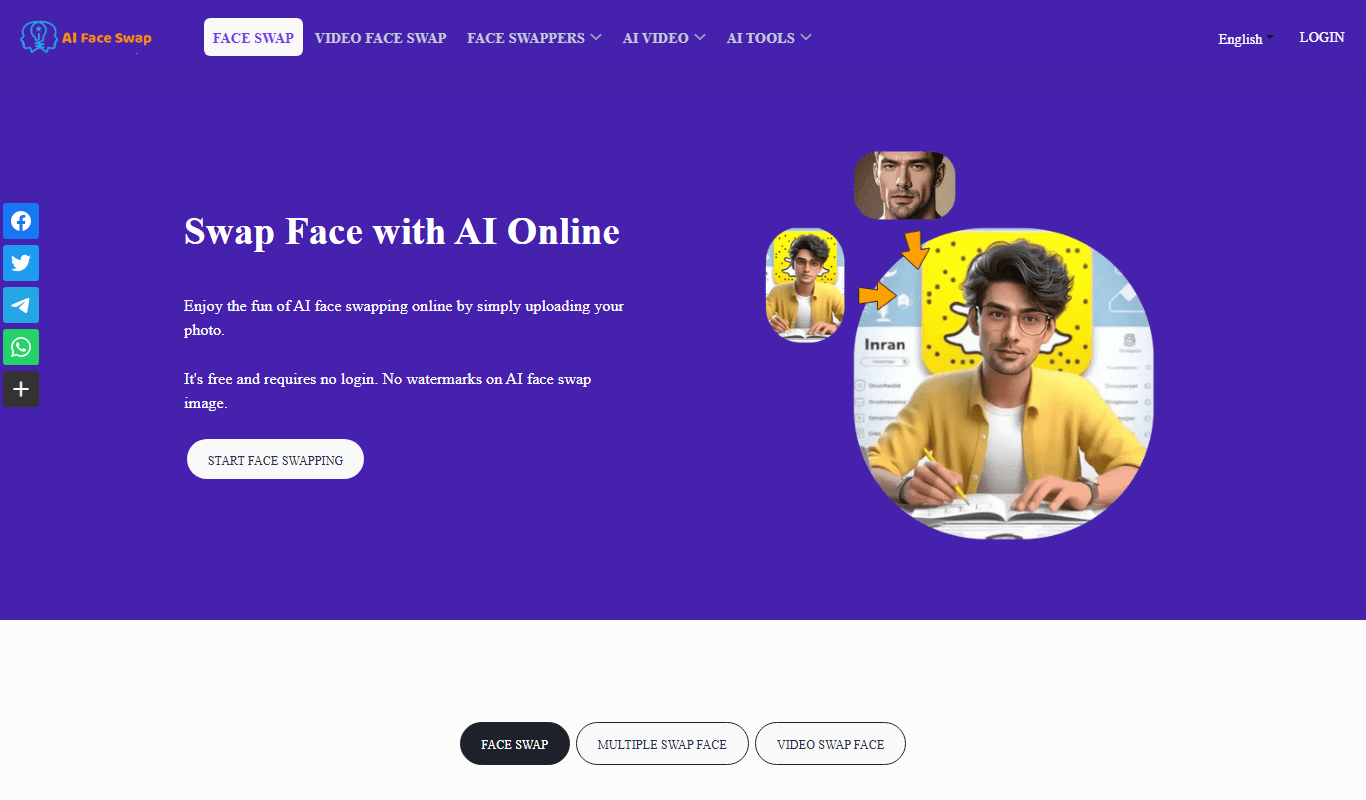
AI Face Swap
AI Face Swap is an online platform that uses artificial intelligence to swap faces in photos and videos realistically, offering both free and premium plans.

One-time purchase
NextGenSwitch
NextGenSwitch is a Wi-Fi enabled smart switch system that allows remote control, scheduling, and energy monitoring of home lighting and appliances, integrating with voice assistants for convenient smart home automation.

Freemium
Magicam
Magicam is an AI-driven video editing software that enables real-time video effects, virtual background replacement, and live streaming enhancements without the need for green screens.