

From my experience with NextGenSwitch, I found it excels at combining straightforward smart switch hardware with practical energy monitoring features. The system’s integration with popular voice assistants and its user-friendly app make it accessible for homeowners looking to automate lighting and reduce energy costs. However, installation can be a hurdle for those without electrical experience, and a reliable Wi-Fi network is essential for full functionality. Overall, if you want an affordable, no-subscription smart switch solution focused on energy efficiency, NextGenSwitch delivers solid value.
NextGenSwitch Smart Home Automation System for Energy Efficiency
NextGenSwitch is a Wi-Fi enabled smart switch system that allows remote control, scheduling, and energy monitoring of home lighting and appliances, integrating with voice assistants for convenient smart home automation.
- Best for
- Energy Efficiency
- Key capability
- Wi-Fi Enabled Smart Switch


Do you recommend this tool?
What is NextGenSwitch?
NextGenSwitch is a smart home automation system designed to replace traditional light switches with intelligent, Wi-Fi-enabled switches. It allows users to remotely control and schedule their home lighting and appliances, improving energy efficiency and convenience. The system integrates with popular voice assistants and provides real-time energy monitoring to help users optimize their electricity consumption.
Key features of NextGenSwitch
NextGenSwitch offers smart switch hardware combined with a user-friendly app that enables remote control, scheduling, energy monitoring, and voice assistant integration. Its focus is on simplifying home automation while promoting energy savings.
Wi-Fi Enabled Smart Switch
Replaces traditional switches with smart devices controllable via app and voice.
Energy Monitoring
Tracks real-time energy consumption to help users reduce electricity usage.
Scheduling and Automation
Allows users to create custom schedules and automation rules for devices.
Voice Assistant Integration
Compatible with Amazon Alexa and Google Assistant for hands-free control.
User-Friendly Mobile App
Intuitive app interface for easy device management and monitoring.
Pros and cons of NextGenSwitch
Pros
- Easy integration with popular voice assistants
- Real-time energy monitoring helps reduce costs
- No subscription fees after purchase
Cons
- Requires Wi-Fi network for full functionality
- Installation may be challenging for non-technical users
Key use cases for NextGenSwitch
Energy Efficiency
Monitor and control home energy usage to reduce electricity bills and environmental impact.
Remote Home Control
Operate lighting and appliances remotely via mobile app or web interface.
Smart Scheduling
Set schedules and automation rules for devices to optimize convenience and energy use.
Integration with Voice Assistants
Control devices using popular voice assistants like Amazon Alexa and Google Assistant.
How NextGenSwitch works
- 1
Install Smart Switch
Replace your existing light switch with the NextGenSwitch device following provided instructions.
- 2
Connect to Wi-Fi
Use the mobile app to connect the switch to your home Wi-Fi network.
- 3
Configure Settings
Set up schedules, automation rules, and link with voice assistants through the app.
- 4
Control Remotely
Use the app or voice commands to control your lights and appliances from anywhere.
Who is using NextGenSwitch
Homeowners interested in smart home technology
Energy-conscious consumers
Tech-savvy individuals seeking home automation
Small businesses looking to manage energy use
NextGenSwitch pricing
Standard
$49.99 per switch
One-time purchase for a single smart switch device.
Plans and prices are as published by the vendor and can change. Check the official site before you buy. Open the pricing page (opens in a new tab)
Frequently asked questions about NextGenSwitch
While installation can be done by users familiar with electrical wiring, professional installation is recommended for safety.
NextGenSwitch is compatible with most LED, CFL, and incandescent bulbs, but users should verify compatibility for specific fixtures.
Yes, the app supports managing multiple NextGenSwitch devices within a single home.
No, the app is free to use with the purchase of the hardware; there are no ongoing subscription fees.
It depends on your specific needs and how you plan to use the tool. The official website and documentation are the best sources for the latest details.
It depends on your specific needs and how you plan to use the tool. The official website and documentation are the best sources for the latest details.
Yes, it can help with that use case depending on how you configure it and what features are available. You’ll get the best results with clear inputs and a defined goal.
Sign in to review this tool.
Sign In to ReviewNo reviews yet
Be the first to share how this tool worked for you.
Ask about pricing, limits, or how it compares — or answer someone else.
Sign In to AskNo questions yet
Have a question about using or paying for this tool? Be the first to ask.
Featured on TiorAI



Alternative Tools
Explore similar AI tools that might fit your needs
One-time purchase
TP-Link Kasa Smart Switch
The TP-Link Kasa Smart Switch is a Wi-Fi-enabled device that replaces traditional wall switches, allowing remote and voice-controlled lighting management with scheduling and energy monitoring features.
More AI Face Swap Generator tools
Other tools in the same category, for when this one is not quite the fit.

Free
Wemate
Wemate is an AI-powered writing assistant that helps users generate and improve text content efficiently through a web-based platform.

Free
SampleFaces.com
SampleFaces.com offers free, high-quality stock photos of real people that can be used for personal and commercial projects without registration or cost.

Freemium
Deepfakes Web
Deepfakes Web is a cloud-based AI tool that enables users to create realistic face swap videos by uploading source videos and face images, processed securely online without requiring local hardware.

Free
How Old Do I Look
How Old Do I Look is a free online AI tool that estimates a person's age from uploaded photos using facial recognition technology.

Free
This Person Not Exist
This Person Not Exist is a free AI tool that instantly generates realistic human faces using GAN technology, creating images of people who do not exist.
Free
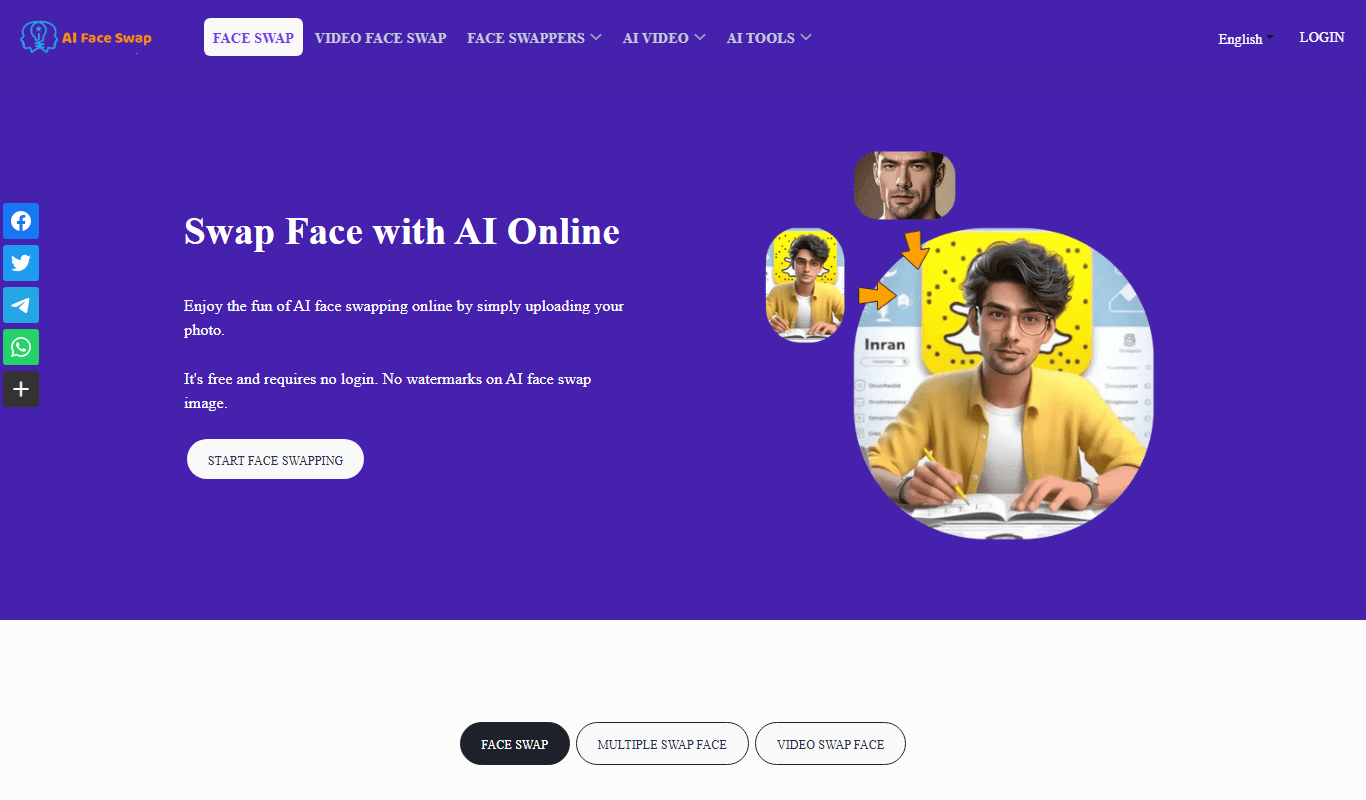
AI Face Swap
AI Face Swap is an online platform that uses artificial intelligence to swap faces in photos and videos realistically, offering both free and premium plans.

Freemium
Magicam
Magicam is an AI-driven video editing software that enables real-time video effects, virtual background replacement, and live streaming enhancements without the need for green screens.

Freemium
cgfaces.com
CGFaces is a web-based AI tool that generates realistic 3D human faces with customizable features, ideal for game development, animation, and VR projects.