

From my experience with Cara, I found it excels at simplifying customer support and lead generation through an easy-to-use AI chatbot. The platform’s intuitive setup and appointment scheduling features make it particularly well-suited for small to medium businesses looking to automate visitor engagement without heavy technical resources. However, the limitation to English language support and some advanced features being behind paid plans may restrict its use for larger or multilingual enterprises. Overall, if you need a straightforward chatbot to boost lead capture and improve customer interactions, Cara delivers reliable and practical results.
Cara AI Chatbot for Customer Support and Lead Generation Automation
Cara is an AI chatbot platform that automates customer support and lead generation by engaging website visitors, answering questions, qualifying leads, and scheduling appointments.
- Best for
- Customer Support Automation
- Key capability
- AI-Powered Conversational Chatbot
Your actions
Save Cara, follow its updates and vote on it — everything stays in your account.
Sign in or create a free account
What is Cara?
Cara is an AI-powered chatbot platform designed to automate customer support and lead generation on websites. It uses conversational AI to interact with visitors, answer questions, qualify leads, and schedule appointments, helping businesses increase efficiency and improve user engagement without requiring human agents for initial interactions.
Key features of Cara
Cara offers features such as customizable chatbot workflows, real-time visitor engagement, lead qualification forms, appointment booking integration, and analytics to monitor chatbot performance and customer interactions.
AI-Powered Conversational Chatbot
Engages visitors with natural language understanding to provide relevant responses.
Lead Qualification & Capture
Collects visitor information and qualifies leads through interactive forms.
Appointment Scheduling Integration
Enables visitors to book meetings or appointments directly within the chat.
Customizable Chat Flows
Allows businesses to tailor chatbot conversations to their specific use cases.
Analytics & Reporting
Provides insights into chatbot interactions, visitor behavior, and lead generation metrics.
Pros and cons of Cara
Pros
- Easy to set up with no coding required
- Effective lead qualification and capture
- Supports appointment scheduling
- Real-time visitor engagement boosts conversions
- Detailed analytics for performance tracking
Cons
- Limited language support (English only)
- Advanced features require paid plans
- Customization options may be limited for complex workflows
Key use cases for Cara
Customer Support Automation
Cara automates responses to customer inquiries, reducing manual workload and improving response times.
Lead Generation
The chatbot engages website visitors, qualifies leads, and collects contact information to boost sales pipelines.
Appointment Scheduling
Cara can handle booking appointments or meetings directly through conversational interactions.
FAQ Handling
It provides instant answers to frequently asked questions, enhancing user experience on websites.
Sales Support
Supports sales teams by guiding prospects through product information and answering common queries.
How Cara works
- 1
Sign Up
Create an account on Cara’s platform to access chatbot setup tools.
- 2
Customize Chatbot
Configure chatbot responses, workflows, and lead capture forms to match your business needs.
- 3
Integrate with Website
Add Cara chatbot to your website via a simple script or API integration.
- 4
Engage Visitors
The chatbot automatically interacts with visitors, answering questions and collecting leads.
- 5
Monitor & Optimize
Use analytics dashboards to track chatbot performance and refine conversations.
Who is using Cara
Small and medium businesses
E-commerce websites
Marketing agencies
Sales teams
Customer support departments
Cara pricing
Free Trial
$0 for 14 days
Access to core features to test the chatbot on your website.
Starter
$29/month
Basic chatbot features suitable for small businesses with limited traffic.
Pro
$79/month
Advanced features including appointment scheduling and priority support.
Enterprise
Custom pricing
Tailored solutions for large businesses with dedicated support and integrations.
Plans and prices are as published by the vendor and can change. Check the official site before you buy. Open the pricing page (opens in a new tab)
Frequently asked questions about Cara
Yes, Cara can be integrated with most websites using a simple JavaScript snippet or API.
Currently, Cara primarily supports English.
No, Cara offers an intuitive interface that allows users to customize chatbots without coding.
Yes, Cara includes appointment scheduling features integrated within the chat.
This tool is designed to help users accomplish its core tasks more efficiently. It is typically used by individuals or teams looking to improve productivity and workflow.
Yes, it can help with that use case depending on how you configure it and what features are available. You’ll get the best results with clear inputs and a defined goal.
Yes, it can help with that use case depending on how you configure it and what features are available. You’ll get the best results with clear inputs and a defined goal.
Integration support depends on the tool and its available connectors or API. Check the official documentation or integrations page to confirm what is supported.
Sign in to review this tool.
Sign In to ReviewNo reviews yet
Be the first to share how this tool worked for you.
Ask about pricing, limits, or how it compares — or answer someone else.
Sign In to AskNo questions yet
Have a question about using or paying for this tool? Be the first to ask.
Featured on TiorAI



More AI App Builder tools
Other tools in the same category, for when this one is not quite the fit.

Pay As You Go
RenderStreet
RenderStreet is a cloud rendering service that accelerates 3D animation and image rendering by providing scalable GPU and CPU resources accessible via a web platform, primarily supporting Blender projects.

Paid
Heroku
Heroku is a cloud platform as a service (PaaS) that enables developers to deploy, manage, and scale applications easily without managing infrastructure.

Free
UI Bakery
UI Bakery is a no-code platform that lets you visually build web applications and internal tools by dragging and dropping UI components, connecting data sources, and deploying apps without coding.

Free
Gradio
Gradio is an open-source tool that lets you quickly create interactive web interfaces for machine learning models using Python, enabling easy sharing and testing without front-end development.
Free
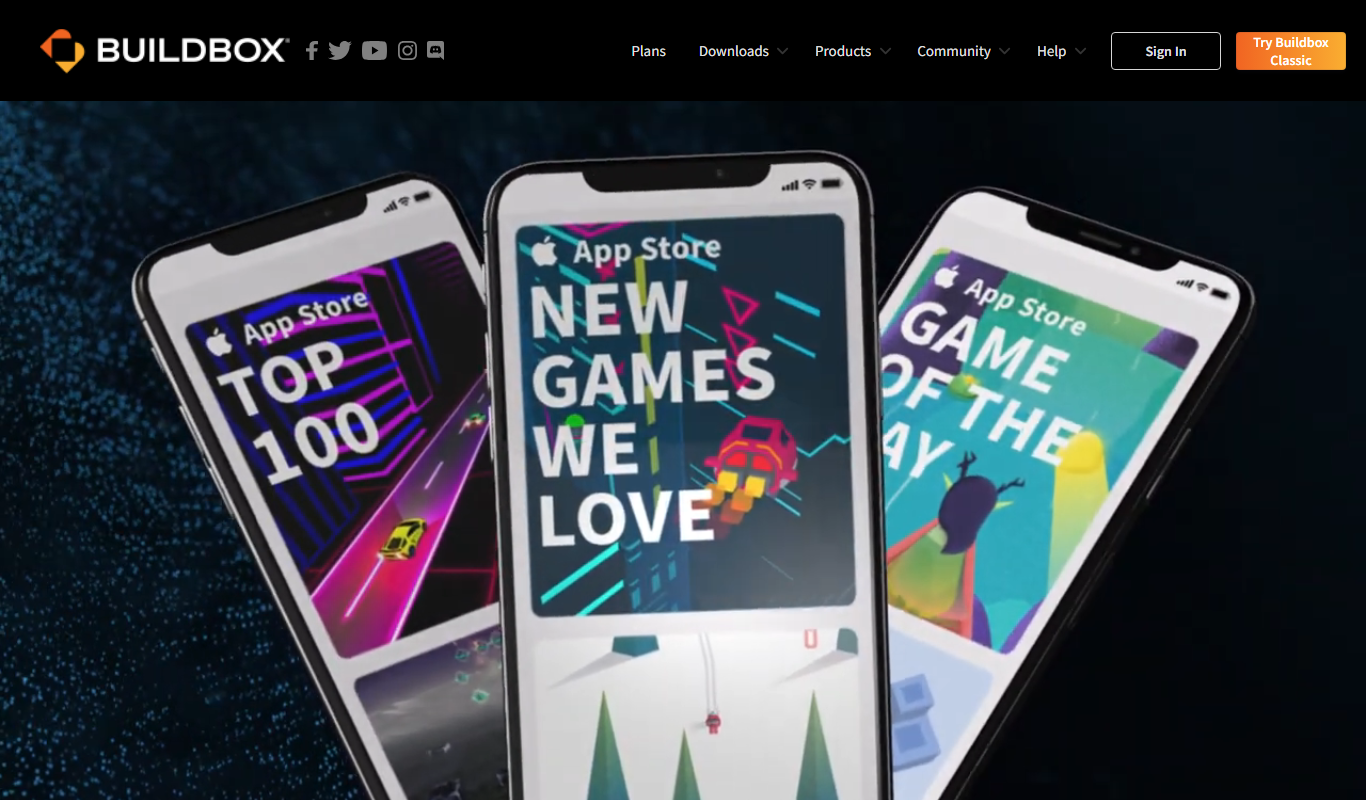
Buildbox
Buildbox is a game development platform whose current version, Buildbox 4, builds games with AI prompts and agentic AI.

Subscription
AppSheet
AppSheet is a Google-owned no-code platform that enables users to build custom mobile and web apps with AI-powered automation, connecting to various data sources without programming skills.

Free
Next.js
Next.js is an open-source React framework by Vercel that enables server-side rendering, static site generation, and API routes to build fast, SEO-friendly web applications.

Freemium
Avalonia
Avalonia is an open source, cross-platform UI framework for .NET that enables developers to build desktop and mobile apps with a single codebase using C# and XAML.