

From my experience with Capacitor, I found it excels at bridging web technologies with native mobile and desktop platforms, allowing developers to maintain a single codebase while accessing native device features. After spending time with the framework, I can say it’s particularly well-suited for web developers looking to expand into mobile app development without learning complex native languages. However, there’s a trade-off: advanced native functionality sometimes requires familiarity with platform-specific tooling and manual configuration. Overall, if you need a modern, open-source solution for cross-platform app development, Capacitor delivers solid, developer-friendly results.
Capacitor Software Framework for Cross-Platform Mobile and Web Apps
Capacitor is an open-source native runtime that enables developers to build cross-platform mobile, desktop, and web applications using a single codebase with web technologies, providing access to native device features via plugins.
- Best for
- Cross-Platform Mobile App Development
- Key capability
- Cross-Platform Compatibility

Do you recommend this tool?
What is Capacitor?
Capacitor is an open-source native runtime developed by Ionic that enables web developers to build cross-platform mobile, desktop, and web applications using a single codebase. It acts as a bridge between web apps and native SDKs, allowing developers to access native device features through JavaScript APIs and plugins. Capacitor supports modern web standards and integrates smoothly with popular frameworks like Angular, React, and Vue.
Key features of Capacitor
Capacitor provides a consistent API for native device features, supports live reload during development, offers a plugin system for extending functionality, and enables building apps for iOS, Android, web, and desktop platforms from one codebase.
Cross-Platform Compatibility
Write once and deploy to iOS, Android, web, and desktop platforms.
Native Plugin System
Access native device features with official and community plugins or create custom native plugins.
Live Reload and Debugging
Speed up development with live reload and debugging tools.
Modern Web Standards Support
Supports modern JavaScript, TypeScript, and web APIs.
Seamless Integration with Frameworks
Works well with Angular, React, Vue, and vanilla JavaScript.
Pros and cons of Capacitor
Pros
- Open-source and free to use
- Supports multiple platforms from one codebase
- Rich plugin ecosystem for native features
- Easy integration with popular web frameworks
- Modern development experience with live reload
Cons
- Requires knowledge of native platform tooling for advanced features
- Smaller community compared to some older frameworks
- Some plugins may require manual native configuration
Key use cases for Capacitor
Cross-Platform Mobile App Development
Build native mobile applications for iOS and Android using a single codebase with web technologies.
Progressive Web Apps (PWA)
Create PWAs that run seamlessly in browsers with native-like capabilities.
Desktop Application Development
Leverage Electron integration to build desktop apps using Capacitor.
Native Plugin Integration
Access native device features and APIs through a rich plugin ecosystem or custom native plugins.
Web and Mobile Hybrid Apps
Combine web UI with native functionality for hybrid app experiences.
How Capacitor works
- 1
Initialize Capacitor in Your Project
Add Capacitor to your existing web app or start a new project with Capacitor CLI.
- 2
Develop Your App Using Web Technologies
Build your app UI and logic using HTML, CSS, and JavaScript or frameworks like React, Angular, or Vue.
- 3
Add Native Platforms
Use Capacitor CLI to add iOS, Android, or Electron platforms to your project.
- 4
Use Plugins to Access Native Features
Leverage built-in or community plugins to access device capabilities like camera, geolocation, and filesystem.
- 5
Build and Deploy
Compile your app for each platform and deploy to app stores or web servers.
Who is using Capacitor
Web developers transitioning to mobile app development
Startups building cross-platform apps quickly
Enterprises needing hybrid mobile and web solutions
Developers familiar with JavaScript and modern frameworks
Teams seeking open-source cross-platform tools
Capacitor pricing
Free
$0
Open-source framework with full access to core features.
Plans and prices are as published by the vendor and can change. Check the official site before you buy. Open the pricing page (opens in a new tab)
Frequently asked questions about Capacitor
Yes, Capacitor is an open-source project and free to use.
Yes, Capacitor works with any web framework or vanilla JavaScript.
Yes, it supports official, community, and custom native plugins.
Capacitor offers a modern API, better plugin system, and improved native integration compared to Cordova.
This tool is designed to help users accomplish its core tasks more efficiently. It is typically used by individuals or teams looking to improve productivity and workflow.
The best alternative depends on your workflow, features you need, and budget. Compare plans, integrations, and output quality to choose the closest fit.
Yes, it can help with that use case depending on how you configure it and what features are available. You’ll get the best results with clear inputs and a defined goal.
Sign in to review this tool.
Sign In to ReviewNo reviews yet
Be the first to share how this tool worked for you.
Ask about pricing, limits, or how it compares — or answer someone else.
Sign In to AskNo questions yet
Have a question about using or paying for this tool? Be the first to ask.
Featured on TiorAI



Alternative Tools
Explore similar AI tools that might fit your needs
Free
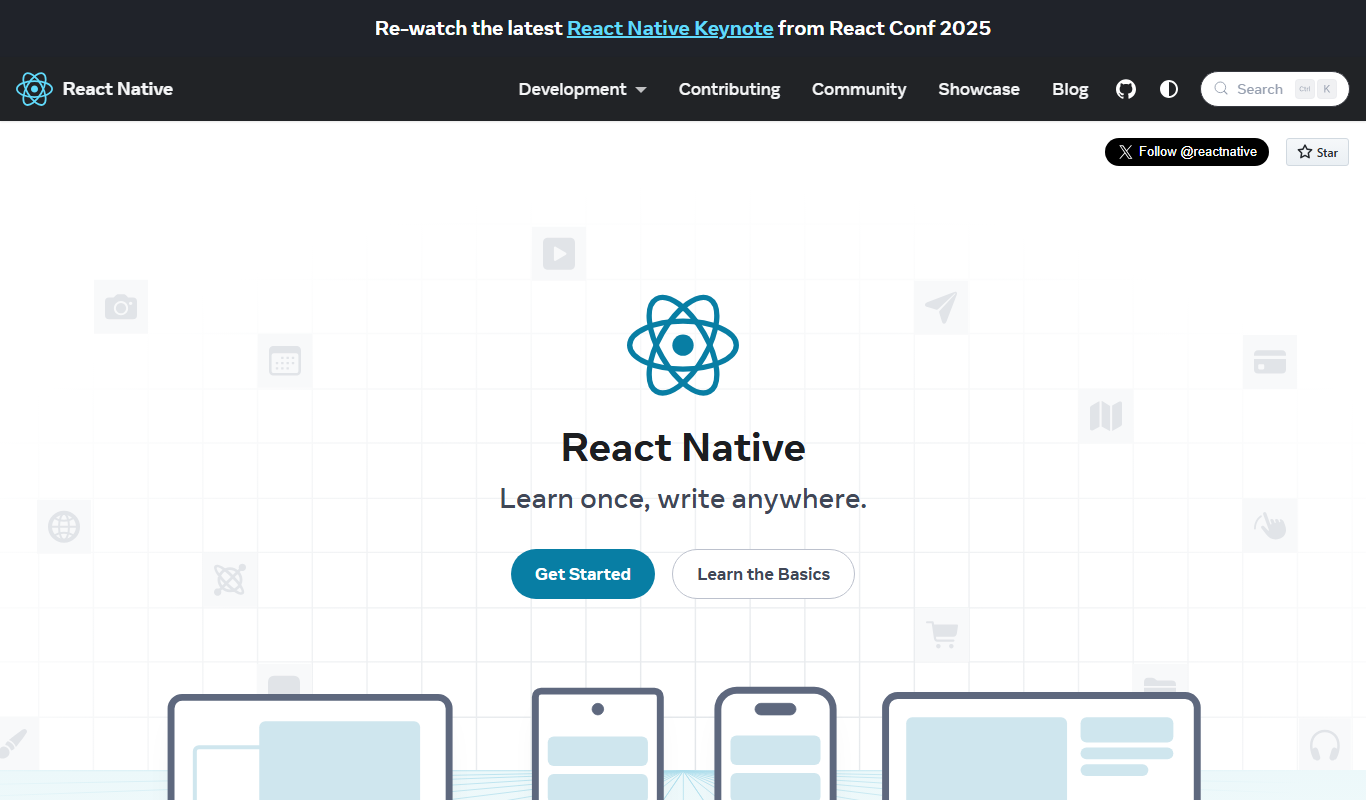
React Native
React Native is an open-source framework that enables developers to build native mobile apps for iOS and Android using JavaScript and React with a single shared codebase.

Free
Flutter
Flutter is an open-source UI toolkit by Google that allows developers to build native mobile, web, and desktop applications from a single Dart codebase with high performance and expressive UIs.
More AI Mobile App Development Tools tools
Other tools in the same category, for when this one is not quite the fit.

Custom Pricing
Brogrammers
Brogrammers is an Indian software development company specializing in custom software, web, and mobile app development, offering tailored IT solutions and ongoing support.

Free Trial
React Native Starter AI
React Native Starter AI is an AI-powered platform that generates customizable React Native boilerplate code to help developers quickly start mobile app projects with best practices and popular integrations.

Freemium
FoxyApps 2.0
FoxyApps 2.0 is a no-code platform that enables users to build mobile and web applications using a drag-and-drop interface without coding skills.

Free Trial
Bolt Foundry
Bolt Foundry is a low-code development platform that allows users to build web and mobile applications quickly using a visual drag-and-drop interface and API integrations, suitable for developers and non-developers alike.
Freemium
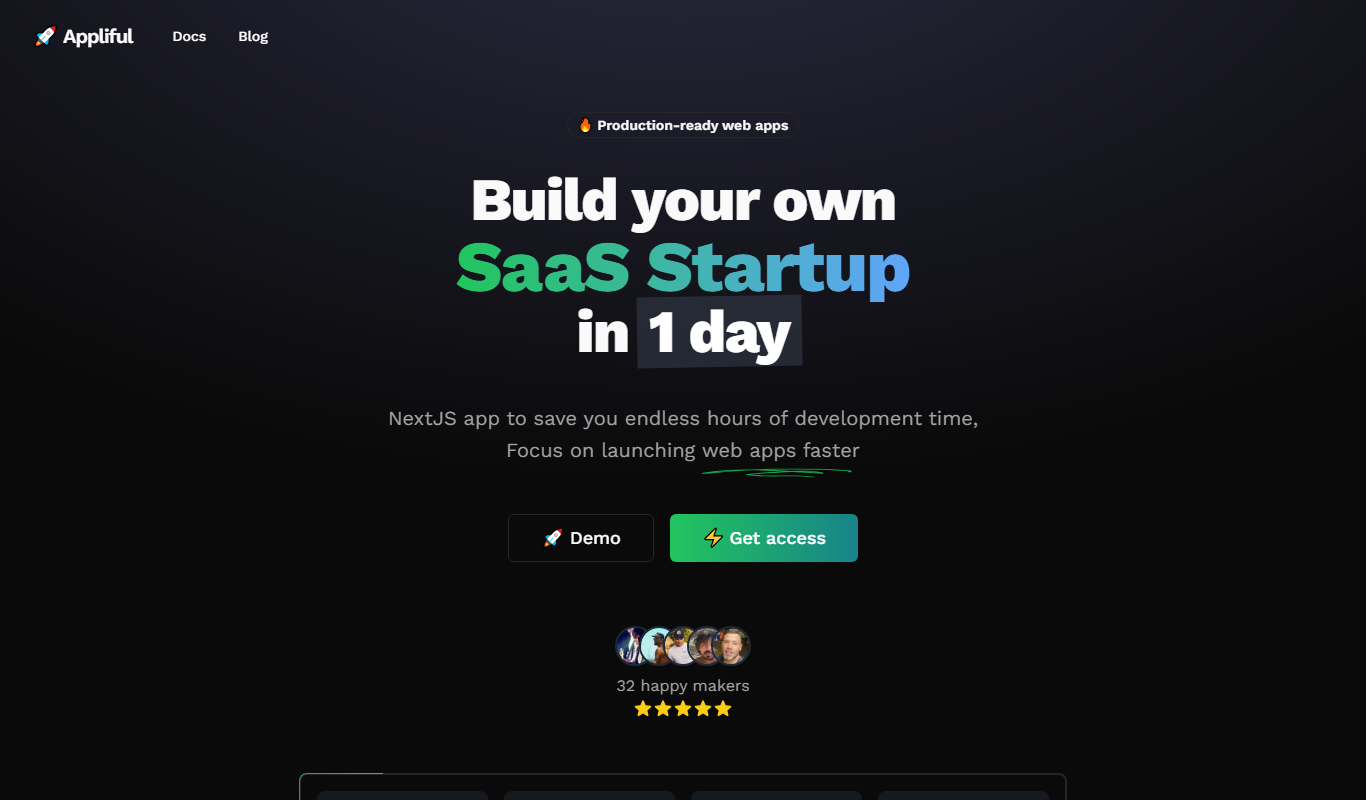
Appliful
Appliful is a no-code mobile app builder platform that lets users create native iOS and Android apps using drag-and-drop tools without programming skills.

Custom Pricing
Elephouse
Elephouse is a German digital agency offering custom web and mobile app development, UX/UI design, and digital strategy consulting services tailored to business needs.

Free
Onsen
Onsen UI is an open-source JavaScript framework that provides mobile-optimized UI components for building hybrid mobile apps compatible with iOS and Android, supporting integration with Angular, React, and Vue.

Free
Openkoda
Openkoda is an open-source low-code platform designed for rapid development of web and mobile applications using modular components and modern JavaScript technologies.