

From my experience with Appliful, I found it excels at enabling non-technical users to create functional mobile apps quickly through its drag-and-drop interface. The platform is particularly well-suited for small businesses and entrepreneurs who need to prototype or launch apps without investing in developers. However, the trade-off is that advanced customization and complex features are limited compared to traditional development. Overall, if you want to build and publish simple mobile apps efficiently, Appliful delivers solid results with an accessible learning curve.
Appliful App Builder Platform for No-Code Mobile App Development
Appliful is a no-code mobile app builder platform that lets users create native iOS and Android apps using drag-and-drop tools without programming skills.
- Best for
- Create Mobile Apps Without Coding
- Key capability
- Drag-and-Drop Editor
Do you recommend this tool?
What is Appliful?
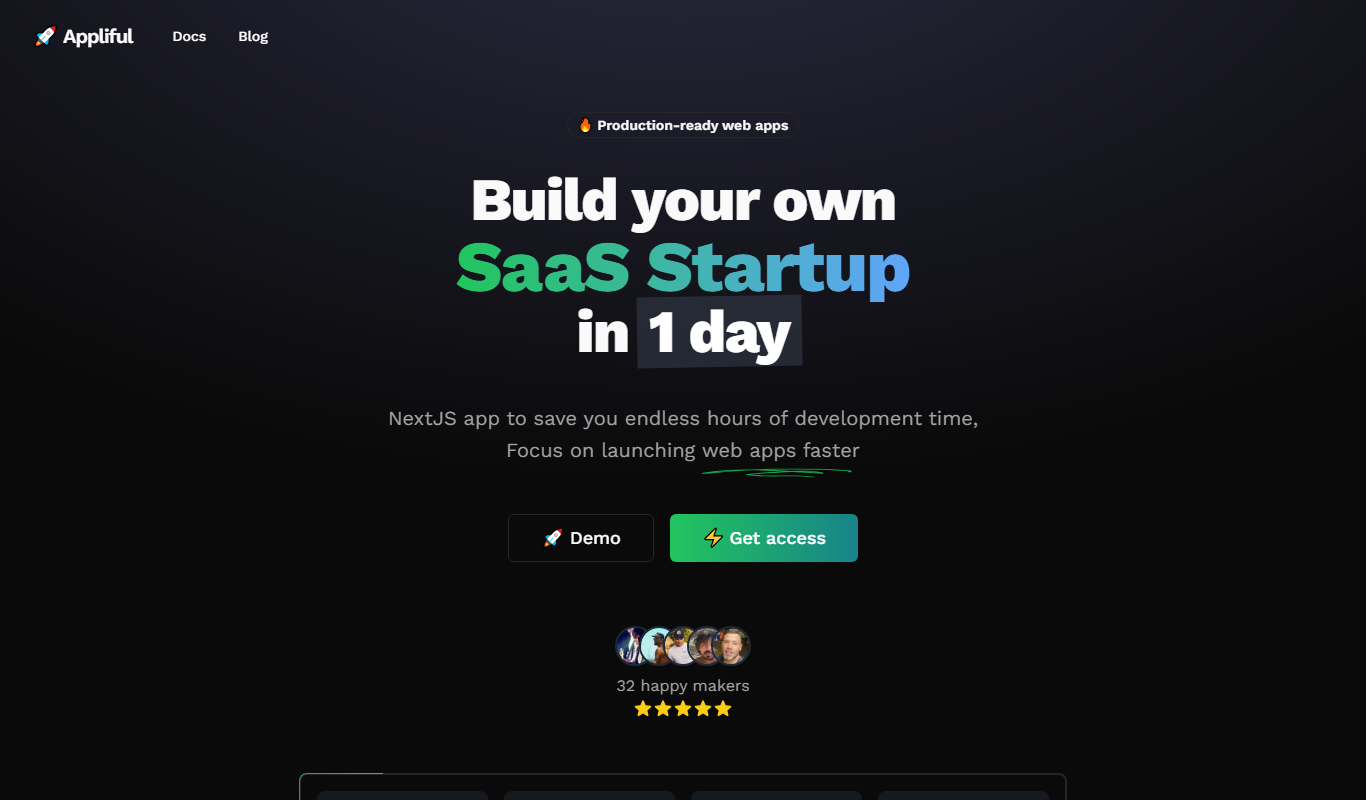
Appliful is a no-code mobile app builder platform that empowers users to create native mobile applications for iOS and Android without any programming knowledge. It provides an intuitive drag-and-drop interface, customizable templates, and essential app features to help individuals and businesses launch apps quickly and cost-effectively.
Key features of Appliful
Appliful offers a visual app editor, pre-built templates, integration options, push notifications, and app publishing support. Its platform is designed to simplify mobile app creation for users with little to no technical background.
Drag-and-Drop Editor
Intuitive interface to build app screens and add components without coding.
Pre-Built Templates
Ready-made app templates for various industries and purposes to speed up development.
Push Notifications
Built-in support for sending notifications to app users to increase engagement.
Multi-Platform Support
Create apps that work on both iOS and Android devices.
App Publishing Assistance
Guidance and tools to help submit apps to Google Play and Apple App Store.
Pros and cons of Appliful
Pros
- User-friendly drag-and-drop interface
- Supports both iOS and Android app creation
- Affordable pricing tiers with free plan
- Pre-built templates speed up development
- Push notifications included
Cons
- Limited advanced customization options
- No desktop or mobile app for building apps, web-only
- Some features require paid plans
Key use cases for Appliful
Create Mobile Apps Without Coding
Allows users to build fully functional mobile applications using drag-and-drop tools without writing any code.
Rapid Prototyping
Enables entrepreneurs and developers to quickly prototype app ideas to validate concepts before full development.
Small Business App Development
Helps small businesses create custom apps for customer engagement, loyalty programs, and internal operations.
Educational Tools
Supports educators and students in building interactive apps for learning and presentations.
Event and Community Apps
Facilitates creation of apps for events, clubs, and communities to share updates and engage members.
How Appliful works
- 1
Sign Up
Create a free account on Appliful’s website to access the app builder.
- 2
Choose a Template
Select from a variety of pre-designed templates tailored to different app categories.
- 3
Customize Your App
Use the drag-and-drop editor to add features, change layouts, and personalize the app design.
- 4
Preview and Test
Preview your app on different devices and test its functionality within the platform.
- 5
Publish Your App
Publish your app to app stores or distribute it directly to users.
Who is using Appliful
Entrepreneurs and startups
Small business owners
Educators and students
Event organizers
Non-technical users interested in app creation
Appliful pricing
Free
$0/month
Basic app creation with limited features and Appliful branding.
Pro
$29/month
Access to advanced features, removal of branding, and priority support.
Business
$79/month
Full feature set including custom integrations and enhanced publishing options.
Plans and prices are as published by the vendor and can change. Check the official site before you buy. Open the pricing page (opens in a new tab)
Frequently asked questions about Appliful
No, Appliful is designed for users without any programming experience using a drag-and-drop interface.
Yes, Appliful supports publishing native apps on both major platforms.
Yes, Appliful offers a free plan with limited features to get started.
Appliful helps with app publishing but apps are hosted on the respective app stores.
It depends on your specific needs and how you plan to use the tool. The official website and documentation are the best sources for the latest details.
Yes, it can help with that use case depending on how you configure it and what features are available. You’ll get the best results with clear inputs and a defined goal.
Yes, it can help with that use case depending on how you configure it and what features are available. You’ll get the best results with clear inputs and a defined goal.
Some tools offer a free plan or trial with limited features. Availability can vary, so confirm on the official website.
Sign in to review this tool.
Sign In to ReviewNo reviews yet
Be the first to share how this tool worked for you.
Ask about pricing, limits, or how it compares — or answer someone else.
Sign In to AskNo questions yet
Have a question about using or paying for this tool? Be the first to ask.
Featured on TiorAI



Alternative Tools
Explore similar AI tools that might fit your needs

Free
Adalo
Adalo is a no-code platform that lets you create mobile and web applications visually without programming, supporting native app publishing and database integration.

Free
Thunkable
Thunkable is a no-code platform that allows users to create native iOS and Android apps using a visual drag-and-drop interface and block-based programming without writing code.
More AI Mobile App Development Tools tools
Other tools in the same category, for when this one is not quite the fit.

Custom Pricing
Brogrammers
Brogrammers is an Indian software development company specializing in custom software, web, and mobile app development, offering tailored IT solutions and ongoing support.

Free Trial
React Native Starter AI
React Native Starter AI is an AI-powered platform that generates customizable React Native boilerplate code to help developers quickly start mobile app projects with best practices and popular integrations.

Freemium
FoxyApps 2.0
FoxyApps 2.0 is a no-code platform that enables users to build mobile and web applications using a drag-and-drop interface without coding skills.
Free Trial
Bolt Foundry
Bolt Foundry is a low-code development platform that allows users to build web and mobile applications quickly using a visual drag-and-drop interface and API integrations, suitable for developers and non-developers alike.

Custom Pricing
Elephouse
Elephouse is a German digital agency offering custom web and mobile app development, UX/UI design, and digital strategy consulting services tailored to business needs.

Free
Onsen
Onsen UI is an open-source JavaScript framework that provides mobile-optimized UI components for building hybrid mobile apps compatible with iOS and Android, supporting integration with Angular, React, and Vue.

Free
Capacitor
Capacitor is an open-source native runtime that enables developers to build cross-platform mobile, desktop, and web applications using a single codebase with web technologies, providing access to native device features via plugins.

Free
Openkoda
Openkoda is an open-source low-code platform designed for rapid development of web and mobile applications using modular components and modern JavaScript technologies.