

From my experience with Bulma, it stands out as a straightforward and elegant CSS framework that makes responsive web design accessible without the overhead of JavaScript. Its Flexbox foundation and modular components allow for rapid development and easy customization, which is especially helpful for developers who want clean, maintainable CSS. While it lacks built-in JavaScript features, this minimalism can be a benefit for projects that prefer to handle interactivity separately. Overall, Bulma is an excellent choice for frontend developers and designers seeking a lightweight, flexible framework for modern web interfaces.
Bulma CSS Framework for Responsive Web Design and Frontend Development
Bulma is a free, open-source CSS framework based on Flexbox that helps developers build responsive, mobile-friendly websites quickly without JavaScript dependencies.
- Best for
- Responsive Web Design
- Key capability
- Flexbox-Based Grid System
Your actions
Save Bulma, follow its updates and vote on it — everything stays in your account.
Sign in or create a free account
What is Bulma?
Bulma is a modern, open-source CSS framework based on Flexbox that enables developers to build responsive and clean web interfaces quickly. It provides a collection of ready-made CSS classes and components that simplify frontend development without the need for JavaScript. Bulma emphasizes simplicity, modularity, and ease of customization through Sass variables.
Key features of Bulma
Bulma offers a fully responsive grid system, a wide range of UI components such as buttons, forms, modals, and navbars, and extensive customization options via Sass. It is lightweight, easy to learn, and integrates seamlessly into any web project.
Flexbox-Based Grid System
Provides a powerful and flexible grid layout that adapts to different screen sizes.
Modular Components
Includes buttons, forms, cards, modals, navbars, and more for rapid UI development.
Sass Variables for Theming
Allows easy customization of colors, spacings, and other design tokens.
No JavaScript Dependency
Pure CSS framework that can be combined with any JavaScript framework or vanilla JS.
Open Source and Free
Completely free to use under the MIT license with a strong community support.
Pros and cons of Bulma
Pros
- Easy to learn and use with clear documentation
- Fully responsive and mobile-first design
- No JavaScript dependency keeps CSS clean
- Highly customizable via Sass variables
- Open source with active community
Cons
- Limited built-in JavaScript functionality
- May require additional JS for interactive components
- Smaller ecosystem compared to Bootstrap
Key use cases for Bulma
Responsive Web Design
Create mobile-friendly and adaptable web layouts using Bulma's flexible grid and components.
Frontend Development
Build modern user interfaces with ready-to-use CSS classes and components without writing custom CSS.
Rapid Prototyping
Quickly prototype website designs with Bulma's modular and easy-to-use CSS framework.
Custom Theming
Customize styles easily using Sass variables to match brand guidelines.
No JavaScript Dependency
Develop clean and maintainable frontends without relying on JavaScript for styling.
How Bulma works
- 1
Include Bulma CSS
Add Bulma’s CSS file to your project via CDN or by installing it through package managers like npm.
- 2
Use CSS Classes
Apply Bulma’s predefined CSS classes to HTML elements to style layouts and components.
- 3
Customize with Sass
Optionally customize Bulma’s default styles by overriding Sass variables and recompiling the CSS.
- 4
Build Responsive Layouts
Leverage Bulma’s Flexbox-based grid system to create responsive and flexible page layouts.
Who is using Bulma
Frontend developers
Web designers
Startups and small businesses
No-code/low-code developers
Students learning web development
Bulma pricing
Free
$0
Full access to all Bulma features with no cost.
Plans and prices are as published by the vendor and can change. Check the official site before you buy. Open the pricing page (opens in a new tab)
Frequently asked questions about Bulma
No, Bulma is a CSS-only framework and does not include JavaScript components.
Yes, Bulma uses Sass variables that you can override to customize the look and feel.
Yes, Bulma is built with Flexbox and includes a responsive grid system.
Yes, Bulma is open source under the MIT license and free for commercial use.
This tool is designed to help users accomplish its core tasks more efficiently. It is typically used by individuals or teams looking to improve productivity and workflow.
It depends on your specific needs and how you plan to use the tool. The official website and documentation are the best sources for the latest details.
It depends on your specific needs and how you plan to use the tool. The official website and documentation are the best sources for the latest details.
Sign in to review this tool.
Sign In to ReviewNo reviews yet
Be the first to share how this tool worked for you.
Ask about pricing, limits, or how it compares — or answer someone else.
Sign In to AskNo questions yet
Have a question about using or paying for this tool? Be the first to ask.
Featured on TiorAI



Alternative Tools
Explore similar AI tools that might fit your needs

Free
Bootstrap
Bootstrap is a free, open-source front-end framework that helps developers build responsive, mobile-first websites quickly using a grid system, pre-styled UI components, and JavaScript plugins.
More AI Developer Tools tools
Other tools in the same category, for when this one is not quite the fit.

Freemium
Amadeus Travel API
Amadeus Travel API is a developer platform offering RESTful APIs to access global flight, hotel, and travel data for building travel booking and itinerary management applications.

Freemium
Zyte
Zyte is a web scraping platform that enables businesses and developers to extract structured data from websites using smart crawlers, proxy rotation, and API integration to automate data collection at scale.

Free
UnoCSS
UnoCSS is an open-source, utility-first atomic CSS engine that generates CSS on-demand based on the classes used in your code, optimizing performance by minimizing CSS bundle size.

Enterprise
CockroachDB
CockroachDB is a distributed SQL database designed for cloud-native applications that require strong consistency, high availability, and horizontal scalability across multiple regions.
Free
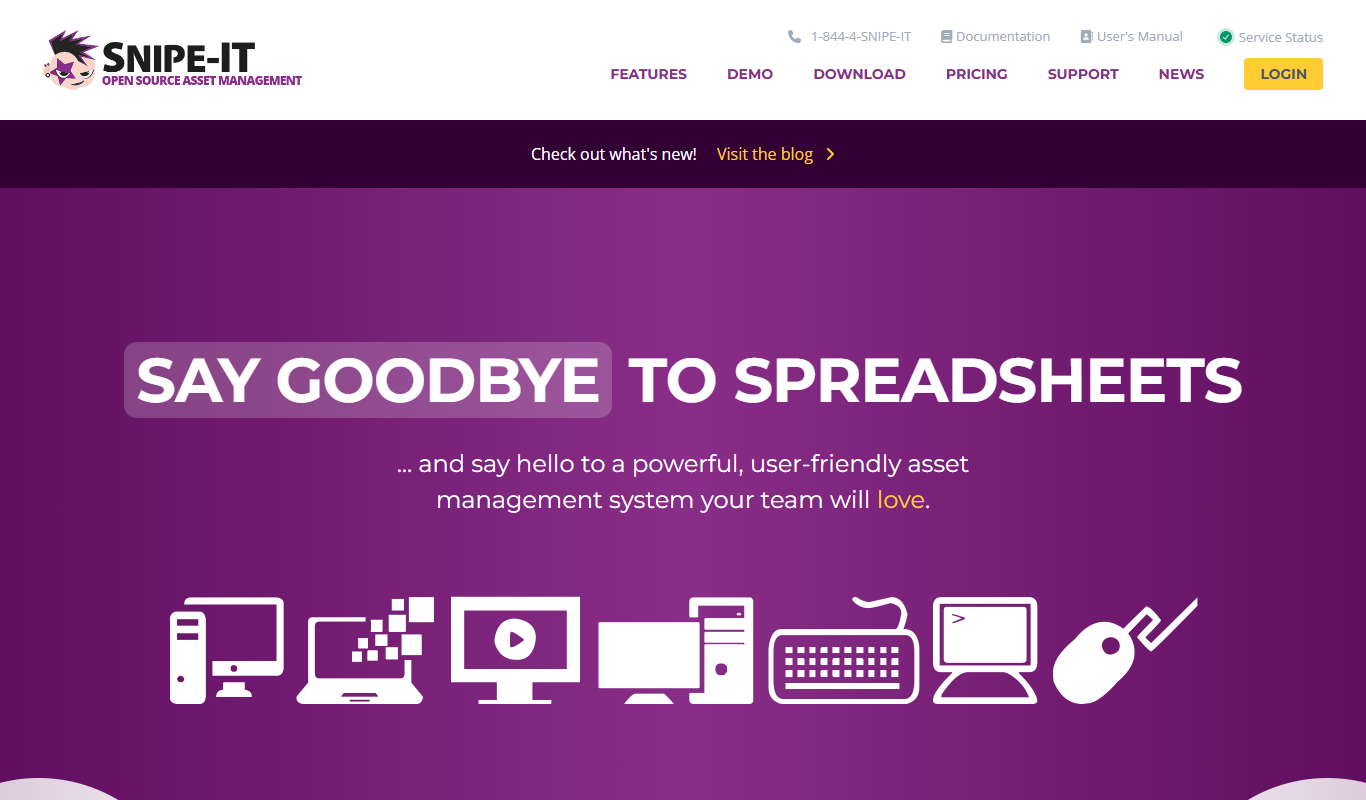
Snipe-IT
Snipe-IT is an open source IT asset management tool that helps organizations track hardware assets, software licenses, and manage inventory through a web-based platform with self-hosted and cloud options.

Free
RandomUser.me
RandomUser.me is a free API service that generates realistic fake user profiles including names, emails, addresses, and pictures for developers to use in testing and development.

Free
Rectangle
Rectangle is an AI code assistant that generates, explains, and helps debug code using natural language inputs, designed to accelerate software development.

Cloud Subscription
Typesense
Typesense is an open source search engine designed for instant, typo-tolerant search results, suitable for websites, e-commerce, and applications with flexible deployment options.