

BleachBit Disk Cleanup Software for Secure File Deletion and Privacy
BleachBit is a free, open-source disk cleanup utility that securely deletes unnecessary files, protects privacy, and frees up disk space on Windows and Linux systems.
- Best for
- System Cleanup
- Key capability
- Open Source and Free
Save BleachBit, follow its updates and vote on it — everything stays in your account.
Sign in or create a free account
What is BleachBit?
BleachBit is a free, open-source disk cleanup utility designed to free up disk space and protect user privacy by securely deleting unnecessary files. It supports multiple operating systems including Windows and Linux, and offers features such as cleaning cache, deleting cookies, clearing internet history, shredding files, and wiping free disk space to prevent data recovery.
Key features of BleachBit
BleachBit provides comprehensive system cleaning capabilities including removal of junk files, secure file shredding, privacy protection by clearing browser and application traces, and support for a wide range of applications. Its open-source nature ensures transparency and community-driven improvements.
Open Source and Free
Completely free to use with source code available for transparency and customization.
Wide Application Support
Supports cleaning for many popular applications including web browsers, system logs, and more.
Secure File Shredding
Permanently deletes files using shredding algorithms to prevent data recovery.
Cross-Platform Compatibility
Available for both Windows and Linux operating systems.
Customizable Cleaning
Users can select specific cleaning options tailored to their needs.
Pros and cons of BleachBit
Pros
- Open source and free with no ads
- Supports secure file shredding
- Cross-platform for Windows and Linux
- Customizable cleaning options
- Wide application support
Cons
- No native macOS support
- Interface may be less user-friendly for beginners
- Limited automation features
Key use cases for BleachBit
System Cleanup
Remove unnecessary files to free up disk space and improve system performance.
Privacy Protection
Securely delete sensitive files and clear browser history to protect user privacy.
Temporary File Removal
Automatically clean temporary files, cache, cookies, and logs from various applications.
Free Up Disk Space
Identify and delete junk files to maximize available storage on your computer.
Shred Files Securely
Permanently erase files to prevent recovery using advanced shredding algorithms.
How BleachBit works
- 1
Download and Install
Download BleachBit from the official website and install it on your Windows or Linux system.
- 2
Select Cleaning Options
Choose which files and applications you want to clean, such as browser cache or temporary files.
- 3
Run Cleaner
Execute the cleaning process to remove selected files and free up disk space.
- 4
Use Shredder for Secure Deletion
Optionally shred files or wipe free disk space to securely erase data beyond recovery.
Who is using BleachBit
BleachBit pricing
Free
$0
Full access to all features with no cost.
Plans and prices are as published by the vendor and can change. Check the official site before you buy. Open the pricing page (opens in a new tab)
Frequently asked questions about BleachBit
Yes, BleachBit is open source and widely trusted for safe system cleaning and privacy protection.
No, BleachBit permanently deletes files and can shred them to prevent recovery.
BleachBit supports Windows and Linux platforms.
It supports cleaning for many popular browsers including Firefox, Chrome, and others.
Data handling and security practices vary by provider. Review the official privacy policy to understand how your data is stored and used.
It depends on your specific needs and how you plan to use the tool. The official website and documentation are the best sources for the latest details.
Yes, it can help with that use case depending on how you configure it and what features are available. You’ll get the best results with clear inputs and a defined goal.
Conclusion
BleachBit is downloaded from the official website and installed on a Windows or Linux system. The user chooses which files and applications to clean, such as browser cache or temporary files, then runs the cleaner to free up disk space. Optionally, it can also shred files or wipe free disk space to erase data beyond recovery. Cleaning covers many popular applications, including browsers such as Firefox and Chrome as well as system logs.
The software is free and open source, with no ads and source code available for transparency and customization. It targets privacy-conscious users and people needing secure file deletion, as well as IT professionals and system administrators. Support is limited to Windows and Linux, with no native macOS version.
Sources
Sign in to review this tool.
Sign In to ReviewNo reviews yet
Be the first to share how this tool worked for you.
Ask about pricing, limits, or how it compares — or answer someone else.
Sign In to AskNo questions yet
Have a question about using or paying for this tool? Be the first to ask.
Featured on TiorAI



Alternative Tools
Explore similar AI tools that might fit your needs
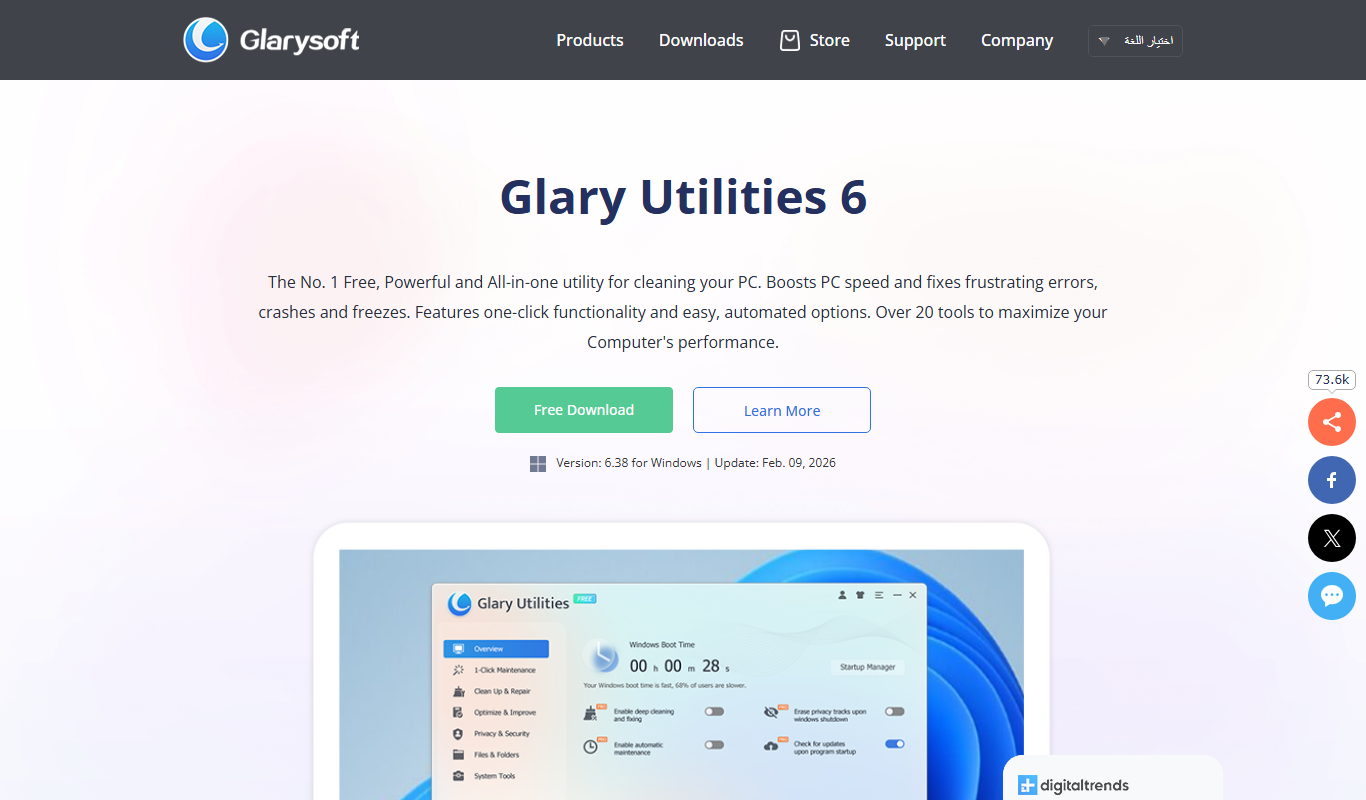
Glary Utilities
Glary Utilities is a Windows-based PC optimization tool that cleans junk files, repairs registry errors, manages startup programs, and protects user privacy to improve system performance.
More AI Detector tools
Other tools in the same category, for when this one is not quite the fit.

PhishTool
PhishTool is a cybersecurity platform designed to detect, analyze, and automate response to phishing threats, helping organizations improve email security and incident handling.

Snopes
Snopes is a free fact-checking website that verifies the accuracy of news stories, rumors, and viral claims to help users avoid misinformation.

Draftable
Draftable is a document comparison tool that visually highlights differences between two files, supporting formats like Word and PDF, available as web and desktop applications.
ARX Data Anonymization Tool
ARX is a free, open-source data anonymization tool that applies privacy models such as k-anonymity and differential privacy to protect sensitive information in datasets, enabling safe data sharing and regulatory compliance.

Detectify
Detectify is an automated web vulnerability scanner that identifies security weaknesses in websites and web applications using a continuously updated test library powered by ethical hackers.

Cognitec FaceVACS SDK
Cognitec FaceVACS SDK is a professional-grade software development kit that provides advanced facial recognition and biometric identification capabilities for secure identity verification and image analysis.

GPTZero
GPTZero is an AI detection tool that analyzes text to determine if it was generated by artificial intelligence or written by a human, helping maintain content authenticity.

Darktrace
Darktrace is an AI-powered cybersecurity platform that detects and responds to cyber threats in real time by learning normal behavior patterns and identifying anomalies across networks, cloud, and endpoints.