

BeautifyTools JSON Formatter - Online JSON Validator and Formatter Tool
BeautifyTools JSON Formatter is a free online tool that formats and validates JSON data, making it easier to read and debug JSON strings.
- Best for
- JSON Formatting
- Key capability
- Instant JSON Formatting
Save BeautifyTools JSON Formatter, follow its updates and vote on it — everything stays in your account.
Sign in or create a free account
What is BeautifyTools JSON Formatter?
BeautifyTools JSON Formatter is a free online utility designed to format, validate, and beautify JSON data. It helps developers and technical users convert raw JSON strings into a clean, readable format, making it easier to debug and work with JSON data structures.
Key features of BeautifyTools JSON Formatter
The tool offers instant JSON formatting, syntax validation, error highlighting, and easy copy-paste functionality. It supports large JSON inputs and provides a user-friendly interface accessible via any modern web browser.
Instant JSON Formatting
Transforms raw JSON into a readable, indented format instantly.
Syntax Validation
Checks JSON for errors and highlights issues for quick fixes.
User-Friendly Interface
Clean and simple web interface accessible without registration.
Large JSON Support
Handles large JSON inputs efficiently without performance lag.
Free to Use
Completely free online tool with no hidden costs or subscriptions.
Pros and cons of BeautifyTools JSON Formatter
Pros
- Simple and intuitive interface
- Instant formatting and validation
- No registration or payment required
- Supports large JSON inputs
- Accessible from any web browser
Cons
- No offline or desktop version available
- Limited to JSON formatting and validation only
Key use cases for BeautifyTools JSON Formatter
JSON Formatting
Automatically format raw JSON data into a readable and well-structured format for easier analysis and debugging.
JSON Validation
Validate JSON strings to check for syntax errors and ensure the JSON data is correctly structured.
Code Beautification
Beautify and indent JSON code to improve readability for developers and technical writers.
Data Debugging
Assist developers in debugging JSON data by highlighting errors and providing clear formatting.
API Development Support
Help API developers format and validate JSON payloads during development and testing phases.
How BeautifyTools JSON Formatter works
- 1
Paste JSON Data
Users paste or type their raw JSON string into the input area.
- 2
Format or Validate
Click the format button to beautify the JSON or validate to check for syntax errors.
- 3
Review Output
The tool displays the formatted JSON or error messages for correction.
- 4
Copy or Export
Users can copy the formatted JSON or export it for use in their projects.
Who is using BeautifyTools JSON Formatter
BeautifyTools JSON Formatter pricing
Free
$0
Full access to JSON formatting and validation features without any cost.
Plans and prices are as published by the vendor and can change. Check the official site before you buy. Open the pricing page (opens in a new tab)
Frequently asked questions about BeautifyTools JSON Formatter
Yes, the JSON Formatter is completely free and does not require any registration.
Yes, it validates JSON syntax and highlights errors for correction.
Yes, the tool can handle large JSON inputs efficiently.
While there is no officially stated limit, extremely large files may be limited by browser performance.
It depends on your specific needs and how you plan to use the tool. The official website and documentation are the best sources for the latest details.
Some tools offer a free plan or trial with limited features. Availability can vary, so confirm on the official website.
Yes, it can help with that use case depending on how you configure it and what features are available. You’ll get the best results with clear inputs and a defined goal.
Conclusion
The formatter does one job in the browser: raw JSON is pasted into the input area and comes back either as a readable, indented version or as error messages for correction. Validation checks JSON for errors and highlights issues for quick fixes, and users can copy the formatted JSON or export it for their projects. It is free, with full access to formatting and validation at no cost.
It is aimed at web and API developers who format and validate JSON payloads during development and testing, as well as technical writers and QA testers. Its scope is limited to JSON formatting and validation.
Sources
Sign in to review this tool.
Sign In to ReviewNo reviews yet
Be the first to share how this tool worked for you.
Ask about pricing, limits, or how it compares — or answer someone else.
Sign In to AskNo questions yet
Have a question about using or paying for this tool? Be the first to ask.
Featured on TiorAI



Alternative Tools
Explore similar AI tools that might fit your needs

JSONLint
JSONLint is a free online tool that validates and formats JSON data, helping developers identify syntax errors and improve readability.
More AI Code Explanation tools
Other tools in the same category, for when this one is not quite the fit.

Quantum Copilot
Quantum Copilot is an AI assistant designed to aid quantum computing development by generating code, visualizing circuits, and providing explanations.

CodeRabbit
CodeRabbit is an AI code reviewer that reviews every pull request automatically, with line-by-line suggestions, PR triage, change explanations and security monitoring, plus reviews in the IDE and CLI.

Kodezi ai
Kodezi finds bugs, applies fixes and updates documentation to keep codebases healthy, through the Kodezi Code web IDE, Kodezi CLI and Kodezi OS.

AskCodi
AskCodi is a coding cofounder that builds, maintains and keeps shipping your product, from an idea or an existing app.

AI Code Mentor
AI Code Mentor is an AI code explainer for optimizing, refactoring and reviewing code, with explanations in different styles.

PowerTelegram
PowerTelegram is a PromptBoom tool that lets you use AI on Telegram to answer questions, tell jokes, generate stories and more.
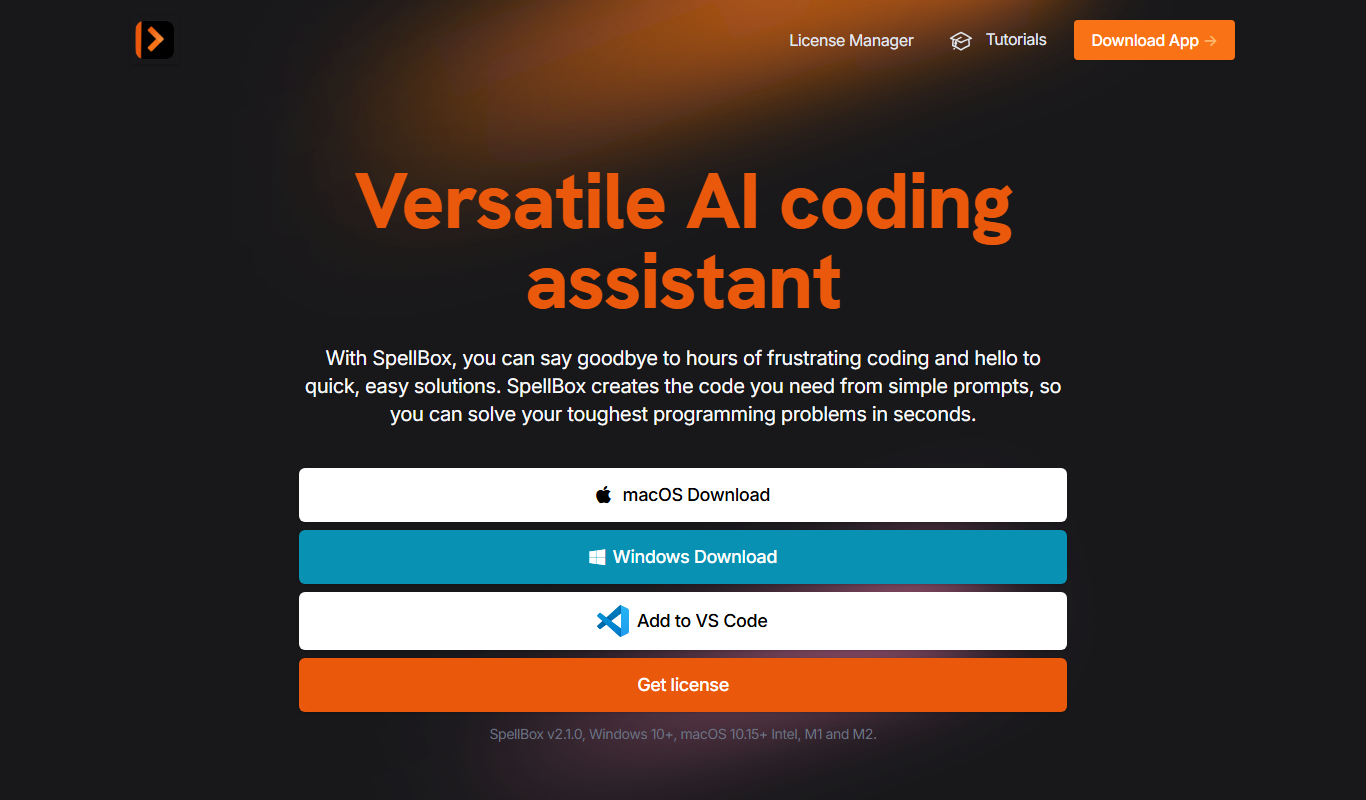
Spellbox
SpellBox is an AI programming assistant that creates code from simple prompts and explains code, as a desktop app and a VS Code extension.

Stenography
Stenography documents code automatically: an extension for Visual Studio Code comments your code files on save.