

From my experience with Bard PDF, I found it excels at quickly summarizing lengthy PDF documents and providing interactive answers to specific questions within the text. This makes it particularly well-suited for students, researchers, and professionals who need to digest complex documents efficiently. However, the tool has limitations with scanned or image-only PDFs, and the free plan restricts usage, which may require upgrading for heavy users. Overall, Bard PDF delivers a straightforward and practical solution for anyone looking to streamline their PDF reading and analysis workflow.
Bard PDF AI Tool for PDF Summarization and Document Analysis Online
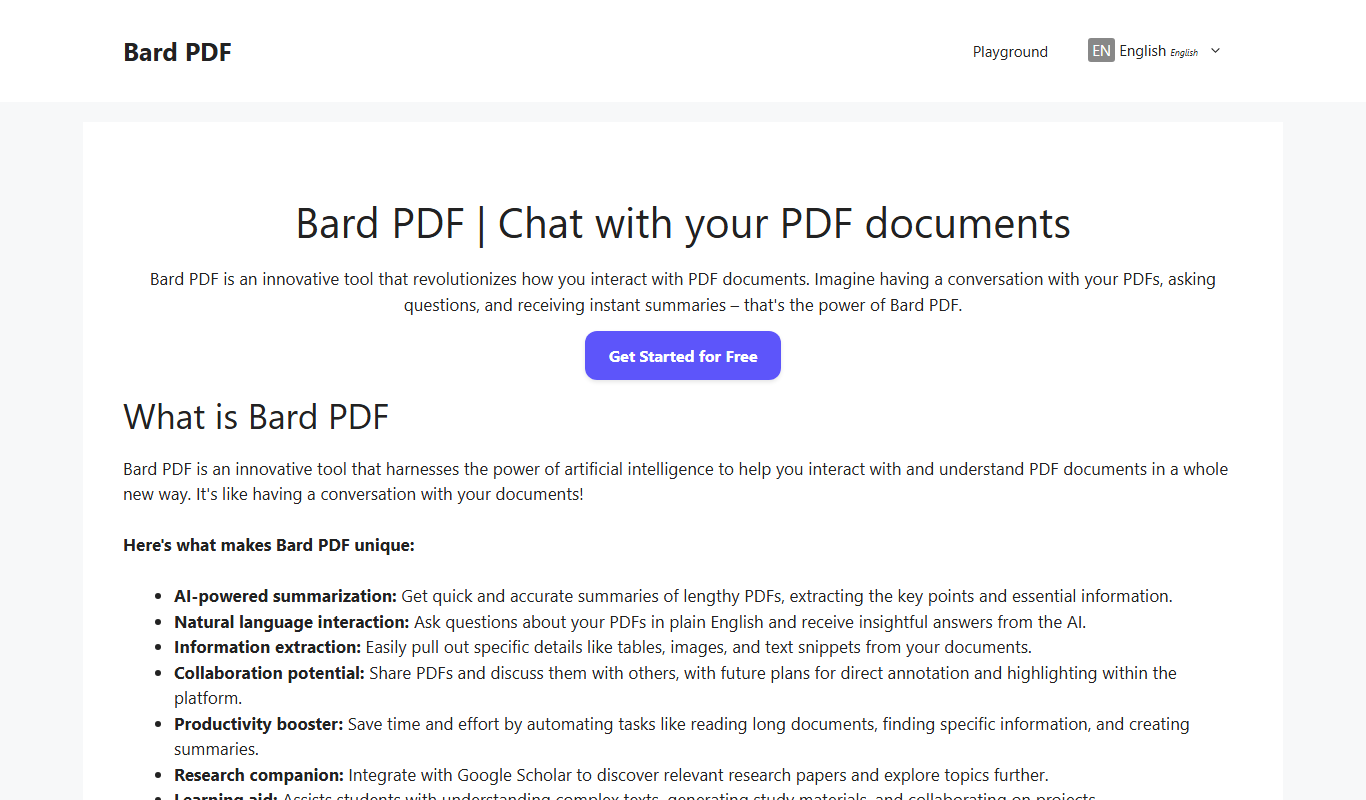
Bard PDF is an AI-driven web tool that summarizes PDFs and allows interactive Q&A to help users efficiently extract information from documents.
- Best for
- PDF Summarization
- Key capability
- AI-Powered Summarization
Your actions
Do you recommend this tool?
What is Bard PDF?
Bard PDF is a web-based AI tool designed to help users interact with PDF documents more effectively. It leverages artificial intelligence to summarize, analyze, and answer questions about the content of PDFs, making it easier to digest large amounts of information without reading the entire document.
Key features of Bard PDF
The tool offers features such as PDF upload, AI-powered summarization, interactive Q&A with documents, and easy sharing options. It supports various PDF types including academic papers, business documents, and manuals.
AI-Powered Summarization
Generates brief summaries highlighting the main points of any PDF document.
Interactive Q&A
Allows users to ask questions about the PDF and get instant AI-generated answers.
User-Friendly Interface
Simple drag-and-drop upload and intuitive chat interface for easy interaction.
Supports Various PDF Types
Works with academic papers, business documents, manuals, and more.
Pros and cons of Bard PDF
Pros
- Easy to use with drag-and-drop PDF upload
- Quick AI-generated summaries save reading time
- Interactive Q&A enhances document understanding
Cons
- Limited support for scanned or image-only PDFs
- Free plan has upload and usage restrictions
Key use cases for Bard PDF
PDF Summarization
Automatically generate concise summaries of lengthy PDF documents to save reading time.
Document Q&A
Ask questions about the content of PDFs and receive AI-generated answers for quick information retrieval.
Research Assistance
Use Bard PDF to analyze academic papers, reports, or manuals to extract key insights efficiently.
Business Document Review
Quickly understand contracts, proposals, or financial reports by interacting with the PDF content.
How Bard PDF works
- 1
Upload PDF
Users upload their PDF document directly on the Bard PDF website.
- 2
AI Processing
The AI analyzes the document to understand its structure and content.
- 3
Interact with Document
Users can request summaries or ask specific questions about the PDF content.
- 4
Receive Responses
Bard PDF provides concise summaries or direct answers based on the document.
Who is using Bard PDF
Students and researchers
Business professionals
Content creators
Legal and financial analysts
Bard PDF pricing
Free
$0/month
Basic access with limited PDF uploads and summarization features.
Premium
$9.99/month
Enhanced features including higher upload limits and faster processing.
Plans and prices are as published by the vendor and can change. Check the official site before you buy. Open the pricing page (opens in a new tab)
Frequently asked questions about Bard PDF
Bard PDF primarily works best with text-based PDFs; scanned image PDFs may not be fully supported.
Uploaded PDFs are processed securely and not shared with third parties; however, users should avoid uploading sensitive documents.
It depends on your specific needs and how you plan to use the tool. The official website and documentation are the best sources for the latest details.
Some tools offer a free plan or trial with limited features. Availability can vary, so confirm on the official website.
Yes, it can help with that use case depending on how you configure it and what features are available. You’ll get the best results with clear inputs and a defined goal.
Sign in to review this tool.
Sign In to ReviewNo reviews yet
Be the first to share how this tool worked for you.
Ask about pricing, limits, or how it compares — or answer someone else.
Sign In to AskNo questions yet
Have a question about using or paying for this tool? Be the first to ask.
Featured on TiorAI



Alternative Tools
Explore similar AI tools that might fit your needs

Free
Updf AI
Updf AI is an AI-powered PDF editor and converter that enables users to edit, annotate, convert, and manage PDF documents efficiently across desktop and mobile platforms.
More AI Pdf Summarizer tools
Other tools in the same category, for when this one is not quite the fit.
Freemium
NuMind
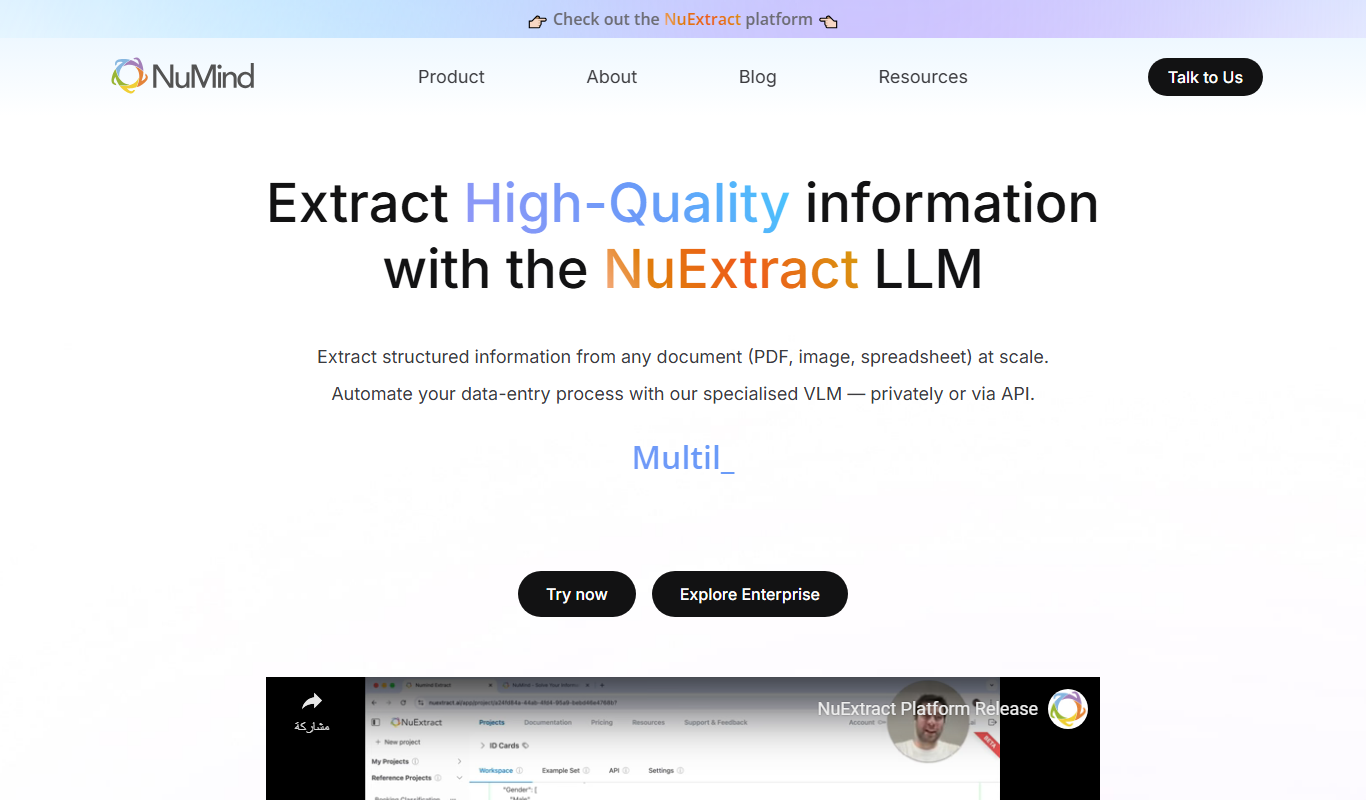
NuMind is an AI platform that simplifies data analysis and predictive modeling through automated machine learning and interactive visualization, designed for both technical and non-technical users.
Freemium
Solace AI
Solace AI is an AI-driven mental health platform that provides emotional support and therapeutic conversations through a chatbot interface, helping users manage stress and anxiety.

Free
PDFChat
PDFChat is an AI chatbot that enables users to upload PDF files and ask questions about their content, providing instant, conversational answers extracted from the document.

Free
Wholesum Food Calculator
Wholesum Food Calculator is a web-based tool that provides detailed nutritional analysis and meal planning features, helping users track macros and micros accurately.

Free
QuickRead AI
QuickRead AI is an AI-powered tool that summarizes long texts into concise key points, helping users read and understand content faster.

Free
Summarie
Summarie is a free online AI text summarization tool that condenses lengthy English texts into concise summaries using natural language processing.

Freemium
Summate
Summate is an AI-powered writing assistant that enables users to generate original content, summarize long texts, and improve writing quality through an easy-to-use web platform.
Freemium
PDF BFF
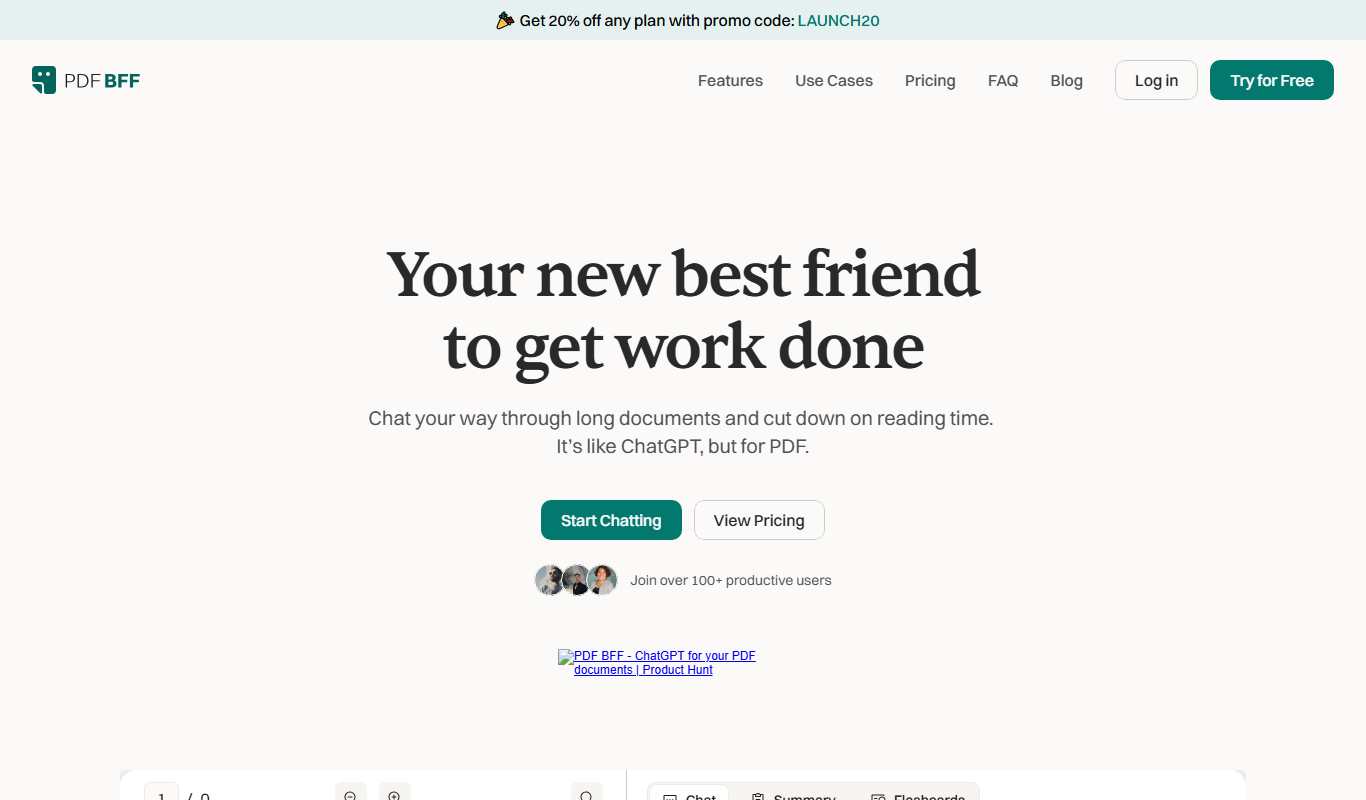
PDF BFF is an AI-driven web tool that extracts text, summarizes, searches, and converts PDFs to improve document handling efficiency.