

Baraha Hindi Typing Software for Efficient Hindi Text Input and Editing
Baraha Hindi Typing Software is a Windows program for typing Hindi and other Indian languages using phonetic transliteration and Unicode output.
- Best for
- Hindi Typing
- Key capability
- Phonetic Transliteration
Save Baraha Hindi Typing Software, follow its updates and vote on it — everything stays in your account.
Sign in or create a free account
What is Baraha Hindi Typing Software?
Baraha Hindi Typing Software is a Windows program for typing Hindi and other Indian languages, covering 12 Indian languages. It converts Roman characters into Indian scripts through phonetic transliteration and produces Unicode text. There is no web version for typing. It is sold with a one-time payment and includes a limited Free mode.
Key features of Baraha Hindi Typing Software
Baraha offers phonetic typing, Unicode support, multi-language input, text editing, and document formatting tools tailored for Indian languages. It simplifies typing in Hindi and other scripts without requiring specialized keyboards.
Phonetic Transliteration
Converts Romanized input into accurate Hindi and Indian language scripts.
Unicode Compliance
Ensures text compatibility across modern applications and platforms.
Multi-language Support
Supports over a dozen Indian languages including Hindi, Kannada, Tamil, Telugu, and more.
Text Editing Tools
Includes spell check, formatting, and document preparation features.
Windows Software
Available as a Windows application; there is no web typing version.
Pros and cons of Baraha Hindi Typing Software
Pros
- Supports multiple Indian languages with ease
- Phonetic typing simplifies input without special keyboards
- Unicode output ensures wide compatibility
- Affordable professional license with lifetime use
Cons
- Windows-only desktop application limits platform reach
- User interface looks dated compared to modern tools
- Limited advanced AI features compared to newer typing tools
Key use cases for Baraha Hindi Typing Software
Hindi Typing
Allows users to type Hindi text easily using phonetic transliteration or direct keyboard input.
Multilingual Text Editing
Supports typing and editing in multiple Indian languages with Unicode compliance.
Document Preparation
Enables creation of documents, emails, and content in Hindi and other Indian languages.
Language Learning
Helps learners practice Hindi typing and improve familiarity with Indian scripts.
Publishing and Printing
Facilitates preparation of print-ready Hindi and Indian language documents.
How Baraha Hindi Typing Software works
- 1
Install or Access Baraha
Download and install the Windows software.
- 2
Select Language
Choose the desired Indian language script for typing.
- 3
Type Using Phonetic Transliteration
Type words using Roman characters which Baraha converts into the selected Indian script.
- 4
Edit and Format Text
Use built-in editing tools to correct and format the typed text.
- 5
Export or Copy Text
Copy the Unicode text to other applications or save documents for printing and publishing.
Who is using Baraha Hindi Typing Software
Baraha Hindi Typing Software pricing
Free
$0
Basic Hindi typing features with limited language support and functionalities.
Baraha Professional
$25 (one-time)
Full access to all languages, advanced editing tools, and commercial use license.
Plans and prices are as published by the vendor and can change. Check the official site before you buy. Open the pricing page (opens in a new tab)
Frequently asked questions about Baraha Hindi Typing Software
Baraha offers a free version with basic features, while the professional version requires a one-time purchase.
Baraha supports Hindi, Kannada, Tamil, Telugu, Gujarati, Marathi, Malayalam, Oriya, Punjabi, Sanskrit, and others.
Baraha is available for Windows only; there is no web typing version.
Yes, Baraha produces Unicode-compliant text compatible with most modern applications.
It depends on your specific needs and how you plan to use the tool. The official website and documentation are the best sources for the latest details.
Some tools offer a free plan or trial with limited features. Availability can vary, so confirm on the official website.
Yes, it can help with that use case depending on how you configure it and what features are available. You’ll get the best results with clear inputs and a defined goal.
Yes, it can help with that use case depending on how you configure it and what features are available. You’ll get the best results with clear inputs and a defined goal.
Conclusion
Typing in Roman characters is the core mechanism: Baraha converts the words into the selected Indian script through phonetic transliteration. Because the output is Unicode text, it can be copied to other applications or saved as documents for printing and publishing. It covers 12 Indian languages, including Hindi, Kannada, Tamil and Telugu.
The software runs on Windows only, with no web version for typing, and the latest release is version 10.10.900. A free version with basic features is available, while the professional version requires a one-time purchase. Hindi language learners, students and educators, and publishers and printers of Indian language materials are the groups it is designed for. One listed drawback is a user interface that looks dated compared to modern tools.
Sources
Sign in to review this tool.
Sign In to ReviewNo reviews yet
Be the first to share how this tool worked for you.
Ask about pricing, limits, or how it compares — or answer someone else.
Sign In to AskNo questions yet
Have a question about using or paying for this tool? Be the first to ask.
Featured on TiorAI



More Writing & Editing tools
Other tools in the same category, for when this one is not quite the fit.

PDF2XL
PDF2XL is a software tool that converts PDF documents, especially tables, into editable Excel spreadsheets with features like OCR and batch processing.

Headline Studio
Headline Studio is an online tool by CoSchedule that analyzes and scores headlines based on SEO, emotional impact, and word balance to help content creators improve engagement and search rankings.
WPS Presentation
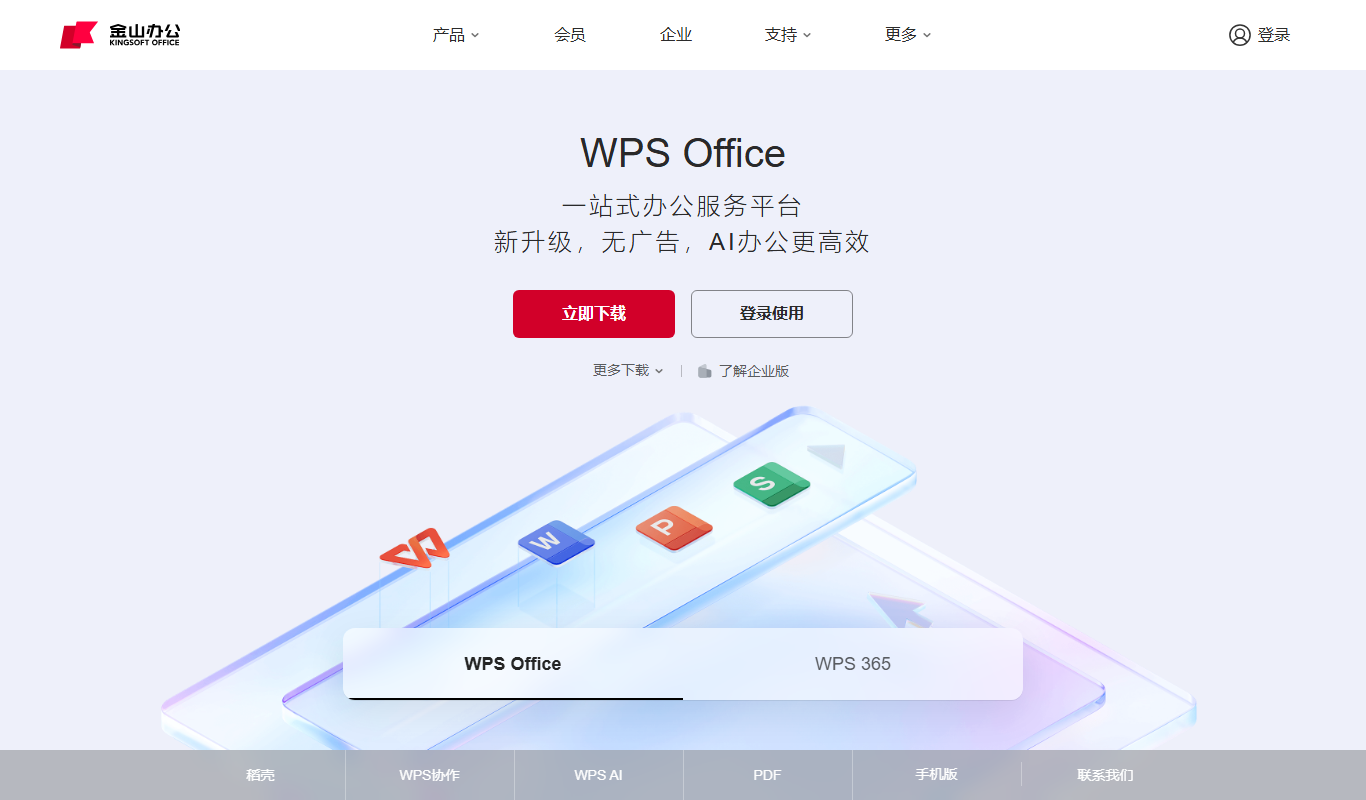
WPS Presentation is a slide creation software by Kingsoft offering templates, multimedia integration, and cloud collaboration across multiple platforms.
Tencent Docs
Tencent Docs is a free cloud-based office suite by Tencent that enables real-time collaborative editing of documents, spreadsheets, and presentations accessible via web and mobile apps.

SEO GPT
SEO GPT is an AI tool that automates the creation of SEO-optimized content, including articles, meta titles, and descriptions, helping marketers improve search rankings efficiently.

Dictionary.com
Dictionary.com is a comprehensive online platform offering English word definitions, synonyms, antonyms, pronunciation guides, and grammar tips to help users improve their language skills.
Wordnik
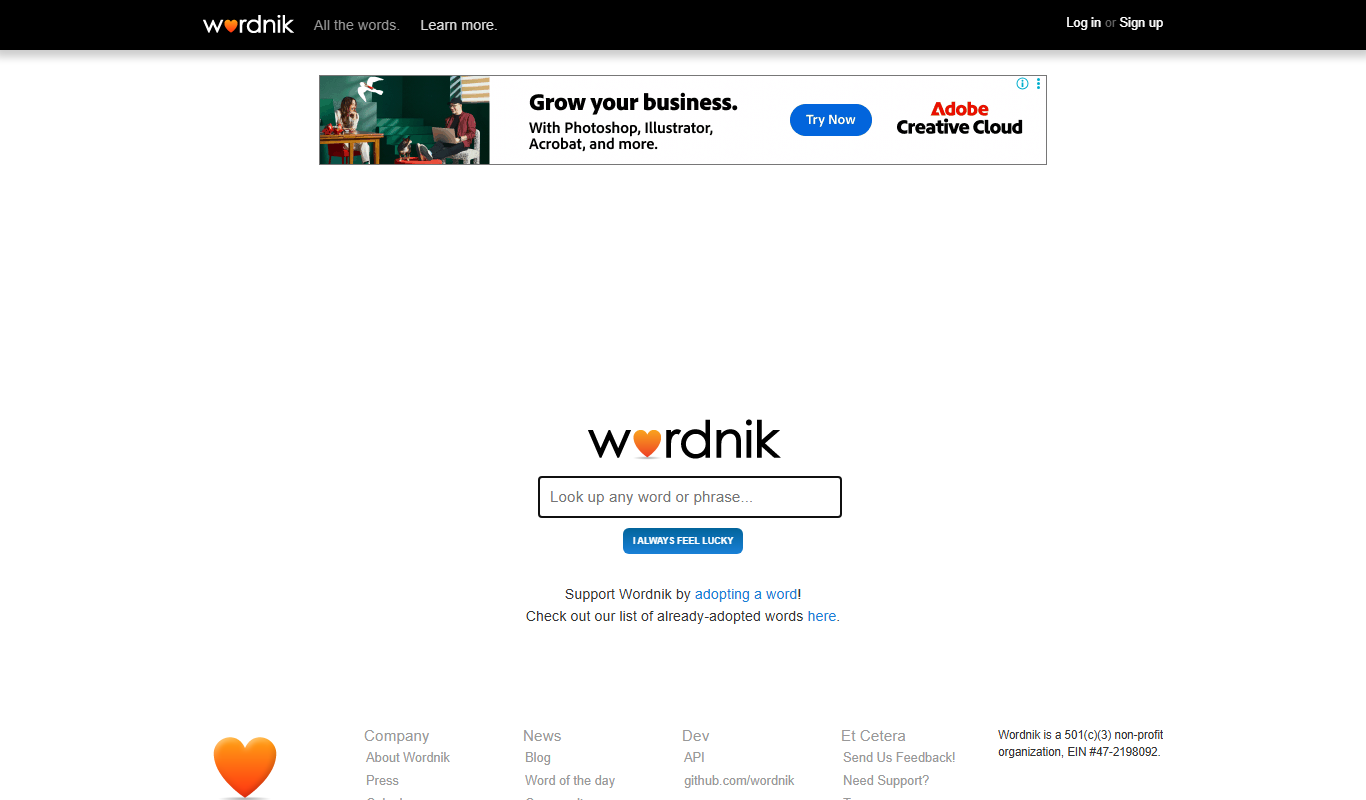
Wordnik is a free online English dictionary that provides detailed definitions, example sentences, synonyms, and related word information to help users understand and use English words effectively.

Merriam-Webster Dictionary
Merriam-Webster Dictionary is a trusted online English dictionary offering definitions, synonyms, audio pronunciations, and language learning resources.