

From my experience with Baloon.dev, I found it excels at automating the tedious parts of code review by providing clear, actionable feedback directly within GitHub pull requests. This integration streamlines the review process and helps maintain code quality without adding overhead. It’s particularly well-suited for development teams and open source maintainers looking to speed up reviews while catching bugs early. However, its current focus on GitHub and limited language support may not fit all workflows. Overall, if you want to boost developer productivity and improve code quality with AI assistance, Baloon.dev is a solid choice.
Baloon.dev - AI-Powered Code Review and Pull Request Assistant Tool
Baloon.dev is an AI-driven tool that automates code reviews by analyzing GitHub pull requests and providing contextual feedback to improve code quality and developer productivity.
- Best for
- Automated Code Review
- Key capability
- AI-Powered Code Analysis
Your actions
Save Baloon.dev, follow its updates and vote on it — everything stays in your account.
Sign in or create a free account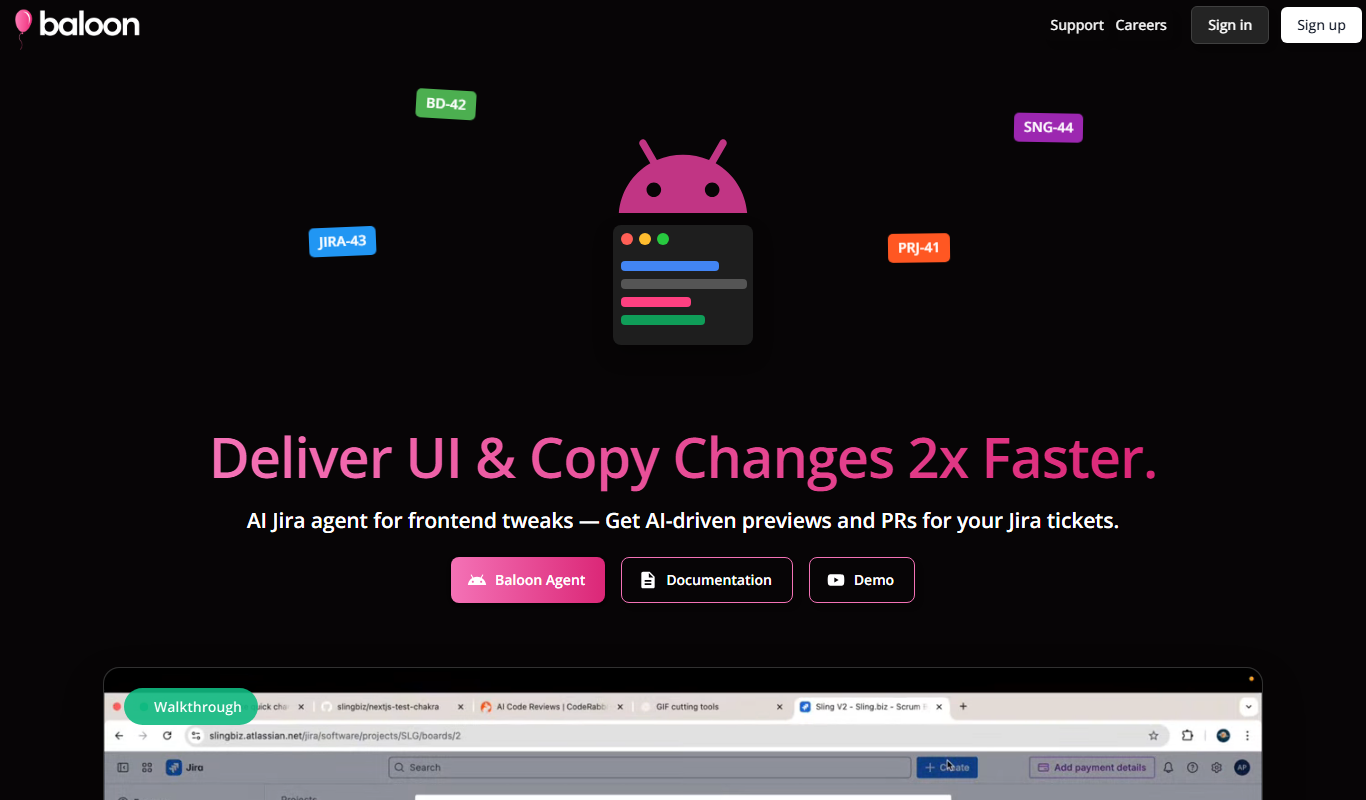
What is Baloon.dev?
Baloon.dev is an AI-powered code review assistant designed to integrate with GitHub pull requests. It automates the review process by analyzing code changes and providing actionable feedback directly within the pull request interface. This helps developers catch bugs, enforce coding standards, and accelerate the development workflow.
Key features of Baloon.dev
Baloon.dev offers automated code review comments, AI-driven suggestions, integration with GitHub, and support for multiple programming languages. It streamlines code reviews by providing clear, contextual feedback and reduces manual effort.
AI-Powered Code Analysis
Uses advanced AI models to detect bugs, code smells, and style inconsistencies.
GitHub Pull Request Integration
Seamlessly integrates with GitHub to provide feedback directly in pull requests.
Contextual Comments
Provides precise, line-by-line comments with explanations and suggestions.
Multi-Language Support
Supports popular programming languages including JavaScript, Python, and TypeScript.
Pros and cons of Baloon.dev
Pros
- Automates repetitive code review tasks
- Integrates seamlessly with GitHub
- Provides clear, contextual feedback
- Supports multiple popular programming languages
Cons
- Limited language support compared to some competitors
- Currently focused only on GitHub platform
Key use cases for Baloon.dev
Automated Code Review
Baloon.dev uses AI to automatically review pull requests, providing feedback on code quality, style, and potential bugs.
Pull Request Assistance
It helps developers by commenting on pull requests with suggestions and explanations, streamlining the review process.
Developer Productivity Enhancement
By automating routine code review tasks, Baloon.dev allows developers to focus on complex problems and reduces review cycle times.
Code Quality Improvement
The tool helps maintain consistent coding standards and identifies issues early to improve overall codebase quality.
How Baloon.dev works
- 1
Connect GitHub Repository
Authorize Baloon.dev to access your GitHub repository to monitor pull requests.
- 2
Open Pull Request
Create a pull request as usual; Baloon.dev automatically analyzes the changes.
- 3
Receive AI Feedback
Baloon.dev posts comments on the pull request with suggestions, potential issues, and improvements.
- 4
Review and Apply
Developers review the AI feedback, discuss if needed, and apply changes to improve code quality.
Who is using Baloon.dev
Software developers
Development teams
Open source project maintainers
DevOps engineers
Tech startups
Baloon.dev pricing
Free
$0/month
Basic AI code review features with limited pull request analysis.
Pro
$15/month
Unlimited pull request reviews, advanced AI features, and priority support.
Plans and prices are as published by the vendor and can change. Check the official site before you buy. Open the pricing page (opens in a new tab)
Frequently asked questions about Baloon.dev
Baloon.dev currently supports GitHub repositories and integrates directly with GitHub pull requests.
Yes, Baloon.dev supports both public and private GitHub repositories with proper authorization.
Baloon.dev supports multiple languages including JavaScript, TypeScript, and Python, with plans to expand.
Yes, Baloon.dev offers a free trial period for the Pro subscription to test advanced features.
It depends on your specific needs and how you plan to use the tool. The official website and documentation are the best sources for the latest details.
Yes, it can help with that use case depending on how you configure it and what features are available. You’ll get the best results with clear inputs and a defined goal.
Some tools offer a free plan or trial with limited features. Availability can vary, so confirm on the official website.
Integration support depends on the tool and its available connectors or API. Check the official documentation or integrations page to confirm what is supported.
Sign in to review this tool.
Sign In to ReviewNo reviews yet
Be the first to share how this tool worked for you.
Ask about pricing, limits, or how it compares — or answer someone else.
Sign In to AskNo questions yet
Have a question about using or paying for this tool? Be the first to ask.
Featured on TiorAI



Alternative Tools
Explore similar AI tools that might fit your needs

Free
Snyk
Snyk is a security platform designed for developers to find, fix, and monitor vulnerabilities in open source dependencies, container images, and infrastructure as code, integrating directly into developer workflows and CI/CD pipelines.
More AI Website Builder tools
Other tools in the same category, for when this one is not quite the fit.

Free
Secoda AI
Secoda AI is a data catalog platform that centralizes metadata, visualizes data lineage, and supports collaboration and governance for data teams.

Freemium
newroom.io
newroom.io is an AI-powered content collaboration platform designed to help teams and agencies co-create, manage, and optimize content workflows efficiently.

Free Trial
Press Hook
Press Hook is a public relations platform that helps brands and PR professionals connect with journalists through a comprehensive media database, targeted outreach, and press release distribution tools.

Custom Pricing
Maintain-AI – Good Roads Cost Less
Maintain-AI is an AI-powered platform that automates road condition assessment and helps agencies plan and prioritize road maintenance efficiently.
Freemium
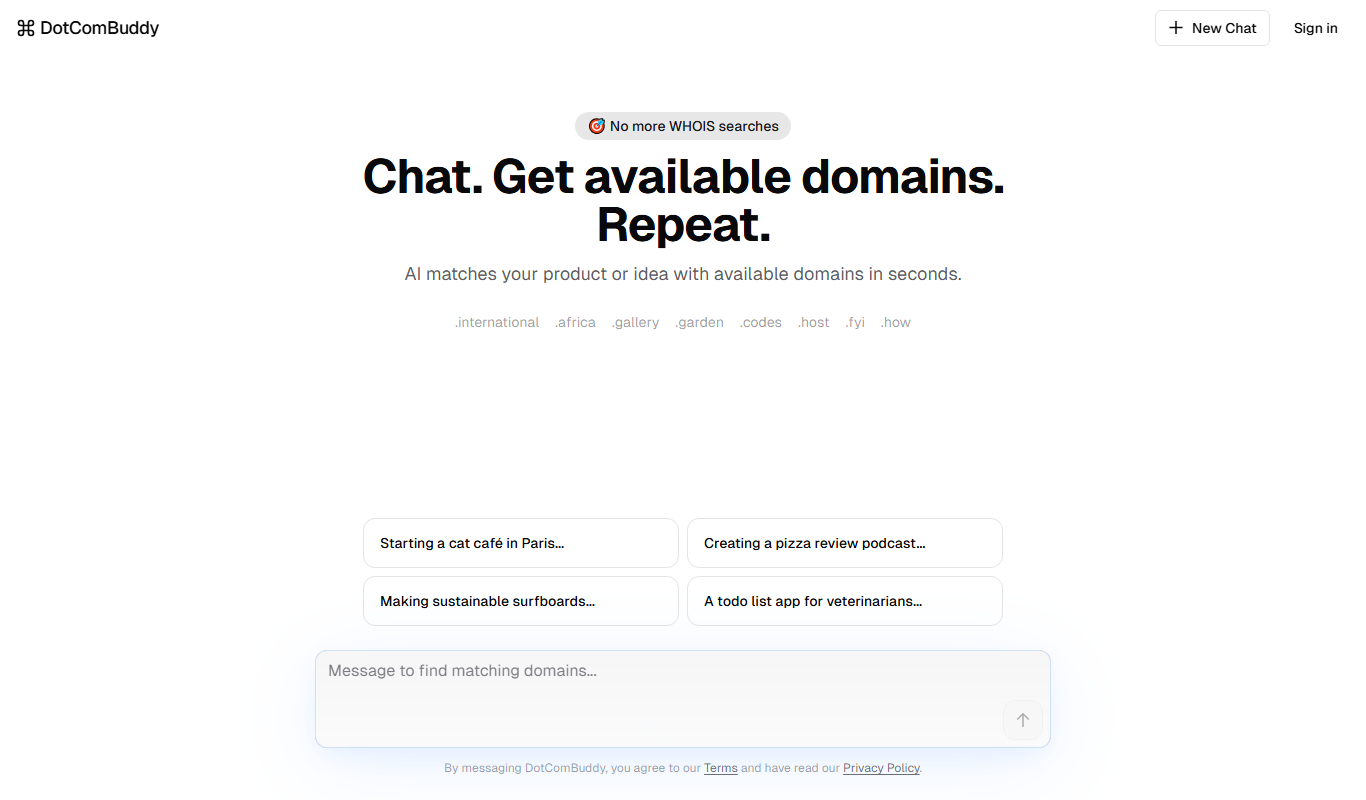
DotComBuddy
DotComBuddy is an affordable all-in-one website builder and hosting platform designed for small businesses and individuals to create professional websites without coding.

Free Trial
SiteArchi AI
SiteArchi AI is a web-based tool that uses artificial intelligence to create optimized website architectures, improving SEO and user experience through automated site map generation and visual planning.

Free Trial
Limecube AI Website Builder
Limecube AI Website Builder is a web platform that uses artificial intelligence to help users create customized, responsive websites quickly without coding, featuring drag-and-drop editing, SEO tools, and integrated hosting.

Freemium
PrograSEO
PrograSEO is an SEO automation platform designed for developers, providing automated audits, keyword research, backlink monitoring, and reporting to integrate SEO into programming workflows.