

AutoProfile Personal Profiles Generator for Professional Online Presence
AutoProfile is a web platform that helps users create customizable, professional personal profiles to showcase skills and experience online.
- Best for
- Professional Profile Creation
- Key capability
- Customizable Templates
Save AutoProfile: Personal Profiles, follow its updates and vote on it — everything stays in your account.
Sign in or create a free account
What is AutoProfile: Personal Profiles?
AutoProfile is a web-based platform designed to help individuals create, manage, and share professional personal profiles easily. It streamlines the process of building an online presence by generating customizable profiles that highlight a user’s skills, experiences, and accomplishments in a visually appealing format.
Key features of AutoProfile: Personal Profiles
AutoProfile offers intuitive profile creation tools, customizable templates, integration options for resumes and portfolios, and easy sharing capabilities to enhance personal branding and professional networking.
Customizable Templates
Choose from multiple professional templates to tailor your profile’s appearance.
Resume and Portfolio Integration
Easily add your resume and portfolio links or files to your profile.
Mobile-Friendly Design
Profiles are optimized for viewing on all devices including smartphones and tablets.
Privacy Controls
Manage who can view your profile with adjustable privacy settings.
Easy Sharing
Share your profile with a simple link or embed it on other websites.
Pros and cons of AutoProfile: Personal Profiles
Pros
- User-friendly interface with guided profile creation
- Customizable and professional-looking templates
- Integration of resumes and portfolios
- Mobile-optimized profiles
- Flexible privacy settings
Cons
- Limited language support (English only)
- No mobile app available, web-only platform
- Advanced features require paid subscription
Key use cases for AutoProfile: Personal Profiles
Professional Profile Creation
Create comprehensive and visually appealing personal profiles to showcase skills, experience, and achievements.
Online Personal Branding
Build a consistent and professional online presence across social and professional networks.
Resume and Portfolio Integration
Integrate resumes and portfolios into a single accessible profile for job applications and networking.
Networking and Job Seeking
Use personalized profiles to enhance networking opportunities and improve job search effectiveness.
How AutoProfile: Personal Profiles works
- 1
Sign Up
Register for a free account on the AutoProfile website to get started.
- 2
Create Your Profile
Input your personal, educational, and professional information using guided prompts.
- 3
Customize Design
Select from various templates and customize the look and feel of your profile.
- 4
Publish and Share
Publish your profile online and share it via a unique URL or social media platforms.
Who is using AutoProfile: Personal Profiles
AutoProfile: Personal Profiles pricing
Free
$0/month
Basic profile creation with limited templates and features.
Pro
$9.99/month
Access to premium templates, advanced customization, and priority support.
Plans and prices are as published by the vendor and can change. Check the official site before you buy. Open the pricing page (opens in a new tab)
Frequently asked questions about AutoProfile: Personal Profiles
Yes, AutoProfile offers a free plan with basic features and templates.
AutoProfile uses industry-standard security measures and allows you to control your profile’s privacy.
Yes, you can edit and update your profile anytime, and changes will be reflected immediately.
Currently, AutoProfile supports English only.
It depends on your specific needs and how you plan to use the tool. The official website and documentation are the best sources for the latest details.
Some tools offer a free plan or trial with limited features. Availability can vary, so confirm on the official website.
Integration support depends on the tool and its available connectors or API. Check the official documentation or integrations page to confirm what is supported.
Conclusion
Building a profile begins with guided prompts for personal, educational and professional information. A template then sets the look, and resume and portfolio links or files can be added to the same profile. Once published online, the profile can be shared via a unique URL or social media platforms and updated anytime.
Profiles are optimized for all devices, including smartphones and tablets, and adjustable privacy settings manage who can view them. Job seekers, freelancers and recent graduates can bring resumes and portfolios into one profile for job applications and networking.
Sources
Sign in to review this tool.
Sign In to ReviewNo reviews yet
Be the first to share how this tool worked for you.
Ask about pricing, limits, or how it compares — or answer someone else.
Sign In to AskNo questions yet
Have a question about using or paying for this tool? Be the first to ask.
Featured on TiorAI



Alternative Tools
Explore similar AI tools that might fit your needs

LinkedIn is a professional networking platform that helps users connect with industry professionals, search for jobs, recruit candidates, and develop skills through LinkedIn Learning.
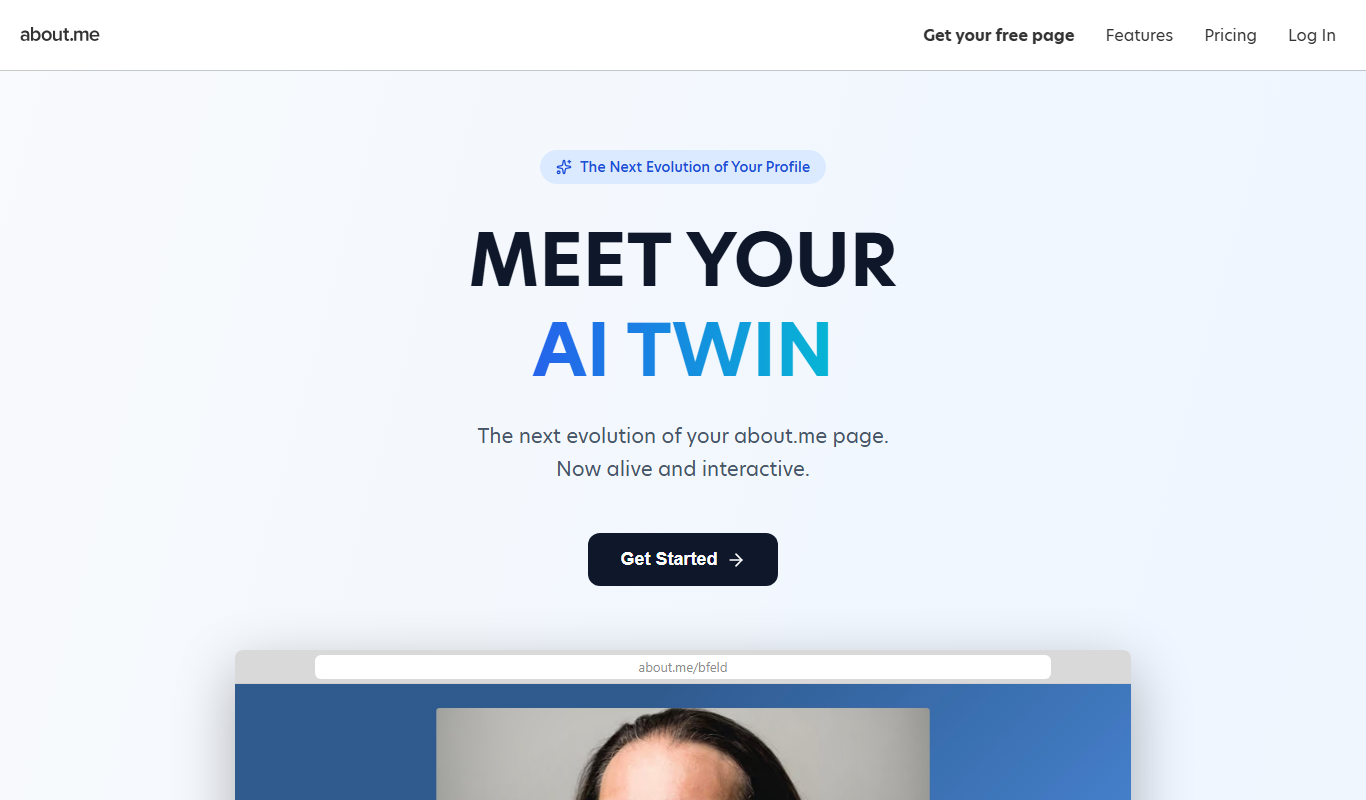
About.me
About.me lets you create a free, one-page personal homepage that showcases your work, links and story, with an optional AI Twin that visitors can chat with.

VisualCV
VisualCV is an online resume and portfolio builder that offers customizable templates, cover letter generation, and resume analytics to help job seekers create professional job application materials.
More AI Bio Generator tools
Other tools in the same category, for when this one is not quite the fit.

Bio.fm
Bio.fm is a web-based link in bio tool that helps users create a personalized landing page to aggregate multiple links, social media profiles, and content blocks for easy sharing on social media.

LoveGenius
LoveGenius writes dating profiles and opening lines for dating apps.

AI Social Bio
AI Social Bio is a web-based AI tool that generates personalized social media bios tailored to various platforms, helping users create engaging profiles quickly.

LingoJam Bio Generator
LingoJam Bio Generator is a free online tool that quickly creates personalized social media bios by generating multiple options based on your input keywords.

Seapik AI
Seapik AI is a web platform that uses artificial intelligence to generate images from text descriptions, helping users create unique visuals for various creative and marketing needs.
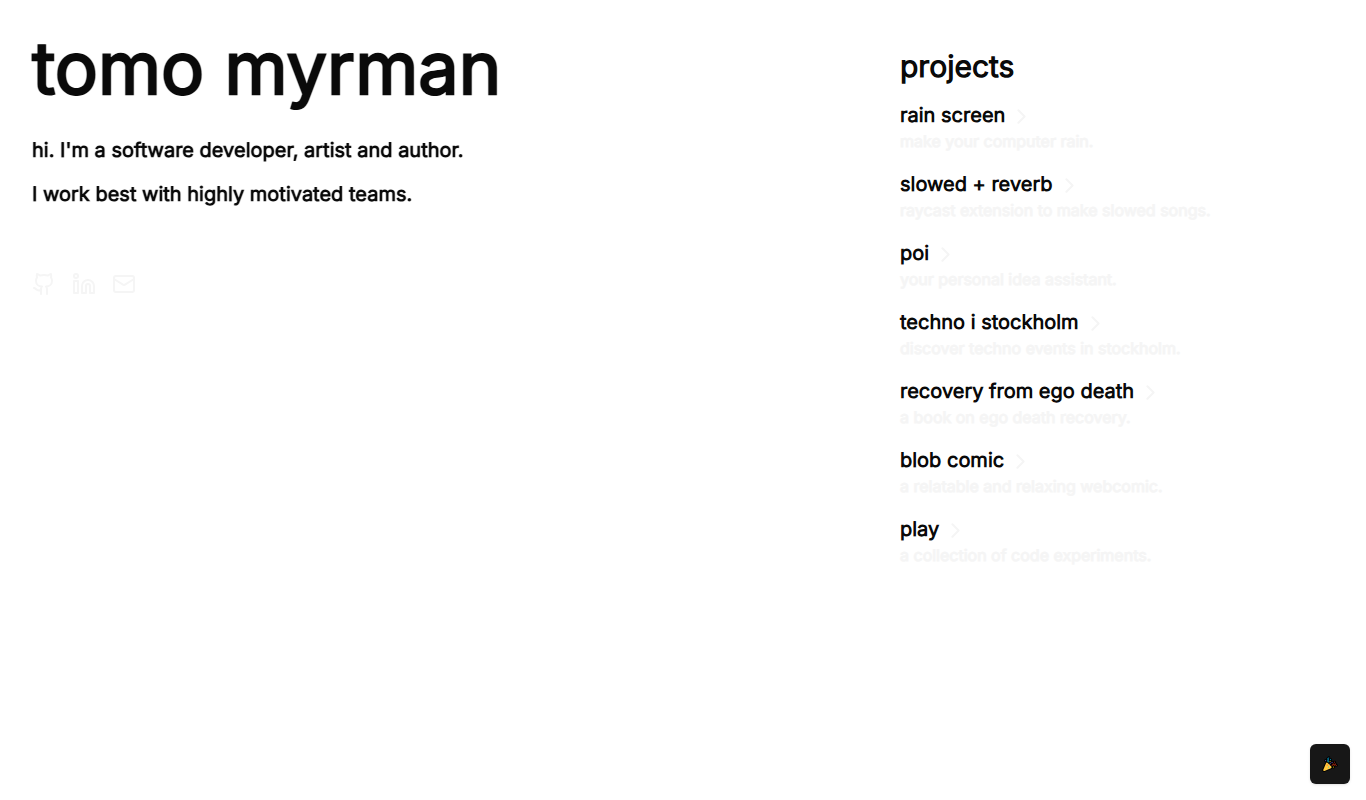
Recovery From Ego Death
Recovery From Ego Death is a free online resource by Neon Tomo offering educational content and practical advice to help individuals recover from ego dissolution experiences and integrate them into daily life.

ResumeFromSpace
ResumeFromSpace is an AI-driven online resume builder that helps users quickly create professional resumes and cover letters with customizable templates and smart content suggestions.

ScheduleWave
ScheduleWave is a cloud-based employee scheduling software that helps businesses create and manage work schedules, track attendance, and ensure labor law compliance through an easy-to-use platform with mobile access.