

Astria AI Image Generation Platform for Creative and Design Professionals
Astria creates ecommerce visuals and headshot products with AI image production tools.
- Best for
- Digital Art Creation
- Key capability
- Text-to-Image Generation
Save Astria, follow its updates and vote on it — everything stays in your account.
Sign in or create a free account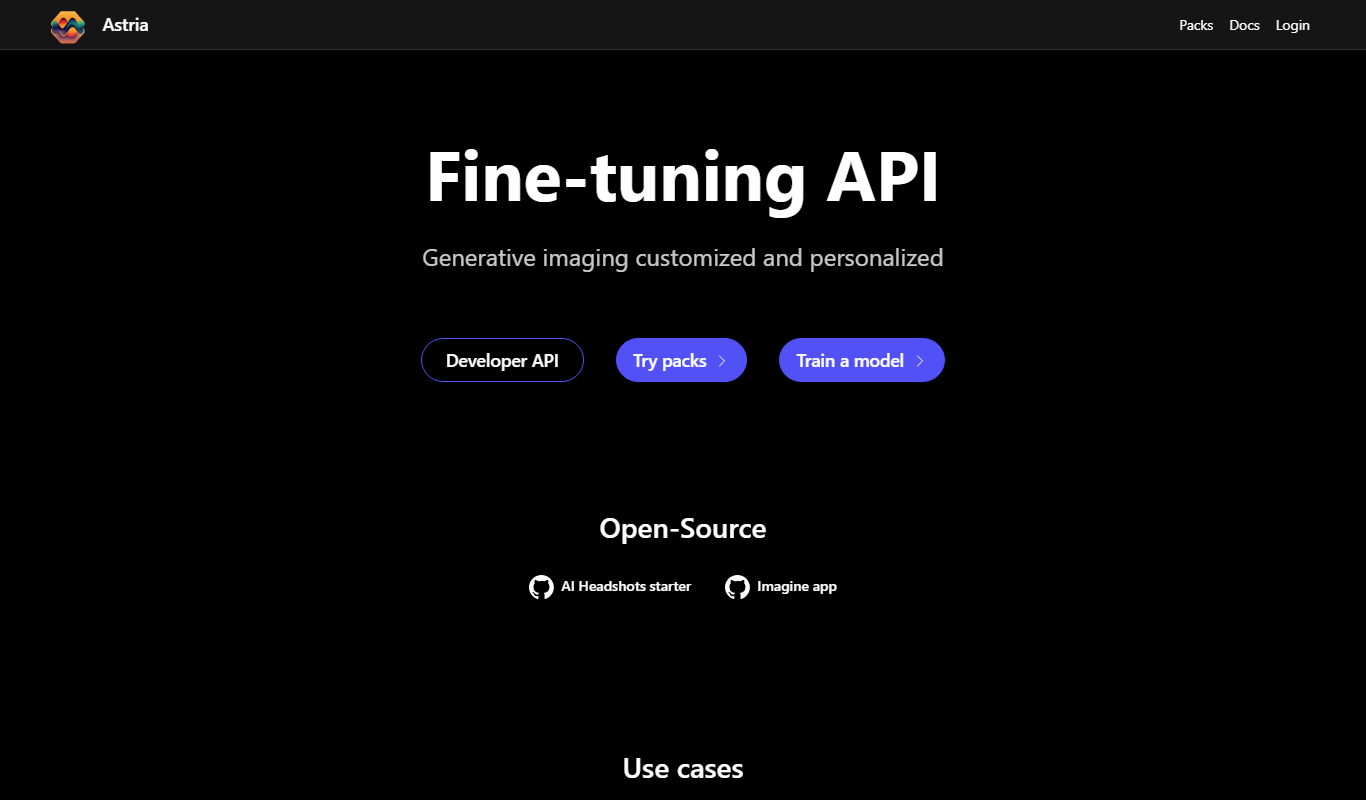

What is Astria?
Astria is an AI image production platform for fashion and identity that creates ecommerce visuals and headshot products.
Key features of Astria
Astria offers intuitive text-to-image generation, style customization, high-resolution outputs, and a user-friendly web interface designed for creative professionals seeking fast and versatile image creation.
Text-to-Image Generation
Convert descriptive text prompts into detailed and creative images.
Style Customization
Choose from various artistic styles to influence the visual output.
High-Resolution Outputs
Produce images suitable for professional use with high clarity.
User-Friendly Interface
Simple web-based platform accessible without technical expertise.
Rapid Generation
Quickly generate multiple image variations for experimentation.
Pros and cons of Astria
Pros
- Easy to use with no design skills required
- Fast image generation with multiple styles
- High-quality, customizable outputs
- Affordable subscription plan
- Supports creative experimentation
Cons
- Web-only platform without mobile apps
- Customization options could be deeper
Key use cases for Astria
Digital Art Creation
Generate unique digital artworks from text prompts to inspire artists and designers.
Marketing and Advertising
Create custom visuals for campaigns without needing extensive graphic design resources.
Concept Design
Rapidly prototype visual concepts for products, games, or media projects.
Content Creation
Produce engaging images for blogs, social media, and websites to enhance content appeal.
Creative Experimentation
Explore new artistic styles and ideas through AI-assisted image generation.
How Astria works
- 1
Create an Account
Sign up on the Astria website to access the image generation platform.
- 2
Enter Text Prompt
Describe the desired image using natural language in the prompt input.
- 3
Customize Settings
Adjust style, resolution, and other parameters to tailor the output.
- 4
Generate Image
Submit the prompt and let Astria’s AI create the image.
- 5
Download or Edit
Download the generated image or refine prompts for new iterations.
Who is using Astria
Astria pricing
Pro
$29/month
Unlimited image generations, higher resolution, and advanced customization.
Plans and prices are as published by the vendor and can change. Check the official site before you buy. Open the pricing page (opens in a new tab)
Frequently asked questions about Astria
Astria is used to create product imagery, campaign visuals, seasonal assets, collection updates and other branded content for ecommerce, marketing and digital channels.
No, Astria’s interface is designed for users without graphic design experience.
Yes, depending on your subscription plan, you can use images for commercial purposes.
No. Astria’s documentation says the service is not free because each model is trained and served on high-end GPU machines, which is expensive.
It depends on your specific needs and how you plan to use the tool. The official website and documentation are the best sources for the latest details.
Some tools offer a free plan or trial with limited features. Availability can vary, so confirm on the official website.
Yes, it can help with that use case depending on how you configure it and what features are available. You’ll get the best results with clear inputs and a defined goal.
Yes, it can help with that use case depending on how you configure it and what features are available. You’ll get the best results with clear inputs and a defined goal.
Conclusion
For ecommerce brands the workflow has three steps: select a creative template, drop in product photos and generate on-brand, production-ready images at scale. Templates are built for fashion, beauty and jewelry, and outputs range from lookbooks to social stories and campaign banners. Headshots form the second product line, where a model is fine-tuned on a person’s training images before generation. Through the API, a tune and a prompt can be created and packs can be listed.
It is built for fashion, retail and brand teams that need visual assets at scale while keeping imagery on-brand. Brands pay based on usage rather than a fixed production overhead, and the service is not free because each fine-tuned model is created on high-end GPU machines. A fine-tune, including its training pictures and generated images, is kept for 1 month and then deleted unless storage is extended.
Sources
Sign in to review this tool.
Sign In to ReviewNo reviews yet
Be the first to share how this tool worked for you.
Ask about pricing, limits, or how it compares — or answer someone else.
Sign In to AskNo questions yet
Have a question about using or paying for this tool? Be the first to ask.
Featured on TiorAI


More AI Design & Creative Tools tools
Other tools in the same category, for when this one is not quite the fit.

Emoji Generator AI
Emoji Generator AI is a web-based tool that uses artificial intelligence to create custom emojis from text descriptions, allowing users to generate unique emoji designs quickly without design skills.

Disney Pixar AI Image Generator
Disney Pixar AI Image Generator is a web tool that turns uploaded images into Disney Pixar and Ghibli-style creations using AI, paid for with credit packages.

IconKit
IconKit is a web-based AI tool that generates custom icons quickly for branding and design projects, offering easy customization and multiple export formats.

Cartoon AI Generator
Cartoon AI Generator is a website that turns text prompts into cartoon images with its AI model, sold with credit packs.

ComicLLM
ComicLLM is an AI-driven web tool that converts text prompts into illustrated comic panels, enabling users to create comics without drawing skills.

TattooGen
TattooGen is an AI-powered web tool that generates unique tattoo designs based on user input, offering customizable styles and instant previews to help users and artists create custom ink art.

Muse AI Art Generator
Muse AI Art Generator is a web-based platform that uses AI to generate unique digital artworks from user prompts, offering various styles and high-resolution outputs.

anifusion.ai
Anifusion turns your story into manga pages with built-in layouts, characters, speech bubbles and editing tools, plus video and sketching. Start free with 100 credits.