

From my experience with Article.Audio, it stands out for producing natural and clear AI voices that make text content easy to consume in audio form. The platform’s simplicity and speed make it accessible even for users without technical skills, which is a big plus for content creators and educators. However, the current limitation to English language and relatively basic voice customization options may restrict some users. Overall, if you need a straightforward, reliable tool to convert articles into audio quickly, Article.Audio delivers solid results.
Article.Audio AI Voice Generator for Natural Text-to-Speech Conversion
Article.Audio is an AI text-to-speech tool that converts written content into natural, human-like audio for accessibility and content creation.
- Best for
- Content Accessibility
- Key capability
- Natural AI Voices


Do you recommend this tool?
What is Article.Audio?
Article.Audio is an AI-powered text-to-speech platform that converts written content into natural, human-like audio. It enables users to transform articles, blog posts, and other text-based content into spoken word audio files, making content more accessible and easier to consume in audio format.
Key features of Article.Audio
The tool offers realistic AI voice generation with customizable voice options, fast conversion speeds, and easy-to-use web interface. It supports seamless integration for content creators looking to add audio versions of their text content.
Natural AI Voices
High-quality, human-like voice synthesis that sounds clear and engaging.
Fast Conversion
Quickly converts large text blocks into audio without long wait times.
User-Friendly Interface
Simple web-based platform requiring no technical skills to operate.
Audio Download Options
Supports multiple audio formats for easy integration with various platforms.
Pros and cons of Article.Audio
Pros
- Produces natural-sounding AI voices
- Easy to use with no technical knowledge required
- Fast audio generation speeds
Cons
- Supports only English language currently
- Limited voice customization options
Key use cases for Article.Audio
Content Accessibility
Convert written articles and blog posts into natural-sounding audio to improve accessibility for users with visual impairments or reading difficulties.
Podcast and Audio Content Creation
Generate voiceovers for podcasts, audiobooks, or other audio content quickly without needing professional voice actors.
Multitasking and On-the-Go Consumption
Allow users to listen to articles while commuting or multitasking, enhancing content consumption flexibility.
Language Learning
Use natural AI voices to help language learners improve listening skills by hearing accurate pronunciations of text content.
How Article.Audio works
- 1
Input Text
Users paste or upload the text content they want to convert into audio.
- 2
Select Voice
Choose from a range of AI-generated voices that sound natural and clear.
- 3
Generate Audio
The platform processes the text and creates an audio file in a matter of seconds.
- 4
Download or Share
Users can download the audio file or share it directly for use in podcasts, accessibility tools, or personal listening.
Who is using Article.Audio
Content creators
Podcasters
Educators
Accessibility advocates
Language learners
Article.Audio pricing
Free
$0/month
Limited usage with basic voice options and daily conversion limits.
Pro
$19/month
Unlimited conversions, premium voices, and priority support.
Plans and prices are as published by the vendor and can change. Check the official site before you buy. Open the pricing page (opens in a new tab)
Frequently asked questions about Article.Audio
Currently, Article.Audio supports English language text-to-speech conversion.
Yes, the Pro plan allows commercial use of generated audio content.
The Free plan has daily limits on text length, while the Pro plan offers unlimited conversions.
It depends on your specific needs and how you plan to use the tool. The official website and documentation are the best sources for the latest details.
It depends on your specific needs and how you plan to use the tool. The official website and documentation are the best sources for the latest details.
Some tools offer a free plan or trial with limited features. Availability can vary, so confirm on the official website.
Sign in to review this tool.
Sign In to ReviewNo reviews yet
Be the first to share how this tool worked for you.
Ask about pricing, limits, or how it compares — or answer someone else.
Sign In to AskNo questions yet
Have a question about using or paying for this tool? Be the first to ask.
Featured on TiorAI



Alternative Tools
Explore similar AI tools that might fit your needs
Free
Natural Reader
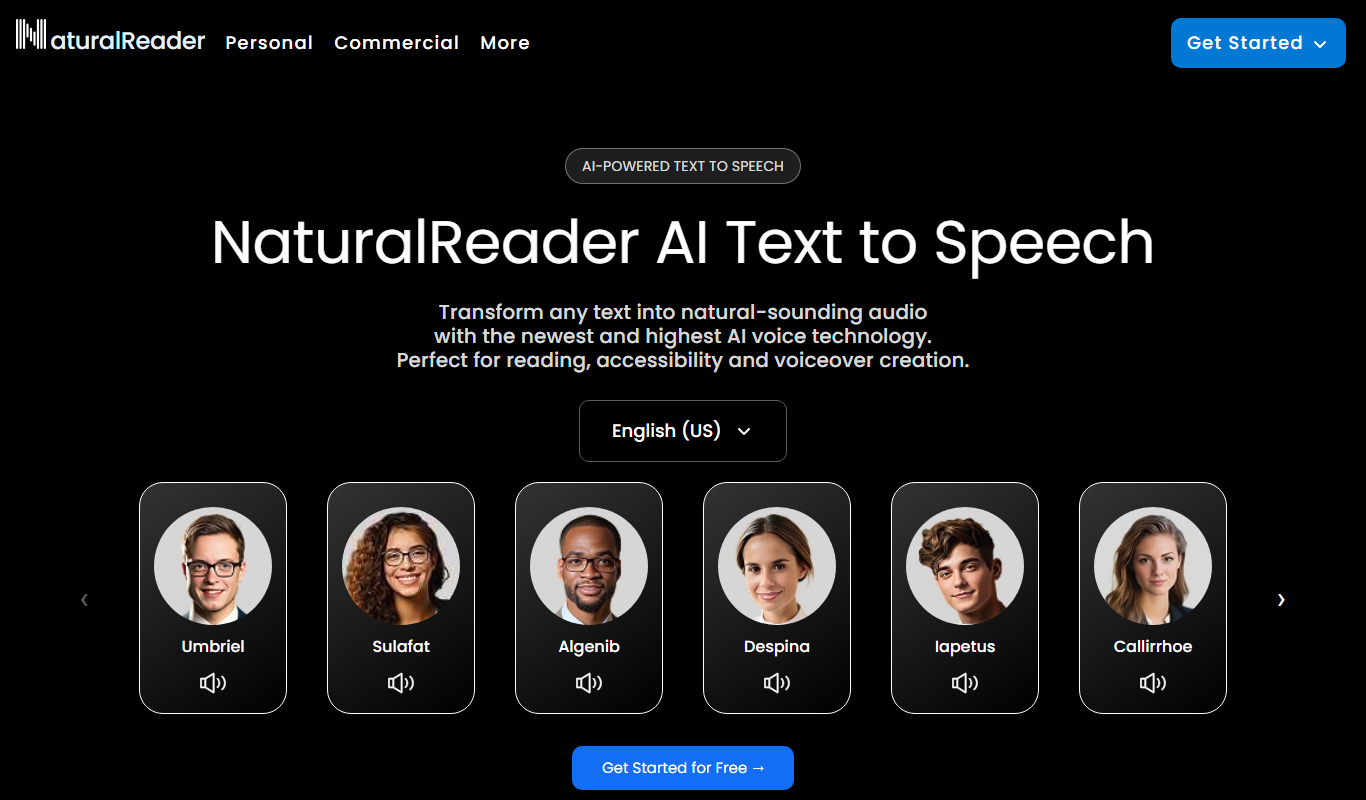
Natural Reader is a text-to-speech software that converts written text into natural, human-like speech across multiple languages and platforms, supporting accessibility and content consumption.
More AI Audio Editing tools
Other tools in the same category, for when this one is not quite the fit.

Free
Internet Archive
Internet Archive is a free nonprofit digital library offering millions of books, audio, video, and archived websites accessible online through its web platform and the Wayback Machine.

Free
Wynk Music
Wynk Music is an Indian music streaming app by Airtel Digital Limited offering millions of songs, podcasts, offline downloads, and live radio with free and premium plans.

Free
Gaana
Gaana is an Indian music streaming platform offering millions of songs, podcasts, and radio stations with free and subscription plans including offline listening and personalized recommendations.

Freemium
Shoutcast
Shoutcast is an internet radio platform that enables users to create and broadcast live audio streams globally, with tools for station customization, analytics, and monetization.

Free
Mixlr
Mixlr is a live audio streaming platform that allows users to broadcast, record, and share live audio content such as music, podcasts, and radio shows to a global audience via web and mobile apps.

Freemium
Ecrett Music
Ecrett Music is an AI music generator that creates royalty-free background music for videos, games, and other content by selecting mood, scene, and genre.
Free
Wavve
Wavve is a web-based tool that converts audio clips into engaging videos with animated waveforms, captions, and branding, ideal for social media and podcast promotion.

Free
Pzizz
Pzizz is an app that combines AI-generated music and voice guidance to help users fall asleep quickly, take effective naps, and improve overall sleep quality.