

Argil AI storytelling studio for films, series and social video
Argil lets anyone make a film, series or social video with AI: start from a brief, shape the storyboard shot by shot, and Argil handles the production.
- Best for
- Animated films
- Key capability
- Brief to film
Save Argil, follow its updates and vote on it — everything stays in your account.
Sign in or create a free account
What is Argil?
Argil is an AI storytelling studio for making films, series and social videos without a camera or crew. Users start from a brief, answer questions that shape the story, direct a shot-by-shot storyboard and then let Argil produce the finished video, while characters, worlds and visual styles are saved for reuse.
Key features of Argil
Argil offers a brief-to-film workflow with story questions, a shot-by-shot storyboard editor, AI video production, reusable characters, worlds, locations and visual styles, a creative agent, a playground with major AI models, and commercial use on the Pro plan.
Brief to film
Start from a sentence, a scene or a complete script and turn it into a finished film.
Shot-by-shot storyboard
Shape the action, dialogue and rhythm of each shot before production.
Reusable story elements
Characters, worlds, locations and visual styles become reusable elements in your library.
AI production
Argil handles production from the creative choices you make.
Pros and cons of Argil
Pros
- No camera or crew needed
- You make every creative choice from idea to film
- Reusable characters, worlds and styles
Cons
- Plan credits refresh monthly and do not stack
- Credit use depends on the model and what you create
Key use cases for Argil
Animated films
Make an animated film from an idea without a camera or crew.
Series
Build a series around reusable characters and worlds.
Social videos
Create social videos with AI from your story.
Done-for-you video formats
With the Studio plan, the Argil team sets up characters, places, your voice and a private app for your kind of video.
How Argil works
- 1
Brief
Write a sentence, a scene or a complete script.
- 2
Questions
Choose where the story begins, what gets the time and how it ends.
- 3
Storyboard
Shape the action, dialogue and rhythm, shot by shot.
- 4
Film
Watch the finished film with characters, dialogue and visual style in motion.
- 5
Export Labeled Data
Export the annotated datasets in formats compatible with machine learning frameworks.
Who is using Argil
Argil pricing
Pro
From $50 per month
2,000 credits per month, the Director creative agent, a playground with major models, characters, worlds and voices, and commercial use; yearly billing gives 2 months free.
Studio
From $2,500 one-time setup
Done-for-you setup of characters, places, voice and a private app, then credits at volume pricing.
Enterprise
Custom annual agreement
Everything in Studio with custom seats and credit volume.
Plans and prices are as published by the vendor and can change. Check the official site before you buy. Open the pricing page (opens in a new tab)
Frequently asked questions about Argil
No. A sentence is enough to begin, and an existing script can be brought in.
Yes. You define your world, choose references and refine the action, dialogue and framing in your storyboard.
Yes. They become reusable elements in your library for the next story.
Credits are used when you generate content; the amount depends on the model and what you create.
No. Plan credits refresh each month, but extra pay-as-you-go credits can be bought.
Yes, from your workspace’s billing settings.
Conclusion
A sentence, a scene or a complete script is enough to start a film here, with no camera and no crew involved. Argil first asks questions that settle where the story begins and how it ends, then lays out a storyboard where the user shapes action, dialogue and rhythm shot by shot. Production of the finished film is handled by the platform from those choices.
Characters, worlds, locations and visual styles are saved as reusable elements, which suits series as well as one-off animated films and social videos. Self-serve Pro plans run on monthly credits that refresh rather than stack, and a done-for-you Studio option has the Argil team set up a private app for a specific video format.
Sources
Sign in to review this tool.
Sign In to ReviewNo reviews yet
Be the first to share how this tool worked for you.
Ask about pricing, limits, or how it compares — or answer someone else.
Sign In to AskNo questions yet
Have a question about using or paying for this tool? Be the first to ask.
Featured on TiorAI



More AI Artificial Intelligence Tools tools
Other tools in the same category, for when this one is not quite the fit.
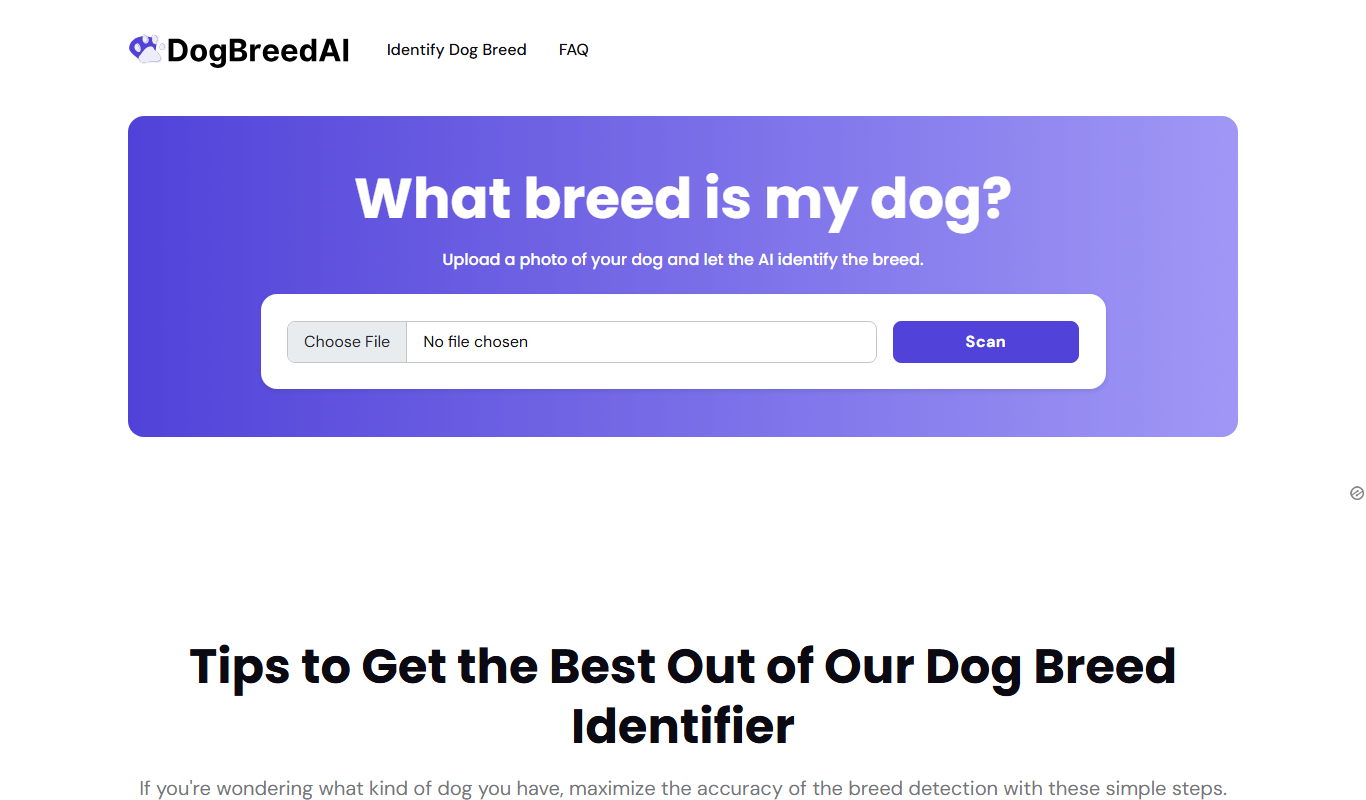
Dog Breed AI
Dog Breed AI uses artificial intelligence to identify dog breeds from photos, providing breed details and care information on web and mobile platforms.
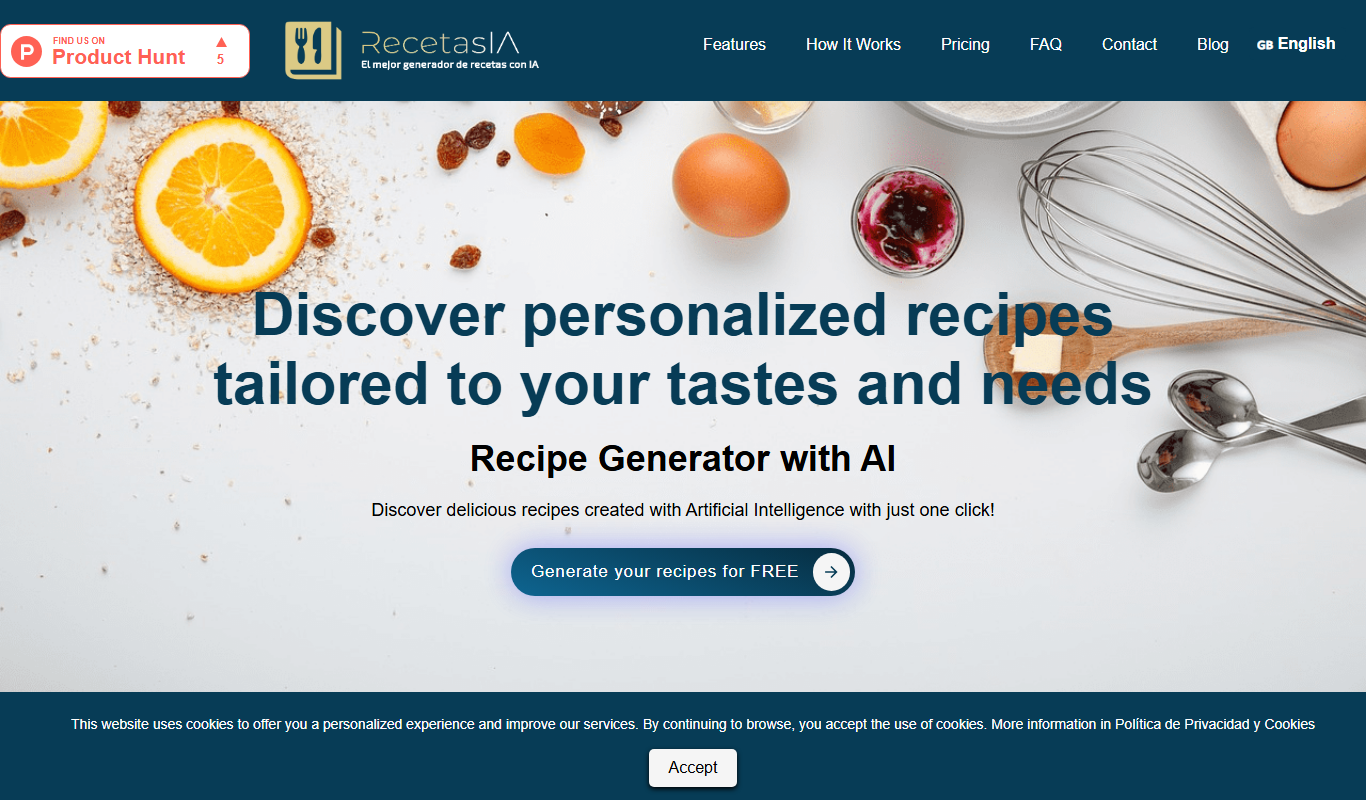
RecetasIA
RecetasIA is an AI-based web tool with a free plan that generates personalized recipes from your tastes, dietary restrictions and intolerances, in English or Spanish.

Newmoney.AI
Newmoney.AI is an AI-powered crypto and cash wallet: buy, trade, swap and send crypto across SUI, Solana, Ethereum and Bitcoin with the AI agent Newton, including via WhatsApp and Telegram.

TwoShot
TwoShot is an AI creative suite for music, audio, video and images: generate music and sounds from text, split stems, make voiceovers and produce in an online studio.

Kuakua – Psychology & AI Tools for Well-Being
Kuakua is a free website of psychology games, tests, screenings and cognitive experiments that turns psychology research into small tools for well-being.

MixPeek
MixPeek is an AI-driven multimedia search engine that indexes videos, images, audio, and documents to enable fast, accurate search through a web interface and developer API.

Musicfy
Musicfy is an AI voice song generator for creating covers in any voice, with 100,000+ voices or a clone of your own.

MusicGen AI
MusicGen is a free AI music generation tool developed by Meta that uses a single Language Model (LM) to create music based on a prompt.