

API Layer - Reliable API Integration Platform for Developers and Businesses
API Layer is a platform that provides developers and businesses with easy access to a wide range of APIs for data validation, real-time information, and automation through a unified interface.
- Best for
- API Integration for Developers
- Key capability
- Extensive API Marketplace
Save API Layer, follow its updates and vote on it — everything stays in your account.
Sign in or create a free account
What is API Layer?
API Layer is a comprehensive API integration platform that provides developers and businesses with easy access to a wide variety of reliable APIs. It offers a unified interface to connect, manage, and consume APIs for data validation, enrichment, and real-time information. The platform supports seamless integration into applications, enabling automation and enhanced functionality without the need to build APIs from scratch.
Key features of API Layer
API Layer’s main features include a vast API marketplace, real-time data APIs, email and phone validation services, currency conversion, IP geolocation, and a developer-friendly dashboard with detailed analytics and usage monitoring.
Extensive API Marketplace
Access over 150 APIs across various categories including data validation, finance, weather, and more.
Unified API Access
Consume multiple APIs through a single platform with consistent authentication and management.
Real-Time Data APIs
Get up-to-date information such as currency rates, IP geolocation, and weather data.
Developer-Friendly Tools
Includes detailed documentation, SDKs, and a dashboard for easy API integration and monitoring.
Flexible Pricing Plans
Offers free tiers and scalable subscription plans to accommodate different usage levels.
Pros and cons of API Layer
Pros
- Wide variety of reliable APIs in one platform
- Easy integration with clear documentation and SDKs
- Flexible pricing plans including a free tier
- Real-time data access for dynamic applications
- Developer-friendly dashboard with usage analytics
Cons
- Some advanced APIs require paid subscriptions
- Limited language support (English only)
- No mobile app; platform is web and API only
Key use cases for API Layer
API Integration for Developers
Developers can easily integrate a wide range of APIs for data, validation, and automation into their applications using API Layer’s unified platform.
Business Data Enrichment
Businesses can enrich customer data, validate emails and phone numbers, and access real-time financial and weather data to improve decision-making.
Automation and Workflow Optimization
API Layer enables automation of repetitive tasks by connecting multiple APIs, streamlining workflows across marketing, sales, and operations.
Real-Time Data Access
Users can access real-time data such as currency exchange rates, IP geolocation, and weather information for dynamic applications.
API Marketplace for Diverse Needs
API Layer offers a marketplace with over 150 APIs covering various domains, allowing users to find and subscribe to APIs that fit their specific requirements.
How API Layer works
- 1
Create an Account
Sign up on the API Layer platform to access the API marketplace and developer dashboard.
- 2
Browse and Select APIs
Explore the extensive catalog of APIs and choose the ones that meet your project or business needs.
- 3
Subscribe and Obtain API Keys
Subscribe to selected APIs and receive API keys for authentication and usage.
- 4
Integrate APIs
Use the provided documentation and SDKs to integrate APIs into your applications or workflows.
- 5
Monitor Usage
Track API usage, performance, and billing through the dashboard to optimize consumption.
Who is using API Layer
API Layer pricing
Free
$0/month
Basic access with limited API calls and access to select APIs.
Starter
Varies by API
Pricing is set separately for each API.
Professional
Varies by API
Pricing is set separately for each API.
Enterprise
Custom pricing
Tailored solutions with dedicated support and SLA for large-scale needs.
Plans and prices are as published by the vendor and can change. Check the official site before you buy. Open the pricing page (opens in a new tab)
Frequently asked questions about API Layer
API Layer provides APIs for data validation, currency exchange, IP geolocation, weather, email verification, and many other categories.
Yes, API Layer offers a free tier with limited API calls to help users get started.
After creating an account and subscribing to an API, you can generate API keys from the dashboard.
Yes, the platform provides detailed analytics and usage reports in the developer dashboard.
This tool is designed to help users accomplish its core tasks more efficiently. It is typically used by individuals or teams looking to improve productivity and workflow.
Integration support depends on the tool and its available connectors or API. Check the official documentation or integrations page to confirm what is supported.
Some tools offer a free plan or trial with limited features. Availability can vary, so confirm on the official website.
Integration support depends on the tool and its available connectors or API. Check the official documentation or integrations page to confirm what is supported.
Conclusion
Instead of building APIs from scratch, developers subscribe to ready-made ones through a single platform with consistent authentication and management. Categories include data validation, currency exchange, IP geolocation, weather and email verification, among many others. After subscribing, API keys are generated from the dashboard, and documentation and SDKs support the integration.
Software developers and startups form the core audience, alongside marketing and sales teams that connect multiple APIs to automate repetitive tasks. Pricing is set separately for each API, so the Starter and Professional tiers vary by API, next to a free tier and Enterprise plans.
Sources
Sign in to review this tool.
Sign In to ReviewNo reviews yet
Be the first to share how this tool worked for you.
Ask about pricing, limits, or how it compares — or answer someone else.
Sign In to AskNo questions yet
Have a question about using or paying for this tool? Be the first to ask.
Featured on TiorAI



Alternative Tools
Explore similar AI tools that might fit your needs
RapidAPI
RapidAPI is a platform that allows developers to find, test, and connect to thousands of APIs from a single interface, offering unified SDKs, API analytics, and monetization options.
Postman
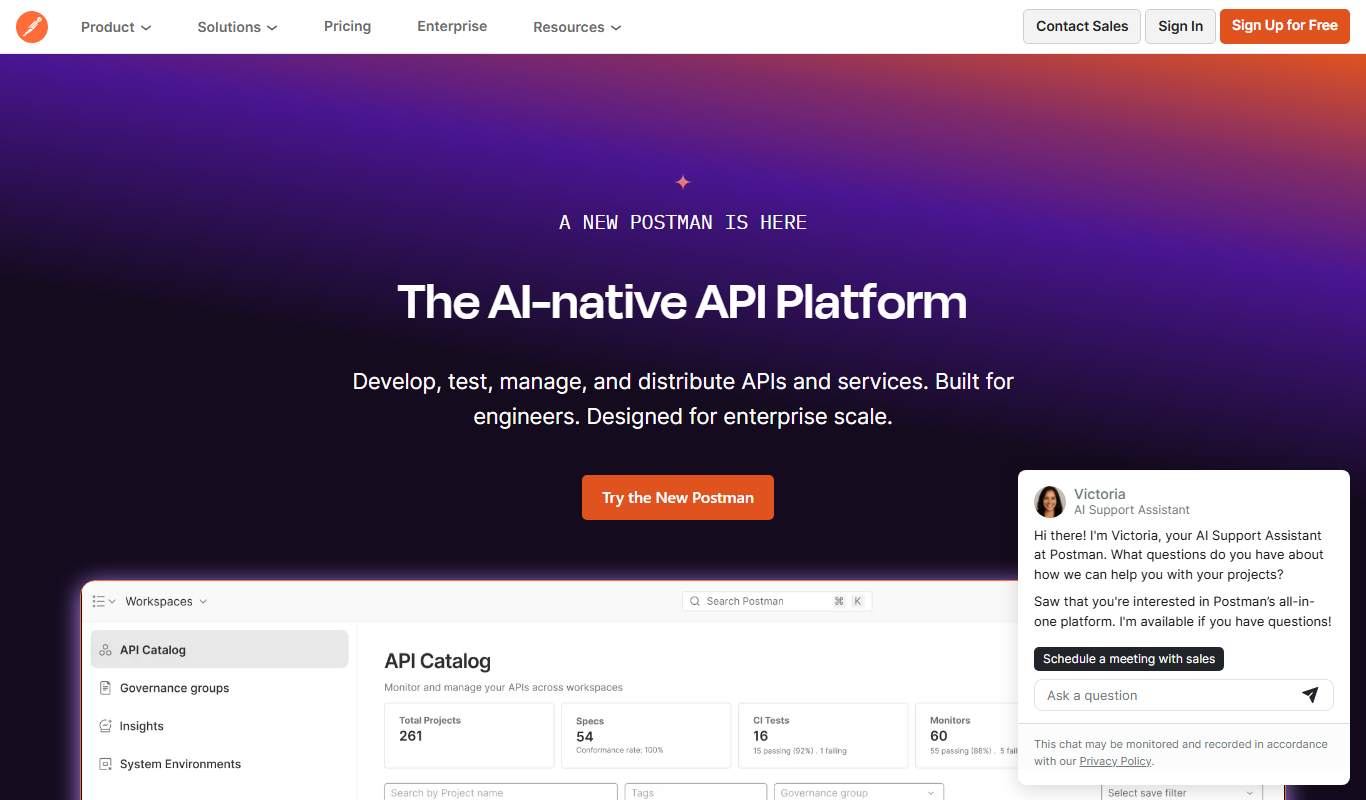
Postman is a comprehensive API platform that helps developers design, test, automate, document, and monitor APIs efficiently with collaboration tools.
More AI API tools
Other tools in the same category, for when this one is not quite the fit.

n8n
n8n is a workflow automation platform that combines AI capabilities with business process automation, giving technical teams the flexibility of code with the speed of no-code, with self-hosted and cloud deployment.

Kong
Kong is an open-source API gateway and microservices platform that enables organizations to manage, secure, and monitor APIs and microservices with cloud-native support and extensibility.

MongoDB Atlas
MongoDB Atlas is a fully managed cloud database service that simplifies deploying, managing, and scaling MongoDB databases across multiple cloud providers with built-in security and global distribution.

Apollo Auto
Apollo Auto is an open-source autonomous driving software platform providing a full software stack for self-driving vehicles, including perception, planning, control, and simulation tools.

Plivo
Plivo is a cloud communications platform for building voice AI agents with a no-code builder or APIs, alongside voice and SMS APIs and phone numbers for adding calls and messaging to applications.

Twilio
Twilio is a cloud communications platform providing APIs for SMS, voice, video, and authentication services to integrate programmable communication into applications.

Appwrite
Appwrite is an open-source backend-as-a-service platform that provides developers with APIs and SDKs to manage authentication, databases, storage, and serverless functions, enabling faster app development without managing backend infrastructure.

Mockoon
Mockoon is a desktop and web-based API mocking tool that allows developers and testers to create and run mock REST APIs locally, enabling frontend development and testing without relying on real backend services.