

From my experience with Anvsoft, I found it excels at providing straightforward multimedia conversion and DVD ripping tools that are accessible for users without technical expertise. The software’s batch processing and wide format support make it practical for everyday video and audio tasks. However, it lacks advanced editing features and does not support cloud or mobile platforms, which may limit users needing more comprehensive multimedia solutions. Overall, if you want a reliable, easy-to-use tool for converting media files and digitizing DVDs on desktop, Anvsoft delivers solid value.
Anvsoft Multimedia Software Solutions for Video and Audio Conversion
Anvsoft provides multimedia software for converting video and audio files, ripping DVDs, and basic video editing on Windows and Mac platforms.
- Best for
- Video Format Conversion
- Key capability
- Wide Format Support
Your actions
Save anvsoft.com, follow its updates and vote on it — everything stays in your account.
Sign in or create a free account

What is anvsoft.com?
Anvsoft is a software company specializing in multimedia tools that enable users to convert, edit, and manage video and audio files. Their products focus on providing easy-to-use solutions for video conversion, DVD ripping, and audio extraction to support a wide range of formats and devices.
Key features of anvsoft.com
Anvsoft’s main features include versatile video and audio format conversion, DVD ripping capabilities, basic video editing tools, and batch processing to handle multiple files efficiently.
Wide Format Support
Supports a broad range of video and audio formats ensuring compatibility across devices.
DVD Ripping
Efficiently rip DVDs to digital formats for easier storage and playback.
Batch Conversion
Convert multiple files at once to improve workflow efficiency.
Basic Video Editing
Includes trimming, cropping, and effect application to customize output.
User-Friendly Interface
Designed for ease of use, suitable for beginners and casual users.
Pros and cons of anvsoft.com
Pros
- Supports many video and audio formats
- Includes DVD ripping functionality
- Simple and intuitive user interface
- Batch processing saves time
- Affordable one-time purchase pricing
Cons
- Limited advanced video editing features
- No cloud or mobile app versions
- May not handle all DRM-protected content
Key use cases for anvsoft.com
Video Format Conversion
Convert videos between various formats such as MP4, AVI, MOV, MKV to ensure compatibility with different devices.
Audio Extraction and Conversion
Extract audio tracks from video files or convert audio files into different formats like MP3, WAV, AAC.
DVD Ripping and Backup
Rip DVDs to digital formats for backup or playback on modern devices without physical discs.
Video Editing
Basic video editing features such as trimming, cropping, and adding effects to customize video output.
Batch Processing
Process multiple files simultaneously to save time during conversion or ripping tasks.
How anvsoft.com works
- 1
Download and Install
Download the desired Anvsoft multimedia software from the official website and install it on your Windows or Mac computer.
- 2
Import Media Files
Add video, audio, or DVD files into the software interface for processing.
- 3
Select Output Format
Choose the target format or device profile for conversion or ripping.
- 4
Customize Settings
Optionally adjust video/audio parameters or apply basic edits like trimming or cropping.
- 5
Start Conversion
Begin the conversion or ripping process and wait for it to complete.
- 6
Save and Use Files
Access the converted or ripped files for playback, editing, or backup.
Who is using anvsoft.com
Home users needing video/audio conversion
Small businesses managing multimedia content
Content creators requiring basic editing
Users wanting to digitize DVDs
Educators preparing multimedia materials
anvsoft.com pricing
Free Trial
$0
Limited-time trial with access to core features.
Full License
Approximately $29.95 one-time
Full access to all features with lifetime usage and updates.
Plans and prices are as published by the vendor and can change. Check the official site before you buy. Open the pricing page (opens in a new tab)
Frequently asked questions about anvsoft.com
Yes, Anvsoft software includes device-specific profiles for smartphones and tablets.
Yes, Anvsoft regularly updates their software to support current operating systems.
The software may not support all DRM protections due to legal restrictions.
Basic editing features like trimming and cropping are available within the software.
The best alternative depends on your workflow, features you need, and budget. Compare plans, integrations, and output quality to choose the closest fit.
Some tools offer a free plan or trial with limited features. Availability can vary, so confirm on the official website.
The best alternative depends on your workflow, features you need, and budget. Compare plans, integrations, and output quality to choose the closest fit.
The best alternative depends on your workflow, features you need, and budget. Compare plans, integrations, and output quality to choose the closest fit.
Sign in to review this tool.
Sign In to ReviewNo reviews yet
Be the first to share how this tool worked for you.
Ask about pricing, limits, or how it compares — or answer someone else.
Sign In to AskNo questions yet
Have a question about using or paying for this tool? Be the first to ask.
Featured on TiorAI



Alternative Tools
Explore similar AI tools that might fit your needs

Free
HandBrake
HandBrake is a free, open-source video transcoder that converts and compresses videos into modern formats with customizable encoding options.
More AI Video Enhancer tools
Other tools in the same category, for when this one is not quite the fit.
Custom Pricing
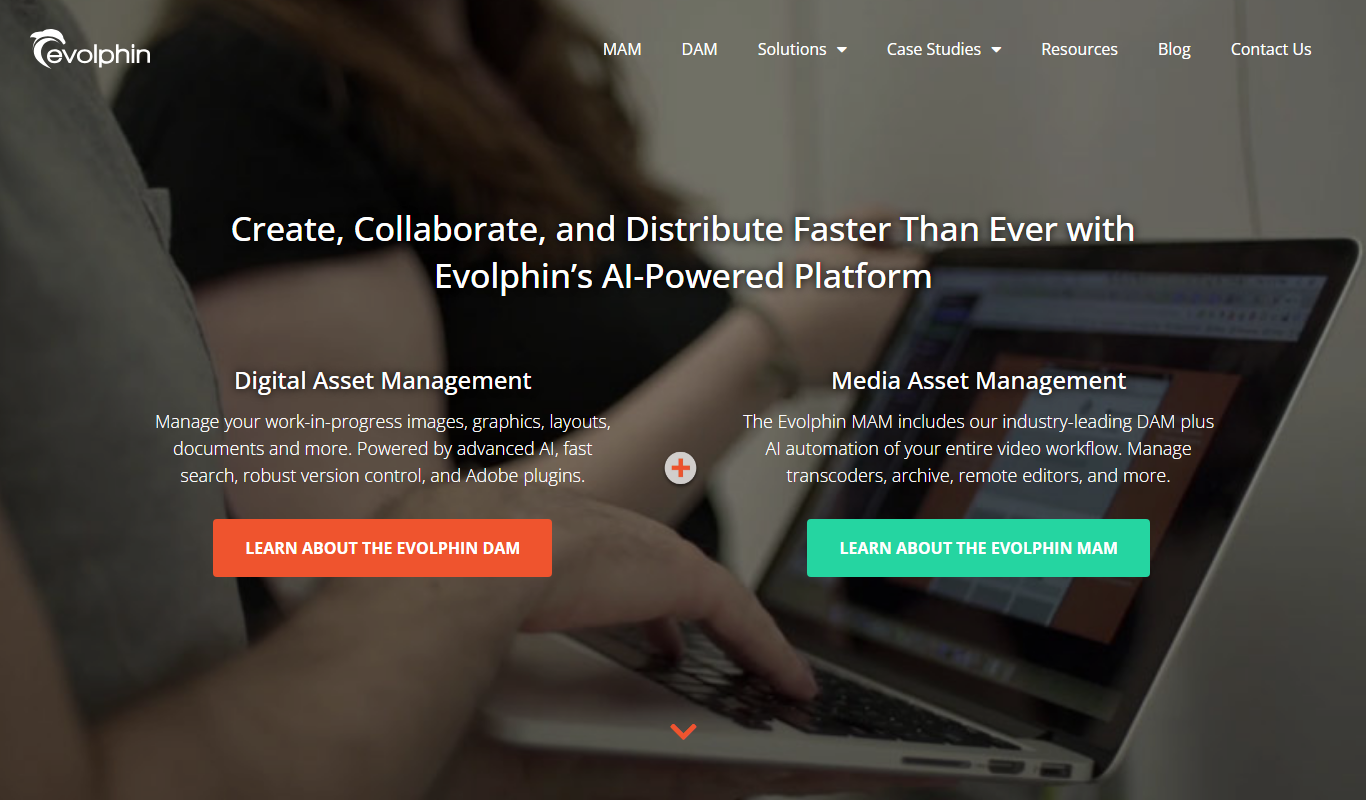
Evolphin DAM/MAM
Evolphin DAM/MAM, formerly marketed as Zoom, is an enterprise DAM and MAM platform from Evolphin with custom pricing.

Freemium
Predictive Equations
Predictive Equations is an AI-driven platform that automatically discovers interpretable mathematical models from data to help users forecast and analyze complex systems without requiring programming skills.

Free
Wondershare Filmora
Wondershare Filmora is an easy-to-use video editing software suitable for beginners and professionals, offering features like 4K editing, effects, transitions, and audio tools.

Freemium
Image Enhancer AI
Image Enhancer AI is a web-based tool that uses artificial intelligence to upscale images, reduce noise, and enhance photo quality quickly and easily.

Freemium
Deepengin
Deepengin is an AI-driven data analytics platform that automates data processing, generates predictive insights, and provides customizable visual dashboards to help businesses make informed decisions.
Free Trial
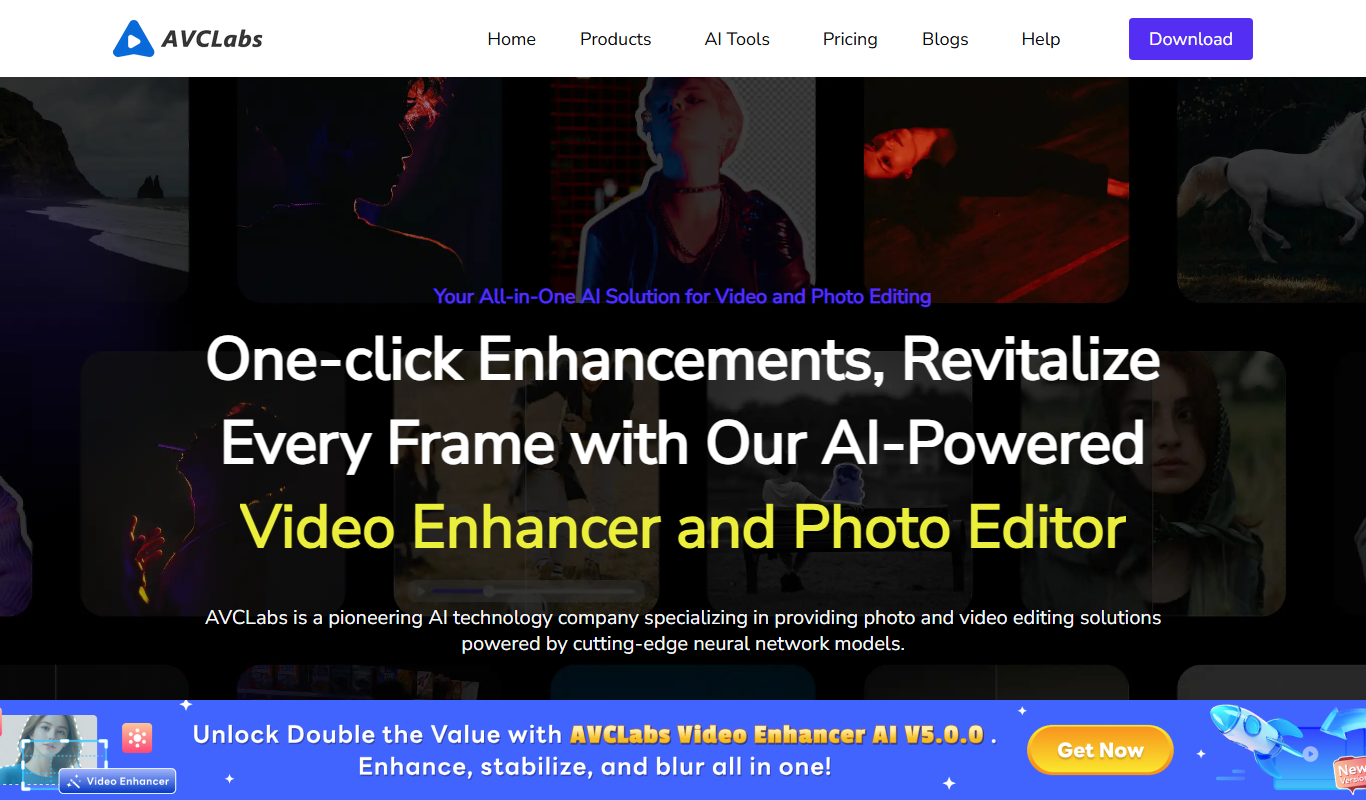
AVCLabs Video Enhancer AI
AVCLabs Video Enhancer AI is a desktop software that uses AI to upscale videos up to 4K, reduce noise, and enhance details, ideal for restoring and improving video quality.

Freemium
getsleek.ai
Sleek AI is an AI-driven content generation tool that helps marketers and writers create SEO-friendly marketing copy, blog posts, and emails efficiently.
Pay Per Use
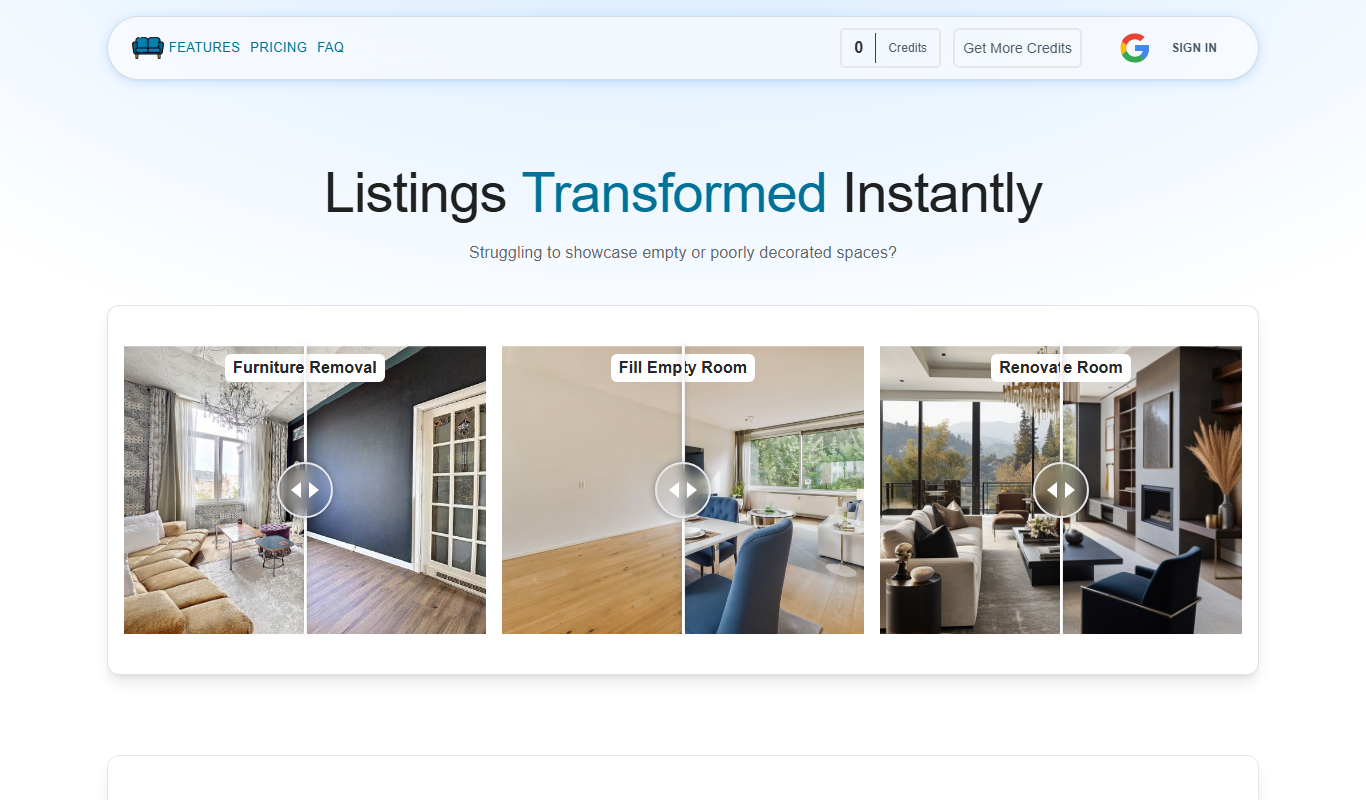
VirtualStagingAi
VirtualStagingAi is an AI-driven platform that transforms empty property photos into beautifully staged interiors with realistic furniture and decor, helping real estate professionals market homes more effectively online.