

From my experience with Alfred AI, I found it excels at simplifying API monitoring by leveraging AI to automatically detect and categorize errors, which significantly speeds up debugging. The real-time dashboards and customizable alerts provide clear visibility into API health, making it easier for development teams to maintain reliability. However, the free plan has limited request volumes, and advanced AI features require a paid subscription, which might be a consideration for smaller teams. Overall, if you need an intelligent, developer-friendly tool to monitor and optimize your APIs, Alfred AI delivers practical and actionable insights.
Alfred AI by Treblle - AI-Powered API Monitoring and Debugging Tool
Alfred AI is an AI-powered platform by Treblle that monitors APIs in real-time, detects errors using machine learning, and provides actionable insights to help developers optimize API performance and reliability.
- Best for
- API Performance Monitoring
- Key capability
- AI-Powered Error Detection
Your actions
Save Alfred AI, follow its updates and vote on it — everything stays in your account.
Sign in or create a free account

What is Alfred AI?
Alfred AI by Treblle is an AI-powered API monitoring and debugging platform designed to help developers track, analyze, and optimize their APIs. It leverages artificial intelligence to automatically detect errors, performance issues, and anomalies, providing actionable insights to improve API reliability and user experience.
Key features of Alfred AI
Alfred AI offers real-time API monitoring, AI-driven error detection, detailed analytics dashboards, customizable alerts, and seamless integration with developer workflows to enhance API management and debugging efficiency.
AI-Powered Error Detection
Automatically identifies and categorizes API errors to prioritize fixes.
Real-Time Monitoring Dashboard
Visualizes API performance metrics and error trends in an intuitive interface.
Customizable Alerts
Set thresholds and receive notifications via email or integrations when issues arise.
Detailed API Analytics
Provides insights into usage patterns, latency, and throughput to optimize API performance.
Developer Collaboration Tools
Share reports and logs easily with team members to streamline troubleshooting.
Pros and cons of Alfred AI
Pros
- AI-driven error detection speeds up debugging
- Real-time monitoring with intuitive dashboards
- Customizable alerts to stay informed
- Supports collaboration among development teams
Cons
- Free plan has limited API request volume
- Advanced AI features require paid subscription
- Primarily focused on REST APIs, limited support for other protocols
Key use cases for Alfred AI
API Performance Monitoring
Track and analyze API response times, throughput, and error rates in real-time to ensure optimal performance.
AI-Powered Error Detection
Automatically detect, categorize, and prioritize API errors using AI to speed up debugging and reduce downtime.
API Analytics and Insights
Gain actionable insights into API usage patterns, user behavior, and potential bottlenecks to improve API design.
Developer Collaboration
Facilitate team collaboration by sharing detailed API reports and logs to streamline troubleshooting.
How Alfred AI works
- 1
Integrate API with Alfred AI
Add Alfred AI’s monitoring SDK or configure your API endpoints to send data to the platform.
- 2
Real-Time Data Collection
Alfred AI continuously collects API request and response data, tracking performance metrics and errors.
- 3
AI Analysis and Alerts
The AI engine analyzes collected data to detect anomalies, categorize errors, and send notifications for critical issues.
- 4
Review Insights and Debug
Developers use the dashboard to review detailed analytics, error reports, and logs to quickly identify and fix problems.
Who is using Alfred AI
API developers
Software engineering teams
DevOps professionals
Startups and SaaS companies
Technical product managers
Alfred AI pricing
Free
$0/month
Basic API monitoring with limited requests and standard features.
Pro
$49/month
Advanced monitoring, AI error detection, higher limits, and priority support.
Plans and prices are as published by the vendor and can change. Check the official site before you buy. Open the pricing page (opens in a new tab)
Frequently asked questions about Alfred AI
Alfred AI supports RESTful APIs and can be integrated with most web APIs using its SDK or endpoint configuration.
Yes, Alfred AI offers a free plan with limited features and usage to get started.
It uses machine learning algorithms to analyze API traffic patterns and automatically detect anomalies and categorize errors.
Yes, it supports integrations with popular tools like Slack, email, and webhook endpoints for alerting.
Integration support depends on the tool and its available connectors or API. Check the official documentation or integrations page to confirm what is supported.
It depends on your specific needs and how you plan to use the tool. The official website and documentation are the best sources for the latest details.
It depends on your specific needs and how you plan to use the tool. The official website and documentation are the best sources for the latest details.
Sign in to review this tool.
Sign In to ReviewNo reviews yet
Be the first to share how this tool worked for you.
Ask about pricing, limits, or how it compares — or answer someone else.
Sign In to AskNo questions yet
Have a question about using or paying for this tool? Be the first to ask.
Featured on TiorAI



Alternative Tools
Explore similar AI tools that might fit your needs
Free
Postman
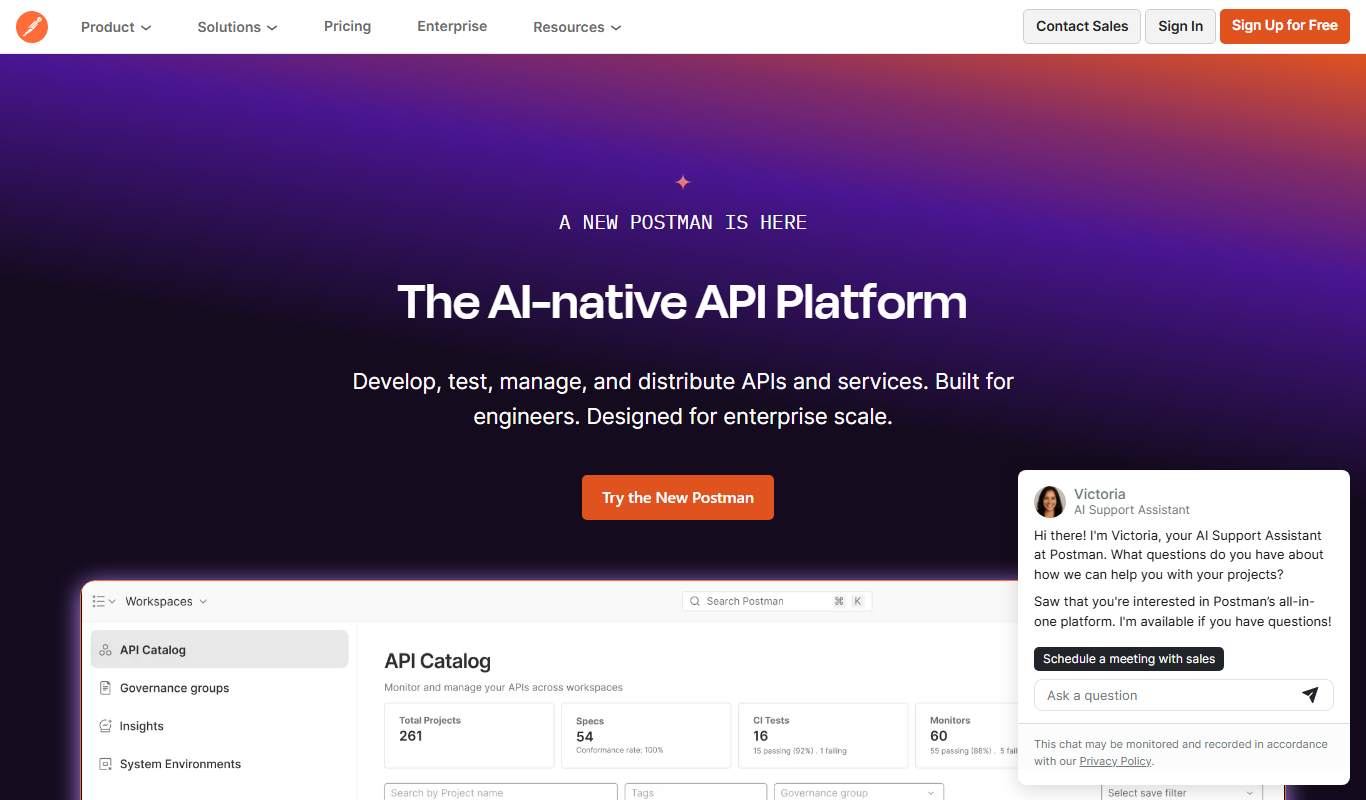
Postman is a comprehensive API platform that helps developers design, test, automate, document, and monitor APIs efficiently with collaboration tools.
More AI Ai Tools tools
Other tools in the same category, for when this one is not quite the fit.

Freemium
Planit Teachers
Planit Teachers generates lesson plans, slide decks, worksheets and marking feedback for primary and secondary teachers, aligned to the National Curriculum.

Free
The Prompt Index
The Prompt Index combines 780+ curated AI prompts with 24 built-in AI tools for writing, research, decisions, images and slides, with a Free plan and paid Basic and Pro plans.

Free
AiPPT
AiPPT is an AI-driven web tool that helps users create professional presentations quickly by generating slide content and designs automatically.

Free Trial
PresentationGPT
PresentationGPT is an AI-driven tool that helps users quickly create professional presentation slides by generating content and layouts based on user input.

Free
Spectre Camera
Spectre Camera is an iOS app that uses AI to create long exposure photos by stabilizing shots and combining multiple frames, enabling effects like light trails and motion blur without professional equipment.

Free
aimusic.one
aimusic.one is an AI-driven online platform that generates original, royalty-free music tracks customized by style, mood, and tempo, suitable for content creators and hobbyists.

Free
DiffRhythm
DiffRhythm is an AI music generation platform that creates custom soundtracks and beats tailored to your project’s style and mood.

Free
PracticeInterview.ai
PracticeInterview.ai is an AI-driven platform that simulates job interviews with tailored questions and provides personalized feedback to help users improve their interview skills.