
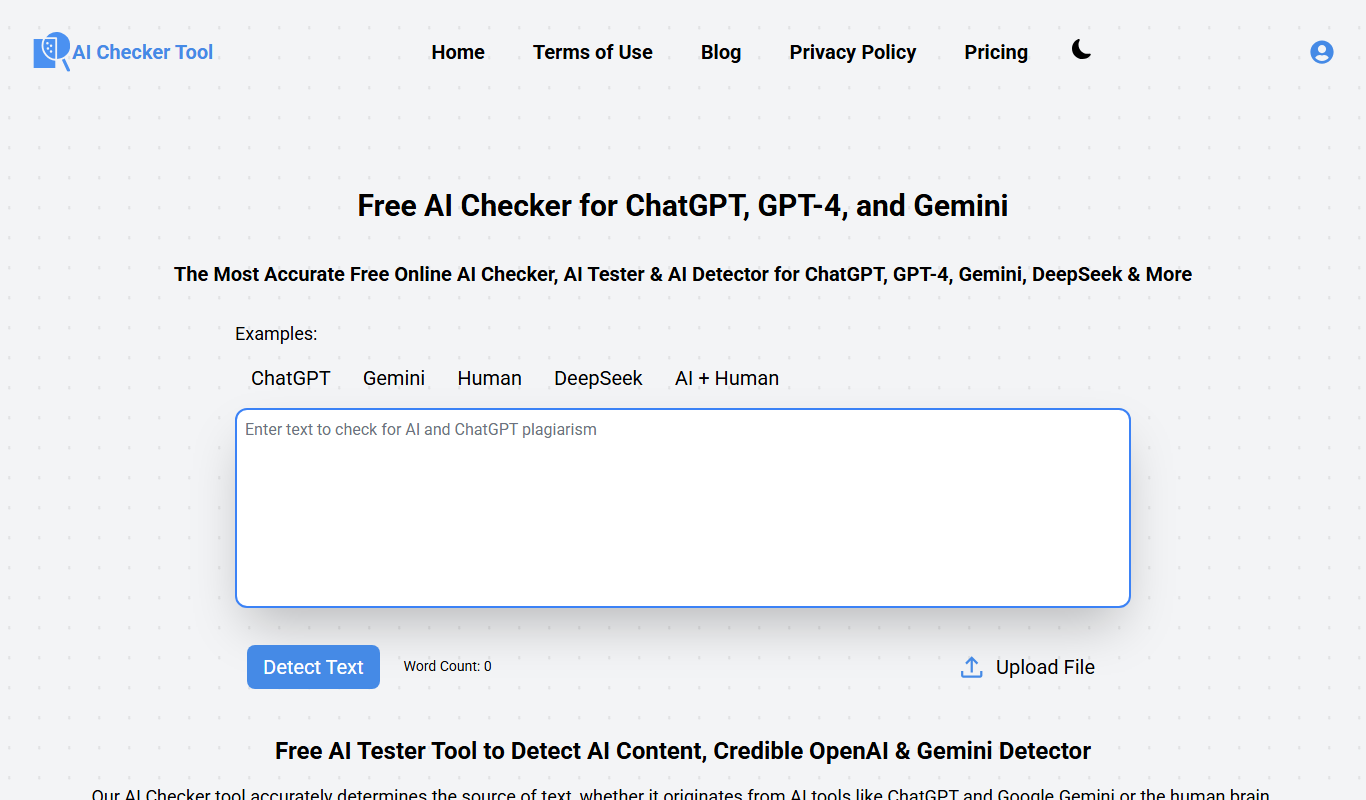
From my experience with AI Checker Tool, I found it particularly effective for quickly identifying AI-generated content combined with plagiarism detection in a single platform. Its straightforward web interface makes it accessible for educators and content creators without technical expertise. However, the tool currently supports only English and may have varying accuracy depending on text complexity, which is important to consider for critical use cases. Overall, if you need a reliable way to verify content authenticity and detect AI writing, AI Checker Tool offers a practical and user-friendly solution.
AI Checker Tool for Detecting AI-Generated Text and Plagiarism Online
AI Checker Tool is an online platform that detects AI-generated text and checks for plagiarism by analyzing submitted content with advanced algorithms, helping users verify content authenticity.
What is AI Checker Tool?
AI Checker Tool is an online platform designed to analyze text and determine the likelihood that it was generated by artificial intelligence. It also checks for plagiarism by comparing submitted content against a vast database of sources. This tool helps educators, content creators, and businesses verify the authenticity and originality of written material.
Key Features of AI Checker Tool
AI-Generated Text Detection
Identifies text likely produced by AI models with a confidence score.
Plagiarism Checker
Detects copied or closely paraphrased content from online sources.
Detailed Reporting
Provides visual highlights and percentage scores for AI and plagiarism detection.
User-Friendly Interface
Simple web-based platform requiring no installation or technical expertise.
Supports Multiple Formats
Accepts plain text and common document formats for analysis.
Pros and Cons of AI Checker Tool
Pros
- Easy to use with no software installation
- Combines AI detection with plagiarism checking
- Provides clear, detailed reports
- Free tier available for casual users
Cons
- Limited language support (English only)
- Accuracy can vary depending on text complexity
- No mobile app available
Key Use Cases for AI Checker Tool
Academic Integrity
Detect AI-generated content and plagiarism in student submissions to maintain academic honesty.
Content Authenticity Verification
Verify whether articles, blog posts, or reports are human-written or AI-generated to ensure originality.
SEO Content Quality Control
Check website content for AI generation to maintain search engine compliance and avoid penalties.
Editorial Review
Assist editors and publishers in identifying AI-generated text to uphold publication standards.
How AI Checker Tool Works
-
1
Submit Text
Users paste or upload the text they want to analyze into the tool’s input area.
-
2
AI Detection Analysis
The tool scans the text using proprietary algorithms to estimate the probability of AI generation.
-
3
Plagiarism Check
Simultaneously, the text is compared against online sources and databases to identify copied content.
-
4
View Results
Users receive a detailed report showing AI likelihood scores and plagiarism percentages with highlighted sections.
Who's Using AI Checker Tool
Educators and academic institutions
Content creators and bloggers
SEO professionals and marketers
Editors and publishers
Businesses verifying document authenticity
AI Checker Tool Pricing
Free
$0/month
Limited daily checks with basic AI and plagiarism detection features.
Premium
$19.99/month
Unlimited checks, detailed reports, priority support, and advanced detection algorithms.
Frequently Asked Questions About AI Checker Tool
The tool uses advanced algorithms to estimate AI-generated content with reasonable accuracy, but no detection method is 100% foolproof.
Currently, the tool primarily supports English text for AI and plagiarism detection.
The platform states that user data is not stored permanently and is used only for analysis during the session.
It depends on your specific needs and how you plan to use the tool. The official website and documentation are the best sources for the latest details.
Some tools offer a free plan or trial with limited features. Availability can vary, so confirm on the official website.
Yes, it can help with that use case depending on how you configure it and what features are available. You’ll get the best results with clear inputs and a defined goal.
Share your review
Reviews are limited to one per logged-in user and are published after moderation.
You need an account to review this tool.
0.0
★
★
★
★
★
0 reviews
5 star
0
4 star
0
3 star
0
2 star
0
1 star
0
No reviews yet
Be the first to share how this tool worked for you.
Questions from the community
Read questions and answers about this tool, or ask your own.
No questions yet
Start the conversation by asking the first question about this tool.
Is this tool helpful?

Pay As You Go
Originality
Originality AI is a web-based platform that detects plagiarism and identifies AI-generated content to help users maintain original and authentic text.

Freemium
StealthWriter
StealthWriter is an AI writing assistant that generates plagiarism-free, SEO-optimized content and offers rewriting and plagiarism detection features.

Free
AI Detector & Plagiarism Scan
AI Detector & Plagiarism Scan is a web tool that identifies AI-generated text and checks for plagiarism to ensure content originality.

Freemium
PlagiarismCheck
PlagiarismCheck is an online tool that scans documents against extensive databases to detect copied content and ensure originality, offering detailed reports and supporting multiple file formats.

Custom Pricing
AI SEO Service in Australia | Optidan
Optidan provides AI-driven SEO services in Australia, focusing on local SEO, keyword research, and technical optimization to improve search engine rankings.
Free
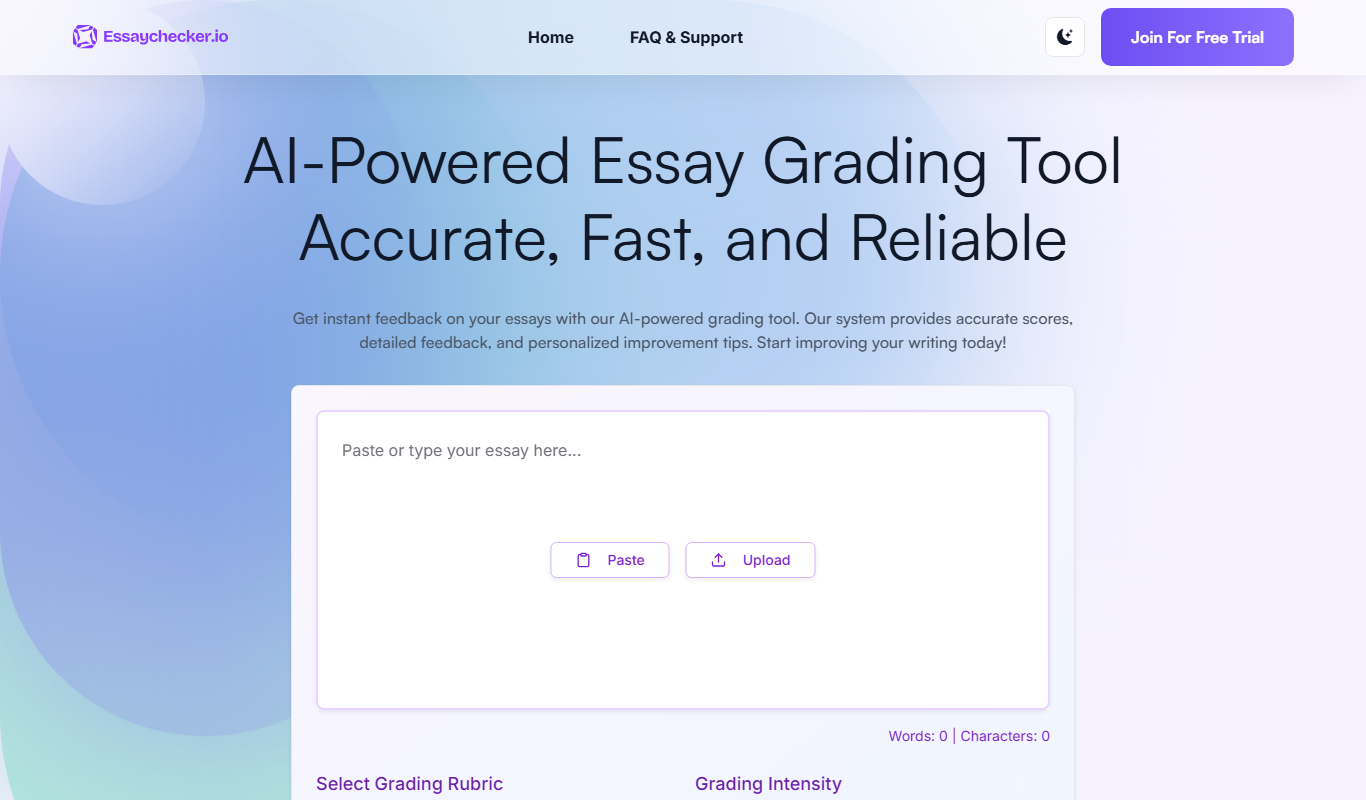
EssayChecker.io
EssayChecker.io is an online tool that helps students and writers detect plagiarism and correct grammar mistakes in academic essays through a simple web interface.
Free
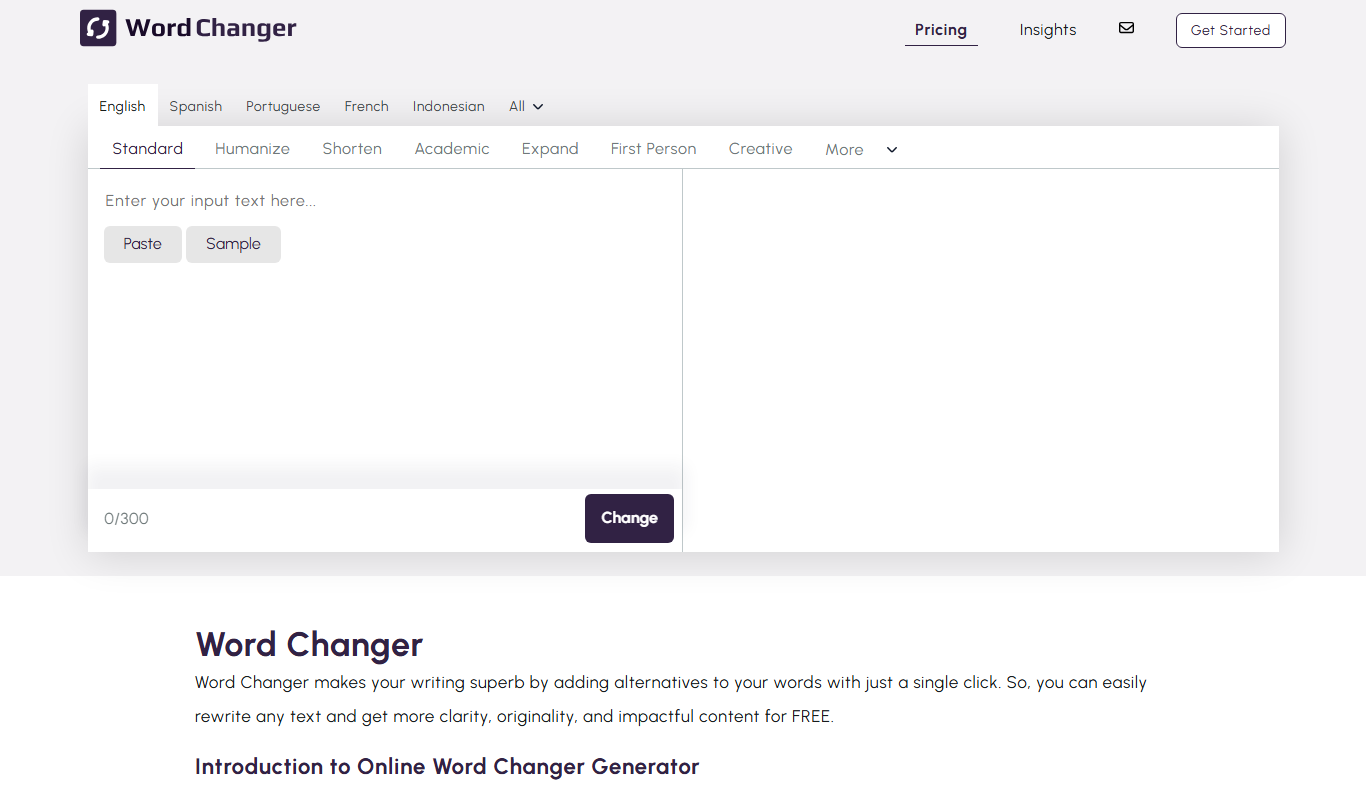
Word Changer
Word Changer is a free online tool that helps rewrite text by replacing words with synonyms to improve writing variety and uniqueness.
Freemium
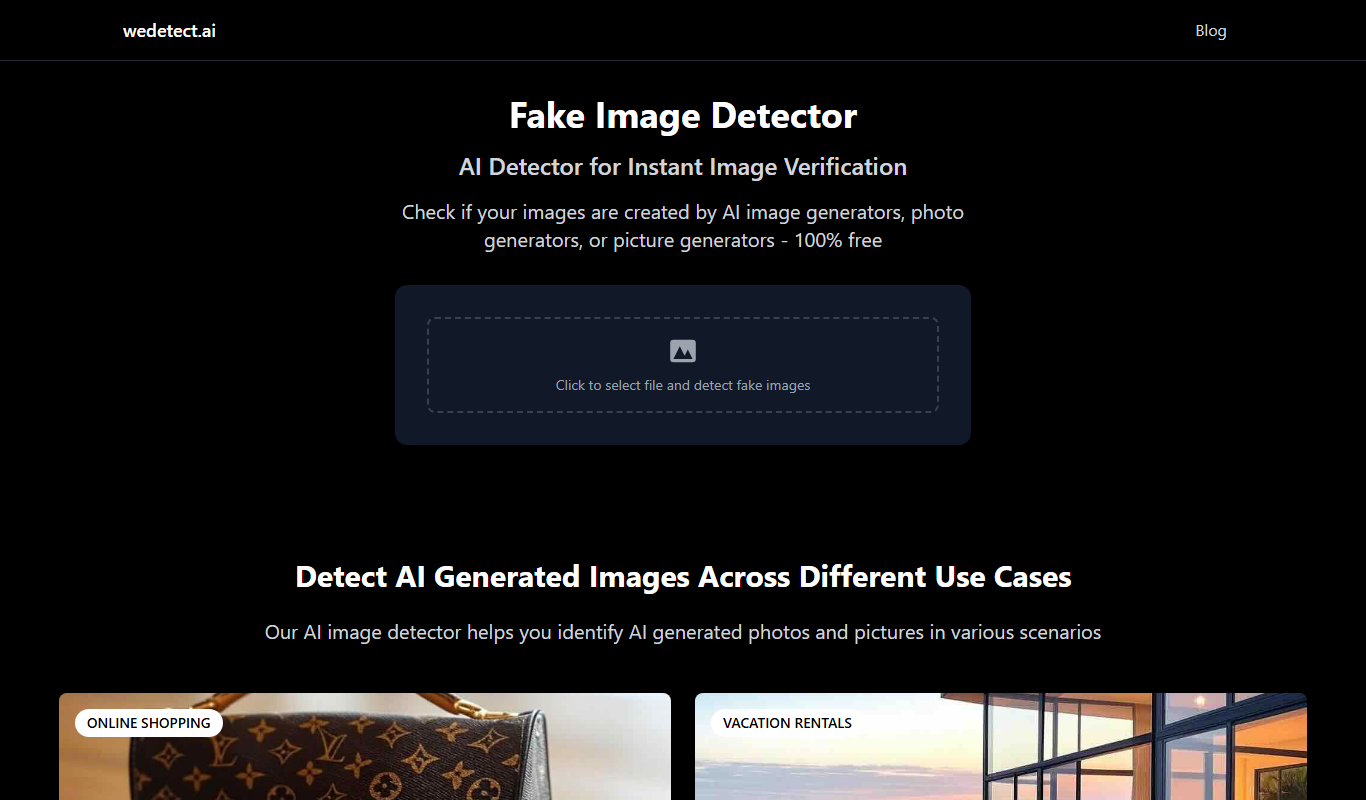
wedetect.ai
wedetect.ai is an AI-powered tool that detects whether text content is generated by artificial intelligence or written by humans, helping users verify content authenticity.