

AdminForth Low-Code Platform for Rapid Web App Development and Automation
AdminForth is an agent-first open-source admin panel framework for building back-office panels while maintaining full control over the code.
- Best for
- Rapid Web Application Development
- Key capability
- MCP Server Plugin
Save AdminForth, follow its updates and vote on it — everything stays in your account.
Sign in or create a free account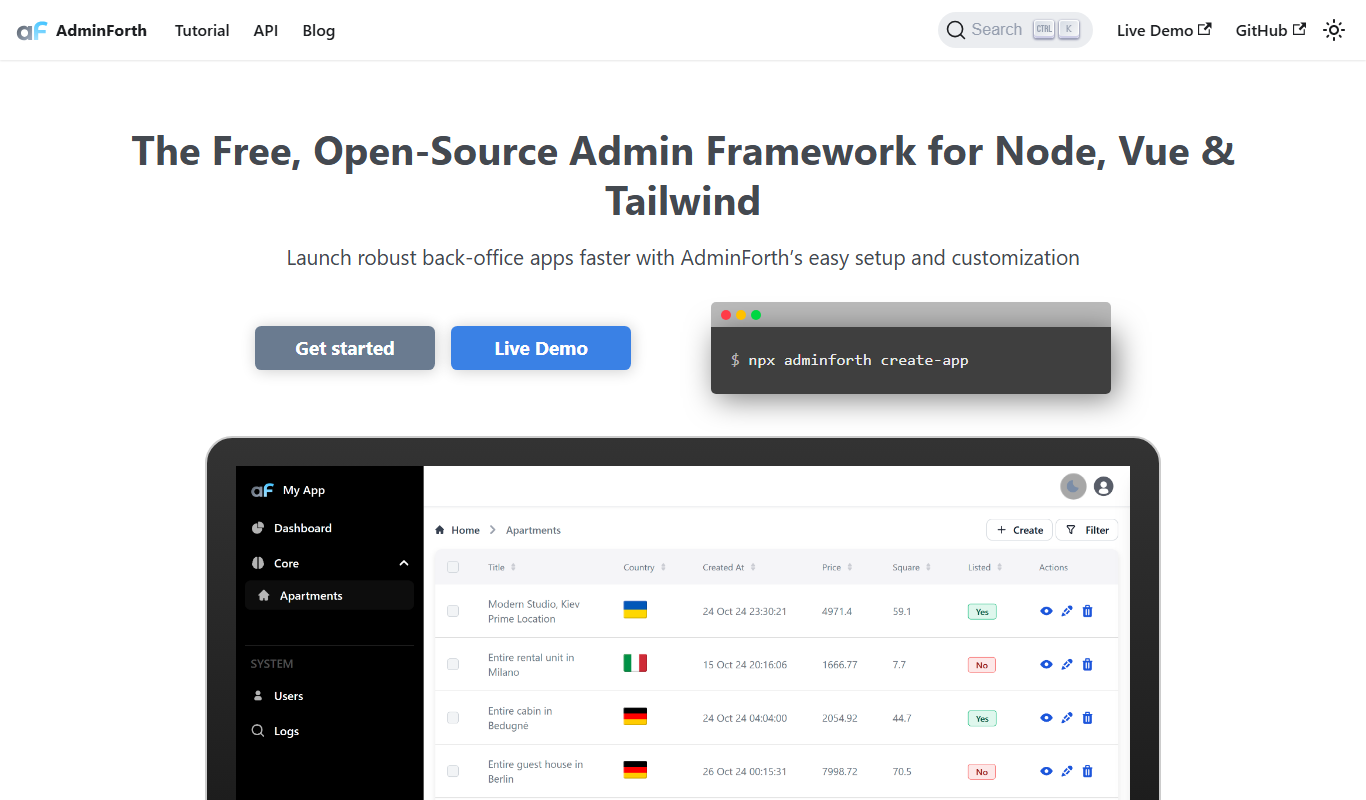
What is AdminForth?
AdminForth is an agent-first open-source admin panel framework. It is a flexible, modern foundation for developer-owned back-end management systems, built as an ordinary Node app in the developer’s repo on top of an existing database.
Key features of AdminForth
AdminForth generates an admin panel from an existing database with one command, keeps it as an ordinary Node app in the developer’s repo, and adds features through about 30 plugins installed as npm packages, such as two-factor auth, an audit log and import and export.
MCP Server Plugin
Expose AdminForth resources and actions as remote MCP tools for Claude Code, OpenAI Codex, Gemini CLI and any other MCP client.
Modular Low-Code Environment
Enables rapid assembly of applications using reusable modules and components.
Open Source and Extensible
Fully open-source platform allowing customization and community-driven enhancements.
Web-Based Interface Builder
Stock interface for users and roles, filters, dark mode and branding, with custom pages and dashboards built from Vue3 components.
Automation Capabilities
Supports automating workflows and repetitive tasks to improve productivity.
Pros and cons of AdminForth
Pros
- Open-source with no licensing fees
- Plain Node app in your own repo that coding agents can edit
- Rapid development of admin panels and automation
- Modular and extensible architecture
Cons
- Requires some programming knowledge, especially Forth language
- Smaller community compared to mainstream low-code platforms
- Limited official documentation and tutorials
Key use cases for AdminForth
Rapid Web Application Development
Build and deploy custom web applications quickly using AdminForth's low-code environment.
Business Process Automation
Automate repetitive tasks and workflows to improve operational efficiency.
Custom Admin Panels
Create tailored admin dashboards and control panels without extensive coding.
Prototyping and MVP Creation
Develop prototypes or minimum viable products rapidly for testing and validation.
How AdminForth works
- 1
Install AdminForth
Run npx adminforth create-app against a Postgres, MySQL, SQLite or Mongo database.
- 2
Declare the resource
Each resource is declared in a plain config object. AdminForth reads the schema you already have; nothing is copied or locked into a proprietary format.
- 3
Build User Interface
Create your own pages and dashboards with Vue3 components and enable plugins with a line of config.
- 4
Deploy and Automate
Deploy your application on the web or desktop environment and automate business processes seamlessly.
Who is using AdminForth
AdminForth pricing
Free
$0
Open-source access with full features and community support.
Plans and prices are as published by the vendor and can change. Check the official site before you buy. Open the pricing page (opens in a new tab)
Frequently asked questions about AdminForth
AdminForth is aimed at developers: resources are declared as a plain declarative object in code, and custom pages and dashboards are built with Vue3 components.
Yes, AdminForth is open-source and can be installed and deployed on your own infrastructure.
Yes, it supports extensibility and integration through custom modules and APIs.
It depends on your specific needs and how you plan to use the tool. The official website and documentation are the best sources for the latest details.
Some tools offer a free plan or trial with limited features. Availability can vary, so confirm on the official website.
This tool is designed to help users accomplish its core tasks more efficiently. It is typically used by individuals or teams looking to improve productivity and workflow.
The best alternative depends on your workflow, features you need, and budget. Compare plans, integrations, and output quality to choose the closest fit.
Conclusion
One command, npx adminforth create-app, starts a panel on top of a Postgres, MySQL, SQLite or Mongo database. AdminForth reads the schema already there instead of copying it into a proprietary format, and the panel stays an ordinary Node app in the developer’s repo. Because of that, coding agents such as Claude Code or Codex can write and edit the panel directly.
Admins get the agent side too: an MCP Server plugin exposes resources and actions as tools, and every call keeps the same permissions, validation and hooks. About 30 plugins, installed as npm packages, add pieces like SSO, two-factor auth and an audit log. Custom pages and dashboards are built with Vue3 components, so the framework is aimed at developers rather than no-code users.
The framework is free, MIT-licensed and self-hosted. DevForth, the company behind it, also offers to develop an admin panel for a project.
Sources
Sign in to review this tool.
Sign In to ReviewNo reviews yet
Be the first to share how this tool worked for you.
Ask about pricing, limits, or how it compares — or answer someone else.
Sign In to AskNo questions yet
Have a question about using or paying for this tool? Be the first to ask.
Featured on TiorAI



Alternative Tools
Explore similar AI tools that might fit your needs
Retool
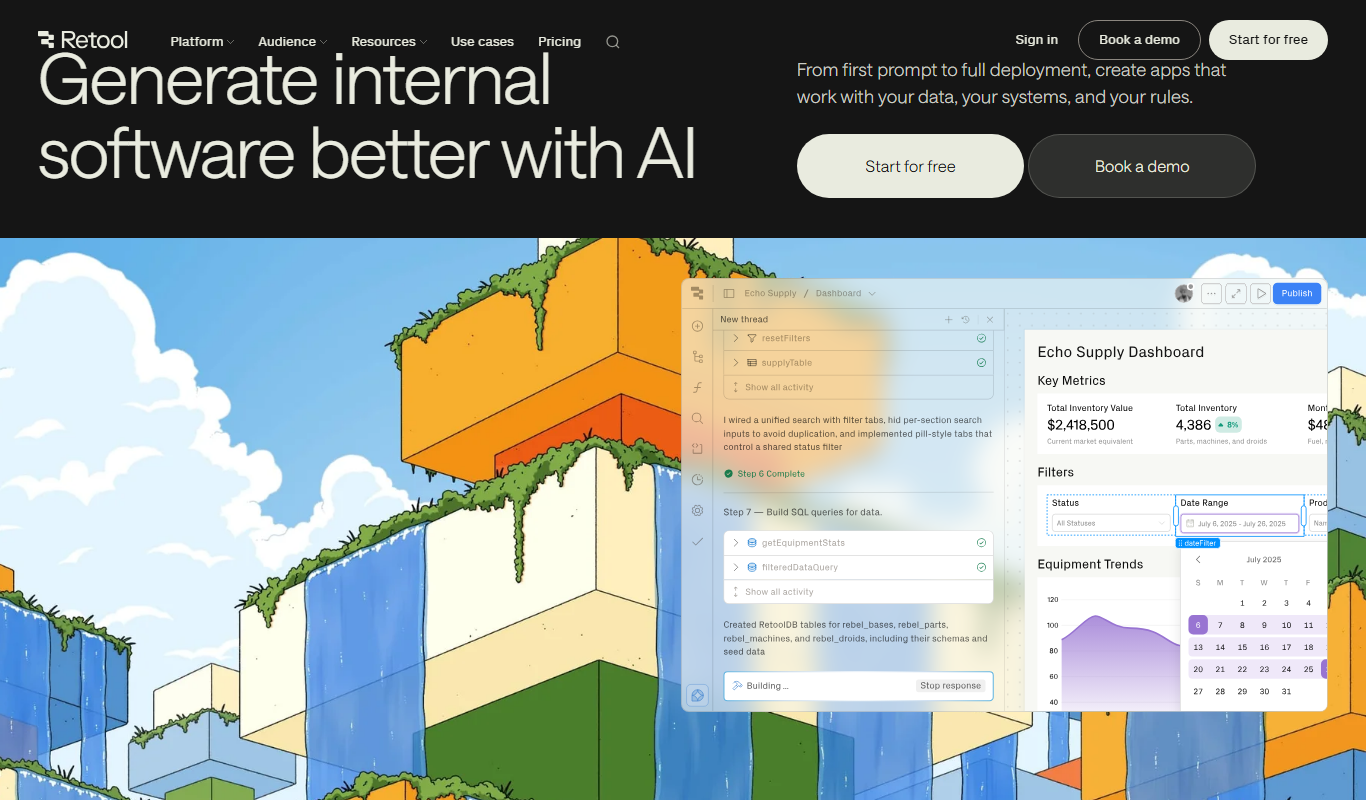
Retool is a low-code platform that helps developers and businesses quickly build internal tools by connecting to databases and APIs using a drag-and-drop interface combined with custom JavaScript.

Budibase
Budibase is an open-source low-code platform that enables rapid development of internal tools and web applications through a visual builder, database integrations, and automation workflows.

Appsmith
Appsmith is an open-source low-code platform that enables developers and businesses to build custom internal applications quickly using drag-and-drop UI components and integrations with databases and APIs.