

Accounting Solver AI free accounting problem solver
Accounting Solver AI is a free online tool that solves accounting problems from questions or data files, using your own OpenAI API key.
- Best for
- Accounting homework
- Key capability
- Problem input or file upload
Save AccountingSolverAI, follow its updates and vote on it — everything stays in your account.
Sign in or create a free account
What is AccountingSolverAI?
Accounting Solver AI is a free online tool that helps with accounting problems from questions or data files. The user enters an OpenAI API key, describes the accounting problem or uploads files, selects the type of solution needed, such as a journal entry, ratio analysis or depreciation calculation, and submits it to get a solution.
Key features of AccountingSolverAI
Accounting Solver AI takes an accounting problem as text or uploaded files, lets the user choose a solution type such as journal entry, ratio analysis, budgeting, tax calculation or cash flow analysis, and returns the solution using the user’s OpenAI API key.
Problem input or file upload
Describe the accounting problem or drag and drop files.
Solution types
Choose journal entry, financial statement analysis, ratio analysis, cost accounting, budgeting, tax calculation, depreciation, break-even or cash flow analysis.
Your own OpenAI API key
The tool runs with an OpenAI API key that you enter and save.
Solution to copy
The solution appears next to the form and can be copied as text or as an image.
Integration with Accounting Software
Seamlessly connect with popular platforms like QuickBooks and Xero.
Pros and cons of AccountingSolverAI
Pros
- Free to use
- Accepts questions or data files
- Covers many solution types, from journal entries to cash flow analysis
- AI improves accuracy over time
- Offers a free plan for basic use
Cons
- Requires your own OpenAI API key
- No dedicated mobile app currently
- Pricing may be high for very small businesses
Key use cases for AccountingSolverAI
Accounting homework
Work through accounting homework questions.
Journal entries
Get journal entries for an accounting problem.
Ratio and break-even analysis
Run ratio analysis or break-even analysis on given figures.
Tax and depreciation calculations
Calculate tax or depreciation for an accounting question.
Tax Preparation Assistance
Organize financial data to simplify tax filing and compliance.
How AccountingSolverAI works
- 1
Enter your API key
Enter and save your OpenAI API key.
- 2
Describe the problem
Type the accounting problem or upload files.
- 3
Select a solution type
Pick the type of solution needed, such as a journal entry or ratio analysis.
- 4
Solve the problem
Click Solve Problem and the solution appears on the page.
- 5
Generate Reports
Produce financial statements and reports for business insights and tax preparation.
Who is using AccountingSolverAI
AccountingSolverAI pricing
Free
Free
Free online tool; requires your own OpenAI API key.
Pro
$49/month
Full access to all features including unlimited transactions and priority support.
Plans and prices are as published by the vendor and can change. Check the official site before you buy. Open the pricing page (opens in a new tab)
Frequently asked questions about AccountingSolverAI
Yes. It is a free online tool, but you enter your own OpenAI API key.
Journal entries, financial statement analysis, ratio analysis, cost accounting, budgeting, tax and depreciation calculations, break-even and cash flow analysis.
Yes. You can drag and drop files alongside the problem description.
It is aimed at business and student homework.
It depends on your specific needs and how you plan to use the tool. The official website and documentation are the best sources for the latest details.
Integration support depends on the tool and its available connectors or API. Check the official documentation or integrations page to confirm what is supported.
Some tools offer a free plan or trial with limited features. Availability can vary, so confirm on the official website.
Conclusion
Accounting questions go in and worked solutions come out: the user types a problem or uploads data files, chooses the type of solution needed and clicks Solve Problem. Solution types range from journal entries and ratio analysis to budgeting, tax and depreciation calculations, break-even and cash flow analysis. The result appears beside the form and can be copied as text or as an image.
The site pitches Accounting Solver AI at business and student homework. It is free to use, but it runs on the visitor’s own OpenAI API key, which has to be entered and saved before a problem can be solved.
Sources
Sign in to review this tool.
Sign In to ReviewNo reviews yet
Be the first to share how this tool worked for you.
Ask about pricing, limits, or how it compares — or answer someone else.
Sign In to AskNo questions yet
Have a question about using or paying for this tool? Be the first to ask.
Featured on TiorAI



Alternative Tools
Explore similar AI tools that might fit your needs

Botkeeper
Botkeeper is an AI accounting solution purpose-built for accounting firms that automates the most manual and time-consuming bookkeeping work.
Bench
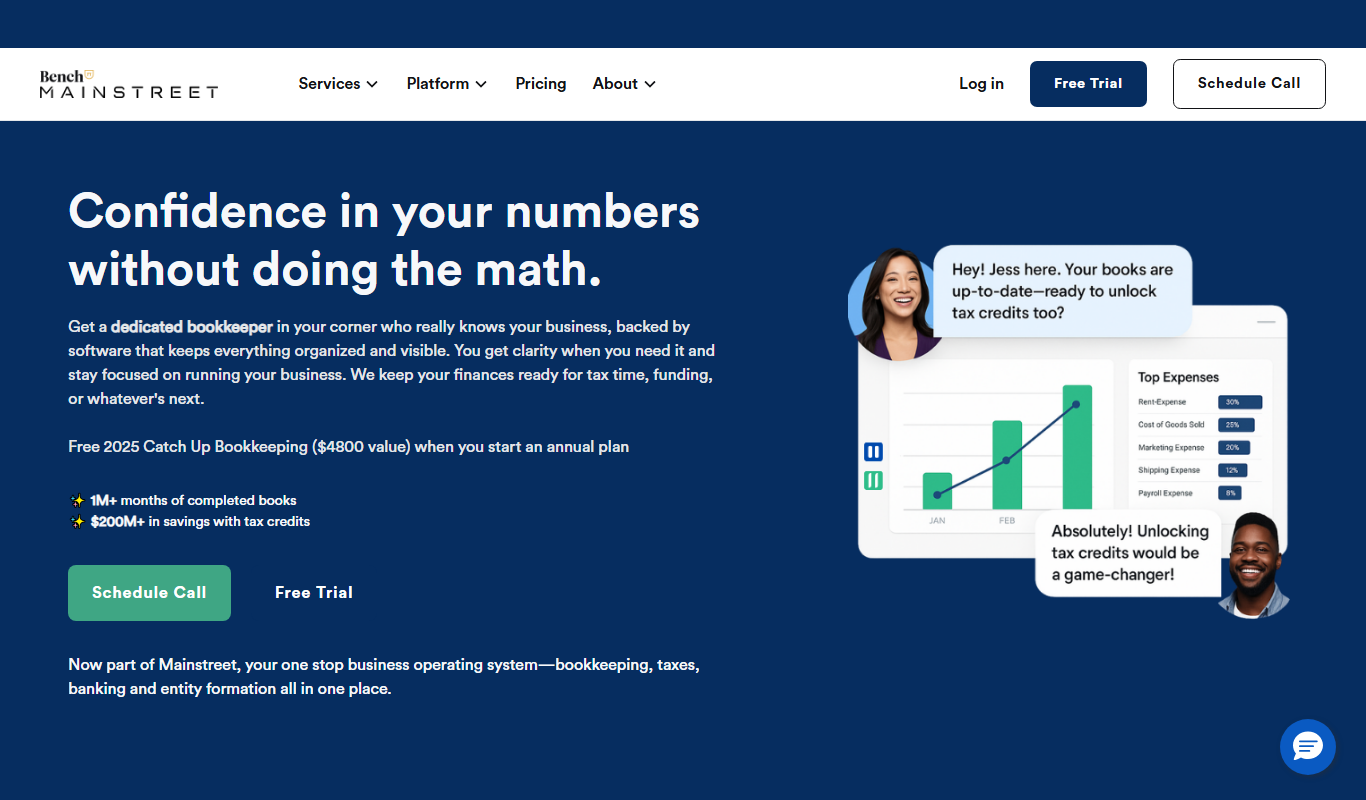
Bench is an online bookkeeping service that combines software automation with professional bookkeepers to manage small business finances, provide monthly reports, and prepare tax-ready data.
More AI Education & Learning Tools tools
Other tools in the same category, for when this one is not quite the fit.

History Timeline Generator
History Timeline Generator is an AI tool that turns a topic such as a person, nation, company or historical event into a customized history timeline.

Narrative Nooks
Narrative Nooks is an AI-driven learning platform for young learners, with interactive story-based lessons, badges, a homework helper and round-the-clock tutoring support.

FGenEds
FGenEds turns a PDF of your lecture slides into a cheat sheet for studying, aimed at students in gen ed classes.

knowt.com
Knowt.com is an AI-driven study tool that converts your notes or any text into interactive flashcards and summaries to enhance learning efficiency.

Terrakotta
Terrakotta is the all-in-one prospecting platform for commercial real estate brokers: source leads, make calls and deliver personalized AI voicemails.

plat.ai
plat.ai is a comprehensive AI development platform that enables users to build, train, deploy, and manage custom machine learning models with scalable infrastructure and API integration.

Quino
Quino is the LMS that marks every exam: courses, lessons, online exams and diplomas, with AI that marks handwritten answers in seconds and writes tests from your notes.

MockTok
MockTok is an AI mock interview app with 50+ interactive questions, follow-up questions, job post analysis, multi-stage interviews, feedback and AI extracted cases.